Setting up customer support: write the answers first, then add the AI
8 stages, 30 tools
updated
Start with the questions, not the software. In most businesses a short list of topics accounts for the bulk of contacts: where is my order, how do I reset this, can I get a refund, does it work with that. Those are the questions an AI agent can answer well, provided the answer exists in writing somewhere it can read. So the first job in setting up support is unglamorous: write the help articles and the policies, clearly, and keep them current.
Once that base exists the rest stacks on top of it. A chat widget answers from the articles at any hour. A shared inbox gathers email, chat and social messages so nothing is lost between colleagues. A voice agent takes routine calls. Automations move a conversation to the right person with its history attached.
The risk runs the other way too. An agent with a gap in its knowledge will sometimes fill it with a confident guess, and a customer who cannot reach a human when they need one remembers it. Every block below should have a visible exit to a person, and somebody should read real conversations each week.
Who this is for Founders, online shop owners and small support teams setting up or reorganizing customer support, and operations leads who want routine questions answered automatically while complex cases still reach a person.
A small first setup: one place for articles, one widget with an inbox behind it, and one survey. These were picked because each record describes that core job, not because they outrank the alternatives.
Create a two-question satisfaction survey and send it after resolved conversations.
1
Stage 1: Knowledge base and help articles
You write down the answers: how-to articles, policies on refunds, shipping and accounts, troubleshooting steps. Then you publish them in a searchable help center and assign someone to keep them accurate.
What AI does here
Draft an article from a ticket or notes, record a process into a step-by-step guide, flag outdated pages and answer reader questions from the published content.
What AI can’t do here
It can only repeat what the articles say. If the refund policy is vague or wrong, every automated answer built on it will be vague or wrong too.
Internal knowledge base that tracks which documents are verified or outdated, so agents can tell which answers to trust.
Team knowledge base with an AI agent that searches connected tools and proposes updates to outdated docs.
View tool
2
Stage 2: Website chatbot
You add a chat widget to the site, train an AI agent on your help content, define what it may and may not answer, and set how it hands a conversation to staff.
What AI does here
Answer common questions around the clock from your own pages and articles, look up an order status and collect contact details before a handover.
What AI can’t do here
It should not decide exceptions, refunds outside policy or anything legal or medical. When the content does not cover a question, the right behavior is a handoff, not a guess.
For technical products: deploys agents on a docs site or support form that give cited answers and hand off to the support team.
Ingestion and retrieval platform that turns company docs, tickets and wikis into AI agents and a search API.
View tool
3
Stage 3: Shared inbox and ticketing
You bring every channel into one place: support email, chat, social messages and forms. Each conversation gets an owner, a status and a history the next colleague can read.
What AI does here
Gather messages from many channels into one view, draft replies from your knowledge, label and route incoming mail and attach order data to the ticket.
What AI can’t do here
Ownership is a team rule, not a feature. Someone still has to decide response targets, who covers which hours and when an automated draft may be sent unreviewed.
Email agent for shared inboxes that drafts replies from your FAQs and past emails, holds them for approval and escalates unusual messages to a person.
AI email agent that drafts, sends, routes and follows up on messages in personal and shared inboxes.
View tool
4
Stage 4: Phone and voice agents
If customers call, you decide which calls an AI agent may take, design the conversation, test it against real scenarios and define the transfer to a person.
What AI does here
Answer routine calls in natural language, book appointments, take calls outside office hours and brief a staff member before transferring the caller.
What AI can’t do here
Callers who are upset, confused or in an unusual situation need a person quickly. Recording and automated-calling rules vary by country and must be checked before launch.
For human agents on calls: removes background noise and offers call center tools such as live agent assistance and call scoring.
Voice AI for calls: noise cancellation, a bot-free meeting note taker, accent conversion and call center tools.
View tool
5
Stage 5: Multilingual support
You decide which languages to serve, translate the help center and saved replies, and give agents a way to read and answer messages in languages they do not speak.
What AI does here
Translate articles and messages in both directions, keep terminology consistent with a glossary and translate speech on live calls.
What AI can’t do here
Machine translation misses tone and local convention, and errors in refund or safety wording have consequences. Have a fluent speaker review the articles that matter most.
Translates spoken conversation across more than 25 languages during live calls, for voice support teams.
Real-time speech AI platform for accent translation, language translation, speech enhancement and conversation insights.
View tool
6
Stage 6: Automations and handoffs
You connect support to the other systems: new tickets create tasks, urgent issues alert the right channel, order or billing data is fetched automatically, and escalations carry their context.
What AI does here
Trigger multi-step workflows across apps when a ticket arrives, assign it, notify a team channel and let an agent act in connected tools.
What AI can’t do here
An automation repeats a mistake as reliably as a correct step. Refunds, account changes and anything irreversible should keep an approval step and a log.
Its Workflow Builder automates recurring jobs such as approvals, and channels keep the messages and decisions around an escalation in one searchable place.
Team messaging platform with channels, huddles, workflow automation and built-in AI such as Slackbot and AI search.
From $7.25/moView tool
7
Stage 7: Quality and analytics
You review conversations for accuracy and tone, track volume, response and resolution times, and look for the product problems that generate contacts in the first place.
What AI does here
Sort feedback from tickets and calls into themes, highlight topics the documentation does not answer and replay a user's session to see what went wrong.
What AI can’t do here
A theme chart does not replace reading conversations. Scores can also reward closing tickets fast over solving the problem, so choose what you measure with care.
Enterprise platform that surfaces emerging topics in open-ended comments and supports contact center coaching and quality management.
Enterprise experience management platform that collects customer and employee feedback and analyses it with AI.
View tool
8
Stage 8: Feedback and surveys
You ask customers how it went: a short satisfaction question after a conversation, a periodic loyalty survey, and a way to collect and act on open comments.
What AI does here
Draft a survey from a prompt, route respondents with conditional logic and summarize open-ended answers into themes and sentiment.
What AI can’t do here
Low response rates and unhappy silent customers skew every score. A survey is useful only if someone follows up on the bad answers.
Collects text and video testimonials on a branded page and, on higher plans, runs an NPS survey with follow-up questions.
Platform for collecting text and video testimonials and displaying them on a website, with NPS and brand monitoring.
View tool
Realistic expectations
Tell customers when they talk to AI
Customers generally expect to know whether they are dealing with a person or a machine, and some rules require it: under the EU AI Act, for example, people should be made aware that they are interacting with a machine when they use a chatbot. Label the bot clearly and make the route to a human easy to find.
You answer for what the bot says
A business is usually held to the statements made on its behalf, including by an automated agent. Restrict the bot to documented policies, test it with awkward questions, and review transcripts so an invented discount or promise is caught early.
Customer data and privacy
Support conversations contain names, addresses, order details and sometimes payment or health information. Check where each tool stores data, whether conversations train its models and what your privacy law requires before connecting inboxes and order systems.
Call recording and outbound calling rules
Recording calls and placing automated calls are regulated, often with consent and disclosure requirements that differ by country and state. Confirm the rules for every region you serve before a voice agent goes live.
Deflection is not resolution
A high share of conversations closed by AI can hide customers who gave up. Track whether the problem was solved and whether people contacted you again, not only how many chats never reached a person.
FAQs
Can an AI chatbot replace a customer support team?
For routine, well-documented questions it can take much of the volume, and several tools here are built for that. It does not replace people for exceptions, complaints, complex accounts or anything needing judgment or empathy. Most small teams end up with AI answering the repetitive questions first and humans handling what remains, plus someone maintaining the knowledge the bot depends on.
Do I have to tell customers they are chatting with a bot?
In many places you should, and in some you must. Disclosure rules for chatbots and synthetic voices exist in several jurisdictions, and they differ in scope. Beyond the law, customers react badly to discovering it afterward. Say so in the greeting, name the bot plainly and offer a way to reach a person.
What does an AI support agent need before it works well?
Written answers. The agent draws on help articles, policies, product information and sometimes past tickets, so gaps and contradictions in those sources become gaps and contradictions in its replies. Before switching it on, cover your most common questions, remove outdated pages and decide which topics it must always hand to a person.
Who is responsible if the bot gives a customer wrong information?
Usually the business. The details depend on consumer law where you operate, but a company generally cannot disown statements made by its own support channel. That is why guardrails, a limited scope, approval for refunds and regular transcript review matter. For regulated products, ask a qualified adviser before automating answers.
Is a voice agent worth it for a small business?
It depends on call volume and call type. If many calls are bookings, opening hours or order status, and calls are missed after hours, an agent can help. If calls are few, varied or sensitive, a person with a good voicemail and callback routine may serve customers better. Test with real scenarios before putting it on your main number.

 Make
Make
 Zapier
 LiveChat
 Guidejar
 HubSpot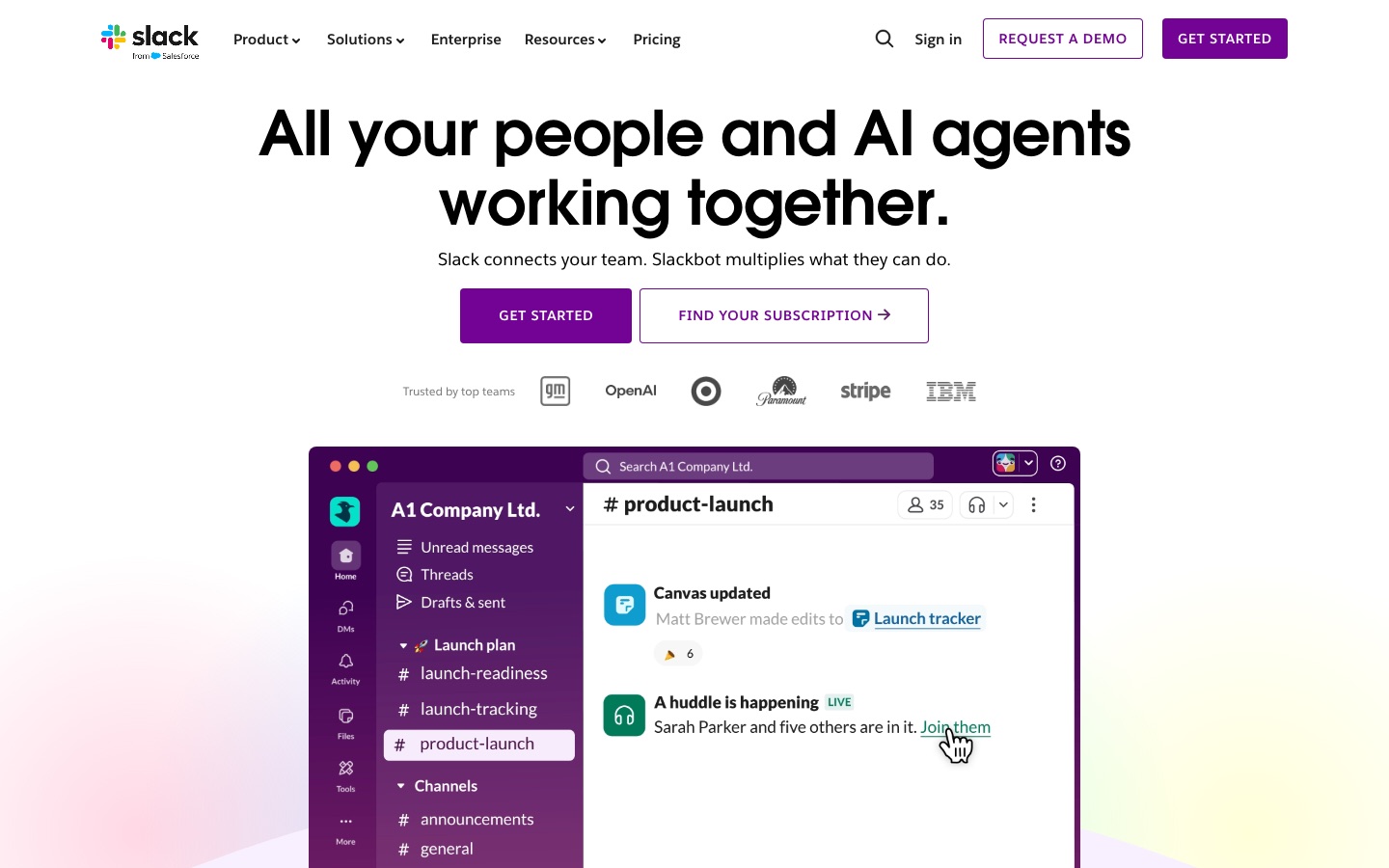
 Slack
Slack
 Snoooz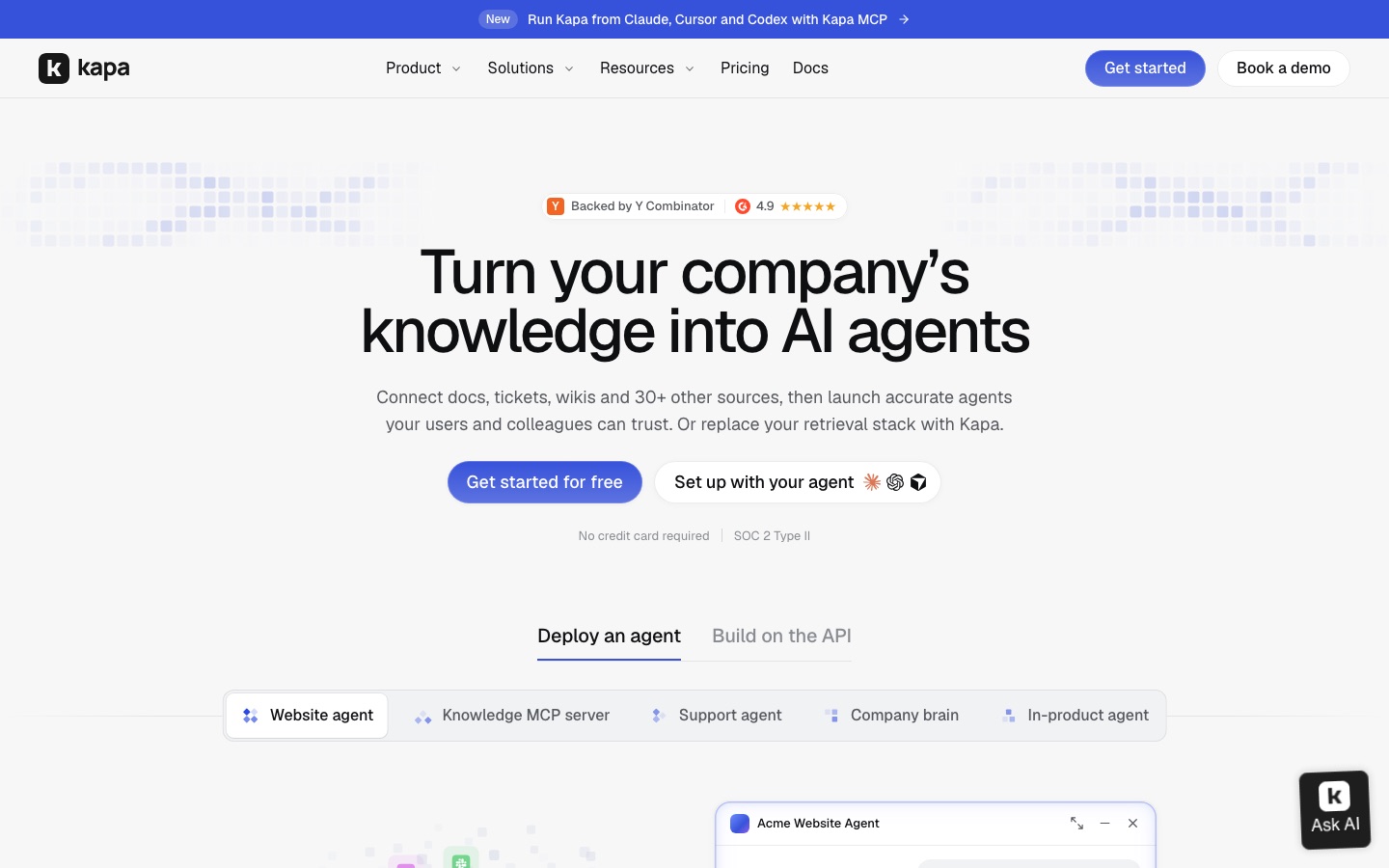
 Kapa.ai
 Crisp
Crisp