Translation and localization, job by job: AI tools for documents, subtitles, dubbing and live speech
8 stages, 32 tools
updated
Translation and localization are not the same job. Translation carries meaning from one language to another. Localization makes the result feel as if it was made for the reader: units, dates, currency, examples, humor, the length of a button label, the text burned into an image, the voice in a video. One document may need only the first. A product launch in a new country needs all of it.
Machine translation between major languages is now good enough that the first draft is rarely the bottleneck. Documents come back with their layout intact, subtitles can be generated and translated from the same upload, and a video can be dubbed in the speaker's own cloned voice with the lips adjusted to match. Live captions in another language during a meeting are a routine feature.
The remaining risk is quiet error. A fluent sentence that says the wrong thing looks exactly like a correct one to anyone who cannot read the target language. For anything public, contractual, medical or safety-related, budget for a fluent human reviewer, keep a glossary of terms that must not vary, and check quality separately for each language instead of assuming they are all equal.
Who this is for Marketers, course creators, video teams, support and operations staff, and small companies entering new markets who need to move documents, media and conversations into other languages without a dedicated localization department.
These four cover the most common first jobs: a document, a subtitled video, a dubbed clip and a final language check. Each does its job as a main function, so the workflow can be tried on one piece of content before you commit to it.
Run the translated text through a grammar check in the target language before anyone reviews it for meaning.
1
Stage 1: Text and document translation
Written material is converted to the target language: emails, reports, contracts, manuals and slide decks, with formatting preserved and company terminology applied the same way every time.
What AI does here
Translate whole PDF, Word and slide files while keeping the layout, apply a glossary, and show where different engines disagree on a sentence.
What AI can’t do here
Certify a translation or vouch for a legal nuance. Official, sworn or regulated documents usually need a qualified human translator, whatever the machine output looks like.
Translates text and PDF, Word, PowerPoint and Excel files with formatting kept, and lets teams fix how specific terms are translated through glossaries.
AI translator for text, documents and speech in more than 100 languages, with apps, integrations and an API.
Sends a text or document to 22 AI models, returns the translation most agree on and shows each engine's output with a quality score.
AI translator that runs text and documents through 22 models and returns the version most of them agree on.
View tool
2
Stage 2: Marketing, product and course content
Beyond documents, the content your customers and staff actually use is adapted: site and app text, campaign copy, emails and training courses, rewritten for local tone and conventions.
What AI does here
Push site or app strings through a translation API, produce language versions of an email or a course from one master, and draft local variants of marketing copy.
What AI can’t do here
Know the market. Whether an offer, image, joke or form of address works locally is a cultural judgment, and translated interface text can overflow its layout.
Translates one master training course into 75 languages through an add-on, for rolling out product training to regional teams.
E-learning authoring tool with a built-in AI co-author, video creation, roleplay coaching and course translation.
View tool
3
Stage 3: Subtitles and captions
Speech in a video is transcribed, timed and translated into subtitle files. Line breaks, reading speed and names are corrected, then subtitles are exported or burned into the picture.
What AI does here
Transcribe audio with speaker labels, translate the subtitle track, and export standard subtitle files or a captioned video.
What AI can’t do here
Condense for reading speed with care. Translated lines often run longer than viewers can read, and machine output misspells names and misses wordplay.
Generates subtitles for uploaded video, translates the captions into other languages and exports SRT or ASS files.
Online AI studio that captions, translates and edits video and also generates images, clips and audio.
From $8/moView tool
4
Stage 4: Dubbing and lip sync
The spoken track of a video is replaced with a translated one. The script is reviewed, voices are assigned per speaker, timing is fitted to the picture and mouth movement may be adjusted.
What AI does here
Translate and re-voice a video in a cloned or library voice, handle several speakers, and re-animate lips to fit the new audio.
What AI can’t do here
Act. Emotion, timing of a punchline and regional accent choices come out flat or wrong more often than a clean demo suggests, and cloning needs the speaker's consent.
Translates the spoken track of a video into another language, automatically or in a Dubbing Studio editor.
AI audio platform for text to speech, voice cloning, transcription, dubbing, music and conversational voice agents.
View tool
5
Stage 5: Voiceover in other languages
Where no original speaker needs matching, a translated script is simply narrated: e-learning modules, product walkthroughs, slide videos and audio guides recorded in each target language.
What AI does here
Read a translated script in a native-sounding voice, control speed, pauses and emotion, and build alternative language tracks timed to subtitles.
What AI can’t do here
Pronounce every brand name, acronym and local place name correctly. Listen to the full output, and have a native speaker check tone and stress.
Converts written text into spoken audio with several speech models and voices from a shared library or your own clone.
AI audio platform for text to speech, voice cloning, transcription, dubbing, music and conversational voice agents.
View tool
6
Stage 6: Images and on-screen text
Text that lives inside pictures is localized too: screenshots, infographics, packaging shots, slides shown in a video and comic pages, where the original lettering must be removed and replaced.
What AI does here
Detect text in an image, erase it and re-render the translation in place while keeping the layout, including text that appears inside video frames.
What AI can’t do here
Redesign for you. Longer translations may not fit the original space, fonts may lack the needed characters, and culturally specific imagery still needs a designer's eye.
Erases the original lettering on comic pages, typesets the translation inside each bubble and shares glossary terms between pages.
AI translator for manga, manhwa and webtoons that redraws the page with translated lettering, as a browser extension and web app.
View tool
7
Stage 7: Live interpretation
People who do not share a language talk in real time: meetings, webinars, events and face-to-face conversations, where speech is translated as captions or audio while they speak.
What AI does here
Show translated captions as people talk, speak the translation aloud, share subtitles with an audience by link or QR code and write bilingual notes afterward.
What AI can’t do here
Match a professional interpreter in a negotiation, court or medical setting. Delay, crosstalk, accents and specialist terms cause errors that nobody in the room may notice.
Offers real-time dubbing for Zoom and Google Meet calls and a two-way interpreter screen for in-person conversations.
AI platform from ESTsoft for video dubbing, live meeting translation, interactive avatars and avatar videos.
View tool
8
Stage 8: Review and consistency
Before release, every language version is checked: accuracy against the source, grammar, terminology against the glossary, tone, numbers and names, ideally by a fluent reader of the target language.
What AI does here
Catch grammar and spelling errors in the target language, enforce shared wording rules and route a text to a professional linguist.
What AI can’t do here
Spot a fluent mistranslation without understanding the source. A grammar checker confirms a sentence is well formed, not that it says what you meant.
Checks grammar and style in seven languages in the browser and lets a company set style-guide rules for consistent wording.
AI writing assistant and grammar checker that works in the browser across websites, with team style guides.
View tool
Realistic expectations
Fluent output can still be wrong
Machine translation produces confident sentences even when it has misread the source. Errors in dosages, legal terms, numbers or negation are the dangerous kind. Have high-stakes content reviewed by a qualified translator who reads both languages.
Official documents need certified translation
Courts, immigration offices, universities and regulators often require a certified or sworn translation by an accredited person. AI output does not meet that requirement by itself. Ask the receiving authority what it accepts before you translate.
Voice cloning and likeness consent
Dubbing in someone's cloned voice or altering their lip movement changes what they appear to say. Get the speaker's explicit agreement, check contracts with presenters and actors, and follow platform rules on labeling synthetic or altered media.
Confidential material leaves your systems
Uploading contracts, customer data or unreleased content to a translation service is a disclosure to a third party. Check retention, training and hosting terms, and whether your own confidentiality or data protection obligations allow it.
Quality varies by language
Results for widely used language pairs are generally stronger than for smaller languages, and several records here list fewer languages for some features than for others. Test each target language separately instead of assuming one good result applies to all.
FAQs
Is AI translation good enough to publish without a human check?
For internal reading or getting the gist, usually yes. For anything customers, regulators or the public will rely on, a fluent reviewer is still worth the cost, because the errors that slip through are the ones that look correct. A practical split: machine translate everything, then have a human review the pages that carry legal, financial, medical or brand risk.
What is the difference between subtitling and dubbing a video?
Subtitles keep the original audio and add translated text on screen. They are cheaper, quicker to correct and preserve the speaker's real voice. Dubbing replaces the voice track, which suits viewers who do not want to read and content watched on small screens, but it costs more and is harder to fix. Many teams subtitle everything and dub only their most important videos.
Can I dub a video in my own voice in another language?
Yes. Several dubbing tools here clone the original speaker's voice for the translated track and can adjust lip movement. Results depend on audio quality and the language. Listen to the whole output with a native speaker, since pronunciation and emphasis errors are easy to miss. Only clone voices of people who have agreed to it.
How do I keep product names and terms consistent across languages?
Build a glossary before translating: product names, feature labels, terms that must stay in English and approved translations for the rest. Many tools in this guide accept a glossary or style rules and apply them automatically. Keep it in one shared place, update it when reviewers correct something, and reuse it for subtitles and dubbing as well as documents.
Can AI replace a human interpreter in meetings?
For everyday team calls, webinars and travel conversations, live translation tools are often good enough to follow along. For negotiations, legal or medical settings, or anything where a misunderstanding is costly, a professional interpreter remains the safer choice. AI captions lag slightly and struggle with overlapping speech, strong accents and specialist vocabulary, and nobody may notice a mistake in the moment.

 Notta
Notta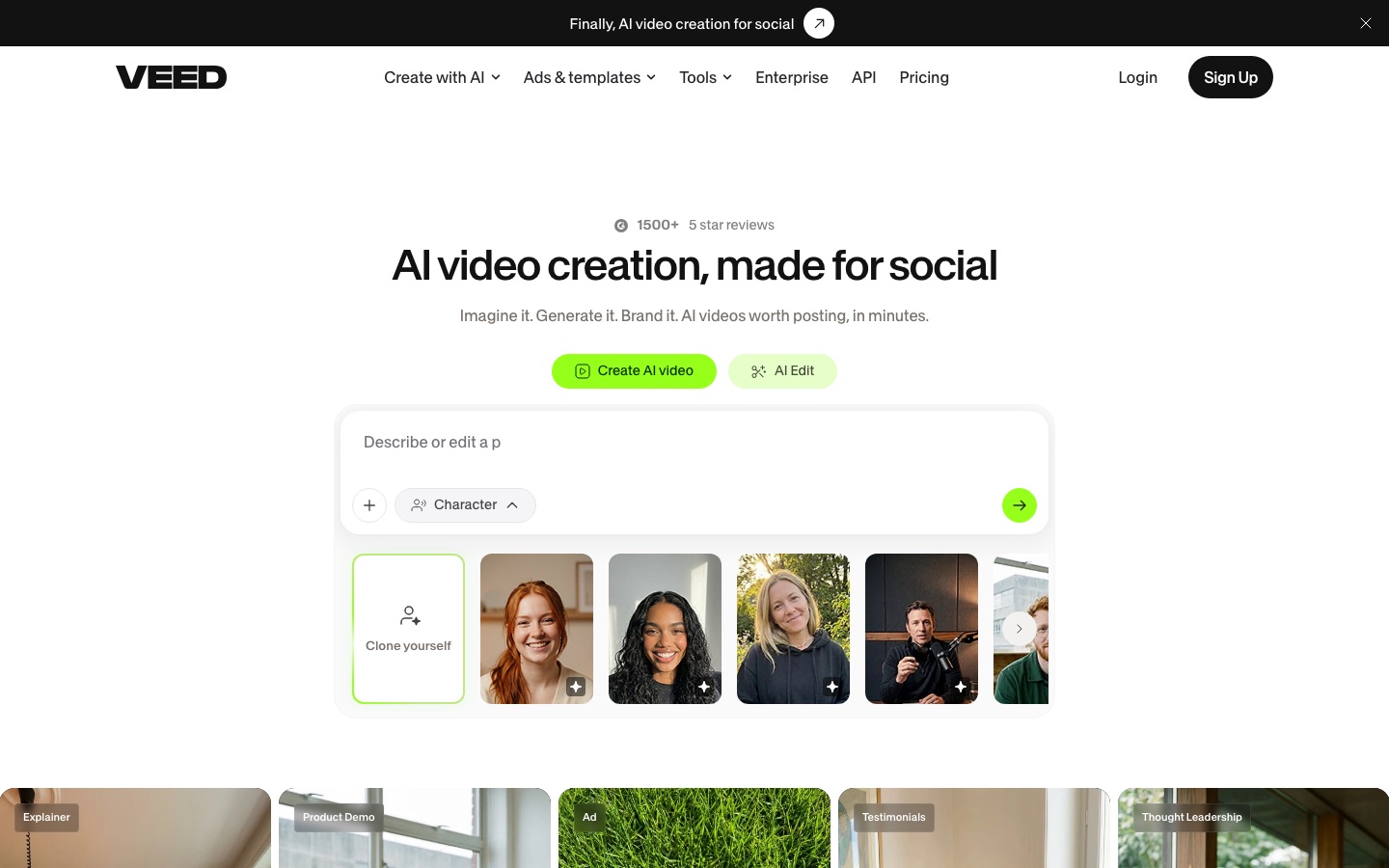
 VEED
VEED
 Clideo
 HappyScribe
 sync.
sync.
 Transync AI
 Migma
Migma
 Maestra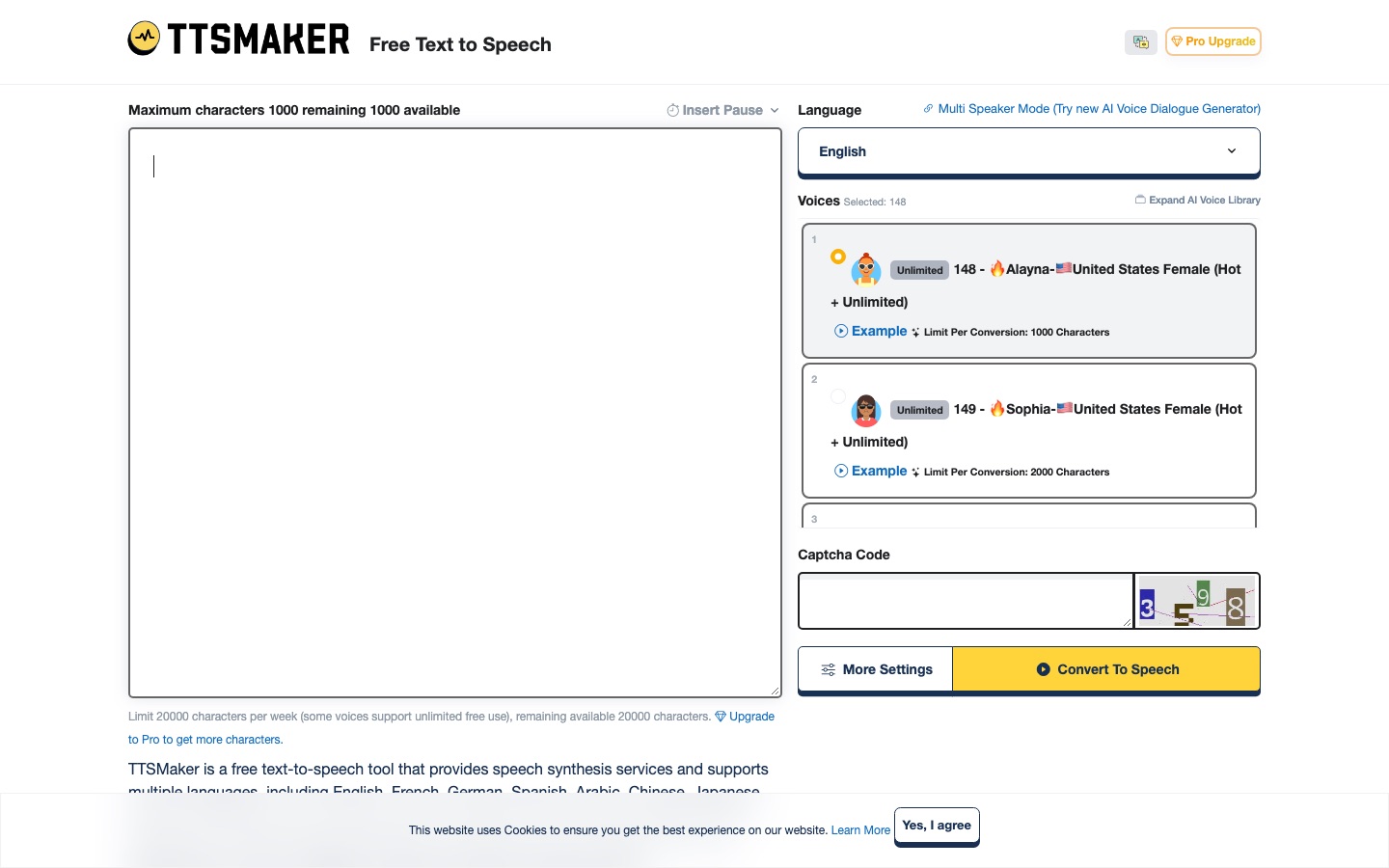
 TTSMaker