Opening an online store: where AI tools fit, stage by stage
9 stages, 28 tools
updated
Putting a shop online has never been the hard part. A store builder will have something live by the evening. The work that decides whether it survives comes after: product photos that look like a real brand, listings that answer a buyer's doubts, replies to the same three questions about shipping, ads that cost less than the margin they bring, and books that are in order when tax is due.
For a one or two person business, AI is mostly a way to do those jobs without hiring for each. A single phone photo becomes a set of clean packshots and lifestyle scenes. A product link becomes a drafted page. A support agent trained on your policies answers routine tickets and hands the awkward ones to you. Ad tools produce dozens of creative variants, and analytics tools reconcile what each ad platform claims with what was really sold.
Be realistic about the boundary. No tool chooses a product people want, sets a price that leaves a profit, or ships a parcel. Generated photos must still look like the item the customer will unbox, and tax and consumer rules belong to the country you sell in.
Who this is for First-time sellers, makers and small brands moving from marketplaces to their own shop, and side-business owners who have to cover design, marketing, support and admin themselves.
A first shop needs a storefront, credible photos, somewhere to answer customers and a list to email. These four were picked because each record describes one of those jobs for a small seller; they are a route, not a ranking.
Connect the store, add a sign-up form and write a short welcome email before the first visitor arrives.
1
Stage 1: Business plan and store name
You test whether the idea can make money, write down costs, pricing and target customer, and choose a name whose domain and social handles are available.
What AI does here
Score an idea and list likely objections, draft a plan with financial projections from a questionnaire, and generate names with domain and trademark checks.
What AI can’t do here
Validate demand. A score is an opinion from a model, and an initial trademark lookup is not legal clearance, so real customer conversations and proper checks still apply.
Generates business name ideas from a keyword or description, checks a candidate against trademark records and registers the domain.
Domain marketplace and registrar with AI tools for generating, testing and contesting business names.
View tool
2
Stage 2: Building the store
The shop itself is set up: pages, navigation, product catalog, payment methods, shipping rules and the legal pages a store must show.
What AI does here
Generate a full site from a written description, pre-configure a product catalog and checkout, and assemble a starter store around a niche.
What AI can’t do here
Write your returns policy, shipping rates or terms for you in a way that is legally right. Generated layouts also need real products, prices and tested checkout before launch.
Assembles a starter Shopify store with a set of products after you pick a niche and brand style.
AI builder that turns a product link into a Shopify landing page, with image, ad and store generation tools.
View tool
3
Stage 3: Product photos
Every product gets consistent images: a clean shot on a plain background for the listing, and lifestyle pictures that show scale, use and detail.
What AI does here
Remove backgrounds, place a product into generated scenes with shadows, apply the same edit to a whole catalog and resize images for each sales channel.
What AI can’t do here
Change what the product is. Generated scenes can alter color, proportion or small details, and an image that flatters beyond the real item leads straight to returns and complaints.
Removes backgrounds, upscales images and runs the same edit over hundreds of catalog files in one go.
AI photo editor for product visuals: background removal, upscaling, generative edits, batch work and video.
View tool
4
Stage 4: Product pages and descriptions
Each product page is written and laid out: a title buyers search for, a description that covers material, size and care, and the meta text that search engines show.
What AI does here
Draft a product page from a photo and product details or from a supplier link, and generate listing copy and meta titles in a consistent tone.
What AI can’t do here
Know your product's real specifications. Dimensions, materials, compatibility and safety claims in generated copy must be checked against the item, since you are liable for what the page promises.
Provides preset templates for short content such as SEO meta titles and reproduces the tone of a writing sample you supply.
AI writing assistant with 40+ content templates, tone-of-voice matching, a plagiarism checker and a Chrome extension.
From $7.50/moView tool
5
Stage 5: Customer support
Questions before purchase and problems after it are answered across email, chat and social messages, with order details at hand and a clear route to a human.
What AI does here
Gather every channel into one inbox, answer routine questions from your policies and help pages, and pass a conversation to a person with its context.
What AI can’t do here
Decide exceptions. Refunds outside policy, a damaged gift or an angry customer need a person with authority, and an AI reply that invents a policy is your problem to honor or undo.
Adds a live chat widget to the site and answers common questions from uploaded files and help pages, with the team correcting its answers.
Free live chat and customer messaging platform with a shared inbox, ticketing, knowledge base, CRM and AI answers.
View tool
6
Stage 6: Ads and creatives
Ad images, videos and copy are produced in the sizes each platform needs, launched in batches, and replaced as the weaker variants are switched off.
What AI does here
Generate image and video ads from a product link or photo, resize them for every placement, score a creative before launch and publish large batches.
What AI can’t do here
Make an unprofitable product profitable. A predicted score is an estimate, ad spend is paid to the platforms regardless, and each network's advertising policies apply to generated creatives too.
Publishes a large batch of ads in one review step, applying copy, placements and naming to each across connected ad accounts.
Bulk ad launching and management tool that publishes large batches of ads to 12 channels from one workflow.
View tool
7
Stage 7: Email and retention
Visitors are turned into subscribers, and automated emails do the follow-up: a welcome series, cart reminders, order updates and occasional campaigns to past buyers.
What AI does here
Draft campaigns and multi-email sequences in your brand voice, trigger them on shopper behavior, and report who opened and clicked.
What AI can’t do here
Give you permission to email someone. Consent, unsubscribe links and sender identification are regulated in many countries, with rules that differ between them, and frequency that annoys people is a judgment call.
Plans and writes multi-email series such as welcome, launch and abandoned-cart flows using saved brand facts and voice.
AI email marketing platform that writes newsletters and sequences in your brand voice, then sends and automates them.
View tool
8
Stage 8: Analytics and customer feedback
You find out where sales come from, which products and channels earn their keep, and what buyers say in surveys and reviews, then adjust stock, pages and spend.
What AI does here
Combine store and ad data into one measured view, ask buyers at checkout how they found you, and summarize open-ended answers and reviews into themes.
What AI can’t do here
Turn a small sample into certainty. With few orders the numbers swing wildly, attribution is always an estimate, and deciding what to change remains a business judgment.
Imports data from ad platforms and analytics tools into one sheet that refreshes on a schedule, and builds a marketing performance report from a plain-language request.
Spreadsheet with a built-in AI analyst that imports data from business tools and documents.
View tool
9
Stage 9: Bookkeeping and sales tax
Income, fees, refunds and expenses are recorded and categorized, sales tax or VAT is collected and filed where you owe it, and reports are ready for year end.
What AI does here
Categorize bank transactions automatically, alert you when sales create a tax obligation in a new region, and prepare filings for review.
What AI can’t do here
Take responsibility for your return. Some of these tools state that they do not give tax or legal advice, several are built around US rules, and an accountant should confirm your setup.
Tracks income and expenses, categorizes transactions, reconciles accounts and produces financial reports for a US company, with invoices customers can pay online.
Platform for forming and running a US company remotely, with bookkeeping, invoicing, tax filing and an AI assistant.
View tool
Realistic expectations
Photos must match the product
AI scenes and model shots can shift colors, textures and small details. Compare every generated image with the real item before publishing. Rules on misleading product images vary by country and by marketplace, and some platforms ask for AI-generated imagery to be labeled: Google's guidance for merchants, for example, asks that AI-generated product images carry metadata marking them as such.
You are liable for listing claims
Generated descriptions sometimes invent materials, sizes, certifications or benefits. Anything a page states about safety, health, compatibility or origin must be true and provable, whoever or whatever wrote the sentence.
Tax and consumer law are local
Sales tax, VAT, invoicing, withdrawal rights and required shop information differ by country and sometimes by state. Software can calculate and remind, but confirming what applies to your business is a job for an accountant or advisor.
Customer data and consent
Email marketing, tracking pixels and chat transcripts involve personal data. The rules on consent, unsubscribing and privacy notices vary by country, so check what applies where your customers are, and take care over which tools customer data is passed to.
FAQs
Can I use AI-generated product photos in my store?
Usually, for backgrounds and scenes around a real photo of the real product, as long as the item itself is shown accurately. Problems start when the generated image changes the product or shows a model wearing a garment that fits differently in reality. Check each image against the item, and read the current rules of any marketplace or ad platform you also sell through, since some ask for AI-generated images to be labeled.
Is it safe to let an AI agent answer my customers?
For routine questions with fixed answers, such as delivery times or return windows, it can work well if it is trained on your actual policies. Set it to hand over anything involving money, damage or complaints. Read its conversations regularly at first, because a confidently wrong answer about a refund is one you may have to honor.
Which stage should a new store spend on first?
Photos and product pages. They affect every visitor, whether from ads, search or a friend's link. Advertising multiplies whatever the page already converts, so paying for traffic to a weak page wastes the budget. Email and analytics tools become valuable once there are regular orders to learn from.
Can AI write all my product descriptions?
It can draft them quickly, and for a large catalog that matters. Supply the real specifications and check the output line by line, since models fill gaps with plausible inventions. Copy generated from a supplier's listing also tends to duplicate what other sellers publish, so add what you know from handling the product.
Do AI tools handle sales tax for me?
Some monitor where you owe tax, calculate it at checkout and prepare or submit filings. Coverage depends on the country and the plan, and several tools in this guide are built around United States rules. They do not replace advice on your specific situation, so confirm registration and filing duties with a professional.

 Pixelcut AI
 Wix.com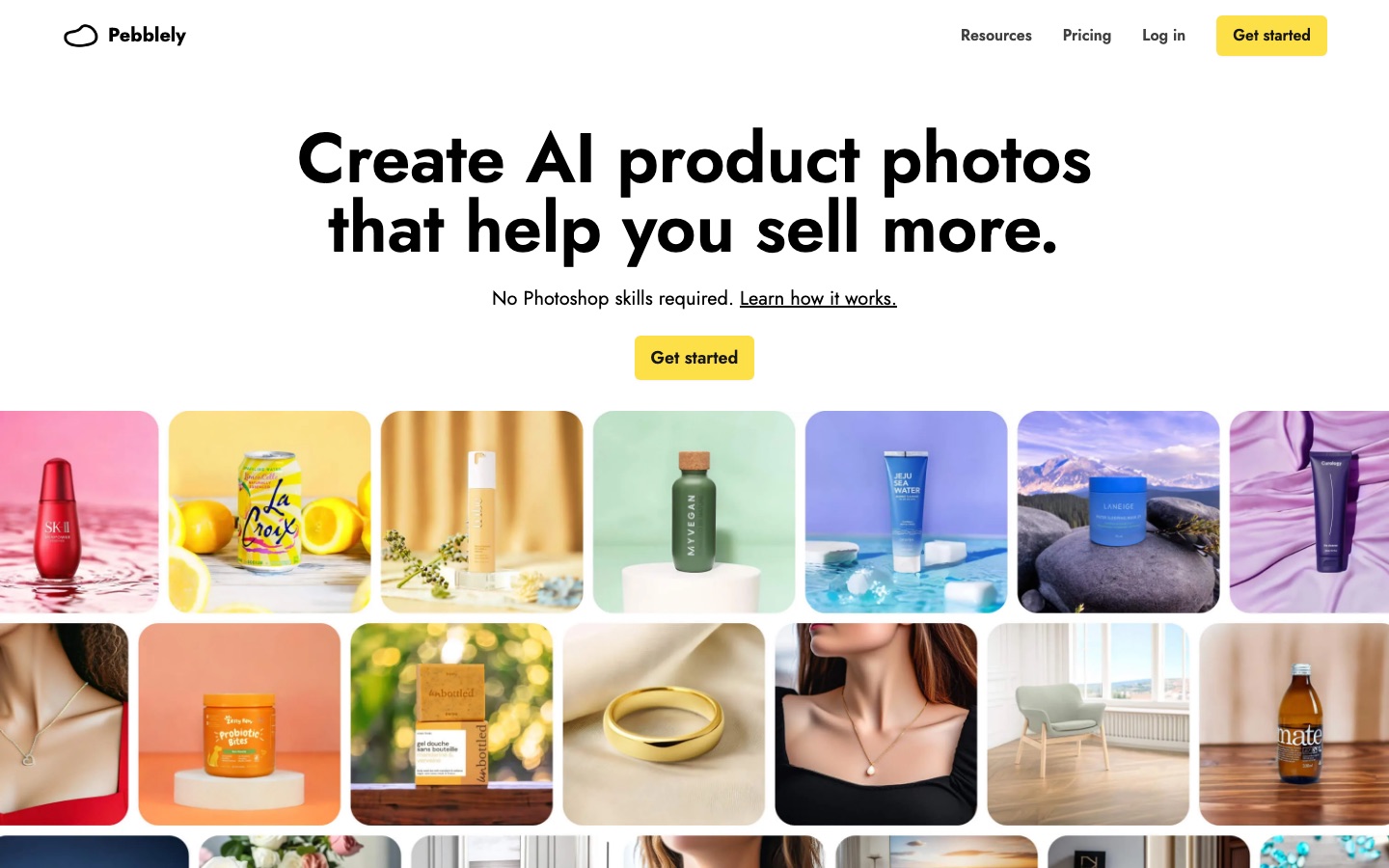
 Pebblely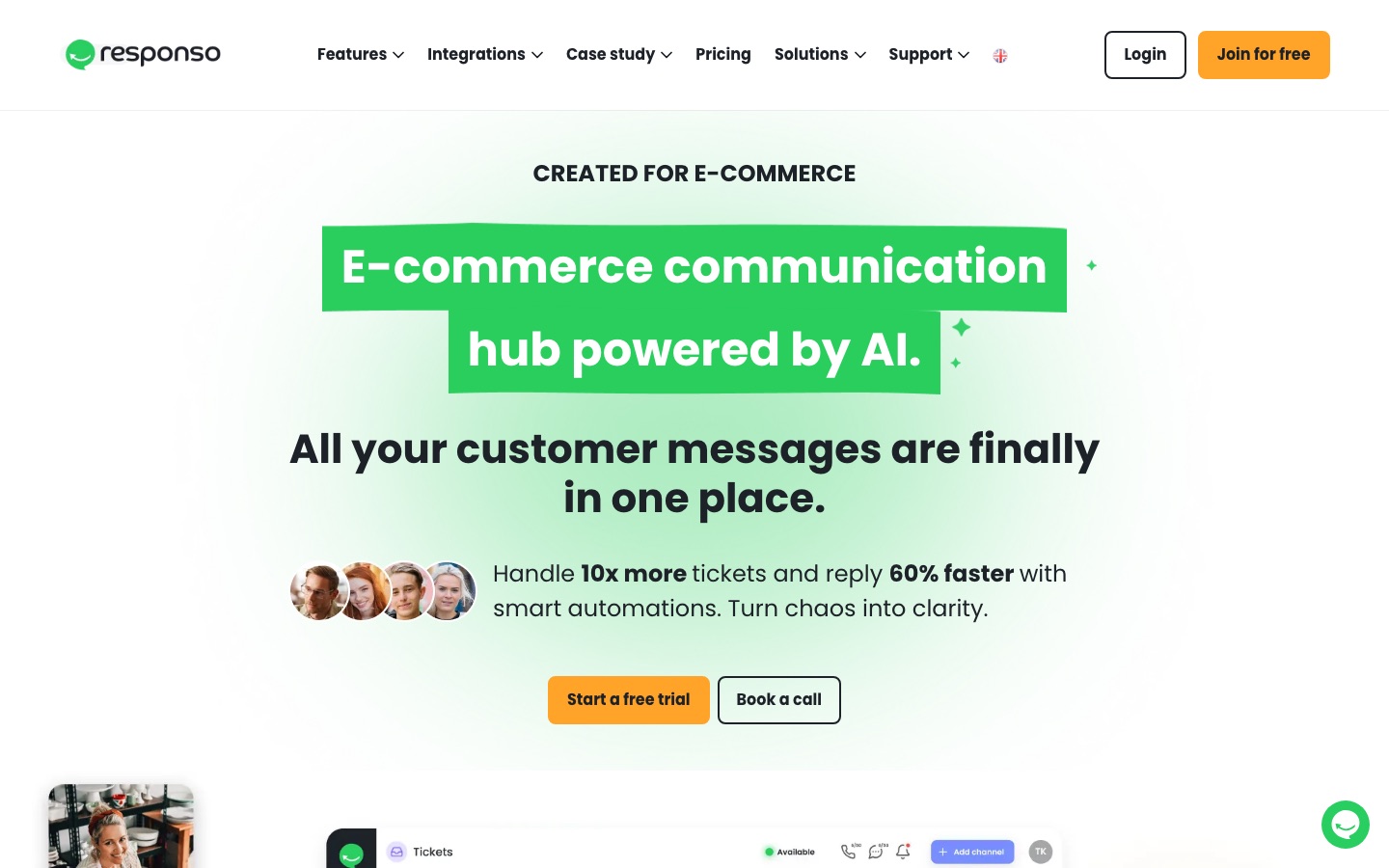
 Responso
 Rytr
Rytr
 Mokker AI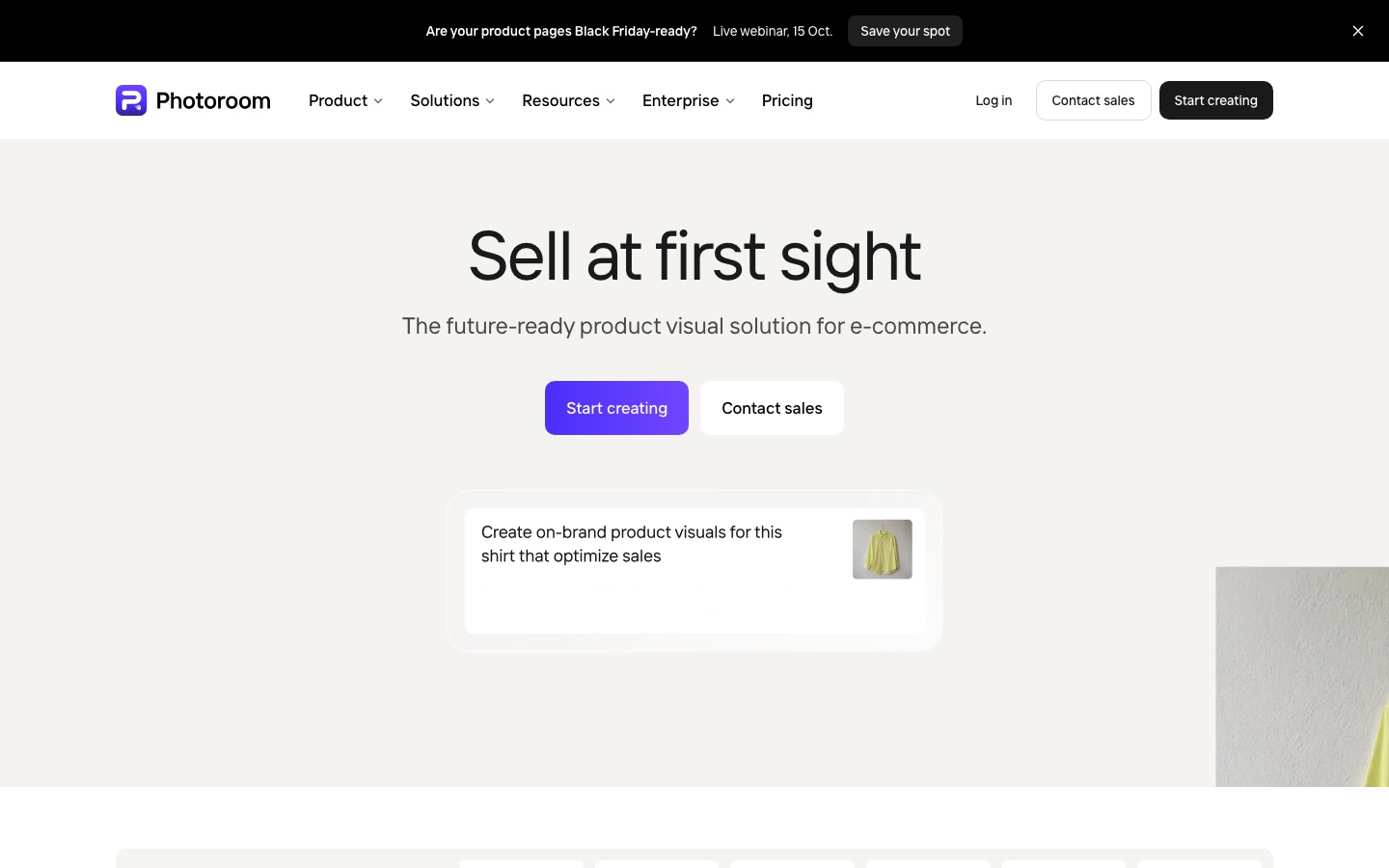
 Photoroom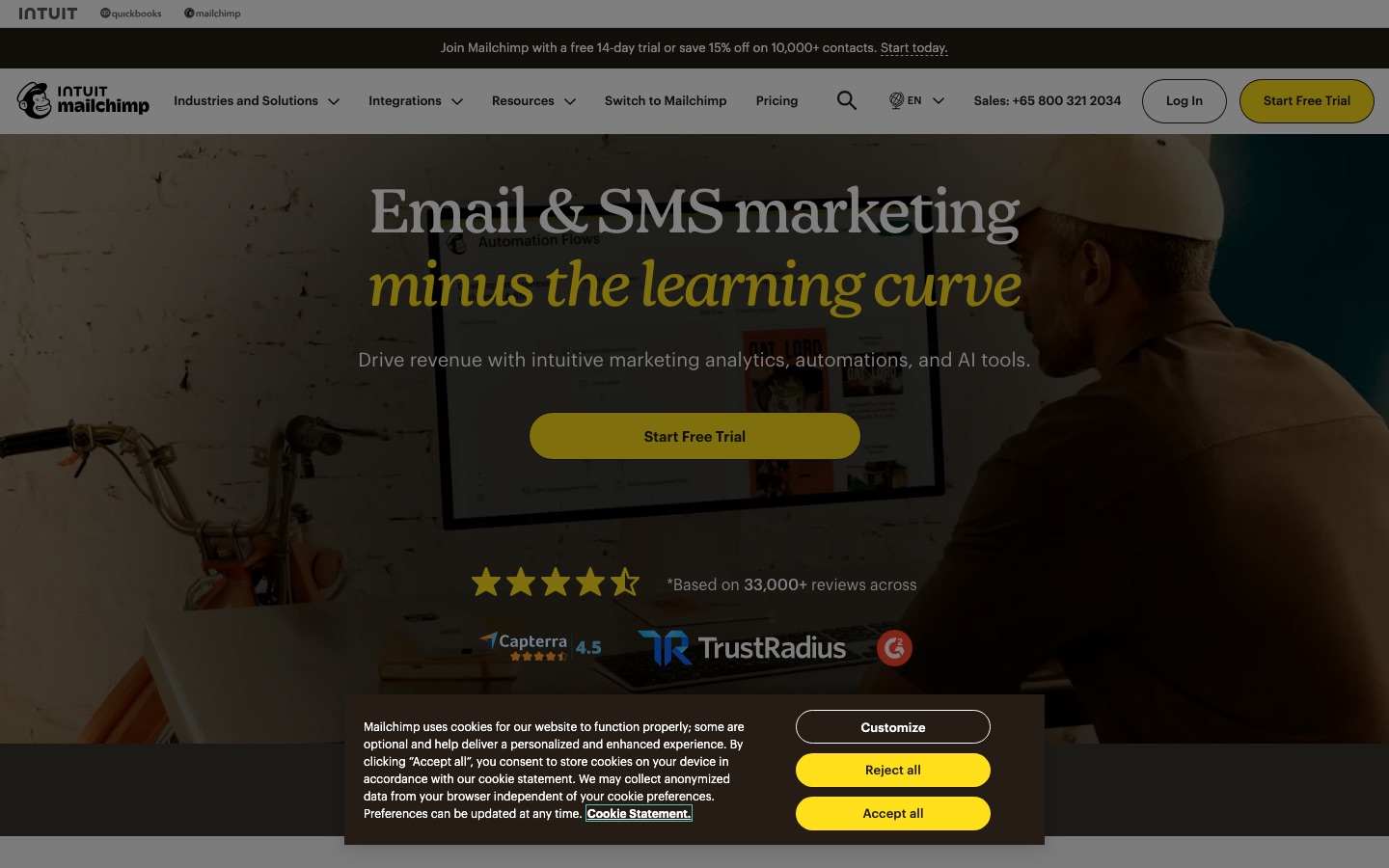
 Mailchimp
 AdCreative.ai