
 Nanonets

 Google Workspace
 LightPDF
 Parseur

 Image to Text Converter
 Picture to Text
 Formstack
 SwifDoo PDF

 Veryfi

Readdle
Its Scanner Pro app scans paper documents such as receipts and letters with an iPhone or iPad camera.
Maker of productivity apps for iPhone, iPad and Mac covering PDFs, email, scanning, calendars and file management.
Browse AI tools by what you need to get done.
Tools by goal45 step-by-step guides→All categoriesBy goal
A paperless office is rarely free of paper. What changes is where the paper ends up: scanned once, read by software, and filed where a search can find it. The scanning part has been possible for decades. The newer part is that software can now understand what it scanned. An invoice becomes a row in a spreadsheet with the supplier, date and total in the right columns. A forty-page lease can be questioned in plain language. A folder of files called scan_0043 gets names that say what each one is.
That makes the remaining weak points more visible. Text recognition still stumbles on faint print, stamps over text and most handwriting, and an extraction tool will return a confident number even when it misread a digit. Anything that feeds your accounts or a contract needs a human check, at least on a sample. There are also questions no tool answers for you: how long records must be kept, which originals have to stay on paper, and whether a document full of personal data should go to an online service at all. Settle those first, then build the workflow in the order below.
Who this is for Freelancers and small offices buried in invoices, receipts and contracts, households digitizing their records, and operations staff who process documents in volume.
These picks follow a single document through the workflow: recognize the text, extract the data, sign it and name it. Each was chosen because its record covers that step directly, and none is presented as superior to the others listed.
Run OCR on ten scanned pages and check the recognized text against the paper for errors.

Send a month of invoices, name the fields you need and compare the totals with your own records.

Try the signature request on a low-risk internal document before using it with a customer.

Agree one naming pattern, preview the proposed names on a test folder, then apply it.
Turning paper into image files with a scanner or phone camera, then running text recognition so that every page becomes searchable and its text can be copied.
Its Scanner Pro app scans paper documents such as receipts and letters with an iPhone or iPad camera.
Maker of productivity apps for iPhone, iPad and Mac covering PDFs, email, scanning, calendars and file management.
Pulls text out of image-based documents and turns scanned PDFs into editable Word or TXT files in over 30 languages.
Free PDF editor for desktop, mobile and web with AI features, conversion and OCR.

Runs OCR in the browser to make scanned files searchable and editable and pulls text out of pictures.
Online PDF editor with conversion, e-signature, OCR, form templates and an AI summarizer, all in the browser.

Extracts editable text from images, handwriting and PDFs in batches, and saves it as TXT, DOCX or PDF.
Online OCR tool that pulls editable text out of photos, screenshots, handwriting and PDFs, with batch conversion.

Converts printed and handwritten text in photos, scanned pages and PDF files into editable text in more than 20 languages.
Online OCR converter that extracts editable text from images, screenshots, scans and handwriting.

Its document enhancer makes blurry text legible, removes shadows and corrects warped text before OCR or archiving.
Online AI enhancer for photos, video and documents: upscaling, old photo restoration, denoising and sharper scans.
Pulling the data that matters out of each document, such as supplier, date, totals and line items, and sending it to a spreadsheet or accounting system instead of retyping it.
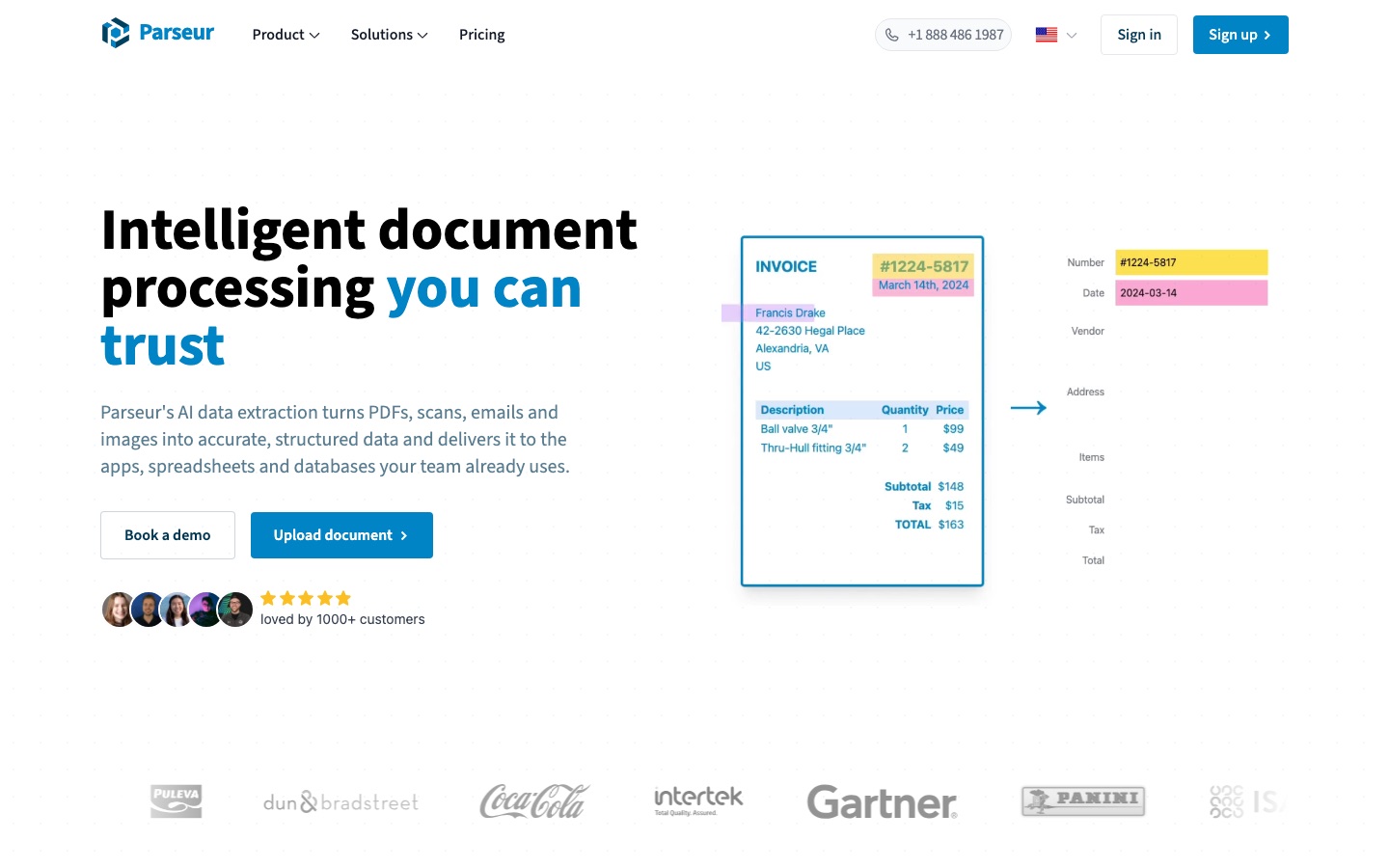
Extracts the fields you name in plain English from PDFs, emails and scans and delivers them to Excel, Google Sheets or other apps.
AI document parsing software that extracts structured data from PDFs, emails, scans and images and sends it to other apps.

Reads supplier invoices as they arrive and posts the extracted fields to an accounting system, handing uncertain cases to a human.
Platform that turns documented business processes into AI agents for invoices, claims, orders and other back-office work.

Returns structured data including line items from receipts, invoices, checks and statements through OCR APIs.
OCR APIs and capture SDKs that turn receipts, invoices, checks and other documents into structured data and flag fraud.

Pulls structured data out of invoices, receipts, purchase orders and bank statements, with export to Excel.
AI-assisted PDF toolkit for editing, converting, signing, OCR, translation and chatting with documents.
The everyday handling of digital documents: correcting text in a PDF, merging and splitting files, compressing them for email, filling forms and converting to and from Office formats.
Edits text, images and form fields directly in a PDF and converts between PDF and Word, Excel and PowerPoint in batches.
Free PDF editor for desktop, mobile and web with AI features, conversion and OCR.
Changes text directly in a PDF, reorders or deletes pages and converts to and from Word, Excel and image formats in the browser.
Online PDF editor with conversion, e-signature, OCR, form templates and an AI summarizer, all in the browser.

Merges, splits and compresses PDFs, edits their text and images, and applies passwords that restrict viewing or editing.
PDF editor for editing, converting, compressing, signing and protecting files, with OCR and AI summaries and translation.

Edits text, pictures and pages inside a PDF on desktop and mobile and converts files to Word, Excel or PowerPoint.
PDF editor for desktop and mobile with an AI assistant that summarises, translates and answers questions about documents.

Office suite that views, edits, converts and signs PDFs alongside its document, spreadsheet and presentation editors.
Office suite for documents, spreadsheets, slides and PDFs with a built-in AI assistant and cloud collaboration.
Getting the substance of a long document without reading every page: a summary of a report, the key terms of an agreement, or the answer to one specific question.

Answers questions about one or several documents with citations that scroll to the matching place in the file.
Chat with PDFs and other documents to get summaries and cited answers, aimed at students and researchers.
Its AI assistant condenses long documents, answers questions about them and can outline the key terms of a contract.
PDF editor for desktop and mobile with an AI assistant that summarises, translates and answers questions about documents.
Can summarize a PDF or answer questions about its content inside the same suite used to edit it.
Office suite for documents, spreadsheets, slides and PDFs with a built-in AI assistant and cloud collaboration.

Answers questions from a set of documents you add to a notebook and generates summaries and reports from them.
Google's source-grounded AI research notebook, formerly NotebookLM, that answers from your files and turns them into overviews.
Reading or producing a document in another language: a supplier contract, an official letter, a manual, ideally without rebuilding the page layout afterward.

Accepts PDF, Word, PowerPoint and Excel files and returns a translated copy that keeps the original formatting.
AI translator for text, documents and speech in more than 100 languages, with apps, integrations and an API.
Translates full documents, images and scanned PDFs into over 20 languages without rebuilding the page design.
AI-assisted PDF toolkit for editing, converting, signing, OCR, translation and chatting with documents.
Translates PDF and DOCX files while keeping layout, with OCR for scanned PDFs and the translation shown beside the original.
Bilingual AI translator for web pages, PDFs, video subtitles, images and comics, mainly as a browser extension.
Its AI assistant translates a whole PDF or a selected passage while you read.
PDF editor for editing, converting, compressing, signing and protecting files, with OCR and AI summaries and translation.
Replacing print, sign and scan: generating agreements from templates, reviewing and negotiating changes, collecting electronic signatures and storing the signed copy where it can be found.
Sends a Docs or PDF file out with a request for an electronic signature, for vendor or customer agreements handled inside the office suite.
Google's business suite of Gmail, Drive, Meet, Docs and other apps with Gemini AI assistance built in.

Generates a document from submitted form data and sends it out to collect a signature.
No-code suite for online forms, document generation and eSignatures, with tools built for Salesforce.

Covers contract creation from templates, redlining, signature collection and a searchable repository of executed agreements.
AI contract lifecycle management platform for creating, reviewing, signing, storing and analysing contracts.

Creates contracts from templates, reviews agreements against your playbooks, and sends, signs and stores them with a native signature tool.
Contract lifecycle management platform with built-in AI for drafting, reviewing, signing and tracking contracts.
Suggests redlines during review, collects signatures, and extracts key terms to send alerts ahead of renewals.
AI-assisted contract lifecycle management for drafting, approving, negotiating, signing and tracking contracts.
Giving every file a meaningful name and a place, removing duplicates, and making sure a document can be found again in a year by someone who never saw it.
Reads each document and builds a file name from details such as date, sender, amount and document type, in bulk or from watched folders.
AI file renamer that reads documents, PDFs and photos and gives them descriptive, searchable names.

Renames and sorts files by their content on Mac or Windows and finds documents from a plain description of what they contain.
Desktop app for Mac and Windows that renames, sorts and finds files by their content using local or cloud AI.

Mac app that finds duplicate files and creates a folder structure from patterns it detects in your own documents.
Mac app that clears junk files and duplicates and sorts folders automatically with AI.

Keeps files in one cloud library and searches inside documents by meaning instead of file name.
AI workspace that keeps files, notes and meetings in one searchable place, with assistants that act on them.
For much everyday paperwork, a legible scan is enough. For other documents it is not: depending on where you live, tax records, notarized documents, property deeds, original signed contracts and certificates may have to be kept on paper or for a set period. The answer depends on the document type and your jurisdiction, so check the rules that apply or ask an accountant or lawyer before destroying anything important.
Noticeably less accurate than on print. Several tools in this guide read handwriting, and one notes that results vary for handwriting and very poor scans. Neat block letters on a clean scan work reasonably well; cursive, faded ink and notes written across printed forms do not. Scan at a higher resolution, straighten and crop the page first, and proofread anything you intend to rely on.
It depends on the tool and on your own obligations. Look for a stated retention period, encryption, where data is hosted and whether files are used for model training. Tools differ widely on these points. If the documents belong to clients or employees, your duties under privacy law apply as well. When in doubt, use software that processes files on your own device.
It varies by country and by document. Many jurisdictions have laws that recognize electronic signatures for ordinary agreements, and some tools here state which signature standards they meet. Certain documents may be excluded or may need a higher grade of signature, a witness or a notary. Check the rules that apply where you are, and ask a legal professional about anything significant.
Tools are placed in a stage by an editor, from each tool’s own profile. The list grows as more profiles are published. All guides