
LightPDF
AI-assisted PDF toolkit for editing, converting, signing, OCR, translation and chatting with documents.
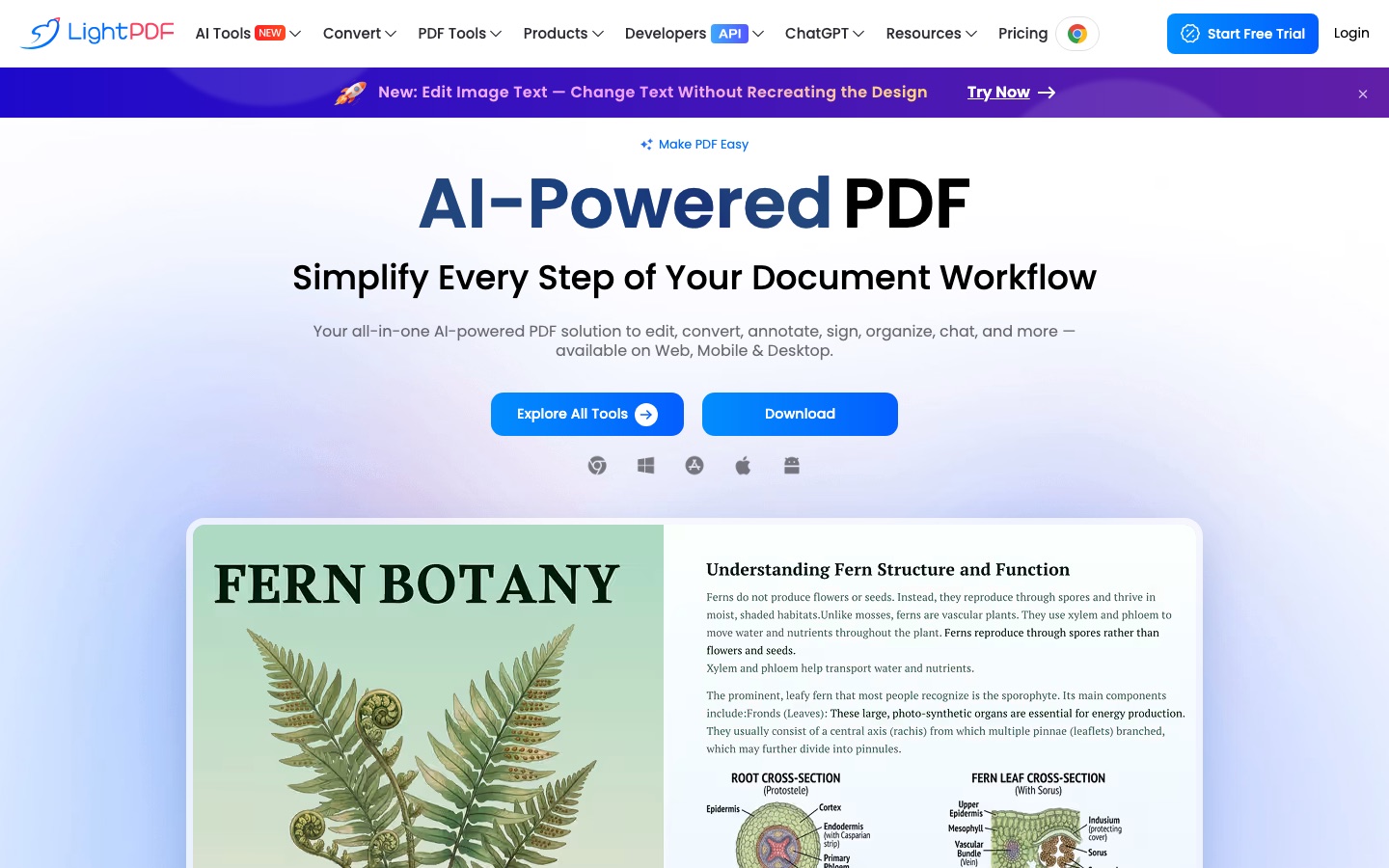
LightPDF is a PDF toolkit with AI features for editing, converting, annotating, signing and organising documents. LightPDF is used in a browser or through its Windows, Mac, iOS and Android apps, and adds tools such as chat with documents, summaries, translation that keeps the layout, OCR data extraction and watermark removal, which consume AI credits.
Best for People who handle PDFs regularly and want editing, conversion and AI document tools under one account that works across web, desktop and mobile.
- Platforms
- Web, Windows, macOS, iOS, Android
- Pricing model
- Freemium
- Free plan
- Yes
- Added
Last verified: . Information taken from lightpdf.com.
What is LightPDF?
LightPDF is a PDF solution that combines standard document tools with AI functions. The standard set covers editing, converting, annotating, signing, organising, optimising and securing PDF files, along with OCR. The AI set includes an agent and a ChatPDF tool for asking questions about documents with traceable citations, a tool for chatting with YouTube videos, generators for PDFs, presentations, invoices and mind maps, and translation of documents, images and scanned PDFs into more than 20 languages while keeping the original layout. Other AI tools extract structured data from invoices, receipts and bank statements, remove watermarks, logos or handwriting, and edit text inside images. LightPDF runs on the web and has apps for Windows, Mac, iPhone, iPad and Android, with one account shared across them. A Free Plan exists; paid plans are sold monthly, yearly or as a lifetime purchase.
Key Features
PDF Editing and Conversion
Edits, annotates, signs, merges and converts PDF files, with batch processing on paid plans.
Document Chat
Answers questions about an uploaded document and points to the passages each answer came from.
Layout-Preserving Translation
Translates full documents, images and scanned PDFs into over 20 languages without rebuilding the page design.
AI Data Extraction
Pulls structured data out of invoices, receipts, purchase orders and bank statements, including export to Excel.
Watermark and Text Removal
Detects and erases watermarks, logos, stickers or handwriting from PDFs and images.
Content Generators
Creates PDFs, slide decks, invoices, mind maps and summaries from documents or prompts.
Use Cases
- Summarising a Long Report
- Upload a PDF and ask for the key points with citations.
- Converting Bank Statements
- Turn statement PDFs into spreadsheet rows for bookkeeping.
- Translating a Scanned Contract
- Produce a version in another language that keeps the page layout.
- Fixing Text in an Image
- Change wording inside a picture or scan while keeping the font and background.
- Signing and Sending Forms
- Fill in, sign and export a form without printing it.
Things to know
- Free Plan is web only
- The plan comparison limits the Free Plan to the web version and files up to 10 MB.
- AI tools consume credits
- Credit use varies by feature, and allowances differ between plans; lifetime buyers receive a fixed pool of credits.
- Refund window
- The pricing page advertises a 30-day money-back guarantee.
- Security certifications
- LightPDF cites ISO/IEC 27001, ISO/IEC 27701 and GDPR, and says data is encrypted in transit and at rest.
FAQs
What is LightPDF?
LightPDF is an AI-assisted PDF toolkit for editing, converting, annotating, signing, organising and chatting with documents.
What is LightPDF used for?
LightPDF is used for everyday PDF tasks such as editing and conversion, and for AI tasks like summarising, translating and extracting data from documents.
Is LightPDF free?
LightPDF has a Free Plan. According to the comparison table it is limited to the web version and a 10 MB maximum file size, with small daily allowances for some AI tools.
How much does LightPDF cost?
LightPDF sells monthly, yearly and lifetime plans for individuals, plus team, business and education options. See the official pricing page for current prices.
Does LightPDF work on mobile?
Yes. LightPDF has apps for iPhone, iPad and Android, as well as Windows and Mac software and the web version.
How do AI credits work in LightPDF?
LightPDF bills AI features in credits, and the cost depends on the feature, for example per use, per page or per image. Extra credits can be purchased.
How do I cancel a LightPDF subscription?
LightPDF says recurring subscriptions are cancelled by sending a ticket via the contact page; the payment platform's confirmation email also offers a way to manage the subscription.
Who it's for
- Students
- Office workers
- Small businesses
- Educators
- Accountants
Used in these workflows
- Small business bookkeeping: where AI saves the typing and where you still need an accountantStage 1: Invoicing and getting paid
- Translation and localization, job by job: AI tools for documents, subtitles, dubbing and live speechStage 1: Text and document translation
- Producing an audiobook with AI narration, from manuscript to releaseStage 1: Preparing the manuscript
- From raw data to a finished report: what AI does at each step, and what you still checkStage 2: Extracting data from documents
- Small business bookkeeping: where AI saves the typing and where you still need an accountantStage 2: Receipts and expense capture
- Going paperless: the AI tools for scanning, reading and filing documentsStage 2: Extracting fields and tables
- AI tools for writing a research paper without handing over the thinkingStage 2: Reading and summarizing sources
- Studying for an exam: AI tools that help you learn the materialStage 4: Summarizing readings
- Going paperless: the AI tools for scanning, reading and filing documentsStage 5: Translating documents
- Translation and localization, job by job: AI tools for documents, subtitles, dubbing and live speechStage 6: Images and on-screen text
- AI tools for writing a research paper without handing over the thinkingStage 8: Translating sources and drafts
Each guide lists the stages of one job and the tools that help at each stage. All guides
Comments
No comments yet. If you have used LightPDF, tell other readers how it went.
Alternatives to LightPDF
| Tool | Free plan | Starting price | API |
|---|---|---|---|
PDFgearFree PDF editor for desktop, mobile and web with AI features, conversion and OCR. |
Yes | — | — |
 SwifDoo PDFPDF editor for editing, converting, compressing, signing and protecting files, with OCR and AI summaries and translation. |
— | — | — |
 Image to Text ConverterOnline OCR tool that pulls editable text out of photos, screenshots, handwriting and PDFs, with batch conversion. |
Yes | — | Yes |
 ParseurAI document parsing software that extracts structured data from PDFs, emails, scans and images and sends it to other apps. |
Yes | — | Yes |
 UpstageEnterprise AI company offering Solar language models and document parsing and extraction engines via API. |
— | — | Yes |
Listed in the same categories as LightPDF. A starting price appears only where we checked it on the maker’s pricing page; a dash means not checked or not published. All Documents & PDF tools