
Lazybird
AI voiceover generator that turns scripts into downloadable speech with 200+ voices, voice cloning and an API.
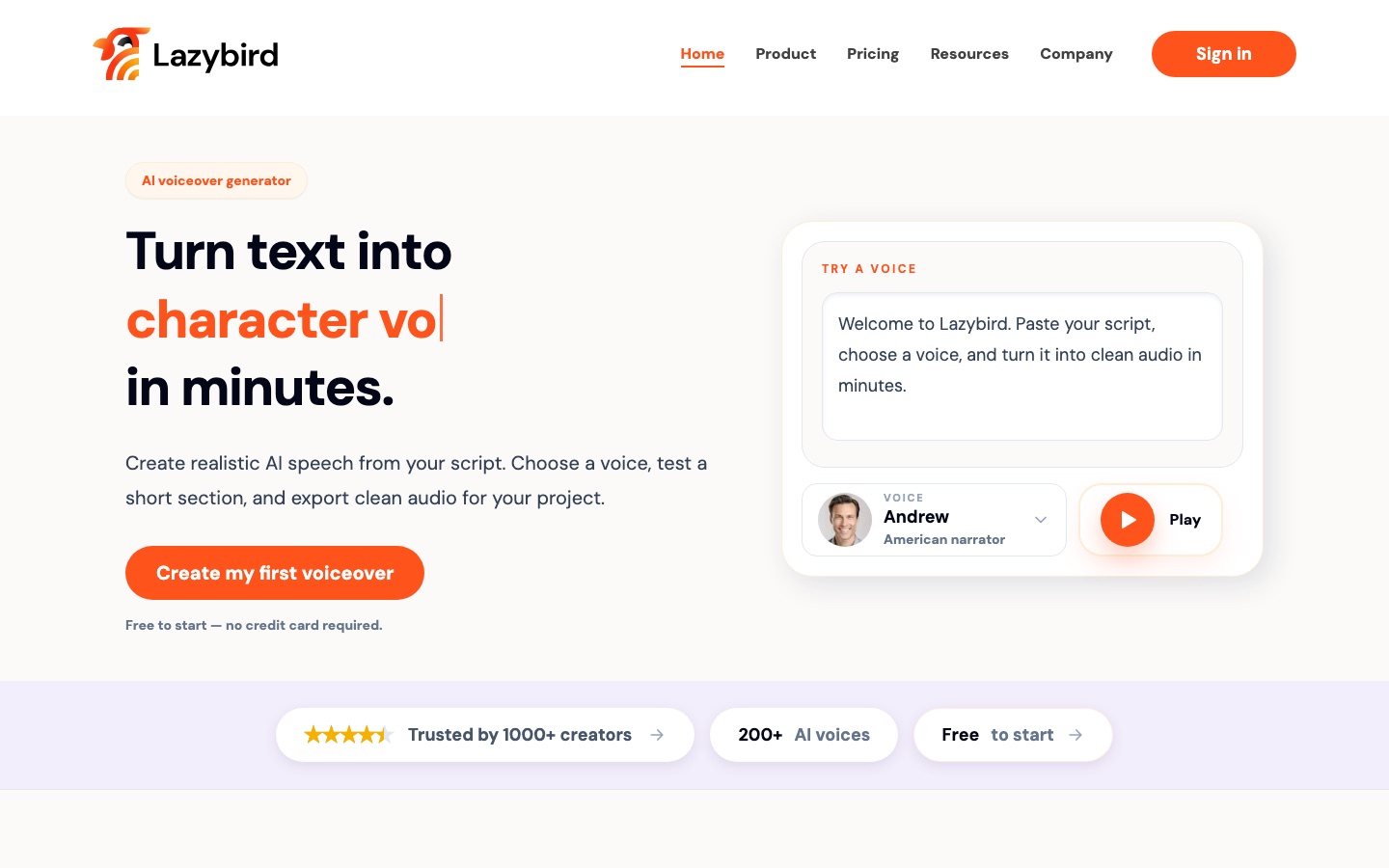
Lazybird is an AI voiceover generator that converts a written script into speech which can be downloaded as audio. Lazybird is used by pasting or importing a script, choosing one of more than 200 voices, testing a short section and exporting the finished narration for videos, courses, podcasts or audiobooks.
Best for Creators and teams who narrate long scripts or whole documents and want a reusable voice, including a clone of their own, across projects.
- Platforms
- Web, API
- Pricing model
- Freemium
- Free plan
- Yes
- Free trial
- Yes
- API
- Yes
- Made by
- LAZYBIRD CO LTD
- Added
Last verified: . Information taken from lazybird.app.
What is Lazybird?
Lazybird is an AI voiceover generator that converts written scripts into speech you can download. Users paste or import a script, which is split automatically into text blocks (large documents become sections), pick one of more than 200 voices, test a short passage, adjust the voice or pacing and then generate the full recording. Text to speech is available in over 100 languages. Paid plans add voice cloning, so a narrator's own voice can be reused across projects, along with commercial usage rights and unlimited downloads. Outputs mentioned on the site include training and course narration, product walkthroughs, tutorials, audiobook chapters, podcasts and phone system messages. A text-to-speech API lets developers generate audio from their own applications, and character-style voices are offered for parody and entertainment clips. A free plan with monthly credits can be started without a credit card.
Key Features
Script import and block editing
Breaks a pasted or imported script into editable blocks and groups long documents into sections.
Voice library
Offers more than 200 voices covering narrator, warm storytelling and character styles.
Voice cloning
Creates a reusable copy of your own voice on paid plans for recurring narration.
Multilingual speech
Reads translated scripts aloud in over 100 languages and accents.
Audio export
Downloads the finished voiceover for use in a video editor, course, podcast or app.
Text-to-speech API
Generates speech from text inside your own product or workflow without opening the editor.
How Lazybird works
Write the script
Draft the text in whatever editor you normally use.
Paste or import it
Bring the script into Lazybird, where it is divided into blocks.
Choose and test a voice
Try a short section, tune voice or pacing, then generate the whole thing.
Download the audio
Export the result and place it in your project.
Screenshots
Use Cases
- Training and course narration
- Turn onboarding scripts and lesson material into spoken audio.
- Product walkthrough videos
- Add a voiceover that explains screens and features.
- Audiobooks and stories
- Narrate chapters and dialogue with a warmer voice.
- Two-voice podcasts
- Produce a host-and-guest conversation from a written dialogue.
- Localised voiceovers
- Create versions of the same script in other languages.
Things to know
- Usage is counted in credits
- The Free plan lists 3,000 credits per month, Creator 200,000 and Pro 1,000,000; a Max plan with more is also mentioned.
- Downloads and commercial rights are paid features
- The Free plan covers in-browser listening, while unlimited downloads, commercial usage rights and voice cloning begin with Creator.
- Character and celebrity-style voices
- The site presents these for parody, memes, commentary and entertainment that is clearly non-deceptive.
FAQs
What is Lazybird?
Lazybird is an AI voiceover generator that turns text into speech and exports it as audio.
What is Lazybird used for?
Lazybird is used to narrate videos, courses, tutorials, audiobooks, podcasts and phone messages from a written script.
Is Lazybird free?
Yes, Lazybird has a Free plan with monthly credits and no credit card requirement. Downloads and commercial use need a paid plan.
How much does Lazybird cost?
Lazybird lists Free, Creator, Pro and Max plans with monthly or yearly billing. See the official pricing page for current figures.
Does Lazybird have an API?
Yes. Lazybird provides a text-to-speech API for generating audio from your own application.
Does Lazybird support voice cloning?
Yes. Lazybird lets paying users clone their own voice, and the Pro plan lists instant voice cloning.
Which languages does Lazybird support?
Lazybird states that its text to speech works in more than 100 languages.
Who makes Lazybird?
Lazybird is operated by LAZYBIRD CO LTD, as shown in the website footer.
Who it's for
- Video creators
- Course creators
- Podcasters
- Audiobook producers
- Developers
Used in these workflows
- Producing an audiobook with AI narration, from manuscript to releaseStage 3: Generating the narration
- Making an animated explainer video with AI, from script to subtitlesStage 4: Recording the voiceover
- How to build an online course with AI tools, from outline to enrollmentStage 5: Voiceover and narration
- Translation and localization, job by job: AI tools for documents, subtitles, dubbing and live speechStage 5: Voiceover in other languages
- Short-form video from idea to posted clip: which AI tool does which jobStage 6: Voiceover, music and sound
- A children's picture book, start to finish: where AI tools help and where they don'tStage 7: Read-aloud narration
Each guide lists the stages of one job and the tools that help at each stage. All guides
Comments
No comments yet. If you have used Lazybird, tell other readers how it went.
Alternatives to Lazybird
| Tool | Free plan | Starting price | API |
|---|---|---|---|
 ListnrAI voice generator for text to speech, voice cloning and narration in a browser-based studio. |
Yes | — | Yes |
 NaturalReaderAI text-to-speech apps that read documents, web pages and scanned books aloud and create voiceovers. |
Yes | — | — |
 TypecastAI voice generator with emotion-aware text to speech, voice cloning, a mobile app and a developer API. |
Yes | — | Yes |
 Fish AudioAI voice platform for text to speech and voice cloning with emotion tags, a large voice library and a developer API. |
Yes | — | Yes |
 Inworld AIRealtime voice AI platform offering text-to-speech, speech-to-text, a speech-to-speech API and LLM routing. |
Yes | — | Yes |
Listed in the same categories as Lazybird. A starting price appears only where we checked it on the maker’s pricing page; a dash means not checked or not published. All Text to Speech tools