Prompts
EN

By goal

Learning a language with AI: which tool for which skill?

  • 7 stages, 22 tools
  • updated

Many adults who give up on a language give up at the same point: they can read a menu and complete an app exercise, but freeze when a real person answers back. For years the only cure was a patient tutor or a move abroad, because speaking practice needs someone on the other end.

That is the gap AI tutors have actually closed. You can now talk aloud for twenty minutes a day with a partner that never gets bored, replies in a natural voice, corrects your grammar mid-sentence and scores your pronunciation word by word. Around that sit other useful aids: dual subtitles on the series you already watch, a word looked up with one click and saved for review, and corrections on what you write. None of it shortens the hours. A language still means thousands of words and a great many hours of listening, and no tool does that part for you. What changes is that practice is available whenever you have ten minutes, and that embarrassment stops being a reason to stay silent. This guide is arranged by skill, since learners rarely follow a single line from start to finish.

Who this is for Adult self-learners at any level, travelers and people moving abroad, students who want extra practice outside class, and anyone preparing for an English proficiency test.

Start here

Three habits that fit into a normal day: talk, watch and write. Each pick comes from the stage it is listed under, and the choice says nothing about how it compares with the tools beside it.

  1. SpeakPalSpeaking practice and pronunciation

    Run one short role-play, such as ordering in a cafe, and repeat each corrected sentence aloud.

  2. Language ReactorListening with subtitles

    Watch ten minutes of a series with dual subtitles and save five words you did not know.

  3. LanguageToolWriting feedback

    Write five sentences about your day, read each correction and retype the fixed version yourself.

  1. Stage 1: Structured lessons

    Follow a course that introduces sounds, core grammar and everyday phrases in a sensible order, so that later practice has something to build on. Beginners need this most.

    What AI does here
    Sequence lessons by level, have you say each new phrase aloud several times and adapt later lessons to the mistakes you keep making.
    What AI can’t do here
    Supply the discipline. A course only works if you return to it most days, and no app can make that decision for you.

    Speak

    Structures every lesson as learn, practice and apply, so new phrases are spoken repeatedly before being used in conversation with an AI tutor.

    Language learning app centred on speaking aloud, with AI conversation practice and pronunciation feedback.

    View tool

    Talkio AI

    Provides guided interactive courses by level alongside voice conversations with an AI tutor.

    AI language tutor for spoken practice, with voice conversations, pronunciation feedback and guided courses.

    View tool

    LanguaTalk

    Offers a conversation-based Guided Course and a Guided Mode that proposes replies for beginners, plus a marketplace of human tutors.

    AI conversation practice with native-sounding voices for language learners, plus a marketplace of vetted human tutors.

    View tool

    Deep English

    Teaches English through story-based audio lessons intended to build listening comprehension, with shadowing exercises.

    English learning site that combines story-based listening lessons with an AI chatbot for speaking practice.

    View tool
  2. Stage 2: Speaking practice and pronunciation

    Talk aloud, often, about ordinary things: ordering food, describing your day, a job interview. Get corrected, repeat the sentence properly and work on the sounds you get wrong.

    What AI does here
    Hold a spoken conversation at your level, correct grammar while the exchange continues and assess pronunciation down to single sounds.
    What AI can’t do here
    Behave like a real listener. Human speech is faster, messier and less forgiving, so practice with people remains necessary at some point.

    ISSEN

    Holds real-time spoken dialogue with a tutor that points out mistakes while the conversation continues.

    AI voice tutor for practising a foreign language through real-time spoken conversation.

    View tool

    Talkpal

    Offers chats by text or voice plus roleplays, debates and a call mode, with corrections and a pronunciation assessment.

    AI language tutor for practising speaking, listening, writing and pronunciation through chats, roleplays and calls.

    View tool

    SpeakPal

    Simulates dialogues such as interviews and trips, fixes grammar mistakes inside the conversation and points out issues with sounds, stress and rhythm.

    AI language tutor for spoken conversation practice in more than 30 languages, with instant pronunciation and grammar feedback.

    View tool

    ELSA Speak

    English speaking coach that listens to spoken answers and points out pronunciation and fluency issues during each lesson.

    AI English-speaking coach that gives instant feedback on pronunciation and fluency through lessons and role-play.

    View tool

    LanguaTalk

    Conversation practice with AI characters whose voices are cloned from native speakers, with each correction explained.

    AI conversation practice with native-sounding voices for language learners, plus a marketplace of vetted human tutors.

    View tool
  3. Stage 3: Vocabulary and flashcards

    Collect new words from what you read, hear and say, with an example sentence each, and review them on a spaced schedule until they stay.

    What AI does here
    Save a word with its sentence in one click, schedule reviews by spaced repetition and bring saved words back in later practice.
    What AI can’t do here
    Do the remembering. A deck of ten thousand cards you never review teaches nothing, and words learned without context fade quickly.

    ISSEN

    Turns words saved from your conversations into review cards scheduled by a spaced repetition algorithm.

    AI voice tutor for practising a foreign language through real-time spoken conversation.

    View tool

    Language Reactor

    Saves words while you watch, highlights them across all content and plays sentences chosen to revisit vocabulary due for review.

    Chrome extension and web toolbox for learning languages from Netflix, YouTube, books and web pages with dual subtitles.

    View tool

    Trancy

    Stores saved words and example sentences from videos and articles in a web learning center for flashcard review.

    Language-learning extension with AI bilingual subtitles for streaming video and in-page translation of websites.

    View tool

    Knowt

    Flashcard creation and several study modes, including spaced repetition, for word lists you make yourself or import.

    Study app that turns lectures, PDFs and notes into flashcards, study guides and quizzes, with free flashcard study modes.

    View tool
  4. Stage 4: Listening with subtitles

    Listen to a great deal of real speech: series, videos, podcasts. Use subtitles in both languages at first, then only the target language, then none.

    What AI does here
    Show the original line and its translation together, pause after each subtitle, explain a word in context and transcribe audio that has no subtitles.
    What AI can’t do here
    Train your ear if you only read. Subtitles are a support to remove gradually, and understanding fast speech still takes many hours.

    Language Reactor

    Shows dual-language subtitles on Netflix and YouTube and can stop the video after each line, with a click-to-translate dictionary.

    Chrome extension and web toolbox for learning languages from Netflix, YouTube, books and web pages with dual subtitles.

    View tool

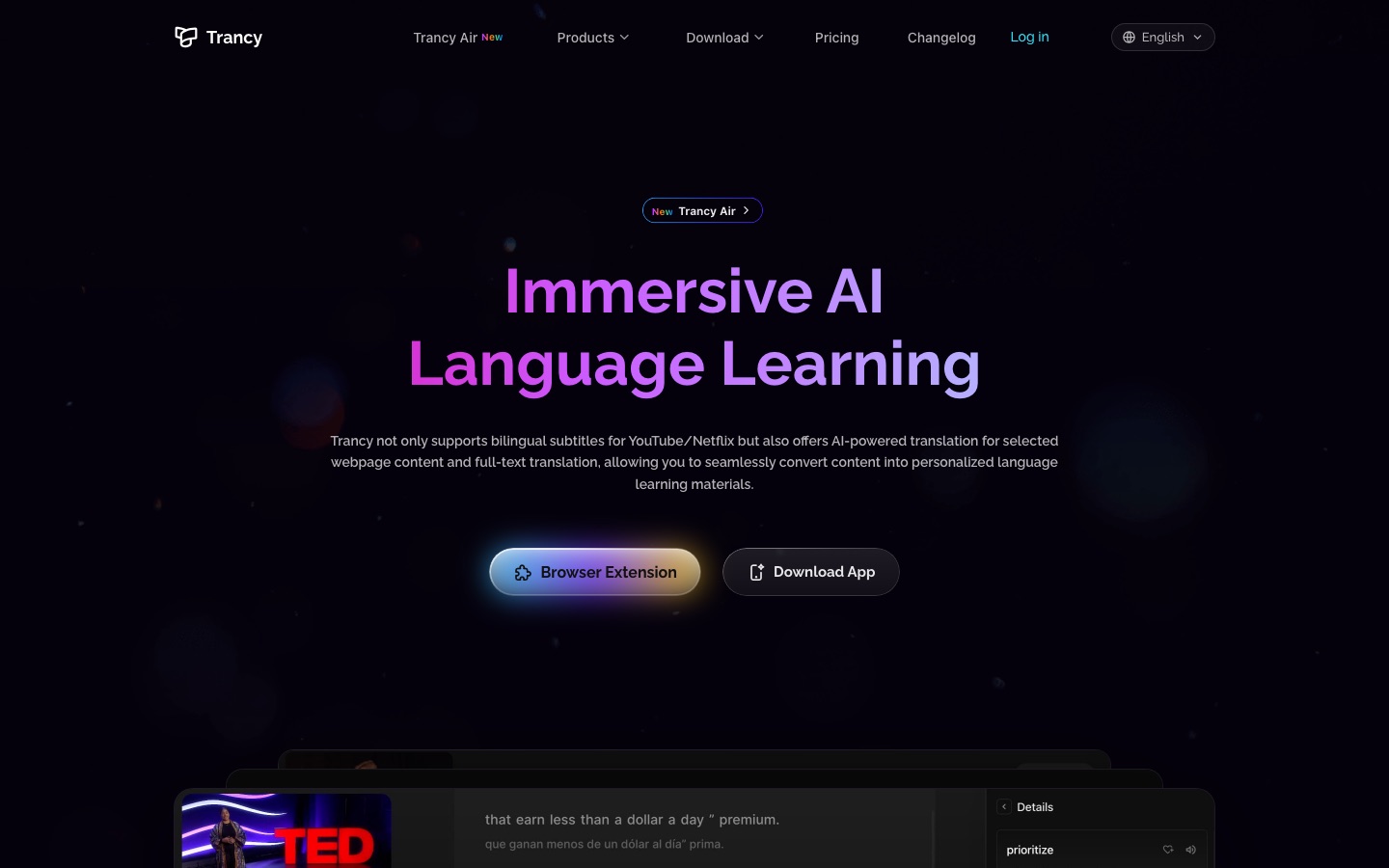
    Trancy

    Displays original and translated captions together on video sites and explains unfamiliar words and sentence structure.

    Language-learning extension with AI bilingual subtitles for streaming video and in-page translation of websites.

    View tool

    Immersive Translate

    Adds dual-language subtitles on video platforms, shown alongside the original.

    Bilingual AI translator for web pages, PDFs, video subtitles, images and comics, mainly as a browser extension.

    View tool

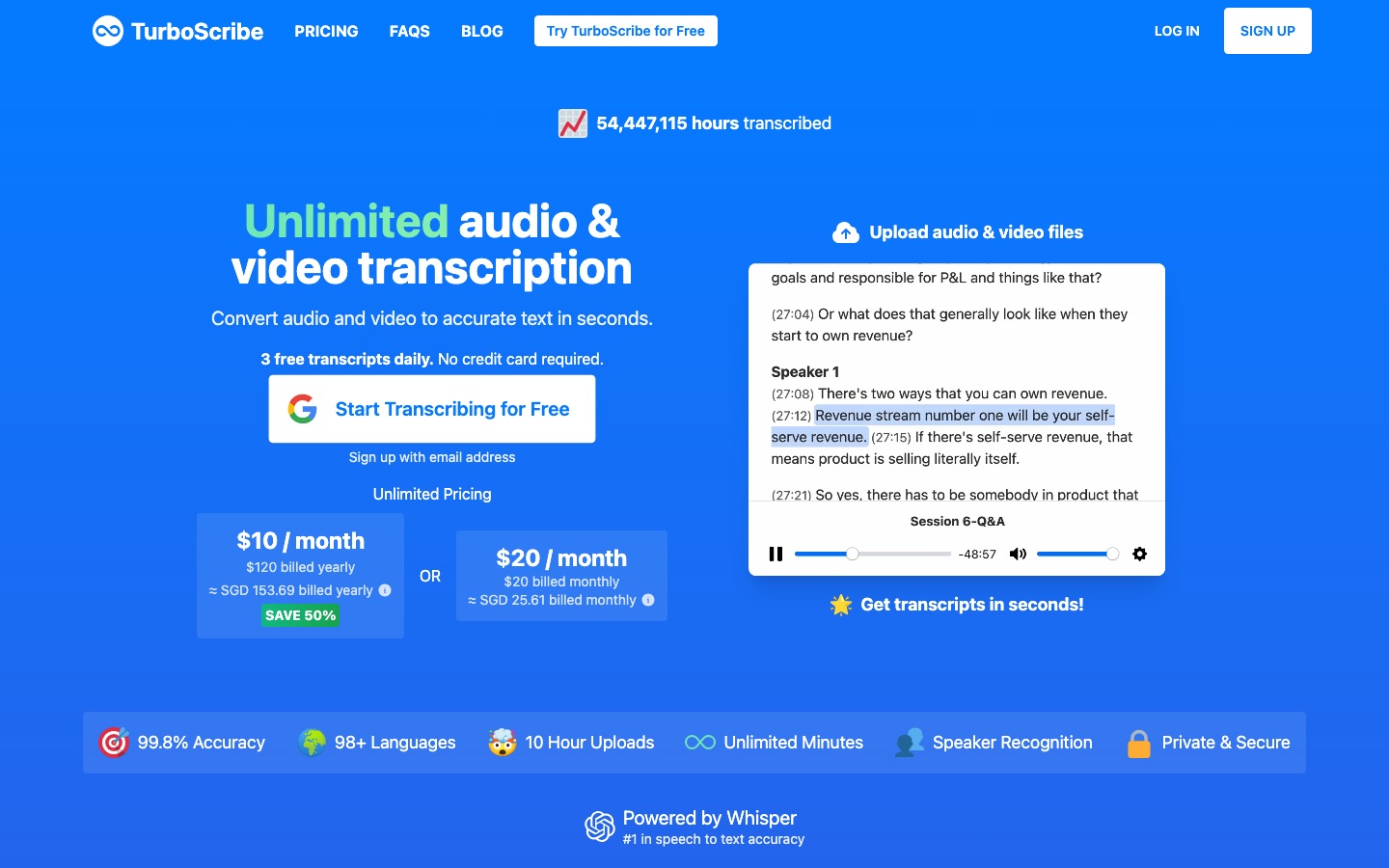
    TurboScribe

    Converts audio and video in many languages into text, giving you a transcript to read along with a recording.

    Audio and video transcription service powered by Whisper, with speaker labels, translation and subtitle export.

    View tool
  5. Stage 5: Reading and translation

    Read things you would read anyway, a little above your level: news, forums, short stories. Look up what blocks you, compare with a translation and keep going.

    What AI does here
    Place a translation beside each original paragraph, translate a selected word with its pronunciation and handle whole documents.
    What AI can’t do here
    Make full-page translation count as reading practice. If you only read the translated side, you are reading your own language.

    DeepL Translator

    Translates typed or pasted text and whole documents between languages, with browser extensions and mobile apps.

    AI translator for text, documents and speech in more than 100 languages, with apps, integrations and an API.

    View tool

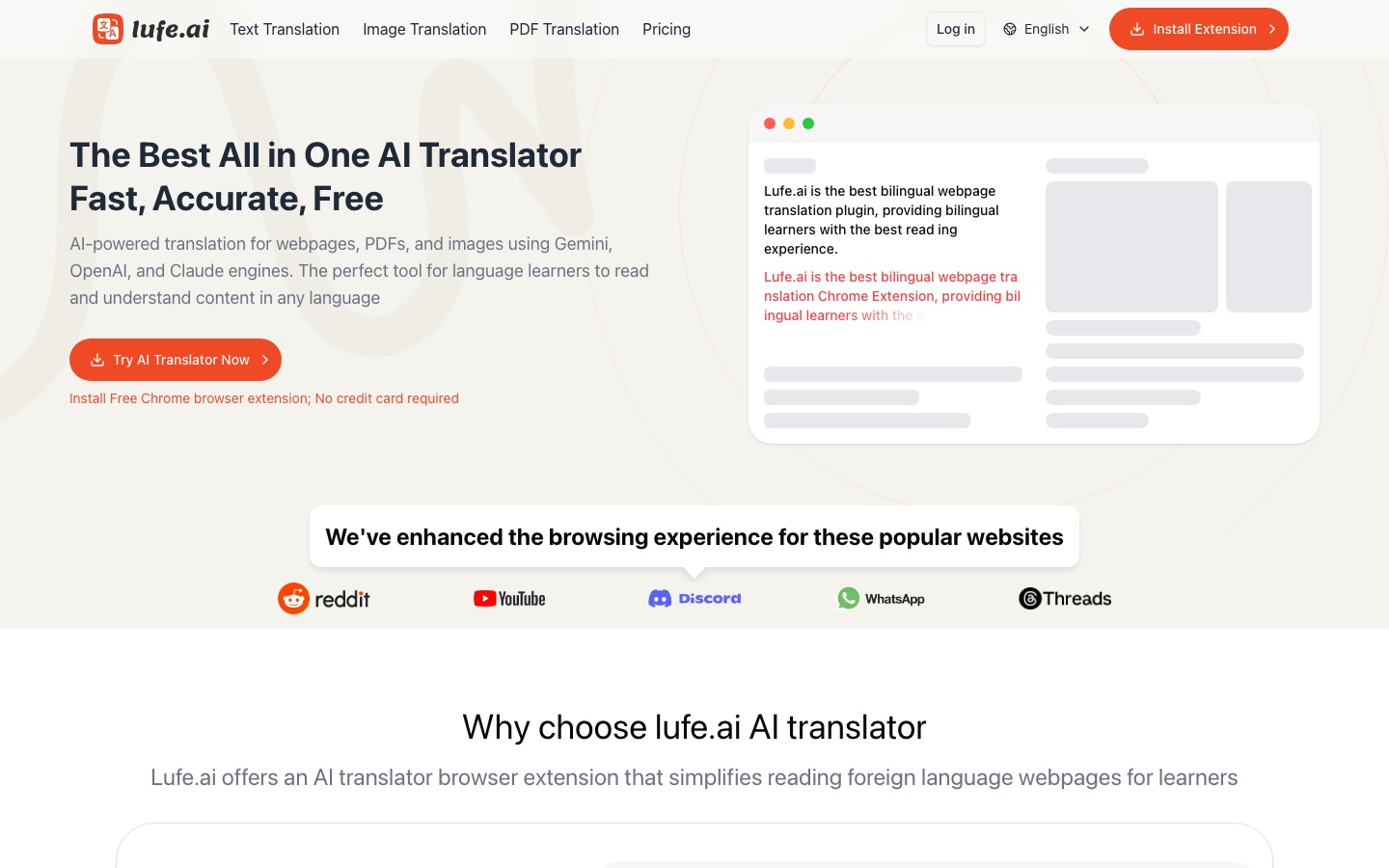
    Lufe AI

    Places the translation next to each original paragraph of a web page and translates a highlighted word with its pronunciation.

    AI translation browser extension that shows web pages bilingually and also translates images, PDFs and selected text.

    View tool

    DeepTranslate

    Displays the translation next to the source text of a web page so a sentence can be compared with its translation.

    Browser extension that translates web pages into a bilingual view using a choice of AI and machine translation engines.

    View tool

    Immersive Translate

    Shows each translated paragraph alongside the original on any site and translates PDF and ePub documents while keeping layout.

    Bilingual AI translator for web pages, PDFs, video subtitles, images and comics, mainly as a browser extension.

    View tool

    Polytranslator

    Covers rare, ancient and minority languages that general translators leave out, with alphabet references and virtual keyboards.

    Free AI translator for 475 languages and dialects, including rare, ancient and constructed ones.

    View tool
  6. Stage 6: Writing feedback

    Write short texts regularly, a message, a diary entry, a summary, then get them corrected and rewrite the corrected version yourself so the fix sticks.

    What AI does here
    Flag grammar, spelling and style errors in many languages, propose more natural phrasings and correct you during a written chat.
    What AI can’t do here
    Teach you if you accept every suggestion with one click. The learning happens when you understand why the correction was needed.

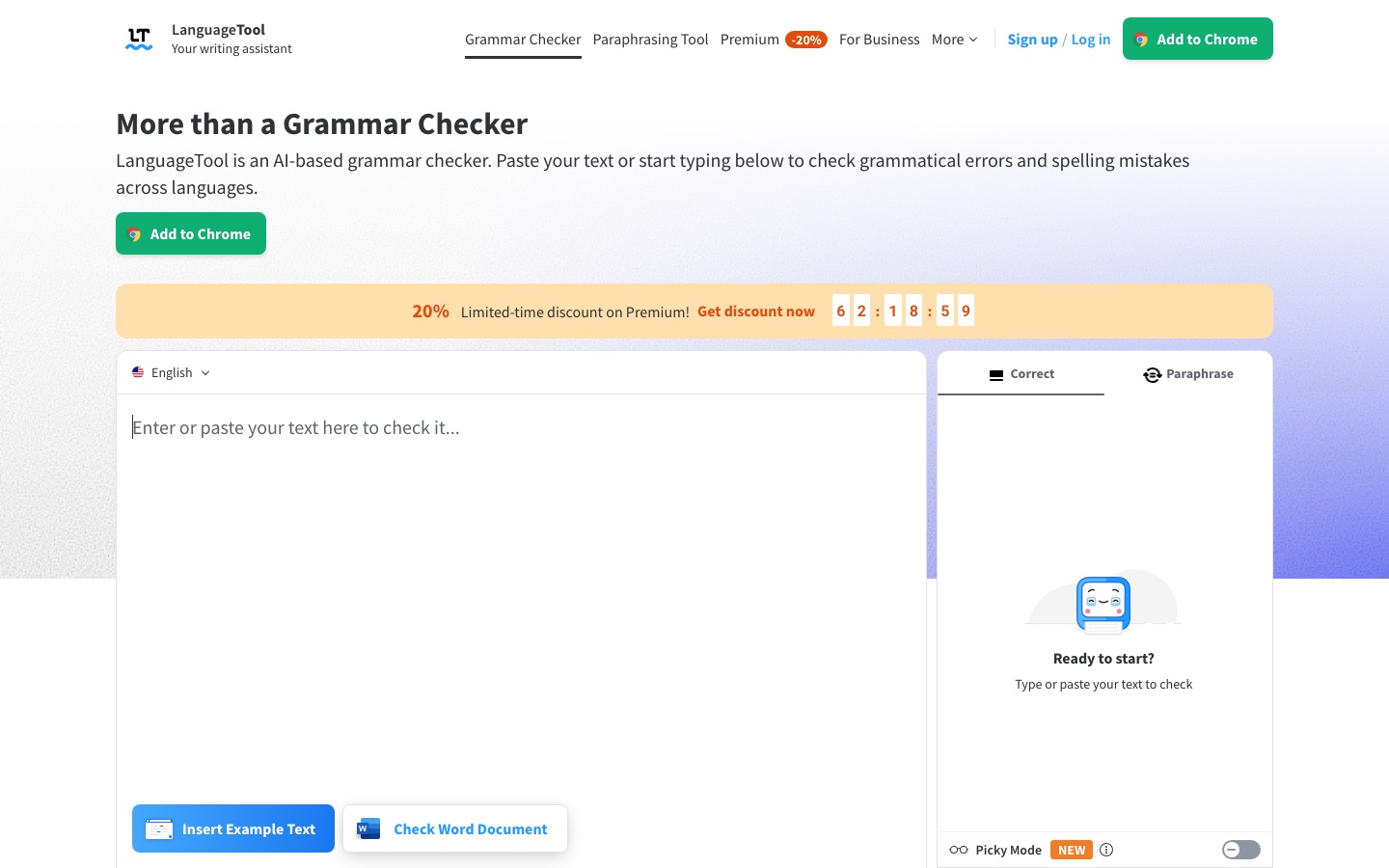
    LanguageTool

    Checks spelling, grammar, punctuation and style in more than 30 languages, in a web editor or browser and office add-ons.

    AI-based grammar, spelling and style checker for more than 30 languages, with a paraphraser and add-ons for browsers and office apps.

    View tool

    Linguix

    Flags grammar, spelling and punctuation mistakes in seven languages and detects which one you are writing in.

    AI writing assistant and grammar checker that works in the browser across websites, with team style guides.

    View tool

    Wordtune

    Returns alternative wordings for an English sentence and marks grammar and spelling errors as you write.

    AI writing assistant for paraphrasing, rewriting, grammar checks and summarising text or videos.

    View tool

    Talkpal

    Lets you write with an AI about topics of your choice and returns corrections and suggestions during practice.

    AI language tutor for practising speaking, listening, writing and pronunciation through chats, roleplays and calls.

    View tool
  7. Stage 7: Preparing for a language test

    Learn the format of the exam you need, practice each task type under time limits, take full mock tests and use the results to decide what to study next.

    What AI does here
    Score practice speaking and writing answers automatically, run timed mock tests and show which skill is pulling your result down.
    What AI can’t do here
    Predict your official score. Practice scores come from each platform's own engine, not from the exam board.

    APEUni

    Grades PTE practice speaking answers on pronunciation and fluency and checks written responses, using its own scoring engines.

    PTE exam practice platform that scores speaking and writing answers with AI.

    View tool

    Alfa PTE

    Offers PTE exam-style questions and full, sectional and timed mock tests with automated scoring and performance analytics.

    Online PTE practice platform with AI-scored questions, mock tests and performance analytics.

    View tool

    ELSA Speak

    Its speech analyzer evaluates a speech sample in detail and estimates scores on standard English tests.

    AI English-speaking coach that gives instant feedback on pronunciation and fluency through lessons and role-play.

    View tool

Realistic expectations

Corrections can be wrong
AI tutors sometimes mark correct sentences as errors, miss real mistakes or explain a rule badly, especially in less widely taught languages. When a correction surprises you, check a grammar reference or ask a teacher.
Pronunciation scores are estimates
Speech scoring reflects how one system heard you through your microphone. A low score can come from background noise or an accent the model handles poorly, and a high score does not guarantee that people will understand you.
Your voice is personal data
Speaking apps record and process your voice, sometimes on servers in another country. Read how recordings are stored and whether they can be deleted, and use teen or child settings for younger learners.
Practice scores are not official results
Mock test platforms use their own scoring engines. Treat the numbers as a guide to weak areas, and confirm with the university, employer or visa office which test and which score they actually require.

FAQs

Can I become fluent using only AI tools?

You can get a long way, particularly in speaking confidence, listening and vocabulary. Fluency also depends on dealing with real people: interruptions, slang, speed and the pressure of being understood. Most learners do well by combining daily AI practice with human contact, such as a tutor, an exchange partner or time spent where the language is spoken.

Is talking to an AI tutor as good as a human teacher?

It is different. An AI tutor is available at any hour, never loses patience and gives instant correction, which makes it very good for volume of practice. A human teacher notices why you make a mistake, adapts to your mood and holds you accountable. Several tools in this guide are designed to sit alongside lessons with a person.

How much should I practice each day?

Consistency matters more than length. Short, focused sessions on most days are generally easier to keep up than one long session a week. A workable mix is some speaking, some listening to real content and a short vocabulary review. Increase the time only once the habit is stable.

Do these tools work for less common languages?

Coverage varies widely. A few tutors here list dozens of languages, including ones mainstream courses skip, but quality is usually highest for widely spoken languages, and feedback on rarer ones can be less reliable. Try a short session and, if you can, ask a native speaker whether the corrections make sense.
Related guides

Categories used in this guide

Tools are placed in a stage by an editor, from each tool’s own profile. The list grows as more profiles are published. All guides