
LanguageTool
AI-based grammar, spelling and style checker for more than 30 languages, with a paraphraser and add-ons for browsers and office apps.
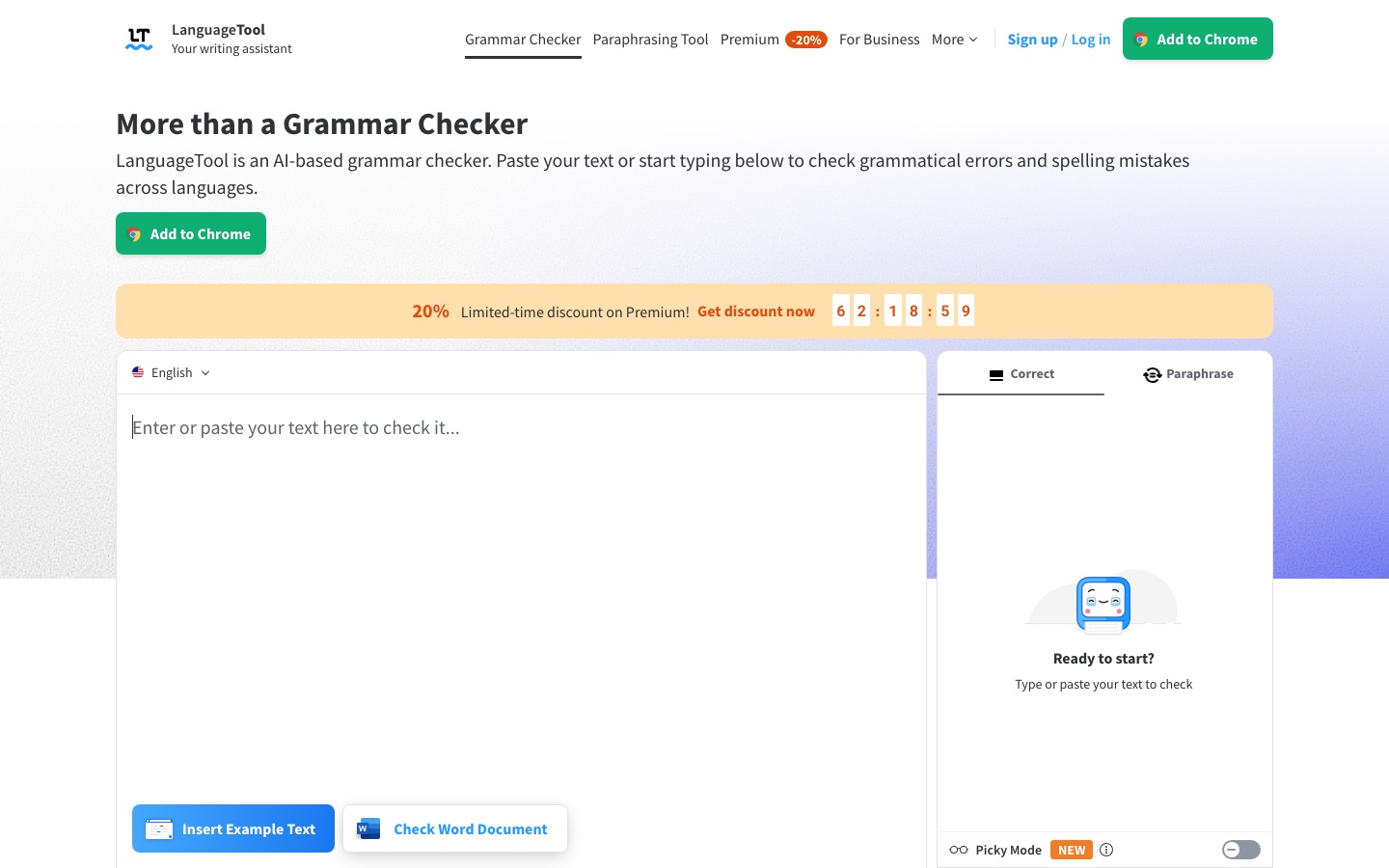
LanguageTool is an AI-based writing assistant that checks spelling, grammar, punctuation and style in more than 30 languages and paraphrases sentences on request. LanguageTool is used by pasting text into its web editor or by installing its add-ons for browsers, email clients, Google Docs, Word and LibreOffice, or its macOS and Windows apps.
Best for People who write in more than one language and want corrections inside the browser, email and office programs they already use.
- Listed in
- AI Writing Assistant
- Platforms
- Web, Browser extension, Plugin, macOS, Windows, iOS, API
- Pricing model
- Freemium
- Free plan
- Yes
- API
- Yes
- Added
Last verified: . Information taken from languagetool.org.
What is LanguageTool?
LanguageTool is an AI-based writing assistant that checks text for spelling, grammar, punctuation, casing and style problems. It works in more than 30 languages and dialects, among them English, German, Spanish, French, Portuguese and Dutch, and English can be set to one of six regional varieties. Mistakes are underlined as you type and each one comes with a suggestion card; double-clicking a word shows synonyms. An AI paraphraser rewrites sentences in a simpler, shorter, more fluent or more formal form. Besides the web editor, which stores texts and offers a personal dictionary and writing statistics, LanguageTool is distributed as add-ons for Chrome, Edge, Firefox, Opera and Safari, email clients, Google Docs, Microsoft Word and LibreOffice, and as desktop apps for macOS and Windows. A free version covers basic corrections, Premium reveals all detected issues, and team accounts and a proofreading API serve businesses.
Key Features
Grammar and Spelling Check
Underlines misspellings and grammar slips such as wrong verb agreement or plural forms and proposes a fix.
Punctuation and Casing
Flags missing or unnecessary commas, hyphen and dash misuse, and incorrect capitalisation.
Style Suggestions
Marks overused phrases, redundant words and poor word choice with a separate blue underline.
AI Paraphraser
Rewrites a sentence in a more formal, fluent, simple or concise form.
Picky Mode
Switches on extra checks for advanced punctuation, style and typography.
Team Style Guide and Dictionary
Lets a team define shared wording rules and add technical terms so suggestions stay consistent.
Use Cases
- Proofreading Emails
- Check messages as you type in Gmail, Outlook, Apple Mail or Thunderbird.
- Writing in a Second Language
- Get corrections in the language you are writing, detected automatically by the browser add-on.
- Academic Papers
- Review a term paper or thesis for errors and style before submission.
- Company-Wide Wording
- Enforce consistent terminology across a team with shared rules.
- Checking Word Documents
- Run the checker inside Microsoft Word, Google Docs or LibreOffice.
Things to know
- Free version is limited
- Without Premium, LanguageTool corrects spelling, simple punctuation and some style issues but does not display every error it finds.
- Premium text length
- Premium raises the limit to 150,000 characters per text field.
- Word add-in requirements
- The Microsoft Word add-in needs Word 2016 or later, or Office 365.
- Student discount
- The site mentions that students receive a discount.
FAQs
What is LanguageTool?
LanguageTool is an AI-based writing assistant that checks grammar, spelling, punctuation and style and can paraphrase sentences.
Is LanguageTool free?
Yes, LanguageTool has a free version that corrects spelling, simple punctuation and some style mistakes. The Premium version shows all detected errors, and team accounts are available for companies.
How much does LanguageTool Premium cost?
LanguageTool Premium is sold with monthly, quarterly, annual and two-year payment intervals. See the official pricing page for current rates in your currency.
Which languages does LanguageTool support?
LanguageTool checks more than 30 languages and dialects, including English, German, Spanish, French, Portuguese and Dutch. English is offered in US, UK, Canadian, Australian, New Zealand and South African varieties.
Where can I use LanguageTool?
LanguageTool works in its web editor, in add-ons for Chrome, Edge, Firefox, Opera and Safari, in email and office programs, and in apps for iOS, macOS and Windows.
Does LanguageTool have an API?
Yes. LanguageTool lists a proofreading API among its offerings for businesses.
Does the LanguageTool browser add-on store my text?
No. LanguageTool states that its browser add-on does not store any text.
Who it's for
- Students
- Professional writers
- Non-native speakers
- Businesses
- Teams
Used in these workflows
- How a newsletter issue gets made, and where AI tools helpStage 3: Editing and subject lines
- Which AI tools do you need to build a website?Stage 4: Writing the copy
- AI tools for writing a book, from the first idea to launch weekStage 5: Proofreading the final text
- Learning a language with AI: which tool for which skill?Stage 6: Writing feedback
- AI tools for writing a research paper without handing over the thinkingStage 6: Language polish and proofreading
- Which AI tools actually help a teacher run a class?Stage 7: Parent and admin communication
- Translation and localization, job by job: AI tools for documents, subtitles, dubbing and live speechStage 8: Review and consistency
Each guide lists the stages of one job and the tools that help at each stage. All guides
Comments
No comments yet. If you have used LanguageTool, tell other readers how it went.
Alternatives to LanguageTool
| Tool | Free plan | Starting price | API |
|---|---|---|---|
 LinguixAI writing assistant and grammar checker that works in the browser across websites, with team style guides. |
Yes | — | Yes |
 NeuralWriterFree online paraphrasing tool that rewrites text in 30+ languages and shows what was changed. |
Yes | — | Yes |
 AImReplyAI email writer that drafts new emails and replies in a chosen language, tone and length, on the web or in Chrome. |
Yes | — | — |
 Clever AI HumanizerFree editor that reworks AI-assisted drafts for tone, sentence variety and readability in English, Spanish and Portuguese. |
Yes | — | — |
 Humanize AIOnline AI text humanizer that rewrites machine-written drafts in a more natural style, with a wider set of writing tools. |
Yes | — | — |
Listed in the same category as LanguageTool. A starting price appears only where we checked it on the maker’s pricing page; a dash means not checked or not published. All AI Writing Assistant tools