How to build an online course with AI tools, from outline to enrollment
9 stages, 28 tools
updated
You already know the subject. What stands between that knowledge and a finished course is production: deciding what goes in which lesson, making slides, recording yourself, fixing the audio, writing quiz questions, captioning everything and building a page where people can pay. Subject experts often stall at lesson two because of it.
AI shortens almost every one of those chores. Course builders draft a module structure and quiz questions from documents you already have. Slide tools turn an outline into a deck. Screen recorders remove your pauses and filler words by editing the transcript, and if you would rather not appear on camera, an avatar can present your script. Narration, captions and translated versions come from text.
What a tool cannot supply is the teaching itself: the order that makes a hard idea land, the example from your own practice, the exercise that forces a learner to apply it. A course generated from a prompt covers a topic. A course that changes what someone can do needs your judgment at every stage.
Who this is for Coaches, consultants, teachers and practitioners turning expertise into a first paid or internal course, and small training teams that need to produce lessons without a video crew.
A small first course needs an outline, one recorded lesson and somewhere to sell it. These picks were chosen because their records describe those jobs for a single creator; many other combinations from the lists work as well.
Answers questions about an unfamiliar topic directly with sources, useful for checking what learners can already find elsewhere.
AI answer engine that responds to questions with sourced answers and can take on longer projects through Computer.
View tool
2
Stage 2: Curriculum outline
The outcome is broken into modules and lessons in a teachable order, each with a learning objective, an activity and a way to check that it was understood.
What AI does here
Generate a structured course draft from a short description or from your existing documents, and lay the topic out as a mind map you can rearrange.
What AI can’t do here
Sequence for understanding. A generated outline lists subtopics evenly, while a real learner needs prerequisites first and more time on the hard part, which only you know.
Expands a starting idea into a mind map with multiple branches, on a board where the structure can be reworked.
Collaborative whiteboard for diagrams, flowcharts, mind maps and wireframes, with AI generation from a prompt.
View tool
3
Stage 3: Slides and visuals
Each lesson gets its visual material: slides that carry one idea at a time, diagrams that explain a process, and any handouts learners will keep.
What AI does here
Build an editable deck from a topic or outline, turn a passage of text into a diagram or infographic, and convert a document into slides.
What AI can’t do here
Decide what belongs on screen. Generated decks tend to be walls of bullets with decorative images, and cutting a slide down to the one thing worth showing is editing you do.
Its AI Slides feature builds a complete, editable presentation from a description or from files you already have.
Office suite for documents, spreadsheets, slides and PDFs with a built-in AI assistant and cloud collaboration.
View tool
4
Stage 4: Recording video lessons
Lessons are recorded as screen walkthroughs, talking-head pieces or narrated slides, then trimmed so that each one is short and makes a single point.
What AI does here
Record screen and camera together, cut mistakes and filler words by editing the transcript, or present your script with an avatar instead of filming.
What AI can’t do here
Replace your presence where trust matters. Avatar lessons work for procedural training, but learners buying access to a named expert usually expect to see and hear that person.
Imports a PPT or PDF deck so each slide becomes a narrated scene presented by a stock or custom avatar.
AI video platform for avatar-led videos, script-based editing and translation into 175+ languages.
View tool
5
Stage 5: Voiceover and narration
Narration is recorded or generated for slide-based lessons, and flubbed lines are replaced so the audio is consistent from the first module to the last.
What AI does here
Read a lesson script in a chosen voice, turn a slide deck with notes into a narrated video, and regenerate one line when the content changes.
What AI can’t do here
Sound like it cares about the learner. Synthetic narration is clear but even, and a cloned voice should only ever be your own or one you have consent to use.
Generates narration from text using stock voices or a clone of your own voice, which lets you regenerate a flubbed phrase.
AI video and audio editor where you cut recordings by editing the transcript, with an assistant called Underlord.
View tool
6
Stage 6: Quizzes and assessments
Questions, exercises and a final assessment are written against each learning objective, so learners can check themselves and you can see where the course is failing.
What AI does here
Write multiple-choice and open-answer questions from your lesson material, mark written answers with explanations, and build a quiz from a prompt.
What AI can’t do here
Guarantee the answer key is right or that a question tests the skill instead of recall. Every generated item has to be answered by you before a learner sees it.
Creates an assessment from a topic or document and adds questions to a video at points it selects. The platform is built for K-12 teaching.
K-12 teaching platform, formerly Quizizz, for AI-built assessments, presentations, videos and flashcards.
View tool
7
Stage 7: Captions and translation
Every video gets accurate captions and a transcript, and if the course will be sold abroad, subtitles or a dubbed track are produced in the other languages.
What AI does here
Transcribe lessons, export subtitle files, translate captions, and produce a dubbed version of a lesson in another language.
What AI can’t do here
Handle your field's terminology without help. Technical terms and names are the first things mistranscribed or mistranslated, so check them with a glossary or a fluent reviewer.
Translates one master course into other languages from a single source through its translation add-on.
E-learning authoring tool with a built-in AI co-author, video creation, roleplay coaching and course translation.
View tool
8
Stage 8: Course site and sales page
Lessons are uploaded to a platform that controls access and takes payment, and a sales page is written that states who the course is for and what they will be able to do.
What AI does here
Generate a sales website from a description of the business, host video lessons with progress tracking, and process payments and subscriptions.
What AI can’t do here
Set the price or write an honest promise. Claims about results are yours to stand behind, and tax, refund and consumer rules for digital sales depend on where you sell.
Sells courses and digital downloads from your own store page and sends email broadcasts to a contact list.
Workspace for creators to save ideas, research high-performing posts and ads, schedule content and sell digital products.
View tool
9
Stage 9: Student support and email
Enrolled learners get onboarding emails, reminders and answers to their questions, and people on the waiting list hear when the course opens.
What AI does here
Send welcome sequences automatically, draft launch emails, and answer routine questions from a chatbot trained on your course material.
What AI can’t do here
Give feedback on a learner's actual work with your authority. A bot can point to the right lesson, but personal critique and encouragement are what people remember.
Indexes your documents, website and videos so a chat widget answers questions from your own material and hands off to a human when needed.
Platform for building AI agents and chatbots trained on your documentation to answer questions and take actions.
View tool
Realistic expectations
Accuracy is your responsibility
Generated lesson text and quiz answers can be wrong in ways that sound right. In a course, an error is taught to every learner. Review all content against your own expertise, and be especially careful with health, legal, financial or safety topics.
Rights to source material
Uploading someone else's book, slides or paid course to generate your own does not make the result yours to sell. Build from material you wrote or have permission to use, and credit sources you quote.
Avatars and cloned voices need consent
A personal avatar or cloned voice should depict only you or someone who has agreed in writing. Avatar platforms typically require the person to verify consent on camera before a custom avatar is created.
Captions are an accessibility duty
Automatic captions are a draft. Learners who rely on them need correct terminology and speaker changes, and some institutions and employers require accurate captions and transcripts before a course can be adopted.
FAQs
Can AI create an entire online course for me?
It can generate a structure, lesson text, quiz questions and even avatar videos from a prompt or your documents. That gives you a draft in the shape of a course. Whether it teaches depends on your edits: the order, the examples, the exercises and the accuracy checks. Treat the output as scaffolding to rewrite, not as a product to publish.
Do I have to appear on camera?
No. Screen recordings with your voice, narrated slides and avatar-presented lessons are all workable formats. Consider what your learners are buying. For software or compliance training nobody minds an avatar. For coaching or a personal method, a short piece with your real face and voice at the start of each module builds trust.
Should I tell students that lessons use AI voices or avatars?
Yes, as a matter of good practice, and in some settings as a requirement. Marketplaces, employers and schools may have their own disclosure rules for synthetic media, so check the rules of wherever the course is hosted or sold. A plain note on the course page is usually enough.
Can I sell a course whose content was written with AI?
Generally yes, but check three things: the terms of the tools you used allow commercial use on your plan, the platform you sell on does not restrict AI-generated material, and the content is accurate and not copied from a protected source. Purely generated text may also have weaker copyright protection than text you wrote.
How good are AI-generated quiz questions?
Good enough to save time, not good enough to trust unread. They lean toward recall of facts from the source text, sometimes include two defensible answers, and occasionally mark the wrong one as correct. Answer every question yourself and rewrite the ones that do not test the skill you are teaching.

 Rask AI
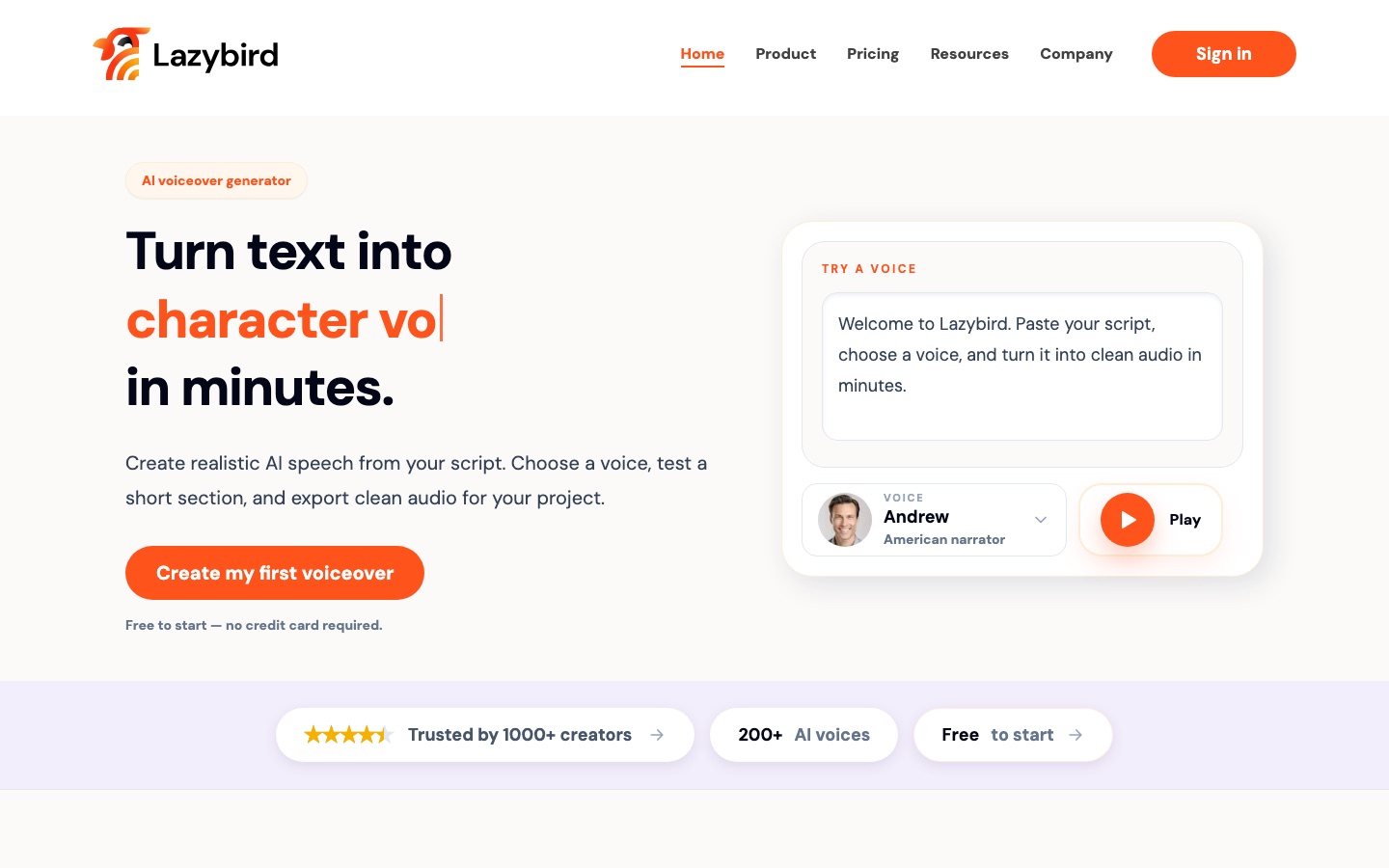
 Lazybird
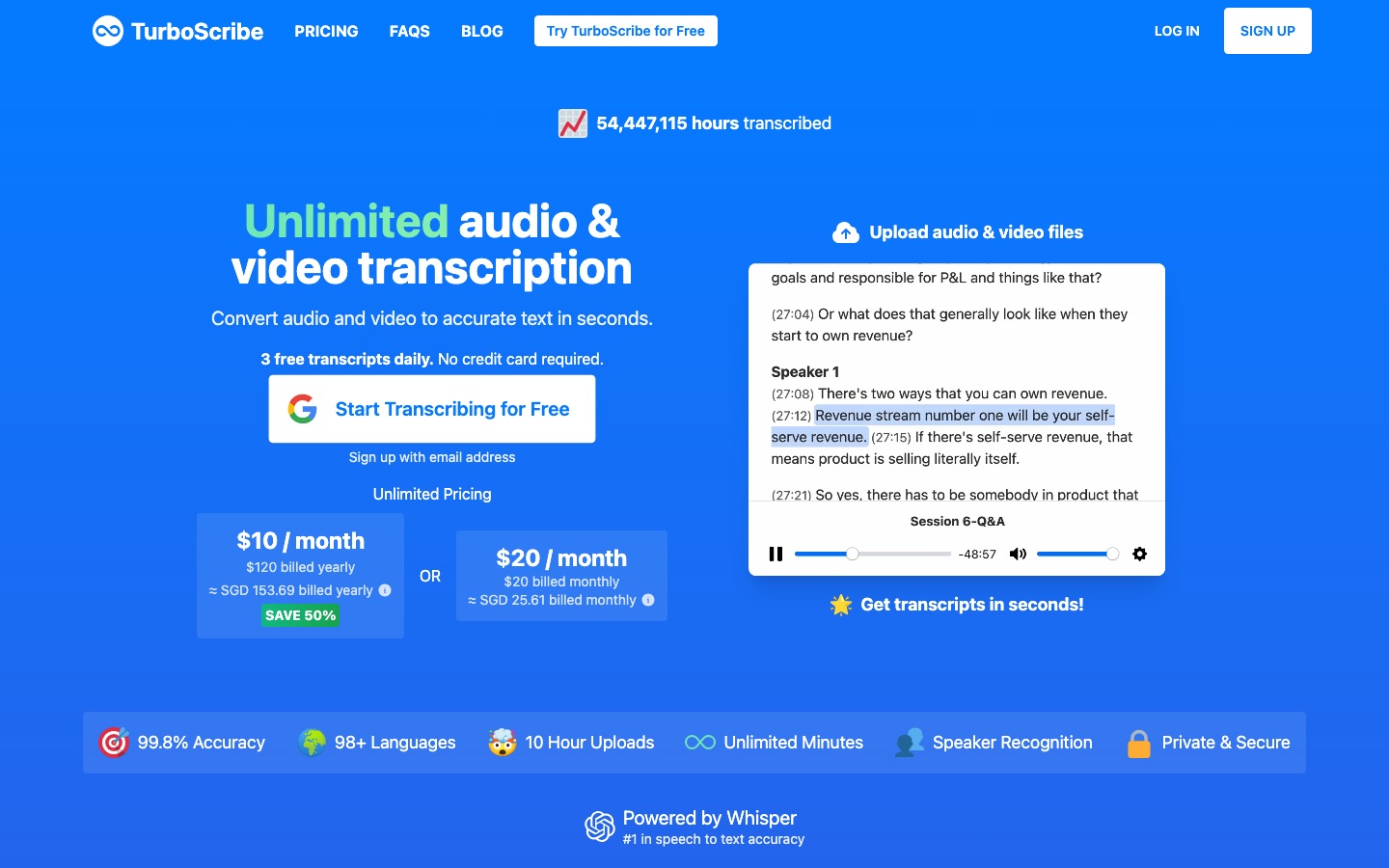
 TurboScribe
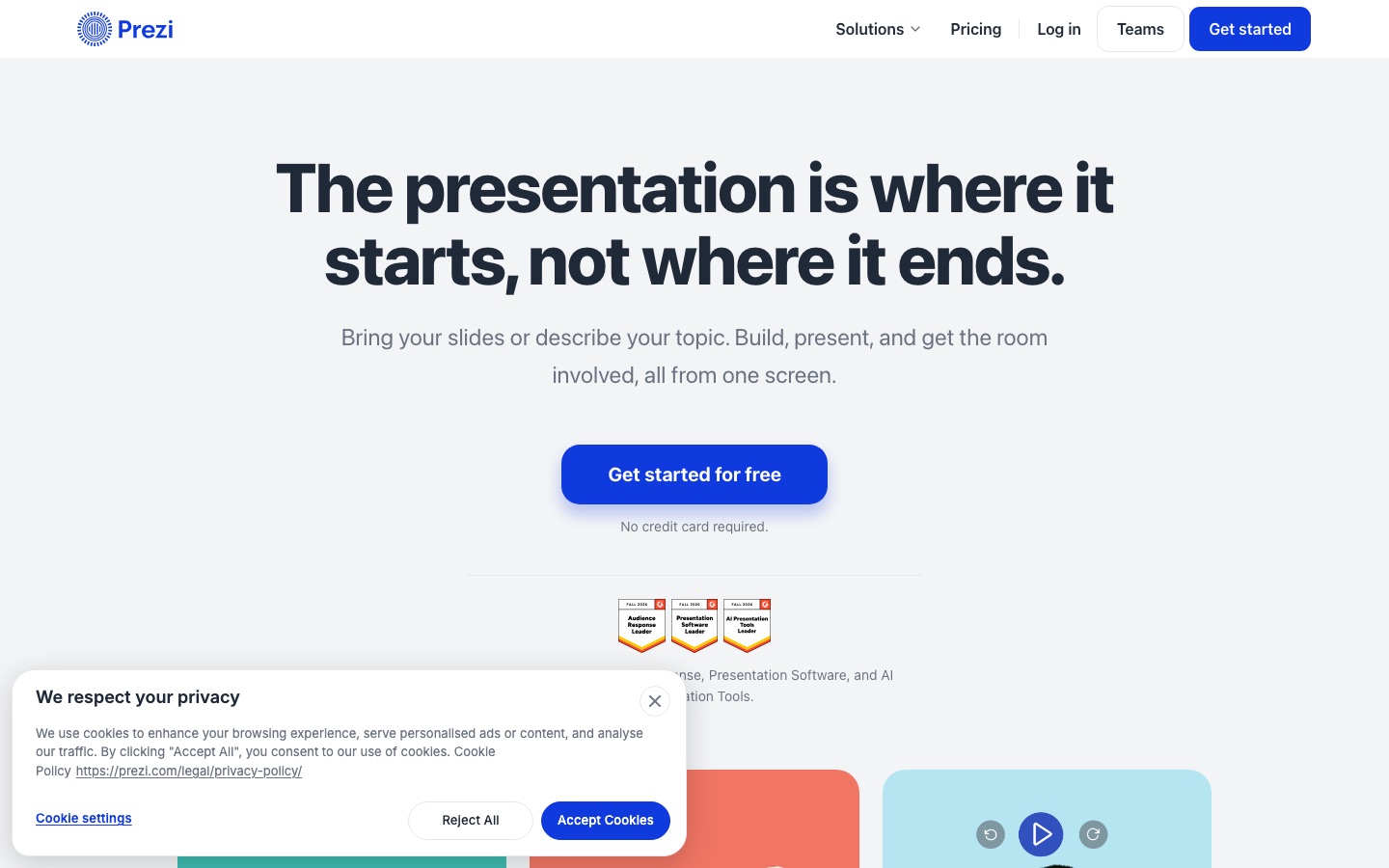
 Prezi

 DocsBot

 Synthesia

 Easygenerator

 Wix.com
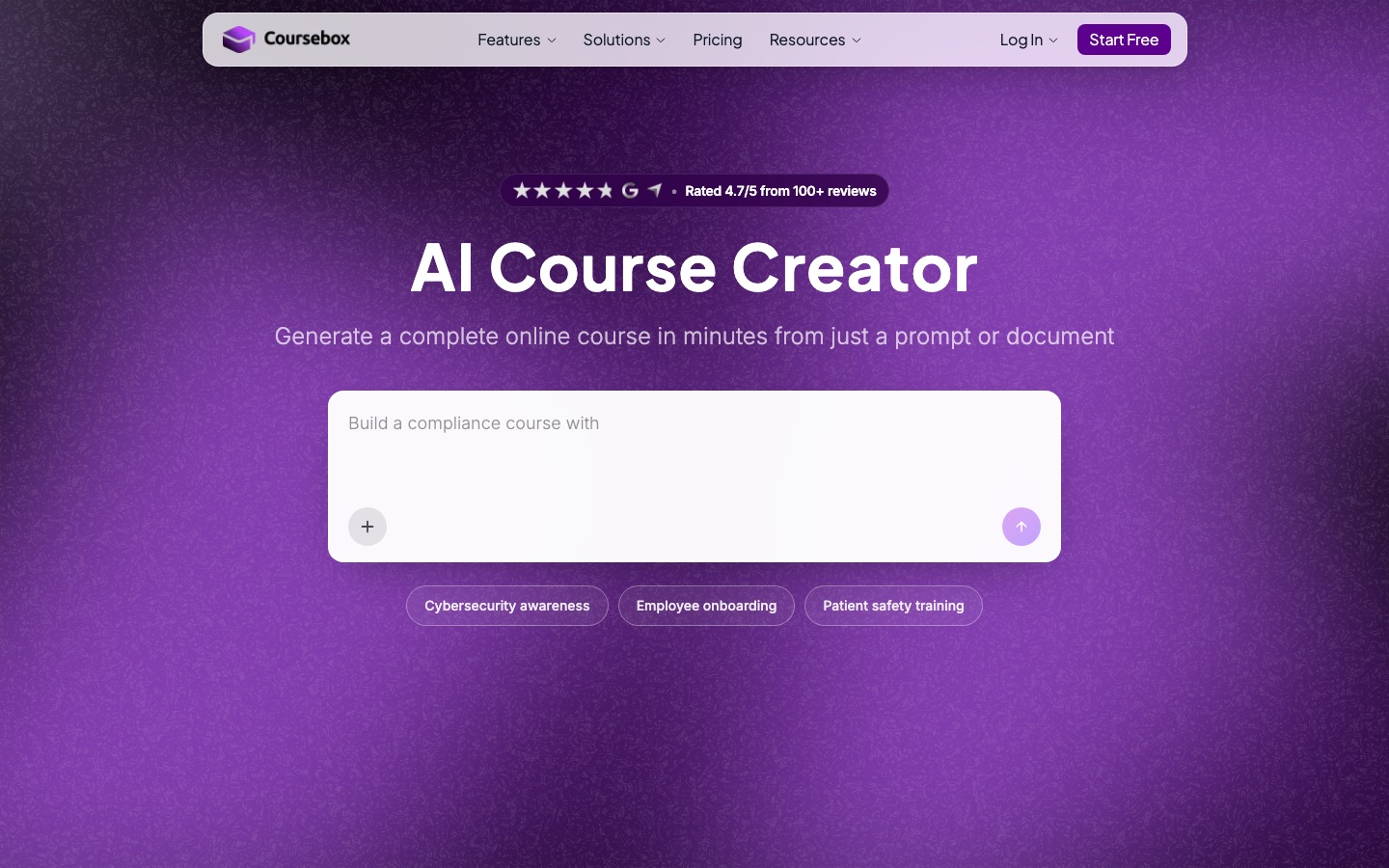
 Coursebox


