
Prezi
Interactive presentation platform that builds decks with AI or from imported slides and adds live polls, quizzes and Q&A.
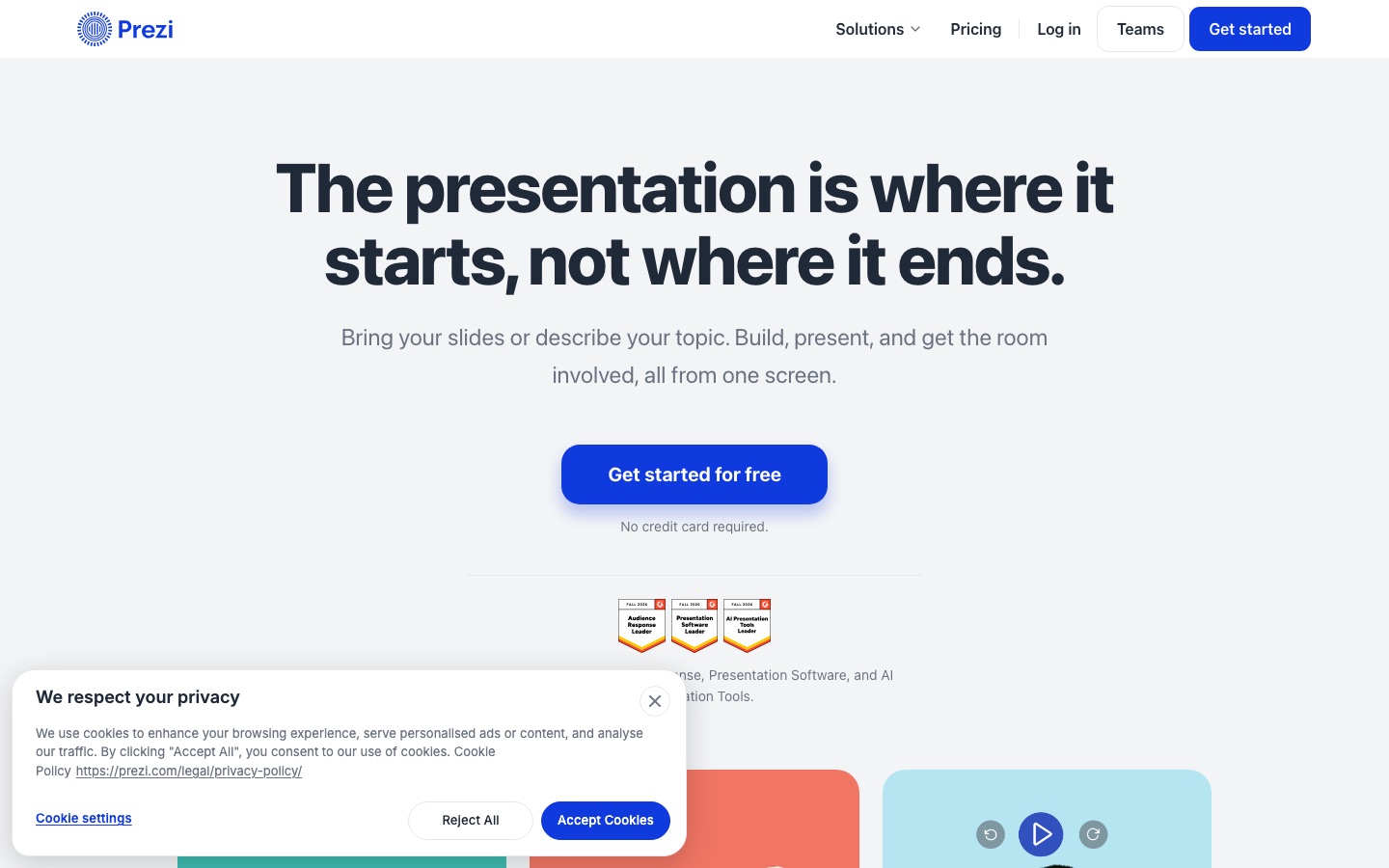
Prezi is an interactive presentation platform. A presenter brings in an existing deck (PowerPoint, PDF, Canva and Google Slides files are accepted) or types a topic and lets Prezi draft the deck with AI. During the session the audience scans a QR code to join polls, quizzes and Q&A, and afterwards a shared link offers the material for review.
Best for Teachers, lecturers and trainers who want audience participation during a session and a way to check afterwards what people understood.
- Platforms
- Web
- Pricing model
- Freemium
- Free plan
- Yes
- Free trial
- Yes
- Made by
- Prezi Inc.
- Added
Last verified: . Information taken from prezi.com.
What is Prezi?
Prezi is a presentation platform built around participation and follow-up. A deck can come from existing slides, which are imported from PowerPoint, Google Slides, Canva, PDF or Word with formatting kept, or from a one-sentence description that the AI turns into an editable draft. Polls, quizzes, Q&A and word clouds are planned while building and opened at the right moment while presenting, all on the same screen. Audience members join by scanning a QR code on their phones, with no app or account, whether they are in the room or on a call. After the session the presentation becomes a link where people can watch a narrated video, listen to a podcast version, read the transcript or practise with flashcards and self-tests. Presenters see results by question and a feedback digest. Training teams can export to an LMS through SCORM, and decks can be saved as PPTX or PDF.
Key Features
AI Draft from a Prompt
Builds a first version of a presentation from a sentence describing the class or talk, which you then edit.
Slide Import
Brings in decks from PowerPoint, Google Slides, Canva, PDF and Word while preserving fonts and formatting.
Live Activities
Runs polls, quizzes, Q&A with upvoting and moderation, and word clouds from inside the presentation.
QR Code Joining
Lets the audience take part from any phone by scanning a code, without installing or logging in.
After-Session Review
Turns the presentation into a shared page with narrated video, podcast, transcript, flashcards and self-tests.
Results and Feedback
Reports quiz and poll outcomes per question, lists audience questions and summarises end-of-session ratings.
How Prezi works
Start with slides or a sentence
Import an existing deck or describe the subject so the AI drafts one.
Add activities
Place polls, quizzes, Q&A or word clouds where you want them while building.
Present and open activities
Run the session from one screen while the audience joins by QR code.
Share the link
Send the page afterwards so people can review, and read the results by question.
Screenshots
Use Cases
- Lectures with Concept Checks
- A professor runs a quick quiz mid-lecture and reteaches the point most students missed.
- Employee Onboarding
- A training team delivers a live session and exports completion data to its LMS.
- Hybrid Meetings
- Remote and in-room participants answer the same poll from their phones.
- Classroom Revision
- Students revisit the lesson later using flashcards generated from it.
- Upgrading an Existing Deck
- Import an old PowerPoint and add interactive questions without rebuilding it.
Things to know
- Interactive slides are in beta
- Timelines, mind maps, infographics and simulations generated from your material are labelled beta.
- Phone as presenter remote
- A phone can control the slides and show notes after scanning a code, with no login on the phone.
- SCORM export for training
- Completion data can be sent to a learning management system through SCORM export.
FAQs
What is Prezi?
Prezi is an interactive presentation platform that combines slide creation, live audience activities and after-session review in one tool.
What is Prezi used for?
Prezi is used for lessons, lectures, training and onboarding sessions where the presenter wants the audience to answer polls and quizzes and review the material later.
Is Prezi free?
Prezi can be started for free without a credit card, and its pricing page also advertises a 14-day free trial of the paid plans.
How much does Prezi cost?
Prezi lists Standard, Plus and Premium individual plans, plus options for students, educators and businesses; see the official pricing page for current rates.
Can I import PowerPoint or Google Slides files into Prezi?
Yes. Prezi imports PowerPoint and Google Slides files with their formatting intact, and it can export a presentation back to PPTX or PDF.
Can Prezi create a presentation with AI?
Yes. Prezi generates a draft from a short description of the topic, and the wording, pictures and arrangement stay fully editable afterwards.
Does the audience need an app to join a Prezi session?
No. Participants scan a QR code with their phone and join Prezi activities without an app or a login.
Who makes Prezi?
Prezi is made by Prezi Inc., according to the copyright notice on its website.
Who it's for
- Teachers
- Professors
- Corporate trainers
- Onboarding teams
- Presenters
Used in these workflows
- Which AI tools actually help a teacher run a class?Stage 2: Slides and handouts
- How to build an online course with AI tools, from outline to enrollmentStage 3: Slides and visuals
- The slides come last: AI tools for researching, building and rehearsing a presentationStage 3: Building the slides
- Which AI tools actually help a teacher run a class?Stage 3: Quizzes and quick checks
- AI tools for writing a research paper without handing over the thinkingStage 9: Presenting the results
Each guide lists the stages of one job and the tools that help at each stage. All guides
Comments
No comments yet. If you have used Prezi, tell other readers how it went.
Alternatives to Prezi
| Tool | Free plan | Starting price | API |
|---|---|---|---|
 SlidesgoPresentation template library for Google Slides and PowerPoint with an AI presentation maker and AI tools for teachers. |
Yes | — | — |
WaygroundK-12 teaching platform, formerly Quizizz, for AI-built assessments, presentations, videos and flashcards. |
Yes | — | — |
 ChalkieAI lesson generator for teachers that creates curriculum-aligned slides, worksheets and classroom activities. |
Yes | $6.65/mo | — |
 CoconoteAI note taker that turns recordings, documents and links into notes, transcripts, flashcards and quizzes. |
Yes | — | — |
 AI Doc MakerAI generator that turns a prompt into formatted documents, PDFs, slides, spreadsheets and voiceovers. |
Yes | — | — |
Listed in the same categories as Prezi. A starting price appears only where we checked it on the maker’s pricing page; a dash means not checked or not published. All Presentations & Diagrams tools