 Canva
 Chalkie
 Prezi

 Google Workspace
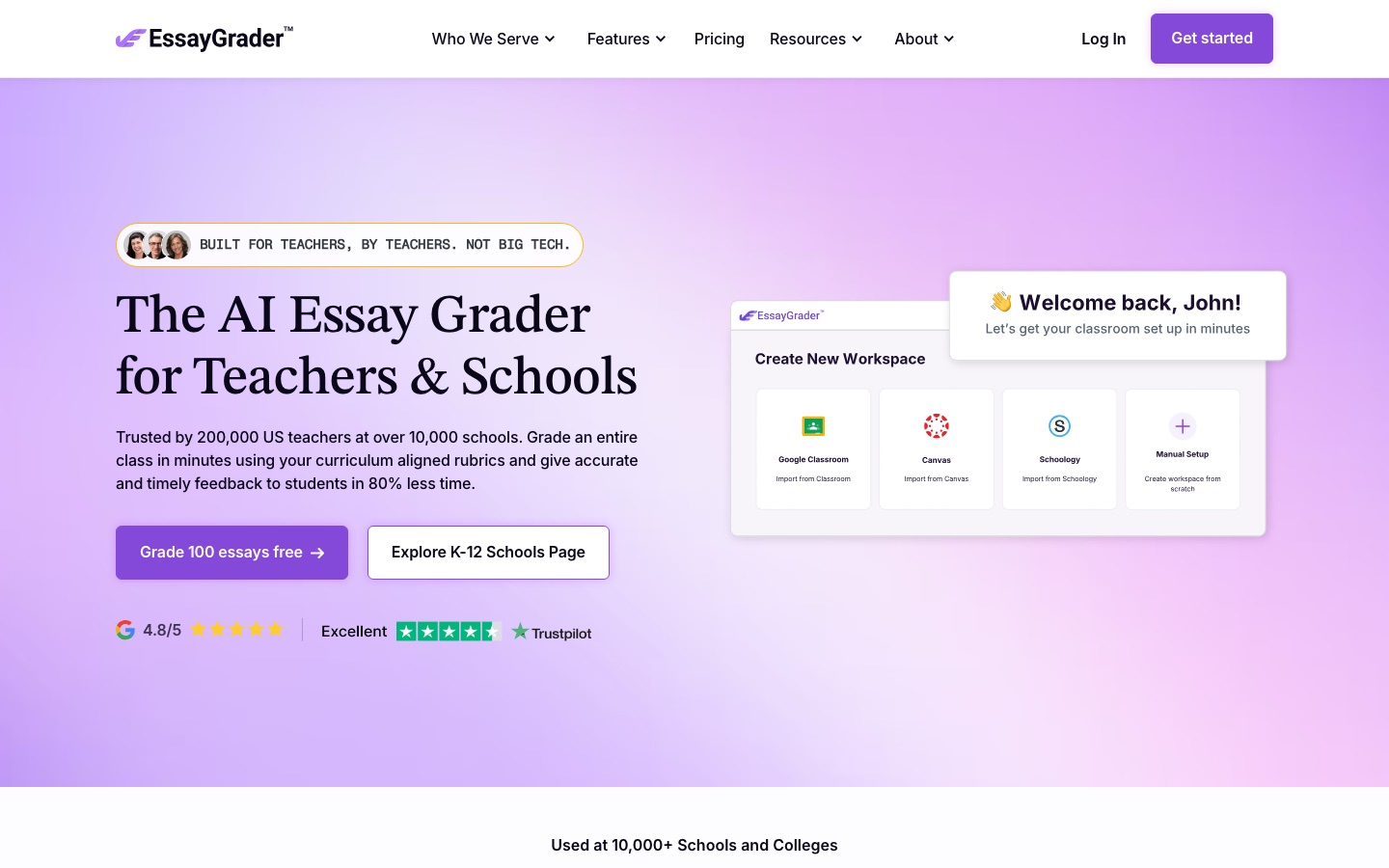
 EssayGrader
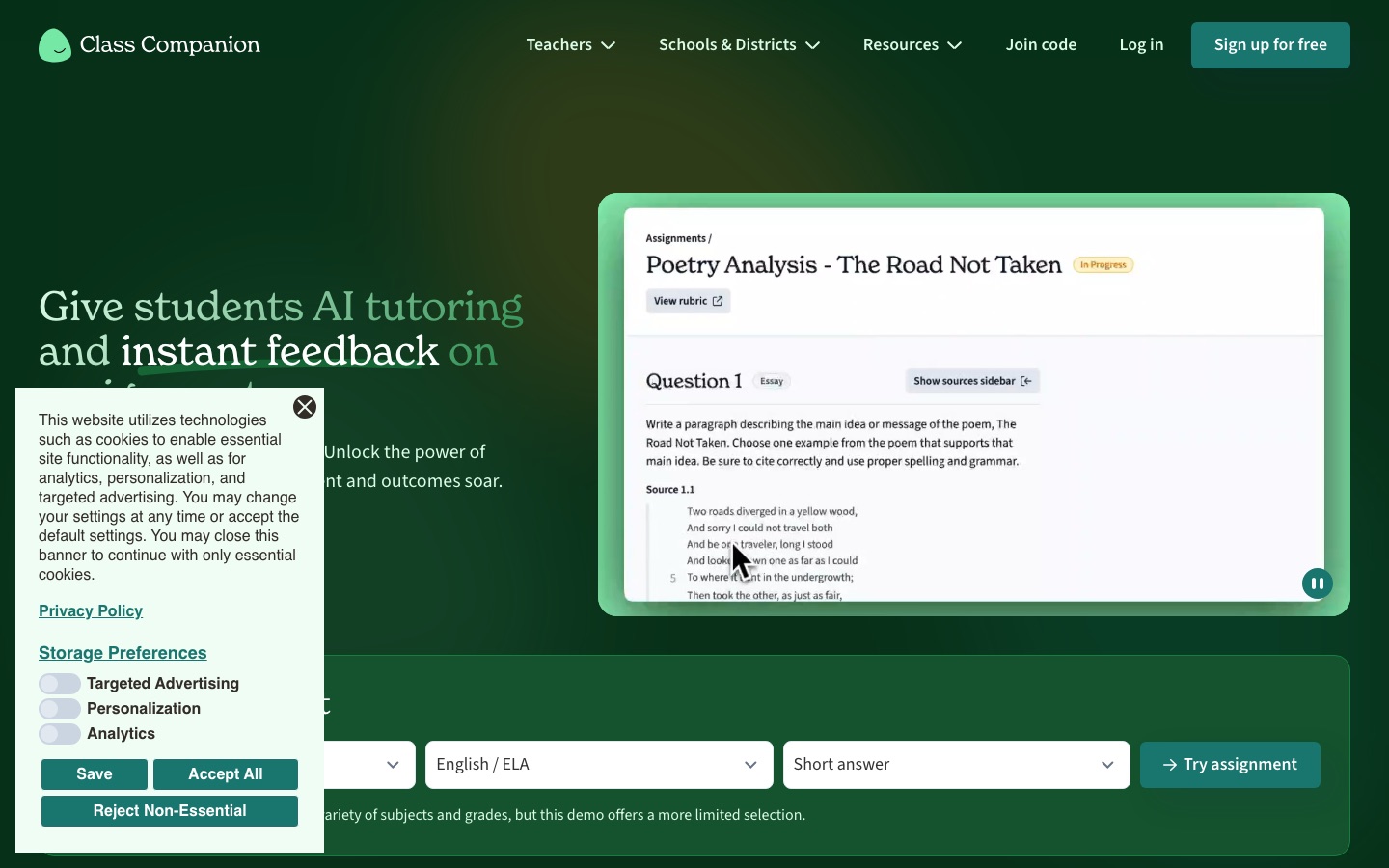
 Class Companion
 MagicSchool
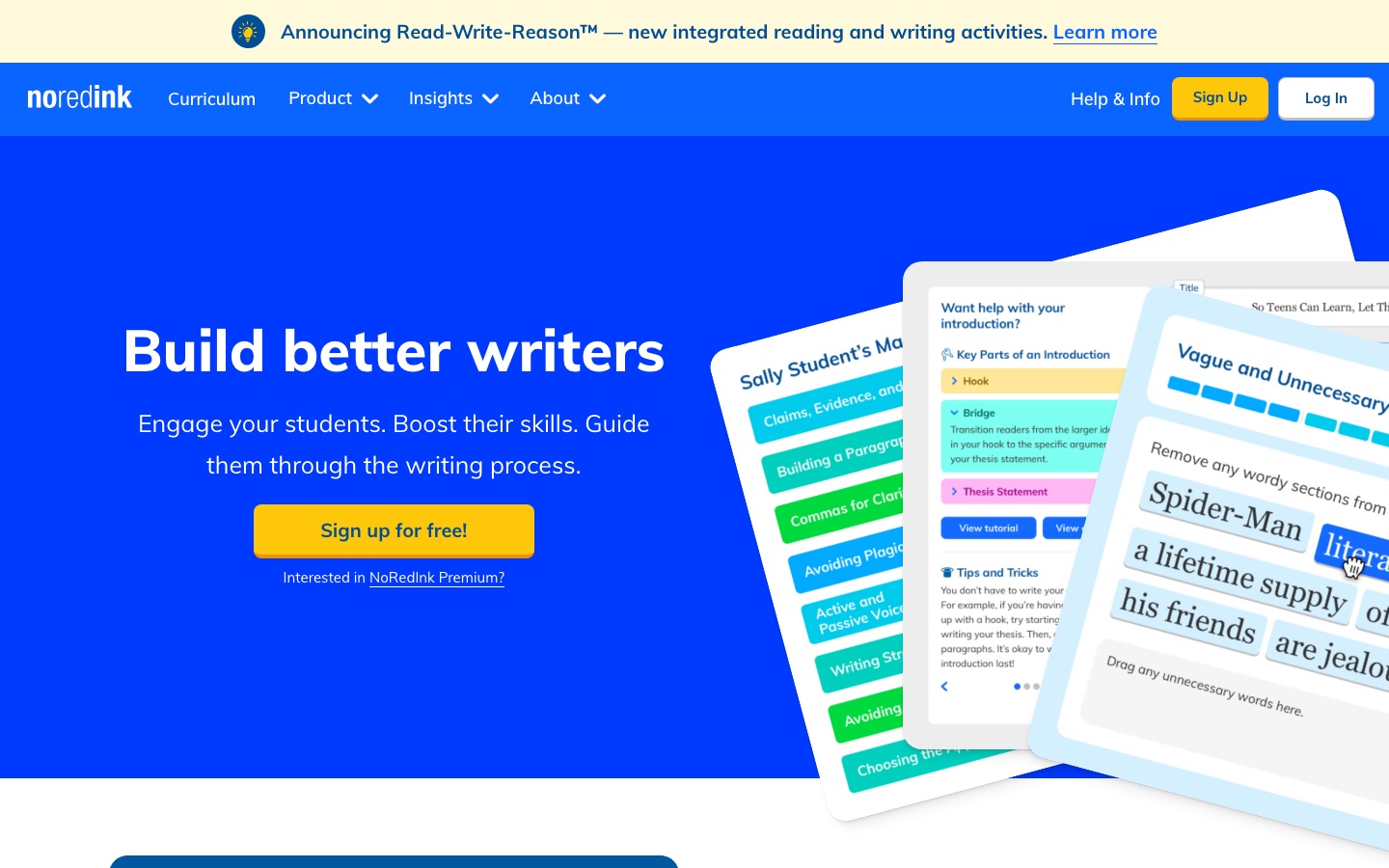
 NoRedInk

MagicSchool
Generates lesson plans, rubrics and matching worksheets from a library of purpose-built teacher tools, which you then edit to fit the class.
AI platform for schools with 80+ teacher tools, 50+ student tools and district-level controls.
Browse AI tools by what you need to get done.
Tools by goal45 step-by-step guides→All categoriesBy goal
A teacher's week has two kinds of work: the hours in front of students and the hours nobody sees. Planning a unit, building slides, writing three versions of a worksheet, grading thirty essays against a rubric and answering parents all happen in the second kind, usually in the evening. That is where AI tools are useful, and it is where this guide stays. It is about preparing and running a class, not about software that does students' work for them.
The tools below produce first drafts quickly: a lesson sequence, a slide deck, an exit ticket, proposed scores with comments. Every grading tool listed here describes the same arrangement, in which the AI proposes and the teacher reviews, edits and decides. Keep that arrangement everywhere else too. A generated lesson plan has not met your students, a generated quiz may contain a wrong answer key, and a translated letter home may not say quite what you meant. There is also a question that comes before any of this: student work and student names are protected information in most school systems, so check what your school has approved before uploading a single essay.
Who this is for Classroom teachers in primary and secondary schools, lecturers and tutors who prepare their own materials, and school leaders deciding which tools to approve for staff.
These four cover the tasks that take most of a teacher's unseen hours: planning, checking understanding, grading and adapting materials. They were picked because each record describes that task directly, not as a ranking.
Draft next week's lesson plans for one unit, then rewrite them around what your class already knows.
Generate a five-question exit ticket from one lesson's topic and check every answer before using it.

Grade one class set against your own rubric and compare the proposed scores with your judgment.

Run the benchmark with one class to see the spread of reading levels you are planning for.
Turning a curriculum standard or topic into a sequence of lessons: objectives, activities, timing and the order in which ideas are introduced, for the students you actually have.
Generates lesson plans, rubrics and matching worksheets from a library of purpose-built teacher tools, which you then edit to fit the class.
AI platform for schools with 80+ teacher tools, 50+ student tools and district-level controls.

Plans a complete unit as a lesson series so that each lesson follows from the one before, aligned to curriculum standards.
AI lesson generator for teachers that creates curriculum-aligned slides, worksheets and classroom activities.

Generates standards-aligned courses for a chosen subject and grade, with content kept under teacher review.
AI platform for schools that links course creation, assessment, mastery tracking and intervention in one system.

Its teacher tools generate lesson plans, icebreaker activities and exit tickets from reading material.
Presentation template library for Google Slides and PowerPoint with an AI presentation maker and AI tools for teachers.
Producing what students will see and hold: a teaching deck with explanations and worked examples, printable worksheets, and posters or visual aids for the classroom wall.
Generates a teaching deck with explanations, worked examples and activities, plus printable worksheets from gap-fills to longer tasks.
AI lesson generator for teachers that creates curriculum-aligned slides, worksheets and classroom activities.
Builds an editable slide deck from a described topic and a selected theme, alongside a library of templates for Google Slides and PowerPoint.
Presentation template library for Google Slides and PowerPoint with an AI presentation maker and AI tools for teachers.

Drafts a presentation from a sentence describing the class, or imports an existing PowerPoint or Google Slides deck.
Interactive presentation platform that builds decks with AI or from imported slides and adds live polls, quizzes and Q&A.

Template-based editor for presentations and printable posters, with education programs aimed at teachers and schools.
Browser-based design suite for social posts, presentations, video and print, with built-in AI tools.
Finding out what students understood before moving on: exit tickets, short quizzes during a lesson, practice sets and homework that can be graded automatically.
Creates an assessment from a topic, document or curriculum standard and runs it as a live game, a serious test or a student-paced assignment.
K-12 teaching platform, formerly Quizizz, for AI-built assessments, presentations, videos and flashcards.
Creates low-stakes formative checks such as exit tickets, assigns them to students and summarizes the answers as they arrive.
AI platform for schools with 80+ teacher tools, 50+ student tools and district-level controls.
Runs polls, quizzes and Q&A from inside the presentation, with students joining from a phone by QR code.
Interactive presentation platform that builds decks with AI or from imported slides and adds live polls, quizzes and Q&A.
Recording a short explanation students can watch again: a screen walkthrough of a method, a narrated set of slides, or a video for a flipped lesson or an absent class.

Records the screen with an optional camera bubble, trims the clip and shares it by link, with transcripts and closed captions.
Screen and camera recorder for sharing video messages, with AI titles, summaries and edits.

Captures screen, camera and audio as separate editable layers for tutorials, and can edit a video through its transcript.
Maker of the Camtasia suite for screen recording, video editing, image capture and AI-assisted training content.

Drafts an editable avatar-presented video from a prompt, document or slide deck and can add quizzes inside the video.
Business video platform that turns scripts, documents and slides into avatar-presented videos in 140+ languages.

Converts the documents in a notebook into an explanatory video or a podcast-style audio overview grounded in those sources.
Google's source-grounded AI research notebook, formerly NotebookLM, that answers from your files and turns them into overviews.
Reading student work against a rubric, deciding a score for each criterion, and writing comments specific enough that the student knows what to do next.
Scores each submission criterion by criterion against the teacher's rubric and drafts feedback for the teacher to review and edit.
AI grading assistant that scores essays against a teacher's rubric and drafts feedback for the teacher to review.

Takes a full class set of essays at once, proposes rubric-based scores and comments, and leaves the final call to the teacher.
AI essay grading assistant for teachers that scores student writing against rubrics and drafts feedback.

Reads scanned or photographed handwritten papers, including equations and diagrams, and scores each answer against a rubric.
AI grading assistant for teachers that scores handwritten or typed papers against a rubric and drafts feedback.
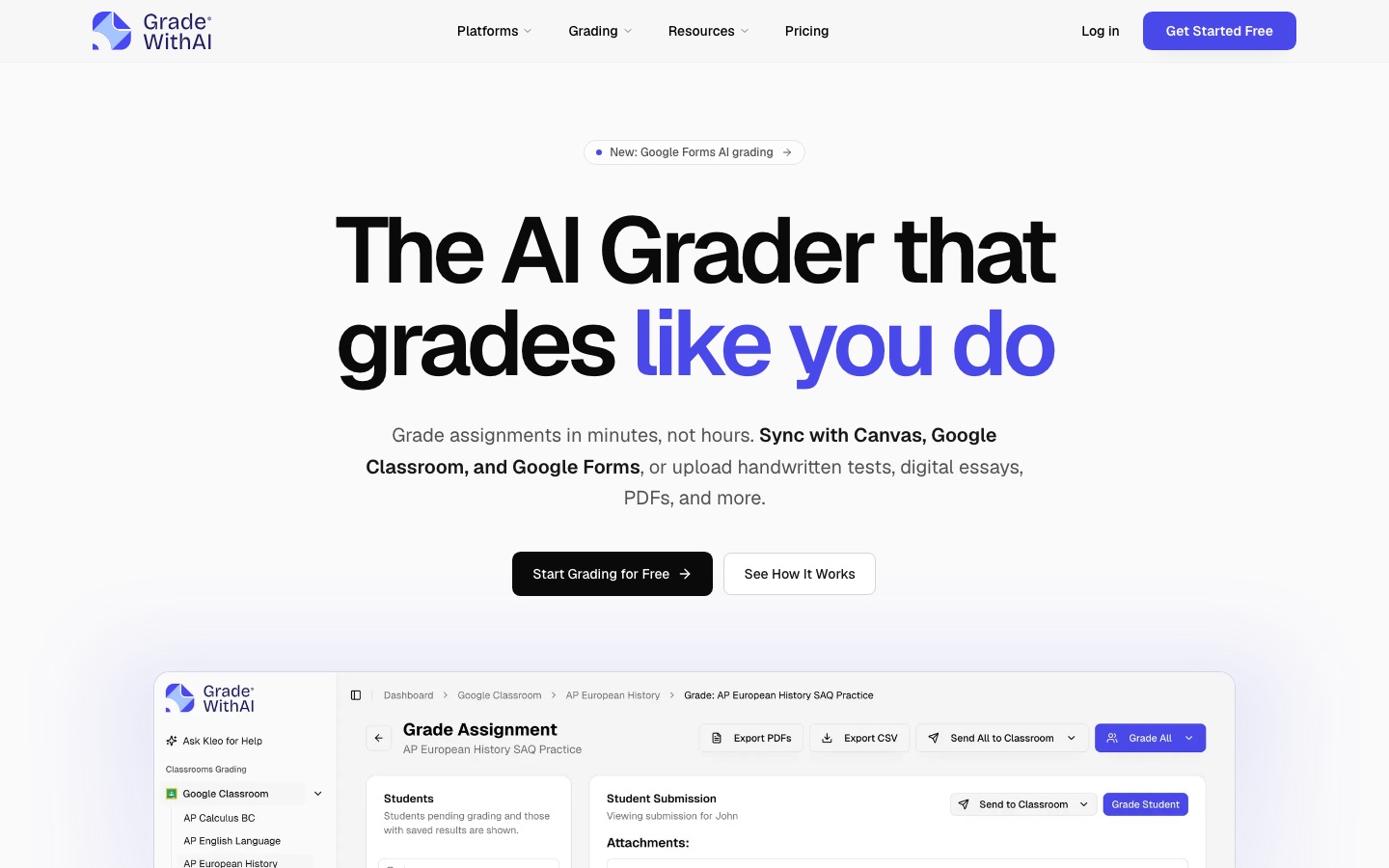
Pulls submissions from Canvas, Google Classroom or Google Forms, scores them against a rubric and lets the teacher change any score.
AI grading assistant for teachers that scores assignments against a rubric and syncs with Canvas and Google Classroom.

Gives students immediate rubric-based comments on a response and lets them retry, then shows the teacher class insights.
Classroom tool that gives students instant AI feedback and tutoring on written assignments and shows teachers the results.

Its Feedback Studio lets instructors grade and comment in one workflow, and Gradescope organizes grading of handwritten and paper-based assessments.
Academic integrity software that checks text similarity and AI writing, plus grading, feedback and secure exam tools.
Making the same lesson reachable for every student: adjusted reading levels, translated materials for language learners, read-aloud and other accommodations for individual needs.
Offers read-aloud, dyslexia fonts, translated activities, leveled text and a reduced-distraction mode set per student.
K-12 teaching platform, formerly Quizizz, for AI-built assessments, presentations, videos and flashcards.
Places each student with a short benchmark, then serves reading passages and quizzes at a matching level.
Adaptive reading comprehension practice for K-12, ESL and special education classes, with progress reports.

Reads PDFs, Word files and web pages aloud with highlighted text synchronized to the audio, and offers a dyslexia-friendly font.
AI text-to-speech apps that read documents, web pages and scanned books aloud and create voiceovers.

Gives English learners single-word translations, plain definitions, translated instructions and text-to-speech during writing practice.
Writing and grammar platform for Grades 3–12 with adaptive practice, guided essays and an AI grading assistant.
Adjusts instruction for language proficiency, IEPs and other needs without teachers rebuilding materials.
AI platform for schools that links course creation, assessment, mastery tracking and intervention in one system.

Translates Word, PowerPoint and PDF files into another language and returns a copy that keeps the original formatting.
AI translator for text, documents and speech in more than 100 languages, with apps, integrations and an API.
Writing to families and colleagues: progress updates, replies to concerned parents, class newsletters, meeting invitations and the reports a school asks for.
Its Kleo assistant answers questions about students and assignments, points out learning gaps and drafts parent emails.
AI grading assistant for teachers that scores assignments against a rubric and syncs with Canvas and Google Classroom.

Gemini in Gmail drafts and summarizes email, and a Google Calendar booking page lets people reserve a meeting slot themselves.
Google's business suite of Gmail, Drive, Meet, Docs and other apps with Gemini AI assistance built in.
Translates typed text and whole documents between more than 100 languages, detecting the source language on its own.
AI translator for text, documents and speech in more than 100 languages, with apps, integrations and an API.

Checks spelling, grammar and style as you type in Gmail or Outlook, in more than 30 languages.
AI-based grammar, spelling and style checker for more than 30 languages, with a paraphraser and add-ons for browsers and office apps.
It can do a first pass. The grading tools in this guide score an essay criterion by criterion against your rubric and draft comments, and each describes the teacher reviewing and adjusting the result before students see it. That saves the most time on large class sets with a clear rubric. It does not remove your responsibility for the grade, and some tools cover only certain essay genres or cap monthly submissions.
It depends on your country, your school and the tool. Student work is usually covered by privacy rules, and many schools keep a list of approved software. Several tools here publish statements about student data and school-level controls, but a statement on a website is not your school's approval. Ask whoever handles data protection, and until you have an answer, use anonymized samples.
No detector should be used as proof on its own. The tools that include detection present it as a likelihood or an indicator, and at least one asks teachers to evaluate work individually. A flag is a reason to look at drafts, writing history and the student's own explanation. False positives happen, and the consequences for a wrongly accused student are serious.
Often approximately, rarely exactly. Some planning tools let you choose a national or state framework and map lessons to it, which gives a usable skeleton. You still need to check the objectives against your own scheme of work, adjust the pacing and replace activities that need resources you do not have. Treat the output as a colleague's draft that you are free to rewrite.
Tools are placed in a stage by an editor, from each tool’s own profile. The list grows as more profiles are published. All guides