Making an animated explainer video with AI, from script to subtitles
7 stages, 27 tools
updated
An explainer video is often about ninety seconds long, and at that length the script has room for only a couple of hundred words. Everything else in the production exists to make those words land: a storyboard that decides what is on screen for each sentence, a set of illustrations in one style, a voice, motion timed to that voice, and music that stays out of the way. Studios charge what they do because each of those is a separate craft.
AI tools now cover every one of those crafts to some degree. You can get a draft script from a product page, boards from the script, characters that stay recognizable from scene to scene, a narrator in dozens of languages and a first animated cut from a prompt. What they produce is a draft, and the gap between a draft and a video that actually explains something is the editing. Weak explainers tend to fail at the script, long before any animation. So spend your own time there, lock the voiceover before animating because motion is timed to it, and treat every generated scene as a proposal to accept, fix or throw out.
Who this is for Founders and marketers explaining a product, trainers and teachers turning a process into a short video, and solo creators without an illustrator or animator on hand.
One pick each for script, voice, animation and captions, the minimum chain for a first explainer. They were chosen because their records name this exact job; other tools in each stage may suit your style or language better.
Add captions to the finished cut and correct names and technical terms by hand.
1
Stage 1: Writing the script
Deciding the one thing the viewer should understand, then writing a short narration: the problem, the idea, how it works and what to do next, in words meant to be heard.
What AI does here
Research how others explain the topic, draft an outline and a full script from a brief or a document, and tighten wording.
What AI can’t do here
Know what your audience misunderstands or which claim you can stand behind. Read the script aloud and cut it yourself, because a draft is nearly always too long.
Its script agent researches, outlines and writes a full script for a YouTube video, checking hook and retention structure.
YouTube production platform that generates video ideas, scripts, thumbnails and edited videos, and connects to AI agents.
From $99/moView tool
2
Stage 2: Storyboard and style frames
Breaking the script into scenes and deciding what appears on screen for each line, then fixing the look with a few finished frames before anything is animated.
What AI does here
Turn a script into a shot list and board frames, apply one style across the board and export an animatic to check pacing.
What AI can’t do here
Choose the visual metaphor that makes an abstract idea click. That choice is the creative core of an explainer and it comes from understanding the subject.
Its agent takes a short brief and produces a script, cast, props and a storyboard that you revise through pinned comments.
AI video studio where an agent turns a one-line brief into a script, storyboard, shots and a finished cut.
View tool
3
Stage 3: Characters and illustrations
Producing the artwork the animation will move: characters, icons, backgrounds and diagrams, all in one consistent style and ideally as vectors that scale and recolour cleanly.
What AI does here
Generate a series of illustrations that share one look, keep a character recognizable across images and export editable vector files.
What AI can’t do here
Guarantee that a style is yours to use. Do not train a custom style on another artist's work without permission, and check the usage terms of what you generate.
Generates cartoon characters from a text prompt and backgrounds in a consistent style from prompts, sketches or references.
AI cartoon animation tool that generates characters, backgrounds and voiceovers for story videos.
View tool
4
Stage 4: Recording the voiceover
Recording or generating the narration and locking its timing. The voice track comes before animation, because every movement on screen is timed to the words.
What AI does here
Read a script in a chosen voice and language, adjust pacing, emphasis and emotion line by line, and regenerate a single line after an edit.
What AI can’t do here
Clone a voice without that person's consent, or always pronounce brand names and jargon correctly. Listen to the full take before you build on it.
Generates a voiceover from a typed script and lets you tune emotion, speed and emphasis line by line.
AI voice generator with emotion-aware text to speech, voice cloning, a mobile app and a developer API.
View tool
5
Stage 5: Animating the scenes
Bringing the boards to life against the voice track: moving characters, revealing diagrams, animating text and charts, and timing each change to the sentence it supports.
What AI does here
Build a draft animated video from a prompt, animate characters with preset actions and lip sync, and generate motion graphics for text, logos and charts.
What AI can’t do here
Judge whether the motion helps understanding. Generated scenes drift from the script and from each other, so expect to replace shots and adjust timing by hand.
Creates music from a text prompt, generates individual sound effects and lengthens an existing track on request.
Text-to-music generator with lyrics, sound effects, stem splitting and lyrics videos, running on daily or monthly credits.
View tool
7
Stage 7: Captions and language versions
Adding subtitles for viewers who watch without sound, then producing versions in other languages: translated captions, a new voice track and, where needed, translated on-screen text.
What AI does here
Transcribe the narration into timed captions, translate them, dub the voice track and re-render on-screen text in another language.
What AI can’t do here
Catch a mistranslated product term or a joke that does not travel. Have a native speaker review each language version before it is published.
Detects on-screen text, removes it and re-renders it in the new language with layout and animation preserved.
AI video localisation tool that dubs, lip-syncs and subtitles videos and translates their on-screen text in more than 160 languages.
From $29/moView tool
Realistic expectations
Music and voice licenses depend on the plan
Several music and voice tools grant commercial use only on paid plans, and some make output from their lowest tier public or non-commercial. Check the license for the plan you generated on before the video goes into an ad or onto a company channel.
Voices belong to people
Cloning a voice requires the consent of the person it belongs to, and some tools here state this in their own terms. Use a stock voice, your own voice or a clone you have written permission for.
Consistency takes work
Generated characters and scenes tend to drift in proportions, colors and line weight. Fix a style and reference images early, reuse them in every prompt, and budget time to regenerate the frames that do not match.
Claims in the script are yours
An explainer makes statements about a product, a process or a fact. AI drafts can state things that are outdated or wrong. Every figure and promise in the final script needs a human who can vouch for it.
Ownership and disclosure
Copyright protection for AI-generated images and music is unsettled and differs between countries, and some platforms ask uploaders to label realistic synthetic content. Check the rules where you publish and avoid imitating a living artist's style.
FAQs
Can I make an explainer video without knowing how to animate?
Yes, for a simple one. Template and prompt-based tools produce a draft with scenes, characters and transitions, and you edit it instead of animating from nothing. What you still need is a clear script and the patience to rework scenes that do not match the narration. Custom character animation, complex diagrams and a distinctive look remain skilled work, so expect a clean, conventional result on a first attempt.
Can I use AI-generated music in a commercial video?
It depends on the tool and the plan. Several music generators listed here state that commercial rights come with paid plans and that tracks made on the unpaid tier are for non-commercial use. Read the license terms for the plan you used, keep a record of when and how the track was generated, and regenerate on a qualifying plan if the video is for a business.
Should the voiceover be an AI voice or a real person?
An AI voice is quick to revise, which matters when the script changes late or you need many languages. A human narrator usually handles humor, warmth and unusual product names better. For an internal training clip or a first version, synthetic narration is often fine. For a homepage video that represents your brand, try both and listen with the people who know your audience.
How long should an animated explainer be?
As short as the idea allows. Many product explainers run between one and two minutes, which is roughly 150 to 300 spoken words, while training topics can justify more. Length drives every later cost, since each extra sentence needs boards, artwork and animation. If the script covers more than one main idea, two short videos usually work better than one long one.

 Vozo AI
 Suno
Suno
 Maestra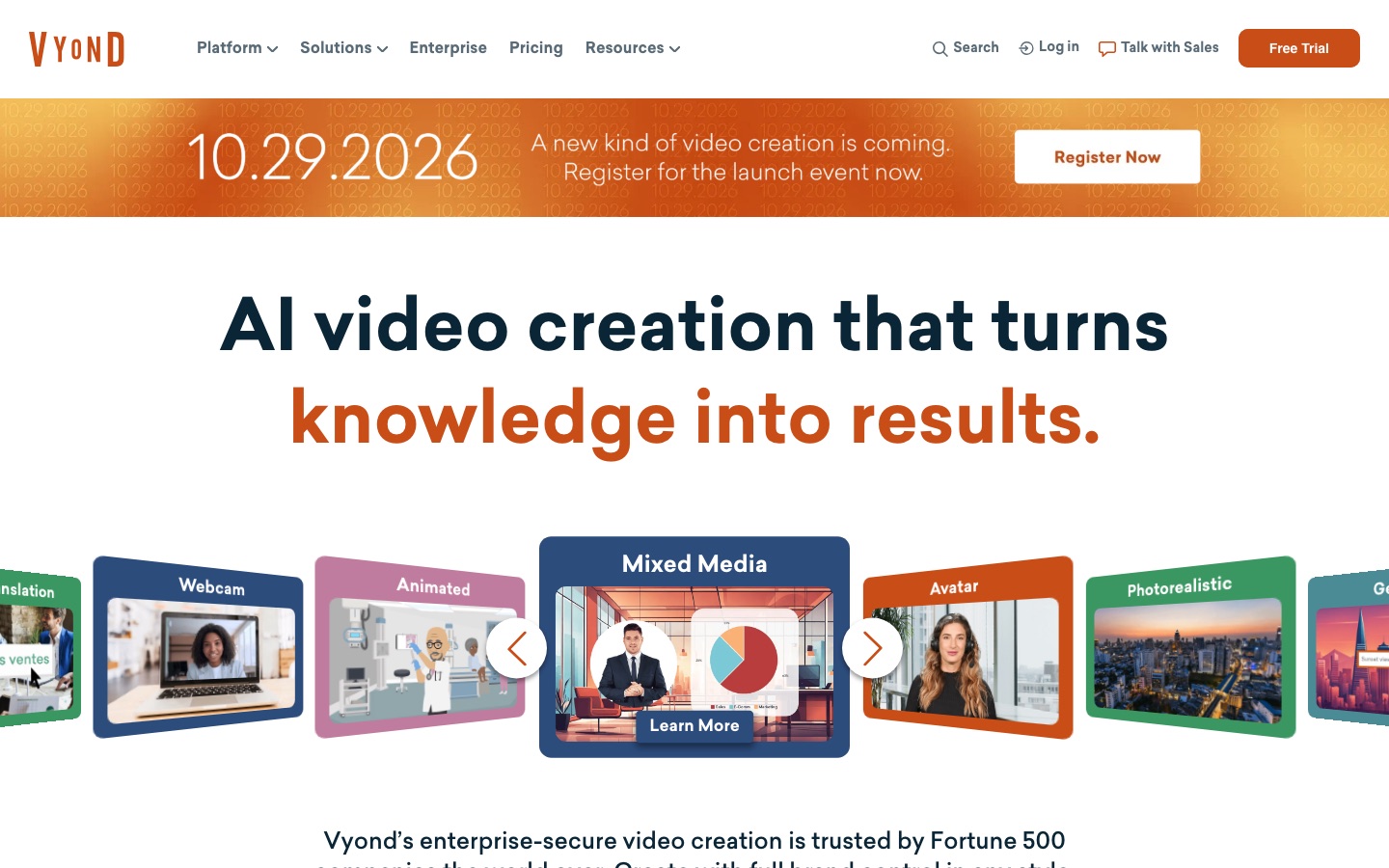
 Vyond
Vyond
 OpenCreator
 Subscribr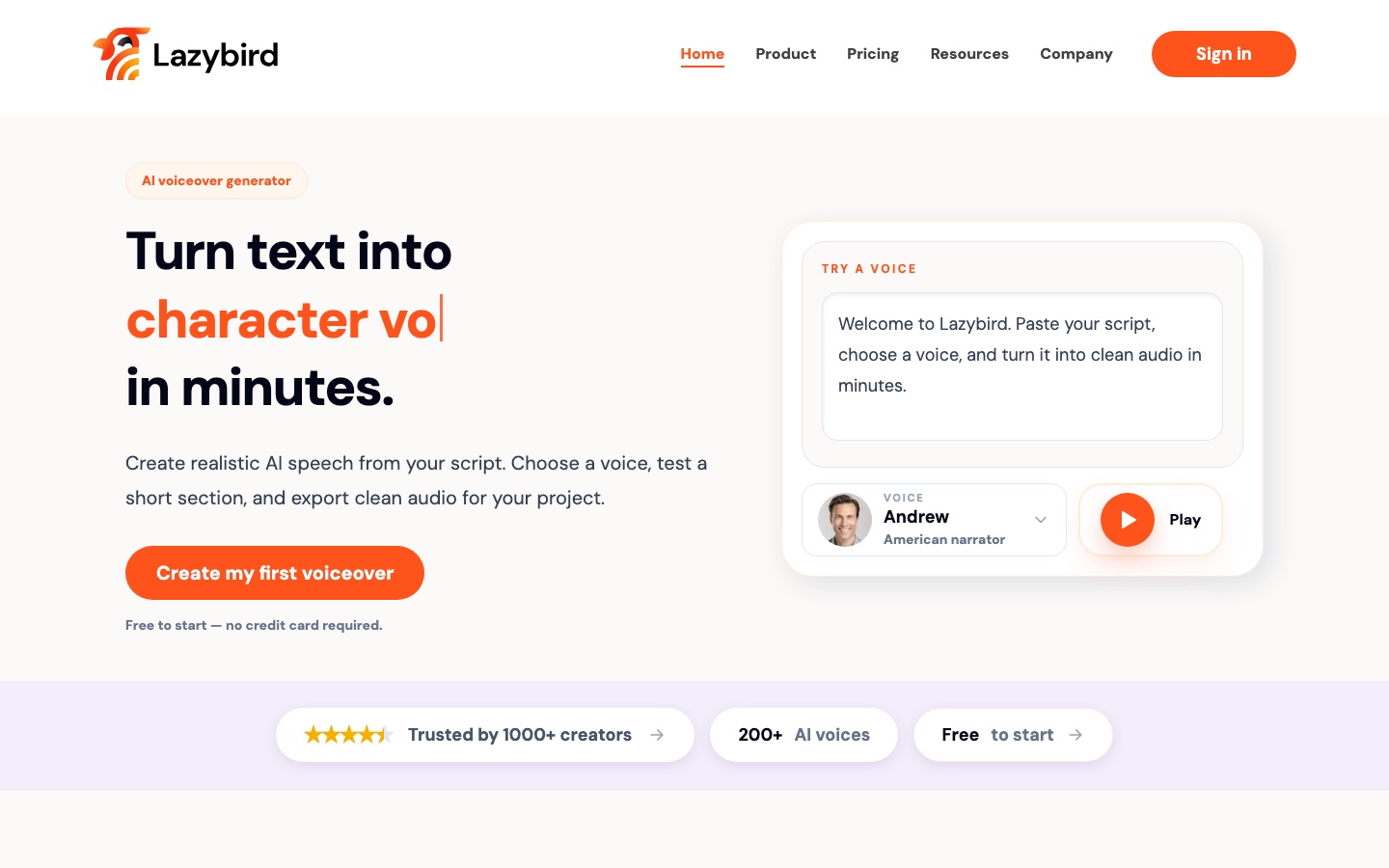
 Lazybird
 HappyScribe
 Typecast