
Loom
Screen and camera recorder for sharing video messages, with AI titles, summaries and edits.
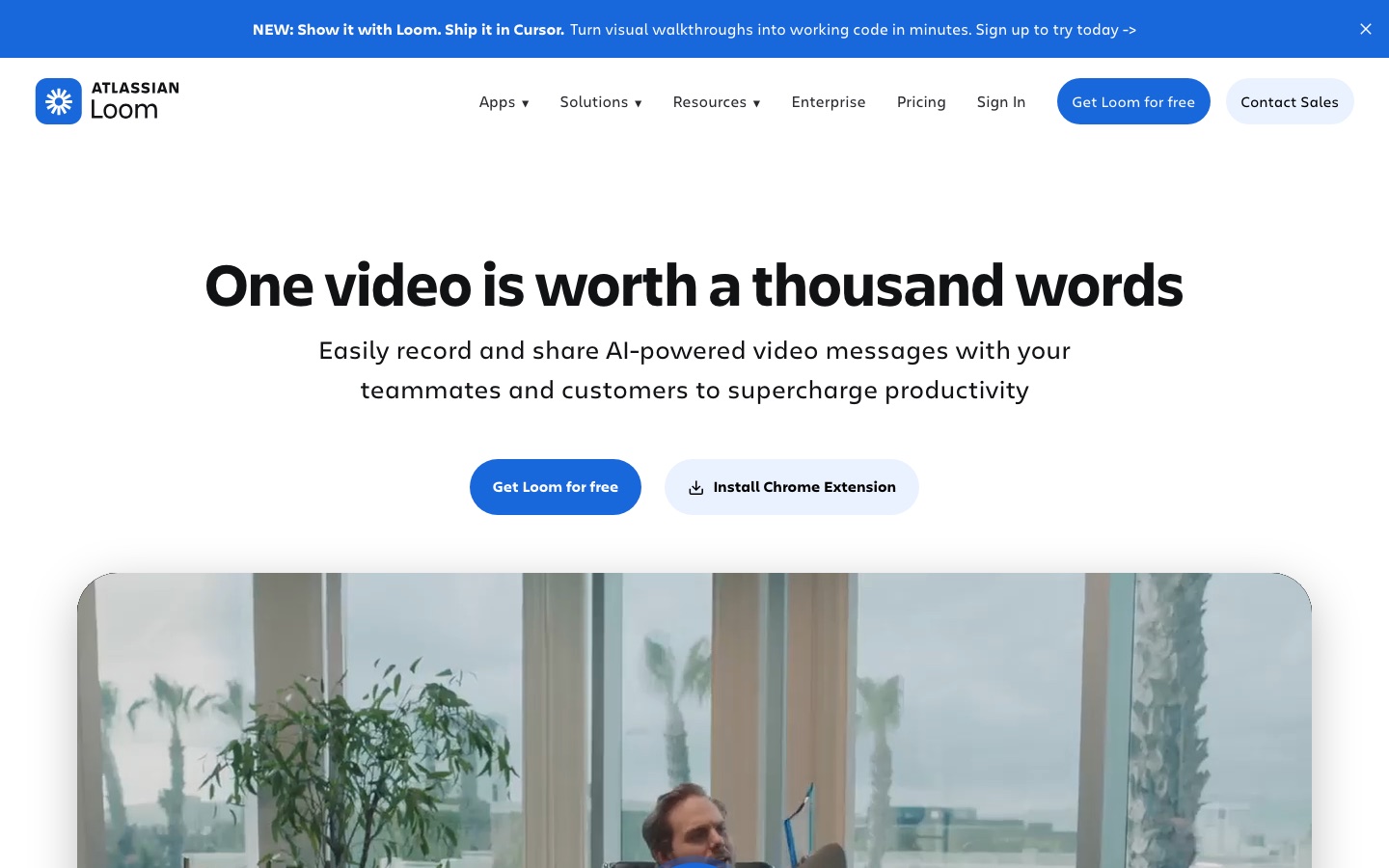
Loom is a screen recording tool for making and sharing video messages at work. Loom is used by recording the screen and camera through its Chrome extension, desktop app or mobile app, trimming the clip in the editor and sending a link. Loom AI can add titles, summaries, chapters and tasks automatically.
Best for Distributed teams that want to replace some meetings and long written explanations with short recorded walkthroughs.
- Platforms
- macOS, Windows, Browser extension
- Pricing model
- Freemium
- Free plan
- Yes
- Free trial
- Yes
- Made by
- Atlassian
- Added
Last verified: . Information taken from loom.com.
What is Loom?
Loom is a video messaging tool, now part of Atlassian, that records a screen together with a camera bubble and turns the result into a shareable link. Recording works from a Chrome extension, a desktop app for Mac and PC, or a mobile app. A built-in editor trims and stitches clips and adds backgrounds, text, arrows and box overlays. Viewers can respond with emoji, comments and tasks, and videos come with transcripts and captions in more than 50 languages. Videos embed in tools such as Slack, Jira, Confluence, GitHub and Gmail. Loom AI, included in the Business + AI plan, generates titles, summaries, chapters and tasks, removes filler words and silences, and writes meeting notes and recap emails. Plans are Starter, Business, Business + AI and Enterprise, the last adding SSO, SCIM and custom data retention.
Key Features
Screen and Camera Recording
Captures the display with an optional camera bubble, system audio and, on paid plans, resolution up to 4K.
Video Editor
Trims and joins clips and adds backgrounds, text, arrows and box overlays without separate software.
Link Sharing and Embeds
Produces a link for each recording that can be pasted or embedded in Slack, Jira, GitHub, Gmail and other tools.
Viewer Interaction
Lets viewers leave emoji reactions, comments and tasks on a video, and shows who watched it.
Transcripts and Captions
Generates a transcript and closed captions for recordings in over 50 languages.
Loom AI
Writes titles, summaries and chapters, cuts filler words and silence, and drafts meeting notes and recap emails.
Use Cases
- Explaining a Bug
- Record the steps on screen and attach the link to a ticket.
- Sales Outreach
- Send a prospect a personal video walkthrough of a proposal.
- Design Feedback
- Talk through a mock-up and let the team reply with comments.
- Customer Support
- Show a customer how to fix a problem instead of writing long instructions.
- Documenting a Process
- Turn a recorded walkthrough into a written document with AI workflows.
Things to know
- Starter plan limits
- The free Starter plan allows up to 25 videos per person, recordings of five minutes and workspaces of up to 50 members.
- AI features need a specific plan
- Loom AI functions such as automatic summaries, chapters and filler word removal are listed under Business + AI and Enterprise.
- Buying via Atlassian differs
- Feature access can differ between purchases made on Loom.com and on Atlassian.com while the systems are being integrated.
- Education discount
- The pricing page points students and teachers to a discounted plan.
FAQs
What is Loom?
Loom is a screen and camera recorder for creating and sharing video messages with colleagues and customers.
What is Loom used for?
Loom is used for asynchronous communication at work, such as walkthroughs, feedback, sales outreach and support explanations recorded as short videos.
Is Loom free?
Loom has a free Starter plan. It is limited to 25 videos per person and five-minute screen recordings, with video quality up to 720p.
How much does Loom cost?
Loom offers Starter, Business, Business + AI and Enterprise plans, billed monthly or annually per user. See the official pricing page for current prices.
Does Loom have a free trial?
Yes. Loom says the Business + AI plan can be tried free for 14 days, and an Enterprise trial is arranged through sales.
Who makes Loom?
Loom is an Atlassian product. The pricing page explains that Loom was acquired by Atlassian and that the two platforms are being integrated.
Does Loom work on mobile?
Yes. Loom can record through a mobile app in addition to its Chrome extension and desktop app.
What languages do Loom transcripts support?
Loom provides transcripts and captions in more than 50 languages.
Who it's for
- Remote teams
- Sales teams
- Engineers
- Customer support
- Designers
Used in these workflows
- Launching a product with AI: what to use from positioning to feedbackStage 3: Demo and explainer video
- How to build an online course with AI tools, from outline to enrollmentStage 4: Recording video lessons
- Which AI tools actually help a teacher run a class?Stage 4: Lesson and explainer videos
- Keeping a project on track: AI tools from the first plan to the weekly status reportStage 6: Status updates and reporting
- The slides come last: AI tools for researching, building and rehearsing a presentationStage 7: Recording and sharing
- Running better meetings: where AI tools help before, during and afterStage 7: Async video updates
Each guide lists the stages of one job and the tools that help at each stage. All guides
Comments
No comments yet. If you have used Loom, tell other readers how it went.
Alternatives to Loom
| Tool | Free plan | Starting price | API |
|---|---|---|---|
 TellaScreen recorder for Mac, Windows and the browser with a built-in editor, AI clean-up tools, link sharing and 4K export. |
— | — | — |
 ClipchampBrowser-based video editor from Microsoft with AI voiceovers, automatic subtitles, recording tools and stock media. |
Yes | — | — |
 DescriptAI video and audio editor where you cut recordings by editing the transcript, with an assistant called Underlord. |
Yes | — | Yes |
 AI Exporter HubChrome extension that bulk exports chats from six AI assistants to Notion, Markdown, Obsidian or PDF with media kept intact. |
— | — | — |
 AI Video CutPrompt-driven tool that cuts long videos into captioned short clips for Shorts, TikTok, Reels and ads. |
Yes | — | — |
Listed in the same categories as Loom. A starting price appears only where we checked it on the maker’s pricing page; a dash means not checked or not published. All Productivity & Team Work tools