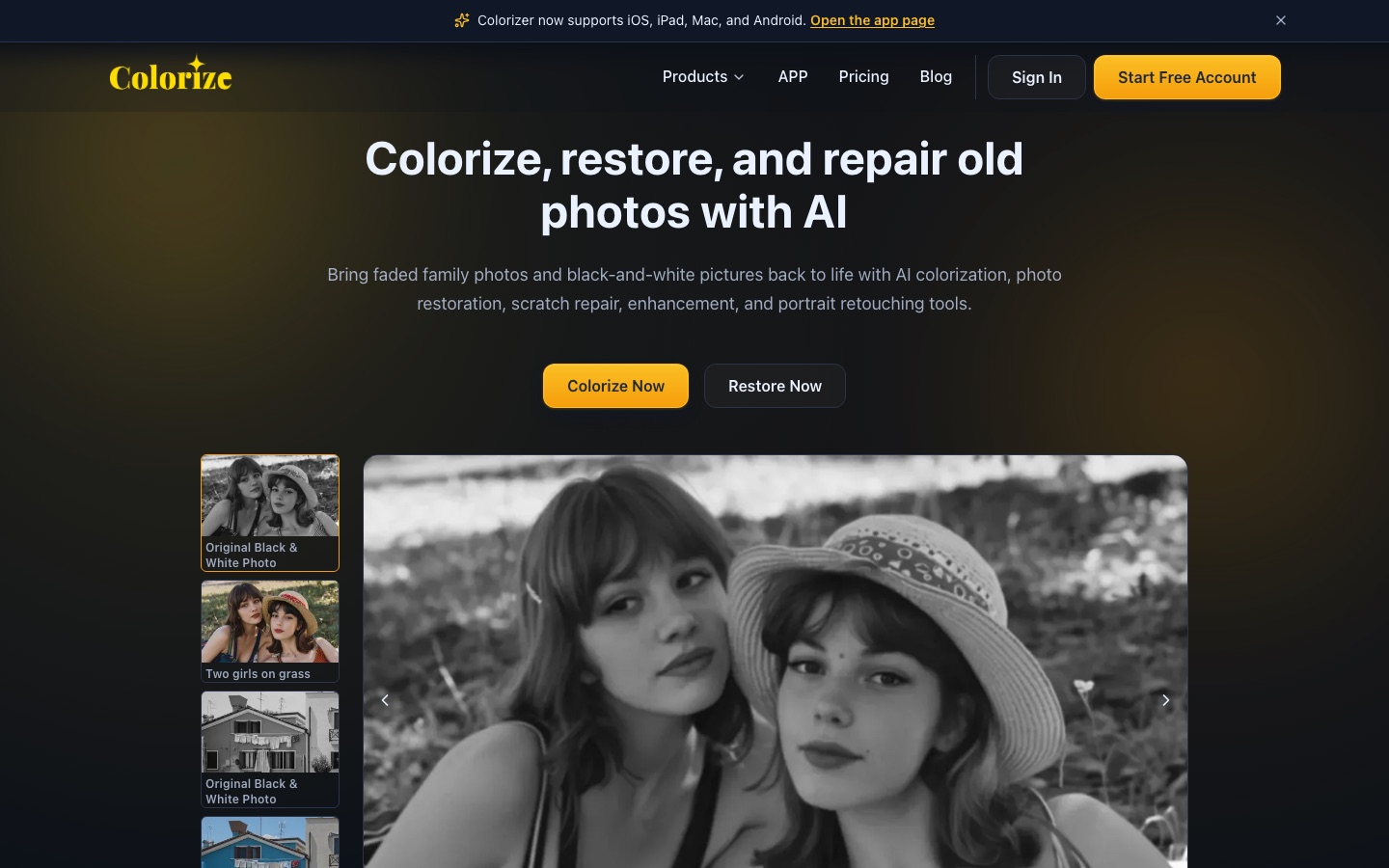
 ImageColorizer

 Upscale.media
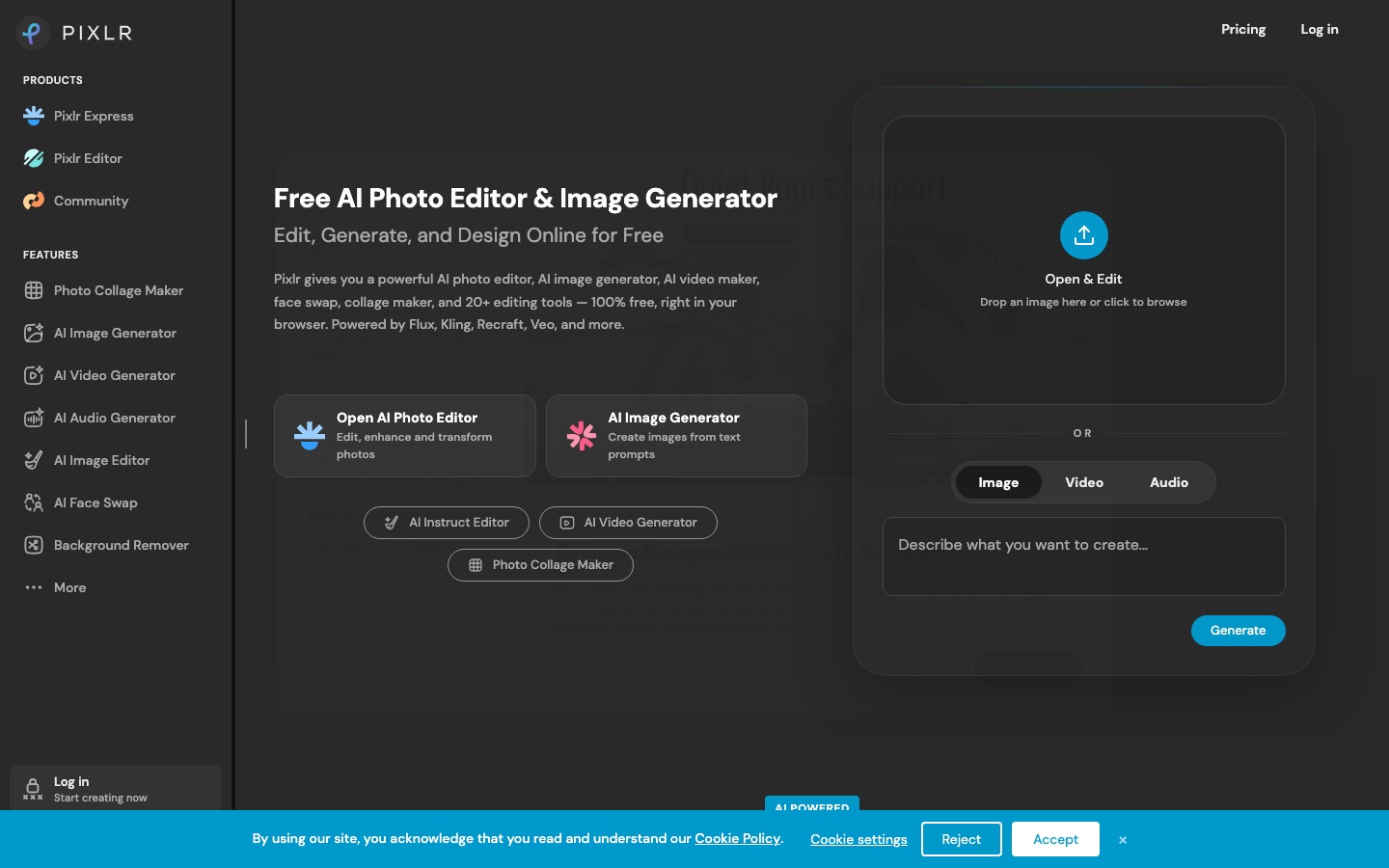
 Pixlr
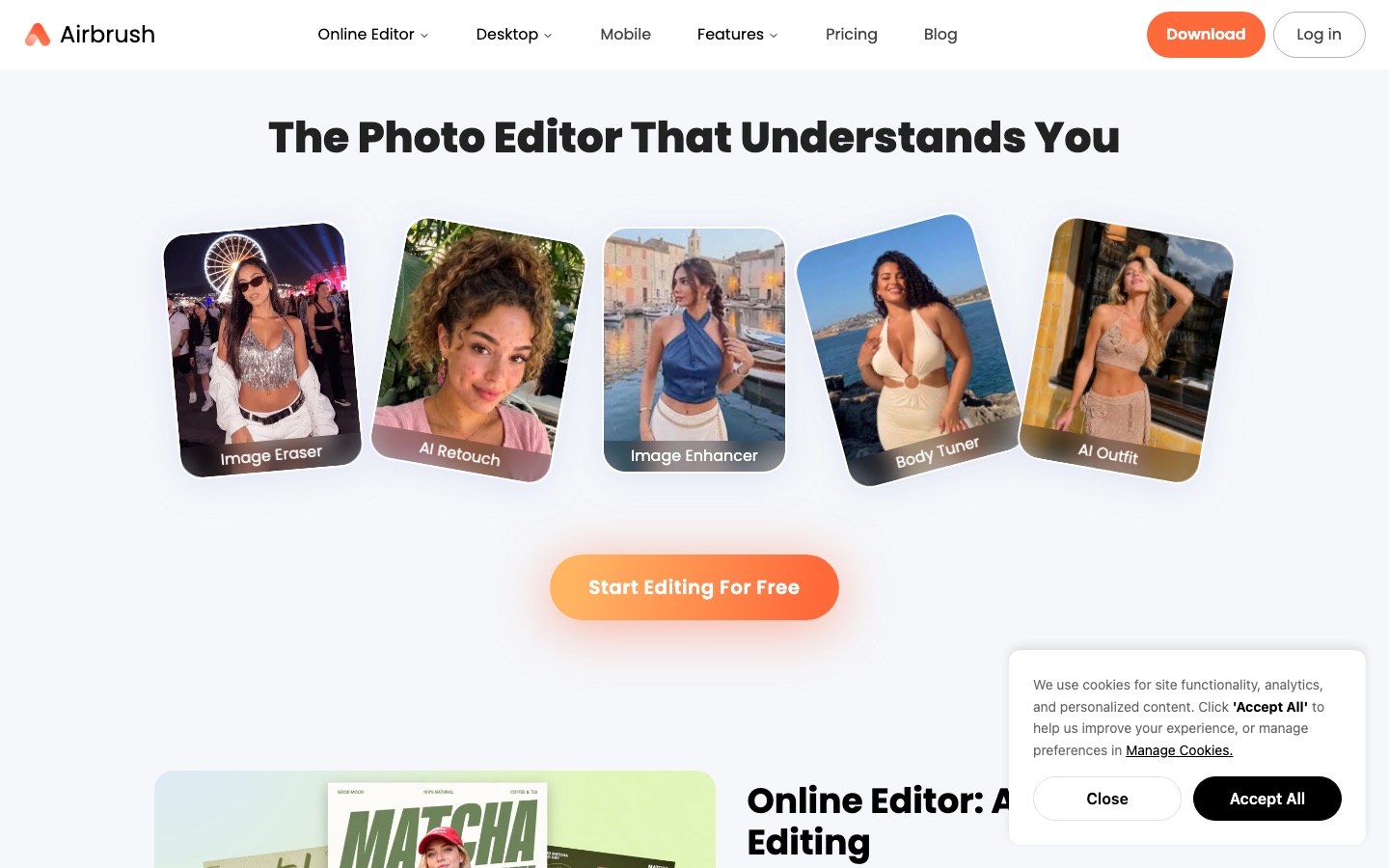
 Airbrush
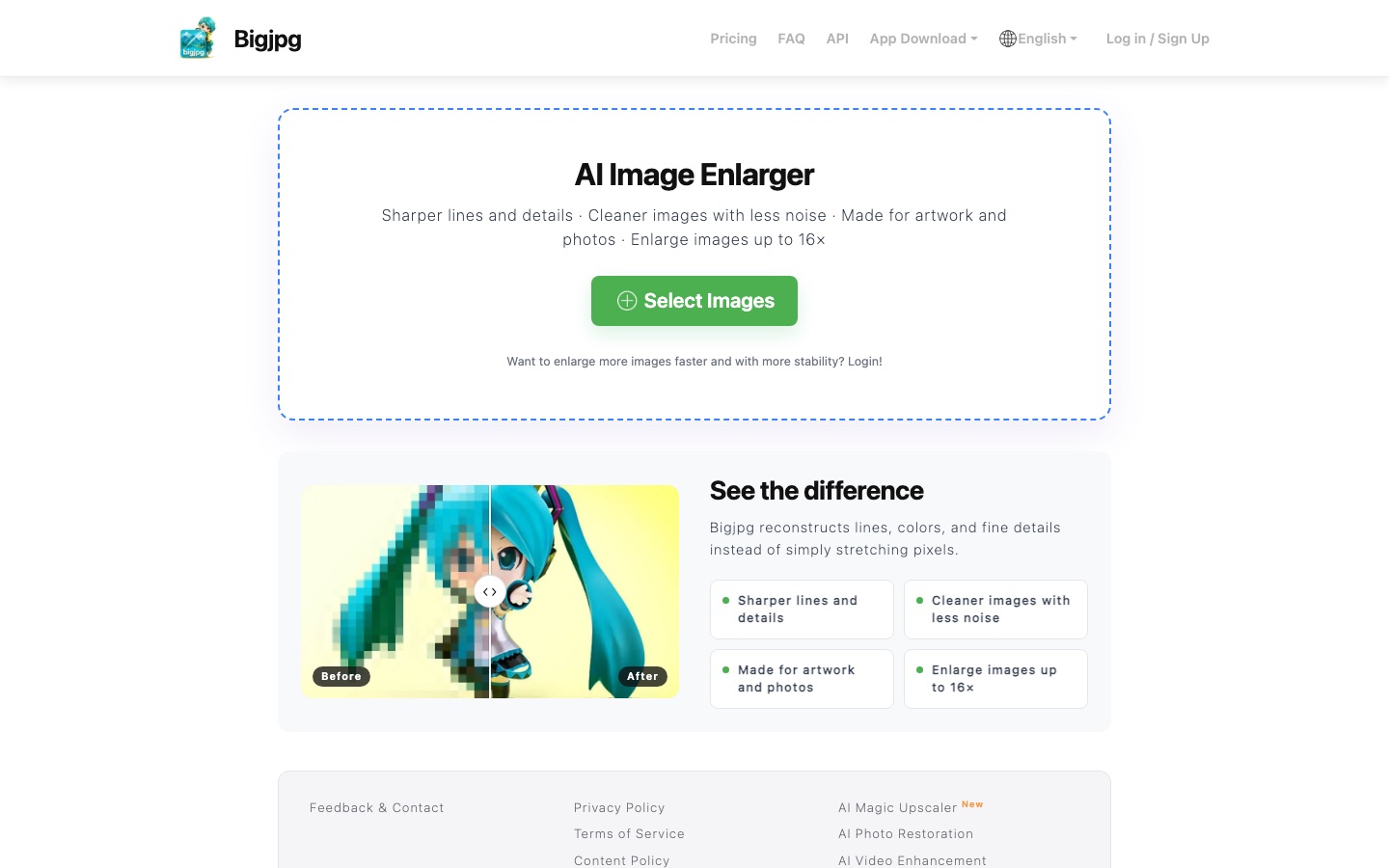
 Bigjpg

 Luminar

 SnapEdit
 Playbook

 Upscayl

Evoto
Its culling feature sorts through a shoot to surface the strongest frames, so less time goes into manual selection.
AI photo editing software for photographers covering culling, portrait retouching, colour and batch edits.
Browse AI tools by what you need to get done.
Tools by goal42 step-by-step guides→All categoriesBy goal
Photo editing is mostly small decisions repeated hundreds of times: keep or reject, a little warmer, remove that cable, crop tighter. AI has taken over a good share of the repetition. A wedding shoot can be culled and color-matched in one pass, a background disappears without a hand-drawn mask, and a small or soft image can be enlarged with detail rebuilt by a model. Old prints are a separate case: scratches, creases and fading that once needed hours of cloning can now be reduced in a few seconds, and a black-and-white portrait can be given plausible color.
Plausible is the word to hold on to. When a tool sharpens a blurred face or colorizes a 1940s photograph, it is not recovering information that was lost. It is generating a likely version. That is fine for a product shot and something to think about for your grandmother's face. The stages below follow the order most photographers work in, from choosing frames to exporting finished files. Two habits apply throughout: keep the untouched original, and look at every result at full size before you trust it.
Who this is for Hobbyists and working photographers with large shoots to process, online sellers preparing product images, and families who want to scan and repair old prints.
A starting point for the four jobs people most often arrive with: a general edit, an unwanted object, an image that is too small and a damaged old print. Chosen for how directly each record matches the job, with no ranking implied.

Open one photo and practice the basic corrections on a duplicate layer so the original stays untouched.

Brush over one distracting object and inspect the filled area at full size.

Upscale a small image with two different models and compare faces and fine textures.

Scan one old print at high resolution, repair the scratches first, then try color as a separate copy.
Going through everything from a shoot or an archive, rejecting the blurred, blinking and duplicate frames, and organizing the keepers so they can be found again.
Its culling feature sorts through a shoot to surface the strongest frames, so less time goes into manual selection.
AI photo editing software for photographers covering culling, portrait retouching, colour and batch edits.

Stores images in a visual library, tags them by subject and mood with AI and finds them from a plain description.
Visual media library for creative teams with AI tagging, conversational search and an MCP server.
Correcting exposure and color, developing RAW files, retouching skin and distractions on portraits, and keeping a consistent look across every image in a set.
Retouches skin on each face separately while keeping natural texture and keeps color consistent across a full session.
AI photo editing software for photographers covering culling, portrait retouching, colour and batch edits.

Offers sky replacement, relighting and masking tools that act on a detected subject, standalone or as a Photoshop and Lightroom plug-in.
Skylum's AI photo editor for desktop and mobile, sold as perpetual licenses with an optional yearly add-on.

Focuses on portraits: evens out skin, adjusts features and applies virtual makeup in a browser, desktop or mobile editor.
AI photo editor for portrait retouching, object erasing and background changes on web, desktop and mobile.
Develops RAW camera files and edits with layers, masks and adjustment layers in the browser, processing files on your own device.
Free browser-based photo and graphics editor that opens PSD, RAW and dozens of other file formats.

Desktop app with a pixel workspace for correcting and compositing photographs using non-destructive editing.
Free desktop app that combines vector design, photo editing and page layout in a single document format.
Cutting a subject out of its background, or erasing what should not be in the frame: passers-by, cables, date stamps, clutter on a table.
Deletes whatever you brush over, including people, text and date stamps, and fills the area with matching content.
Web inpainting tool that removes objects, people, text and defects from photos by brushing over them.

Detects unwanted items or people and erases them, with separate tools for text, overhead wires and backgrounds.
Online AI photo editor for removing objects and backgrounds, enhancing images and batch processing.

Separates the subject from its surroundings automatically and can work through up to 30 uploads in a single batch.
AI photo editor for cutting out backgrounds, sharpening blurry shots and retouching product images.

Isolates a product so it can sit on a plain white backdrop or be exported with transparency.
AI photo editor for e-commerce product images, with background removal, batch editing and an API.

Cuts the subject out of a photo, with separate tools for face cutout and background blur.
Online toolbox for background removal, photo enhancement, AI image and video generation, with an API.
Enlarging an image that is too small for its purpose, reducing noise and compression artifacts, and correcting soft focus or motion blur before printing or publishing.
Open-source desktop upscaler that enlarges images locally with a choice of models, without uploading files.
Free, open-source AI image upscaler for Windows, macOS and Linux desktops, plus a credit-based cloud version.

Enlarges artwork and photos with separate modes for each and five noise reduction settings.
AI image enlarger that upscales artwork and photos up to 16x while reducing noise and jagged edges.

Enlarges images up to four times, corrects motion blur and focus problems and removes JPEG artifacts in the browser.
Browser-based AI tools that enlarge images up to 4x, fix blur and clean up JPEG artefacts.

Enlarges an image by 2x, 4x or up to 8x and adds tools to sharpen, deblur and dehaze photos.
Browser-based AI upscaler that enlarges and enhances images and short videos, with bulk and API options.

Offers presets tuned for portraits, objects, scenery, pets and text, with a before-and-after preview ahead of download.
Browser-based AI image upscaler from LinoCut AI with output up to 16K, batch mode and related enhancement tools.

Reduces noise, restores lost detail, improves several faces in one group picture and upscales for large prints.
Online AI enhancer for photos, video and documents: upscaling, old photo restoration, denoising and sharper scans.
Scanning a faded, scratched or torn print at high resolution, then repairing the damage, recovering contrast and, if wanted, adding color to a black-and-white original.
Adds color to black-and-white pictures and reduces scratches, tears, creases, stains and water spots on scanned prints.
AI tools for colorizing black-and-white photos and restoring, repairing, enhancing and retouching old pictures.

Colorises a black-and-white photo with a choice of more than 21 filters, so you can compare several color treatments.
Online AI colorizer that turns black-and-white photos into colour images using selectable filters.
Its old photo restoration removes scratches, creases and spots and recovers faces, color and texture.
Online AI enhancer for photos, video and documents: upscaling, old photo restoration, denoising and sharper scans.
Repairs old photographs and adds color to black-and-white originals, on the web or in desktop and mobile apps.
AI photo editor for cutting out backgrounds, sharpening blurry shots and retouching product images.
Includes a Restoration tool for repairing damaged or faded family pictures inside a full photo editor.
Skylum's AI photo editor for desktop and mobile, sold as perpetual licenses with an optional yearly add-on.

Its Photo Enhancer removes noise, adds color to black-and-white images and repairs faces in old pictures.
AI software and online tools for upscaling, restoring, blurring and editing videos and photos.
Changing what the picture contains: extending the canvas beyond the original frame, replacing an area with something described in words, or swapping an element for another.

Replaces a selected area from a description or extends the picture past its original edges with generative fill and expand.
Browser-based photo editor with AI tools for generating images, video and audio and removing backgrounds.

Extends the canvas past the original edges and erases or changes areas with generative fill.
AI photo editor for product visuals: background removal, upscaling, generative edits, batch work and video.
Fills a chosen area with new content generated from a written description, inside a layered editor.
Free browser-based photo and graphics editor that opens PSD, RAW and dozens of other file formats.
Its eraser and AI Replace take distracting items out of a shot or swap them for something generated.
AI photo editor for portrait retouching, object erasing and background changes on web, desktop and mobile.

Smart Edit takes a written description of the change you want and applies it, after which the result can be refined.
Online photo editor, collage maker and graphic design tool with AI editing and batch processing.
Applying the same edit to a whole set, resizing and reformatting for each destination such as print, a shop listing or social media, and delivering the files.
Applies one set of edits to hundreds or thousands of images in a single job and reformats an image for different sales channels.
AI photo editor for e-commerce product images, with background removal, batch editing and an API.
Runs the same edit over hundreds of files in one go, such as removing backgrounds across a large set of listings.
AI photo editor for product visuals: background removal, upscaling, generative edits, batch work and video.
Batch editing runs the same adjustment or background removal across hundreds of images in one pass.
Online photo editor, collage maker and graphic design tool with AI editing and batch processing.
Transforms many images in one run with presets that can combine several edits, and offers an API for automated workflows.
Browser-based AI upscaler that enlarges and enhances images and short videos, with bulk and API options.
It can usually reduce scratches, creases, stains and fading, and several tools here also rebuild facial detail. The more of the image that is missing, the more the tool has to invent. A torn-off corner or a face that is mostly gone will be filled with a plausible guess, not the real thing. Start from a high-resolution scan, repair before colorizing, and keep the untouched scan as the true record.
Often it helps a lot, particularly for clean images that are simply small. Results are weaker on heavily compressed or very blurred files, because the model fills in texture that was never recorded. Faces and small text are where problems show first. Upscale, view the result at the final print size, and order a small test print before paying for a large one.
The tools can do it technically, but a watermark usually signals that someone else holds the rights, and one tool in this guide says so on its own site. Removing the mark does not give you a license. If the picture is yours or you have paid for it, obtain the clean file from the source. If it is not, ask the owner or choose a different image.
It varies. Some tools in this guide state that uploads are deleted after an hour or a day, some delete once processing completes, and some run entirely on your own computer. Others say little. Read the privacy and retention terms of the specific tool, and check whether images may be used to improve its models, before uploading client work or family photos.
Tools are placed in a stage by an editor, from each tool’s own profile. The list grows as more profiles are published. All guides