

Photoroom
AI photo editor for e-commerce product images, with background removal, batch editing and an API.
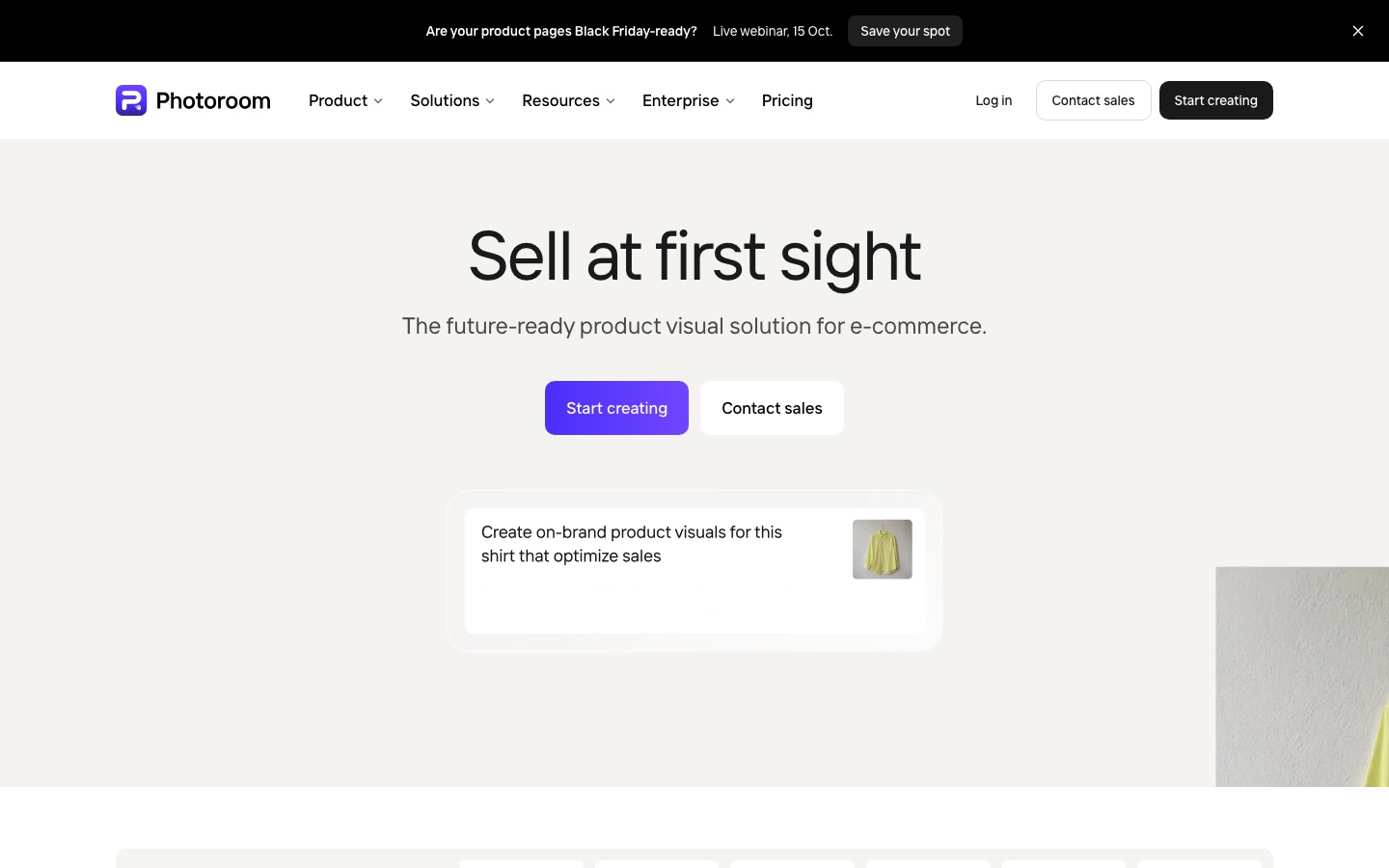
Photoroom is an AI photo editor built for e-commerce product images. Photoroom removes backgrounds, generates product scenes and shadows, resizes pictures for different sales channels and applies saved brand settings. Sellers use it in the web app or the iPhone, iPad and Android apps, and larger teams automate the same edits in batches or through an API.
Best for Online sellers, marketplaces and catalogue teams who need consistent, listing-ready product photos, from a single item up to batch jobs of thousands of images.
- Platforms
- Web, iOS, Android, API, MCP
- Pricing model
- Freemium
- Free plan
- Yes
- Free trial
- Yes
- API
- Yes
- Made by
- Photoroom, Inc.
- Added
Last verified: . Information taken from photoroom.com.
What is Photoroom?
Photoroom is an image editing platform for businesses that sell products online. It starts from an ordinary product photo and turns it into a visual ready for a listing: the background is cut away, a new scene or shadow can be generated, and the result is resized to suit Instagram, Amazon, Shopify and other channels. Clothing can be recoloured or shown on AI fashion models, and a single shot can become a short video. A Brand Kit stores colours, logos, fonts and layouts and applies them automatically. The same edits can run across thousands of images in one job, in the web app or through an API, and an MCP connector is listed too. Photoroom has iPhone, iPad, Android and Shopify apps, and an enterprise tier with custom models, SSO and SOC 2 Type 2 compliance.
Key Features
Background Remover
Isolates the product from its photo so it can sit on a plain white backdrop or be exported with transparency.
AI Product Scenes
Places a product into generated lifestyle or seasonal settings and adds shadows so it looks grounded in the scene.
Batch Editing
Applies one set of edits to hundreds or thousands of images in a single job, started from the web app or the API.
Brand Kit
Saves colours, logos, fonts and layouts and applies them to each new image so every channel looks the same.
Resize and Video
Reformats one image for channels such as Instagram, Amazon and Shopify, and turns product shots into short videos for Reels, TikTok and Stories.
API and Integrations
Provides a Remove Background API and an Image Editing API, plus an MCP connector and publishing to Shopify.
How Photoroom works
Upload product photos
Add one picture or a whole set of catalogue images in the web app, or send them through the API.
Choose the edits
Pick the parameters to apply, such as background removal, a generated scene, shadows or a target size.
Apply and export
Run the same settings across the selected images and export visuals sized for the marketplace you sell on.
Use Cases
- Marketplace Listings
- A reseller prepares clean, consistently framed product photos for Amazon, eBay or a resale platform.
- Fashion Catalogues
- An apparel brand shows garments on AI models, as ghost-mannequin shots or in alternative colours.
- Catalogue Operations
- An operations team processes image volumes arriving from sellers, suppliers and asset systems through one pipeline.
- Ads and Social Content
- A marketer produces campaign images and short product videos from existing shots.
- In-App Image Processing
- A developer adds background removal or AI editing to a marketplace app through the API.
Things to know
- Plans combine credits and exports
- The app pricing page lists Pro, Max and Ultra with 8,000, 25,000 and 75,000 AI credits a month and 1,000, 3,000 and 10,000 exports, plus a custom Enterprise tier.
- Core tools do not use credits
- Background Remover, Retouch, AI Fill, AI Expand and the Image Enhancer are included on paid plans without credit cost, within fair-use limits; tools such as the Video Generator draw on credits.
- API testing is watermarked
- The Image Editing API has a sandbox of 1,000 calls a month whose results carry a watermark; production calls return clean images.
- Refund window
- Photoroom says it refunds purchases up to one week after payment, and the route depends on where the subscription was bought.
FAQs
What is Photoroom?
Photoroom is an AI photo editor and automation platform for creating product visuals for online selling. It is made by Photoroom, Inc.
What is Photoroom used for?
Photoroom is used to remove backgrounds, generate product scenes, resize images for marketplaces and keep product photos consistent with a brand.
Is Photoroom free?
Photoroom can be started for free, and its Pro and Max plans offer a free trial. More features and higher limits come with the paid Pro, Max, Ultra and Enterprise plans.
Does Photoroom have an API?
Yes. Photoroom offers a Remove Background API and an Image Editing API. The Image Editing API has a sandbox with 1,000 watermarked calls a month, and a new account also receives 10 unwatermarked production calls for background removal at no charge.
Does Photoroom work on mobile?
Yes. Photoroom has iPhone, iPad and Android apps in addition to the web app and a Shopify app.
Which file formats does the Photoroom API accept?
The Photoroom Image Editing API works with PNG, JPEG, WEBP and AVIF. The Remove Background API accepts PNG, JPEG, WEBP and HEIC and returns PNG, JPEG or WEBP.
What are Photoroom credits?
Photoroom AI credits are a monthly pool spent on resource-heavy tools such as the Video Generator and Virtual Model. Core tools such as the Background Remover do not consume credits on paid plans.
Is Photoroom suitable for large companies?
Yes. Photoroom has an enterprise offering with custom models, SSO, SOC 2 Type 2 compliance and SLA-backed support.
Who it's for
- Online sellers
- Marketplaces
- Fashion brands
- Catalog and operations teams
- Developers
Read about it



Comments
No comments yet. If you have used Photoroom, tell other readers how it went.
Alternatives to Photoroom
| Tool | Free plan | Starting price | API |
|---|---|---|---|
 Pixelcut AIAI photo editor for product visuals: background removal, upscaling, generative edits, batch work and video. Pixelcut AIAI photo editor for product visuals: background removal, upscaling, generative edits, batch work and video. |
Yes | — | Yes |
 Artguru AIOnline AI enhancer for photos, video and documents: upscaling, old photo restoration, denoising and sharper scans. Artguru AIOnline AI enhancer for photos, video and documents: upscaling, old photo restoration, denoising and sharper scans. |
— | — | Yes |
 BeFunkyOnline photo editor, collage maker and graphic design tool with AI editing and batch processing. BeFunkyOnline photo editor, collage maker and graphic design tool with AI editing and batch processing. |
Yes | — | — |
 Cleanup.picturesWeb inpainting tool that removes objects, people, text and defects from photos by brushing over them. Cleanup.picturesWeb inpainting tool that removes objects, people, text and defects from photos by brushing over them. |
Yes | — | Yes |
 IdeogramImage models known for accurate text rendering, with task-focused apps and a unified API. IdeogramImage models known for accurate text rendering, with task-focused apps and a unified API. |
— | — | Yes |
Listed in the same categories as Photoroom. A starting price appears only where we checked it on the maker’s pricing page; a dash means not checked or not published. All Background Remover tools