
ImageColorizer
AI tools for colorizing black-and-white photos and restoring, repairing, enhancing and retouching old pictures.
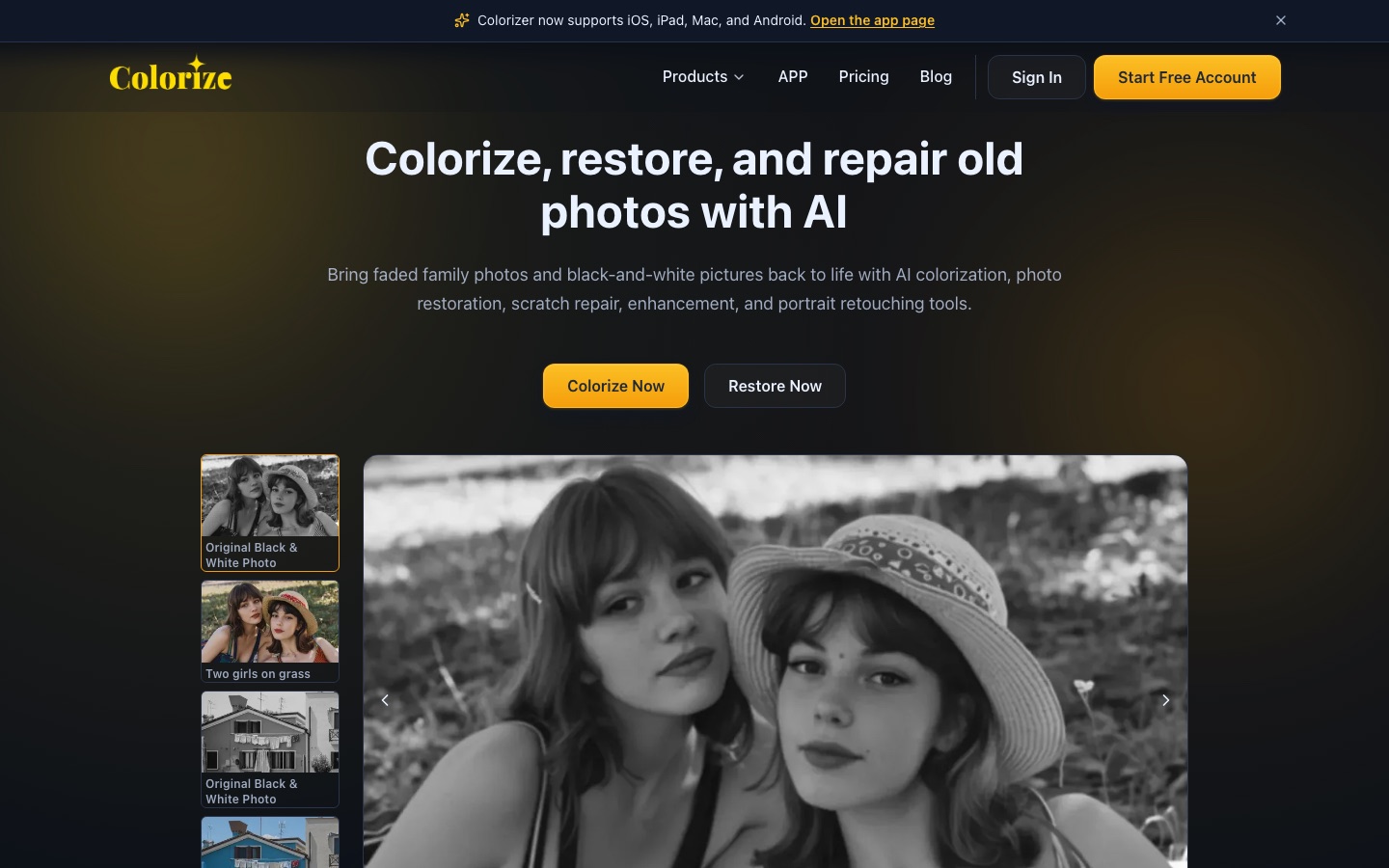
ImageColorizer is an online AI service for old photographs. ImageColorizer adds colour to black-and-white pictures and offers tools to restore faded images, sharpen blur, retouch portraits and repair scratches or stains. A free account includes monthly credits, and paid subscriptions add more credits, batch processing and an ad-free workspace.
Best for People digitizing family or archival photographs who want colorization and damage repair without learning manual retouching.
- Listed in
- Image Editing
- Platforms
- Web, iOS, Android, macOS, Windows
- Pricing model
- Freemium
- Free plan
- Yes
- Added
Last verified: . Information taken from imagecolorizer.com.
What is ImageColorizer?
ImageColorizer is an online photo restoration service built around an AI colorizer for black-and-white pictures. Besides adding colour, it provides separate tools to restore faded photos, sharpen blurry ones, retouch portraits, repair scratches, tears and stains, and remove unwanted objects from a marked area. The work is done in a browser, and the site also points to apps for iOS, iPad, Mac and Android as well as desktop software for Windows and Mac. A free account receives a monthly credit allowance for single-image processing, with adverts shown. Paid Starter, Premium and Business plans raise the credit budget, add priority support and batch processing, and remove the ads. Subscriptions can be billed monthly or yearly, payments are handled by Paddle, and unused credits can carry over while a subscription stays active.
Key Features
Photo Colorizer
Adds colour to monochrome portraits, snapshots and historical images, covering skin, clothing, scenery and backgrounds.
Restoration
Improves contrast, clarity and facial detail in faded or worn pictures and can enlarge them.
Enhancer
Sharpens soft detail in low-resolution photos of people, buildings or artwork before printing or sharing.
Portrait Retouching
Reduces noise, adjusts brightness and smooths small blemishes on faces in old portraits.
Scratch Repair
Reduces scratches, tears, creases, stains and water spots on scanned prints.
Object Cleanup
Rebuilds an area you mark so that distracting marks or objects disappear from the picture.
Use Cases
- Colorizing Family Albums
- Give black-and-white pictures of relatives a colour version to share.
- Preparing Prints
- Sharpen and enlarge an old scan before sending it to be printed.
- Repairing Damaged Scans
- Clean creases, spots and tears from photographs that were stored badly.
- Genealogy Projects
- Restore ancestors' portraits for a family tree or archive.
- Historical Image Work
- Improve the legibility of faded archival photographs.
Things to know
- Free plan shows ads
- The Free plan is limited to single-image processing and displays adverts; paid plans remove them.
- Credits expire with the subscription
- Monthly credits can roll over to the following month but are cleared when a subscription ends.
- Upload limits apply
- Paid users are limited to files under 100MB and 4000px on one side; anything larger is resized or compressed.
- Refund window
- The pricing page describes a seven-day money-back guarantee, subject to an eligible period.
FAQs
What is ImageColorizer?
ImageColorizer is an online service that colorizes black-and-white photos with AI and restores, repairs and retouches old pictures.
Is ImageColorizer free?
ImageColorizer has a Free plan with a monthly credit allowance, single-image processing and adverts. Paid plans add more credits, batch processing and an ad-free workspace.
How much does ImageColorizer cost?
ImageColorizer offers Starter, Premium and Business subscriptions with monthly or yearly billing; see the official pricing page for current prices.
Does ImageColorizer work on mobile?
Yes. ImageColorizer's site says its Colorizer app supports iOS, iPad and Android, as well as Mac.
How do ImageColorizer credits work?
ImageColorizer credits pay for its AI features, and processing or downloading an image in a batch costs one credit. Monthly credits can roll over, but they are cleared once a subscription expires.
Are there upload limits on ImageColorizer?
Yes. For paid ImageColorizer users, photos should be under 100MB and at most 4000px on one side; larger files are resized or compressed before upload.
Which payment methods does ImageColorizer accept?
ImageColorizer accepts credit cards and PayPal, with payments processed by Paddle.
Who it's for
- Family historians
- Genealogy researchers
- Photographers
- Archivists
- Hobbyists
Comments
No comments yet. If you have used ImageColorizer, tell other readers how it went.
Alternatives to ImageColorizer
| Tool | Free plan | Starting price | API |
|---|---|---|---|
 Palette.fmOnline AI colorizer that turns black-and-white photos into colour images using selectable filters. Palette.fmOnline AI colorizer that turns black-and-white photos into colour images using selectable filters. |
Yes | — | — |
 AVCLabs AIAI software and online tools for upscaling, restoring, blurring and editing videos and photos. AVCLabs AIAI software and online tools for upscaling, restoring, blurring and editing videos and photos. |
— | — | — |
 AirbrushAI photo editor for portrait retouching, object erasing and background changes on web, desktop and mobile. AirbrushAI photo editor for portrait retouching, object erasing and background changes on web, desktop and mobile. |
Yes | — | — |
 Artguru AIOnline AI enhancer for photos, video and documents: upscaling, old photo restoration, denoising and sharper scans. Artguru AIOnline AI enhancer for photos, video and documents: upscaling, old photo restoration, denoising and sharper scans. |
— | — | Yes |
 Upscale.mediaBrowser-based AI upscaler that enlarges and enhances images and short videos, with bulk and API options. Upscale.mediaBrowser-based AI upscaler that enlarges and enhances images and short videos, with bulk and API options. |
Yes | — | Yes |
Listed in the same category as ImageColorizer. A starting price appears only where we checked it on the maker’s pricing page; a dash means not checked or not published. All Image Editing tools