
Airbrush
AI photo editor for portrait retouching, object erasing and background changes on web, desktop and mobile.
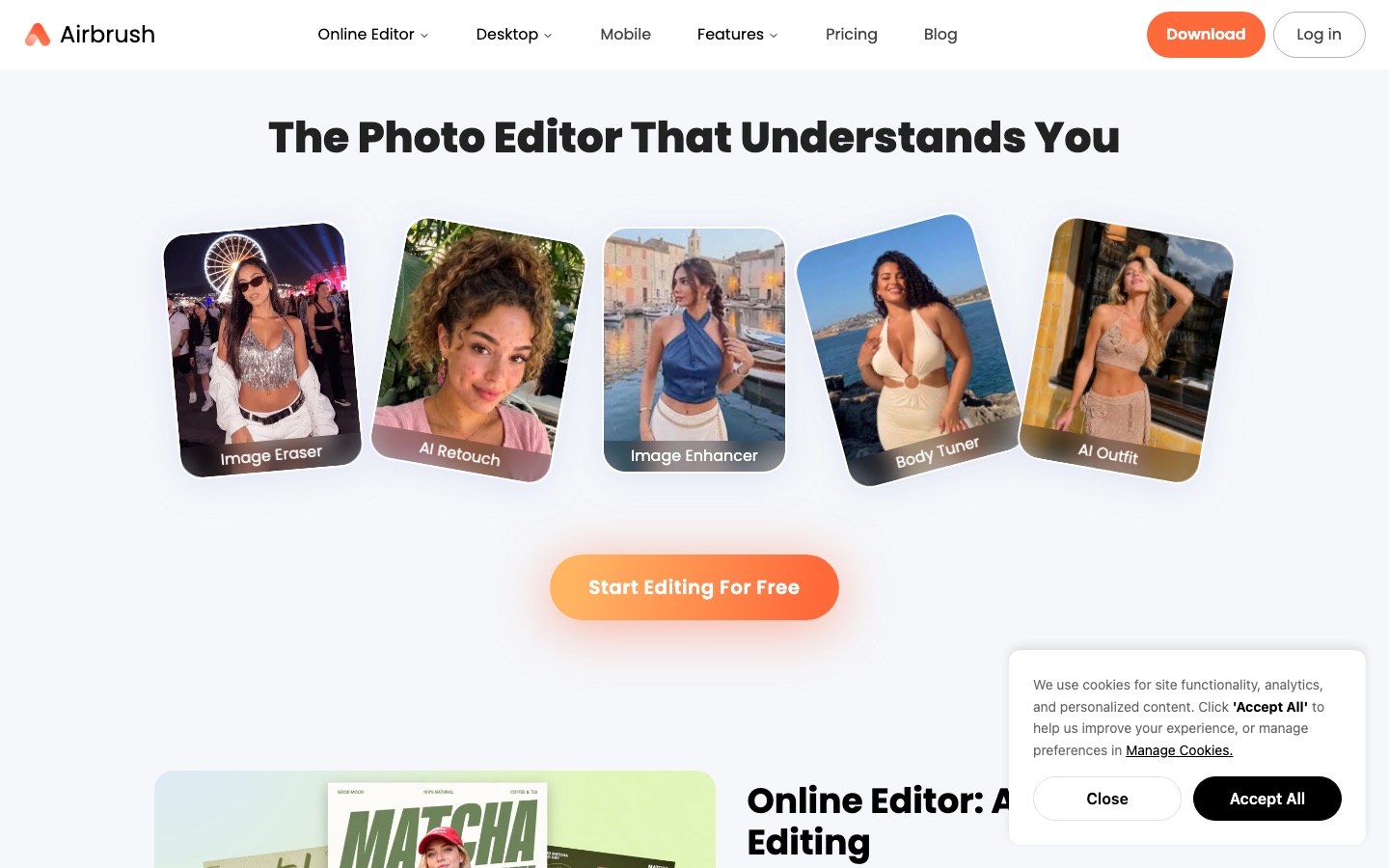
Airbrush is an AI photo editor from Pixocial Technology that focuses on portrait retouching. Airbrush smooths skin, reshapes features, applies makeup, erases objects and changes backgrounds. Airbrush comes as an online editor, a desktop program for Windows and macOS called Airbrush Studio, and a mobile app for iOS and Android that also edits video.
Best for People who retouch portraits, headshots and social media photos and want one-click tools on the web, the desktop or a phone.
- Listed in
- Image EditingBackground Remover
- Platforms
- Web, Windows, macOS, iOS, Android
- Pricing model
- Freemium
- Free plan
- Yes
- Free trial
- Yes
- Made by
- Pixocial Technology (Singapore) Pte. Ltd.
- Added
Last verified: . Information taken from airbrush.com.
What is Airbrush?
Airbrush is a photo and video editing product from Pixocial Technology that concentrates on portraits. It comes in three forms: an online editor, a desktop program for Windows and macOS called Airbrush Studio, and a mobile app for iOS and Android. The tools smooth skin, adjust facial features, apply makeup and hair changes, erase unwanted objects, and remove or replace backgrounds, with filters and colour changes on top. Airbrush Studio is built for photo work and reduces common retouching tasks to single clicks, while video editing is handled in the mobile app. Some features are free; on the web, premium ones are paid for with credits that come from a subscription or a one-off pack.
Key Features
AI Retouch
Evens out skin and tidies a portrait automatically while aiming to keep the result natural.
Face and Body Adjustments
Reshapes features, fixes expressions and offers stretch and body tools.
Makeup and Hair
Applies virtual makeup and changes hairstyle, hair colour, volume or texture.
Eraser and AI Replace
Takes distracting items out of a shot or swaps them for something generated.
Background Tools
Removes or changes what is behind the subject.
Three Platforms
Offers a browser editor, a Windows and macOS desktop program, and apps for iOS and Android.
Use Cases
- Professional Headshots
- A job seeker cleans up a portrait for LinkedIn or a company profile.
- Social Media Photos
- An everyday user polishes selfies and lifestyle shots before posting.
- Creator Branding
- A content creator keeps a consistent visual style across a feed with filters and retouching.
- Document Photos
- Someone tidies the background and skin in a picture meant for a document.
- Quick Video Touch-Ups
- A creator applies retouching to clips in the mobile app.
Things to know
- Credits per export
- On the web, a photo costs 1 credit and a video of up to one minute costs 2 credits, with 1 more credit for each further minute or part of one.
- Credit validity
- Subscription credits are issued monthly and lapse when the subscription term ends; credits bought in a pack last one year from purchase.
- Listed prices are web plans
- The plans and prices shown here are the Web Plus plans and the credit pack from the pricing page.
- Desktop app is for photos
- Airbrush Studio is designed mainly for photo editing; video editing is done in the mobile app.
FAQs
What is Airbrush?
Airbrush is an AI-assisted photo and video editing app. It is known mainly for portrait retouching.
What is Airbrush used for?
Airbrush is used to smooth skin, adjust facial features, apply makeup, remove objects and change backgrounds in portraits, headshots and social media photos.
Is Airbrush free?
Airbrush has free features for everyone, and premium tools are available for a fee. The site also promotes a 7-day free trial with the download.
How much does the Airbrush web plan cost?
Airbrush: a free plan is available, and a free trial is offered. Paid plan rates are published on airbrush.com. Check the official pricing page for current amounts.
Does Airbrush work on mobile?
Yes. Airbrush has apps for iOS and Android, and the mobile app edits both photos and videos.
What is Airbrush Studio?
Airbrush Studio is the Airbrush desktop photo editor for Windows and macOS. It is intended for photo retouching rather than video.
How do Airbrush credits work?
Airbrush credits come with a subscription or are bought in packs, and are spent when you generate or export. Purchased credits last one year.
Who makes Airbrush?
Airbrush is published by Pixocial Technology (Singapore) Pte. Ltd., the company named in the site's copyright notice.
Who it's for
- Everyday users
- Content creators
- Photographers
- Professionals
Used in these workflows
- From culling a shoot to repairing old prints: AI tools for photo workStage 2: Retouching and color
- Applying for a job with AI: tools that help you prepare, and where to draw the lineStage 3: Professional photo
- From culling a shoot to repairing old prints: AI tools for photo workStage 6: Generative edits and expansion
Each guide lists the stages of one job and the tools that help at each stage. All guides
Comments
No comments yet. If you have used Airbrush, tell other readers how it went.
Alternatives to Airbrush
| Tool | Free plan | Starting price | API |
|---|---|---|---|
 PokecutOnline AI photo editor and image generator with background removal, enhancement, portrait retouching and batch editing. |
Yes | — | — |
 Artguru AIOnline AI enhancer for photos, video and documents: upscaling, old photo restoration, denoising and sharper scans. |
— | — | Yes |
 BeFunkyOnline photo editor, collage maker and graphic design tool with AI editing and batch processing. |
Yes | — | — |
 Cutout.ProOnline toolbox for background removal, photo enhancement, AI image and video generation, with an API. |
— | — | Yes |
 LayerGrabAI tool that separates a flat image into named, transparent layers and fills in the background behind them. |
— | — | — |
Listed in the same categories as Airbrush. A starting price appears only where we checked it on the maker’s pricing page; a dash means not checked or not published. All Image Editing tools