A children's picture book, start to finish: where AI tools help and where they don't
8 stages, 26 tools
updated
Thirty-two pages, perhaps five hundred words, one small hero who has to look the same on every spread. A picture book is short, and that is exactly what makes it hard. Every word gets read aloud dozens of times, and a child will notice at once if the fox has a red scarf on page four and a blue one on page nine.
That second problem, keeping a character consistent, used to be where image generators failed. Several tools in this guide now build a character once and reuse it across pages, and a few will write, illustrate and lay out a whole book from one sentence. They are quick at producing a first version and at the dull production jobs: enlarging images for print, removing stray details, reading the text in a warm voice, drafting a translation. The parts that decide whether a child asks for the book again are still yours: an idea with a real feeling in it, the rhythm of the sentences when spoken, what to leave to the pictures, and whether the story suits a three-year-old or a seven-year-old.
Who this is for Parents and grandparents making a book for one particular child, teachers writing stories for a class, and first-time authors preparing a picture book for self-publishing.
A small first project: write the story yourself, let one tool illustrate it, then make the pictures large enough to print. The picks come from the stages above and are not ranked against the others.
Upscale the final illustrations as a batch and inspect every page at full size.
1
Stage 1: Story idea and age range
Settle the reader's age, the main character, the problem they face and how it resolves. Decide the length and how much the pictures, not the words, will carry.
What AI does here
Offer premises and endings to react to, turn a single idea into a rough story and adjust vocabulary and sentence count to an age band.
What AI can’t do here
Know the child you are writing for. The detail that makes a story theirs, a fear, a pet, a family joke, has to come from you.
Generates a story from a one-line idea and sets vocabulary, sentence count per page and length to bands from ages 0 to 3 up to 9 to 12.
AI studio that turns one idea or a pasted manuscript into an illustrated children's picture book, animation or music video.
From $10/moView tool
2
Stage 2: Writing and editing the text
Draft the full text, split it across spreads, read it aloud and cut. Fix rhythm, rhyme and repetition, and remove anything the illustration will already show.
What AI does here
Suggest rhymes, draft verses in a fixed form to study, flag overused words and offer shorter ways to say a sentence.
What AI can’t do here
Hear how the text sounds in your voice at bedtime. Reading aloud to an actual child remains the only reliable test.
Flags grammar, spelling and punctuation problems and runs reports on readability and overused words in a draft you wrote yourself.
Writing toolkit for authors that covers story planning, drafting habits, line editing and manuscript critique.
View tool
3
Stage 3: Character design
Fix what the main characters look like before drawing any page: proportions, colors, clothes, expressions. Produce a reference sheet that every later illustration follows.
What AI does here
Save a character built from reference images or a description and reuse it in later pictures, or train a personal model on a small set of images.
What AI can’t do here
Hold a design perfectly. Small details still drift between images, so each page needs checking against the reference sheet.
Builds a reusable custom style from reference images and can keep a designed character recognizable from one image to the next.
An AI design tool that generates editable vectors, photoreal images and mockups in a consistent style.
View tool
4
Stage 4: Illustrating the pages
Plan each spread as a thumbnail, then produce the artwork: one consistent style, room left for the text, and a picture that adds something the words do not say.
What AI does here
Illustrate a pasted manuscript page by page with the same cast, regenerate a single picture and hold one visual style across a set.
What AI can’t do here
Compose with intent. Pacing across page turns, visual jokes and what a small reader will spot in the corner are an illustrator's decisions.
Creates page images from automatic or custom prompts and edits an existing illustration from a plain-language request.
AI book writing platform that also generates cover art, page illustrations and audiobook narration.
View tool
5
Stage 5: Layout, cover and export
Place text on the artwork, choose a readable typeface, design the front and back cover and export the book in the page size and file format your printer or store requires.
What AI does here
Generate cover concepts from a brief, apply page templates and export a manuscript as PDF or EPUB.
What AI can’t do here
Spell reliably inside generated images. Lettering made by an image model often contains errors, so set the title as real text.
Applies page designs with adjustable fonts and colors and exports the book as PDF, EPUB or DOCX.
AI book publishing platform for drafting, designing, exporting and selling ebooks and other book types.
View tool
6
Stage 6: Print-ready images
Bring every illustration up to print resolution at the final page size, remove stray marks and odd details, and check colors and edges before sending files to a printer.
What AI does here
Enlarge artwork several times over while reducing noise, process a whole folder in one run and erase unwanted details by brushing over them.
What AI can’t do here
Invent detail that was never there. Heavy enlargement can smooth or distort faces, so inspect each page at full size before printing.
Browser-based layer editor with masks and filters for final corrections, which processes files on your own device.
Free browser-based photo and graphics editor that opens PSD, RAW and dozens of other file formats.
View tool
7
Stage 7: Read-aloud narration
Record or generate an audio version: a narrator's voice, distinct voices for characters if wanted, sensible pauses at page turns, and a file to share alongside the book.
What AI does here
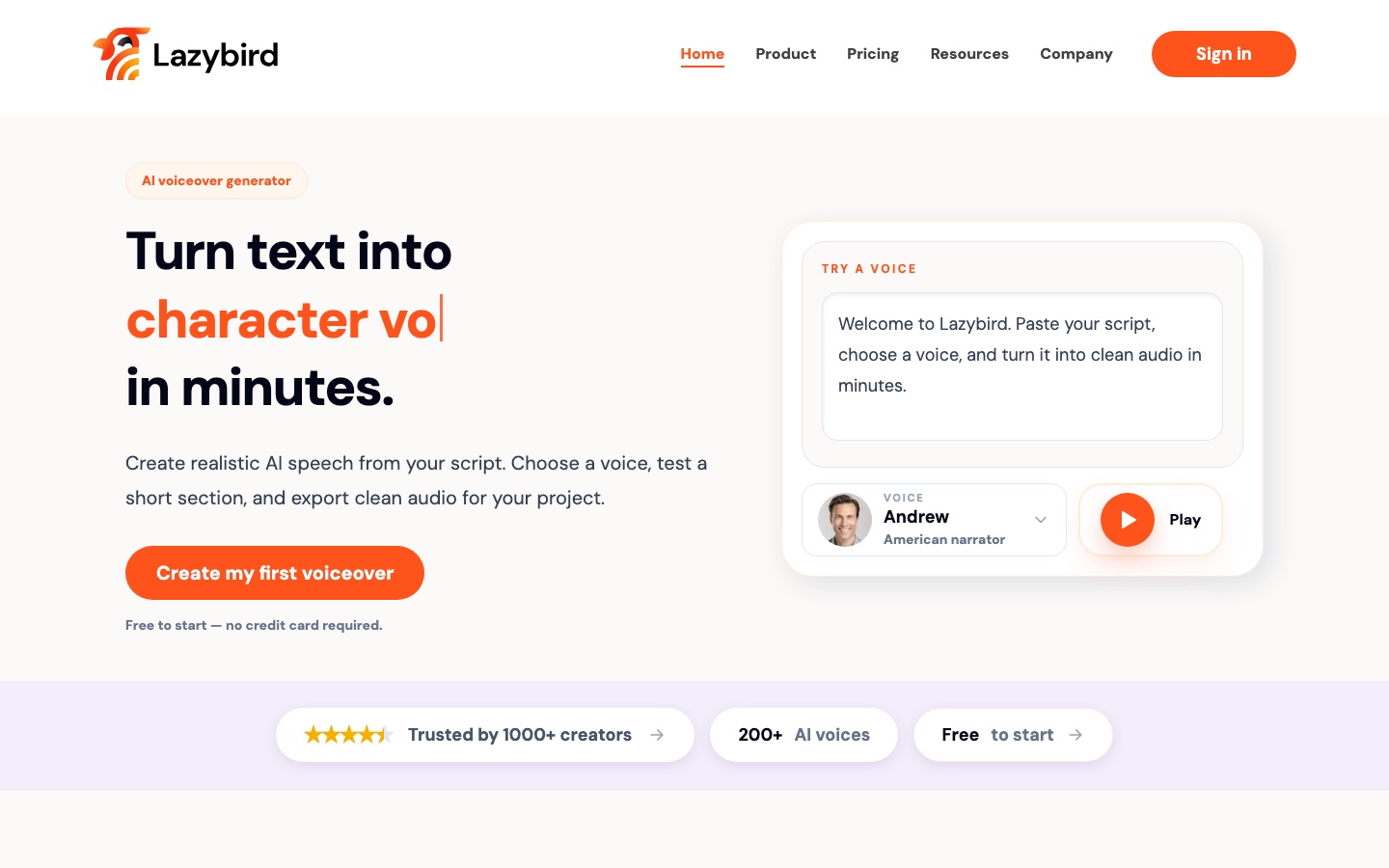
Turn the text into spoken audio in a chosen voice, in many languages, and merge the pages into one file.
What AI can’t do here
Replace a parent's voice. Synthetic narration can also misplace emphasis in rhyme, so listen to the whole recording before sharing it.
Reads the pages aloud with a selected voice engine, or with an uploaded sample of your own voice, and merges them into one audio file.
AI book writing platform that also generates cover art, page illustrations and audiobook narration.
View tool
8
Stage 8: Translating the book
Produce the text in another language for bilingual families or other markets, then rework rhymes, names and wordplay so the story still reads naturally aloud.
What AI does here
Draft a translation of the text or a whole document, and show where several translation engines agree or differ.
What AI can’t do here
Carry rhyme, puns and rhythm across languages. A fluent speaker has to rewrite those lines, ideally one who reads to children.
Compares the output of 22 AI models for the same sentence and offers optional review by a professional linguist.
AI translator that runs text and documents through 22 models and returns the version most of them agree on.
View tool
Realistic expectations
Copyright in generated pictures and text
In several countries, including the United States, material produced entirely by AI may not qualify for copyright protection. If you plan to sell the book, keep a record of what you wrote and drew yourself and consider getting advice.
Photos of real children
Some tools build a character from an uploaded photo. Only upload pictures of a child with a parent or guardian's agreement, read how the service stores images, and think twice before publishing a recognizable likeness.
Store and printer disclosure rules
Self-publishing platforms may ask you to declare AI-generated content when you upload a title. Amazon KDP, for example, requires you to tell it about AI-generated text, images or translations, including cover and interior art, but not about tools used only to edit or refine your own work. Rules change, so check the current policy of each store before you submit.
License terms differ by plan
Several image tools restrict commercial use, or keep rights to the output, on their no-cost tiers. Read the license for the plan you are on before selling copies.
Age suitability is your check
Generators sometimes produce frightening images, awkward anatomy or words that are too hard. Read every page as the intended child would see it before you print.
FAQs
Can I sell a children's book illustrated with AI?
Usually yes, but three things need checking. The image tool's license must allow commercial use on your plan. The store or printer may require you to disclose AI-generated content; Amazon KDP asks for this when you publish. And the pictures themselves may have weak or no copyright protection, depending on your country, which makes it harder to stop copies.
How do I keep the main character looking the same on every page?
Design the character first and save it as a reference. Use a tool that reuses a stored character or a consistent style, generate all pages in one project, and compare each result with the reference sheet. Expect to regenerate some pages: hair, clothing colors and the number of fingers are the usual places where drift appears.
Can AI write the whole story for me?
It can produce a complete story in seconds, and for a one-off bedtime tale that may be all you want. For a book you intend to keep or publish, generated stories tend to be predictable and wordy. Most people get a better result by writing the text themselves and using AI for ideas, rhymes and editing.
What resolution do illustrations need for printing?
Printers commonly ask for 300 DPI at the final page size, plus extra margin for trimming, but requirements vary, so get the specification from your printer or print-on-demand service first. Generated images are often smaller than that, which is why an upscaling step usually comes before layout is finalized.
 Lazybird
 Leonardo.Ai
 Canva
Canva
 OpenArt AI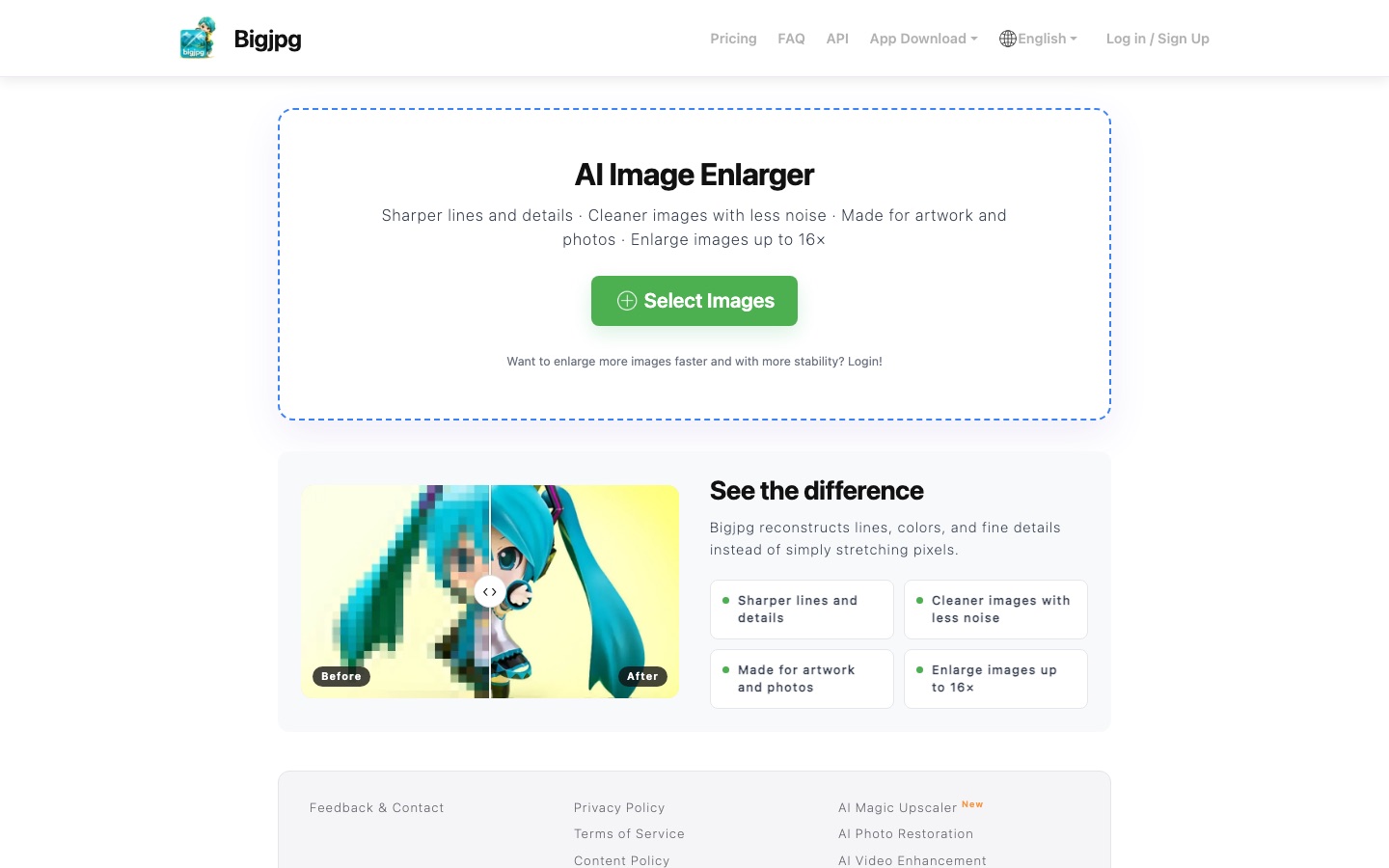
 Bigjpg
 Recraft
 Affinity
 Photopea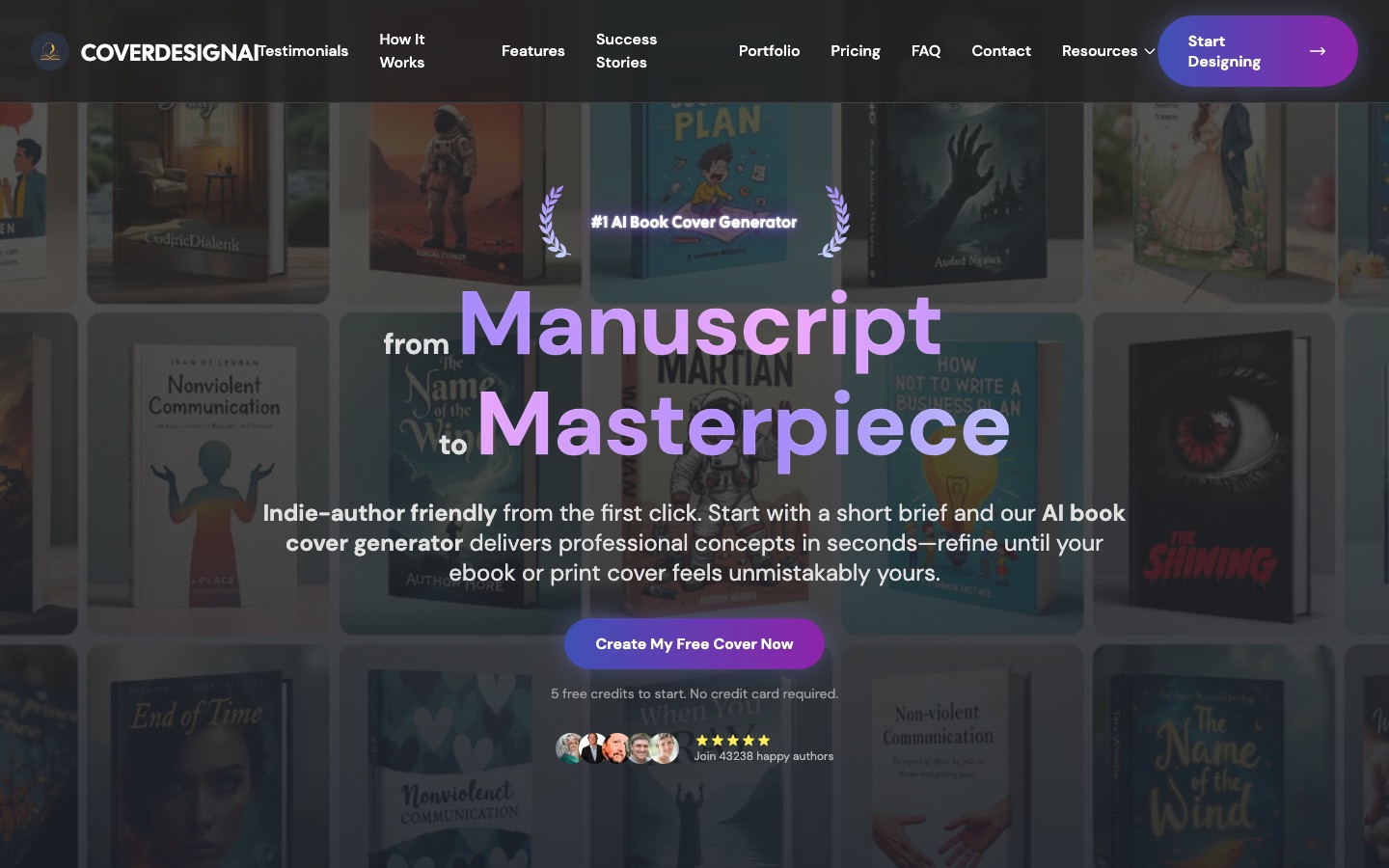
 CoverDesignAI


