
PicWish
AI photo editor for cutting out backgrounds, sharpening blurry shots and retouching product images.
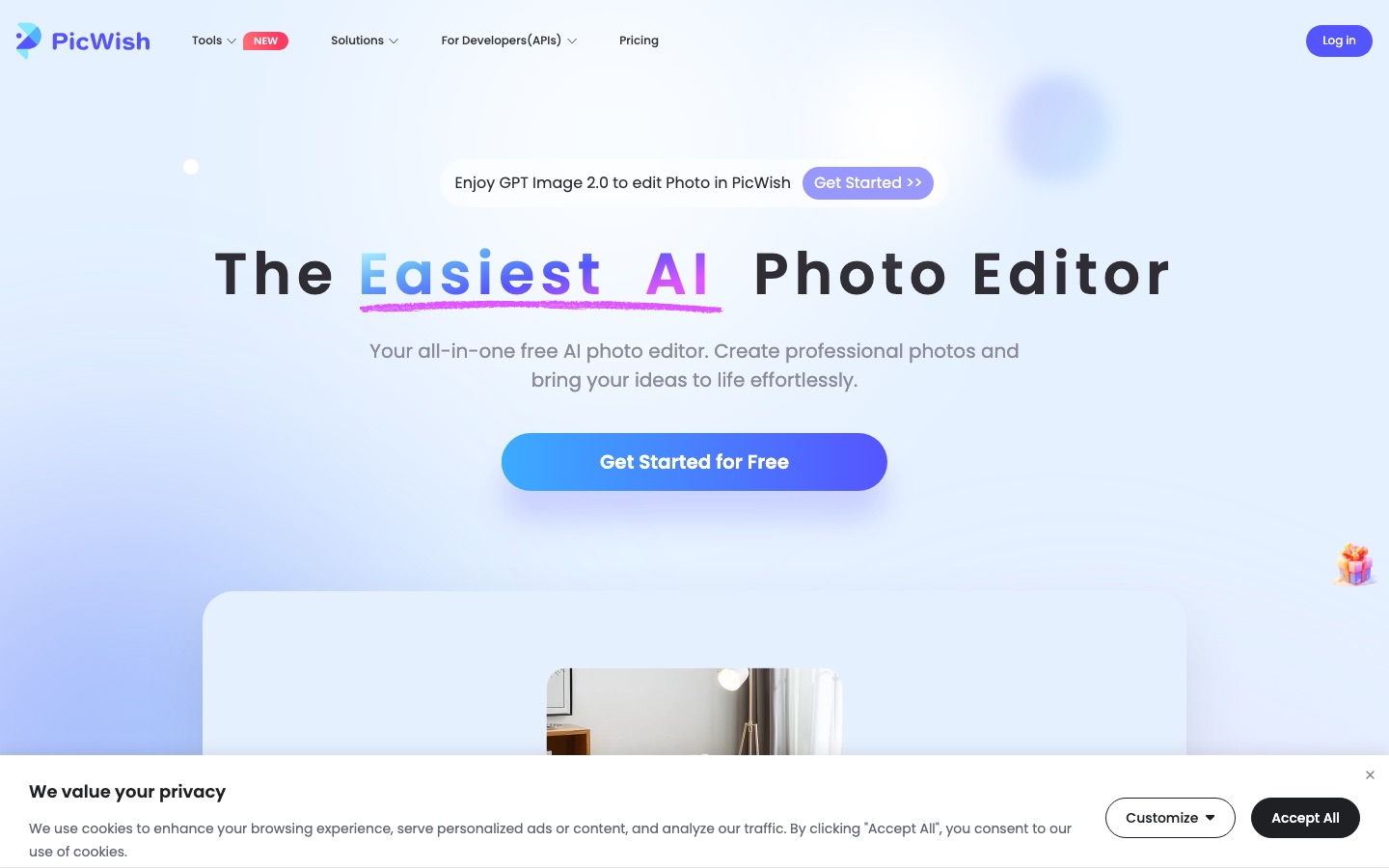
PicWish is an AI photo editor that removes backgrounds, sharpens blurry pictures, restores old photos and retouches product images. PicWish runs in a web browser and as apps for Windows, macOS, iOS and Android. PicWish has a free plan alongside a Pro subscription and a pay-as-you-go option, and offers an image-editing API for developers.
Best for Online sellers and creators who need quick background removal, sharper photos and clean product shots without learning a full editing program.
- Platforms
- Web, Windows, macOS, iOS, Android, API
- Pricing model
- Freemium
- Free plan
- Yes
- API
- Yes
- Made by
- PicWish
- Added
Last verified: . Information taken from picwish.com.
What is PicWish?
PicWish is a collection of AI photo tools that run in the browser and in apps for Windows, macOS, iOS and Android. Its best-known functions are a background remover, which accepts as many as 30 files in one go, and an enhancer that sharpens soft or out-of-focus pictures. Around these sit tools for restoring and colourising old photographs, erasing objects, generating new backdrops, preparing ID photos and retouching product shots. A chat-style feature called AI Designer lets you describe an edit in ordinary language instead of working through menus. The service has a free tier alongside a Pro subscription and a pay-as-you-go option, and it offers an image-editing API for developers.
Key Features
Background Remover
Separates the subject from its surroundings automatically and can work through up to 30 uploads in a single batch.
Photo Enhancer
Sharpens blurred or low-detail pictures so they are clear enough for print, listings or personal use.
AI Designer
Applies edits from a typed description, with ready-made scenario presets for people who are new to prompting.
Restoration and Colourising
Repairs old photographs and adds colour to black-and-white originals.
Product Photo Tools
Covers white backgrounds, generated backdrops and product retouching for catalogue images.
Apps and API
Runs on the web, on desktop and mobile apps, and can be built into other software through an API.
Use Cases
- Marketplace Listings
- A seller puts products on a clean white or generated background before uploading them to a shop.
- Rescuing Soft Photos
- A user recovers detail in pictures that came out blurry or were scanned at low quality.
- Family Archives
- A family repairs and colourises old prints so they can be shared or reprinted.
- ID and Passport Photos
- An applicant prepares a portrait with the ID photo maker.
- Bulk Cut-Outs
- A shop team clears the background from a batch of up to 30 images in one pass rather than one at a time.
Things to know
- Free plan limits
- The Free Plan gives previews for most features, access to the free tools and a limited number of non-HD downloads per day.
- Batch size
- The background remover takes up to 30 files in one batch.
- Refund window
- The pricing page lists a 7-day money-back guarantee.
- Security certifications
- PicWish states that it is certified to ISO/IEC 27001 and ISO/IEC 27701 and is GDPR compliant.
FAQs
What is PicWish?
PicWish is an AI photo editor made up of single-purpose tools. They include background removal, sharpening, object erasing and photo restoration.
What is PicWish used for?
PicWish is used to cut out backgrounds, fix blurry photos, restore and colourise old pictures, make ID photos and prepare product images for online shops.
Is PicWish free?
PicWish has a Free Plan with previews for most features, access to the free tools and a limited number of non-HD downloads each day. HD downloads come with the paid options.
What does the PicWish paid plan add?
The PicWish Pro plan gives daily HD downloads for most online features plus extra credits, according to the pricing page. A pay-as-you-go option is also listed.
Does PicWish work on mobile?
Yes. PicWish has apps for iOS and Android as well as Windows and macOS, and it also runs in a web browser.
Can PicWish process several images at once?
Yes. The PicWish background remover handles up to 30 files at a time.
Does PicWish have an API?
Yes. PicWish offers image-editing API integration and has a separate API pricing page.
What languages does PicWish support?
The PicWish site lists twelve interface languages, including English, German, French, Spanish, Portuguese, Japanese, Italian and Russian.
Who it's for
- Online sellers
- Designers
- Photographers
- Social media creators
- Developers
Comments
No comments yet. If you have used PicWish, tell other readers how it went.
Alternatives to PicWish
| Tool | Free plan | Starting price | API |
|---|---|---|---|
 SnapEditOnline AI photo editor for removing objects and backgrounds, enhancing images and batch processing. |
Yes | — | Yes |
 Artguru AIOnline AI enhancer for photos, video and documents: upscaling, old photo restoration, denoising and sharper scans. |
— | — | Yes |
 Pixelcut AIAI photo editor for product visuals: background removal, upscaling, generative edits, batch work and video. |
Yes | — | Yes |
 Cutout.ProOnline toolbox for background removal, photo enhancement, AI image and video generation, with an API. |
— | — | Yes |
 ImgUpscalerBrowser-based AI image upscaler from LinoCut AI with output up to 16K, batch mode and related enhancement tools. |
Yes | — | — |
Listed in the same categories as PicWish. A starting price appears only where we checked it on the maker’s pricing page; a dash means not checked or not published. All Background Remover tools