Keeping a project on track: AI tools from the first plan to the weekly status report
7 stages, 23 tools
updated
Projects rarely slip because nobody owned a tracking tool. They slip because the plan in the tool stopped matching reality: a decision made in a call never reached the board, a dependency was noticed late, and the weekly status was written from memory on a Friday afternoon. A good share of a project manager's week goes to closing those gaps by hand.
This is the part AI is suited to. A notetaker turns a meeting into action items and can push them to the tracker. A planning tool drafts stages, tasks and dates from a brief and reshuffles the schedule when something moves. An agent watches a board and flags tasks close to their deadline, or assembles the status summary from task data. Some trackers now let you assign an issue to an AI agent the way you would to a teammate.
None of it decides anything. Scope, priorities, trade-offs between time and quality, and the conversation with a stakeholder who wants more for the same budget stay with people. The stages below follow a project from first plan to routine automation, and for a small team three or four of them will be enough.
Who this is for Team leads, freelancers and first-time project managers running client or internal projects, and small teams that have outgrown a shared spreadsheet and a chat channel.
A minimal set for a small team: one tool to draft the plan, one to track the work, one to capture meetings and one to remove a repeated chore. Each was picked because its record describes that job, not because it outranks the alternatives.
Automate one repeated handoff, such as turning a form entry into a task, and check its run log weekly.
1
Stage 1: Scope and plan
Agreeing what the project will and will not deliver, breaking it into phases and tasks, estimating durations, mapping dependencies and setting milestones that stakeholders sign off.
What AI does here
Draft stages, tasks, owners and due dates from a written brief, and recalculate the schedule when a task or dependency changes.
What AI can’t do here
Negotiate scope or know how long your team really takes. A generated plan is a starting estimate that the people doing the work must correct.
Groups projects under initiatives on a timeline and keeps product requirement documents beside the work.
Issue tracking and product planning tool where human teammates and AI agents share the same workflow.
View tool
2
Stage 2: Tasks and boards
Running the day-to-day work: assigning tasks, moving them across a board, managing a backlog or sprint, and keeping priorities and due dates current as things change.
What AI does here
Turn chat threads, emails and form submissions into tasks, route and label them, and take on well-described items as an assigned agent.
What AI can’t do here
Set priorities between competing requests. An agent can sort a queue by rules, but deciding what gets dropped this sprint is a judgment call.
Whiteboard with a timer, anonymous voting and templates for planning sessions and retrospectives.
Visual collaboration workspace with an infinite canvas, facilitation tools, templates and AI features for teams.
From $9.99/moView tool
6
Stage 6: Status updates and reporting
Telling stakeholders where the project stands: what was finished, what is late, what is at risk and what decision is needed from them, on a regular rhythm.
What AI does here
Assemble a recurring status summary from task data, flag items near their deadline and add a title, summary and chapters to a recorded walkthrough.
What AI can’t do here
Deliver bad news well. A generated summary reports what the board says, and explaining a delay and proposing a way forward is still your job.
Records a screen walkthrough to share by link in place of a meeting, with AI titles, summaries and chapters.
Screen and camera recorder for sharing video messages, with AI titles, summaries and edits.
View tool
7
Stage 7: Automating routine steps
Removing the repeated manual steps around the project: creating tasks from form entries, handing work between tools, sending reminders and approvals, and updating records.
What AI does here
Run multi-step workflows across apps when a trigger fires, and build an automation from a plain-language description of the flow.
What AI can’t do here
Notice when a rule no longer fits the process. Automations run silently, so give each one an owner and review its logs.
Its prompt-based builder Maia assembles an automation from a natural-language conversation, and the scenario builder shows each handoff as connected modules.
Visual automation platform for building workflows and AI agents across 3,000+ app integrations.
Its Workflow Builder automates recurring jobs such as approvals and status updates, built by clicking steps or describing the flow.
Team messaging platform with channels, huddles, workflow automation and built-in AI such as Slackbot and AI search.
From $7.25/moView tool
Realistic expectations
A generated plan is an estimate
AI can produce a complete-looking schedule in seconds. The durations and dependencies in it are guesses until the team has reviewed them, and a confident Gantt chart can hide the fact that nobody has agreed to the dates.
Reports reflect the board, not the project
Automated status summaries are only as accurate as the task data behind them. If people do not update their items, the report will be wrong in a tidy format. Keep a regular human check.
Recording meetings needs consent
Tell participants when a notetaker is recording, especially clients and external partners, and follow the rules that apply where they are. Bot-free capture makes recording less visible, which makes asking more important, not less.
Agents and automations act on real data
An agent or workflow with write access can update, reassign or delete items at scale. Start with narrow permissions, use approval or simulation modes where the tool offers them, and review activity logs.
Confidential project information
Connecting chat, documents and meetings to AI features sends project content to the vendor. Check what your contracts and clients allow, where data is hosted and whether it is used for model training.
FAQs
Can AI write a project plan for me?
It can write a first draft. Several tools here generate stages, tasks, owners and due dates from a brief, which is faster than starting from an empty chart. The draft will not know your team's capacity, holidays, approval delays or the supplier who is always late. Use it to make sure nothing obvious is missing, then review every estimate and dependency with the people who will do the work before sharing it.
Can I assign tasks to an AI agent like a team member?
In some trackers, yes. Tools in this guide describe agents that can be assigned work items, triage incoming requests, flag deadlines or, in software teams, draft a code change and open a pull request for a human to review. It works for narrow, well-described tasks with a clear check at the end. A person still reviews the result and stays accountable for it.
Do I need a dedicated project management tool for a small team?
Not always. A handful of people on one project can manage with a shared document, a task list and a chat channel, as long as every task has an owner and a date. A dedicated tool starts to pay off when you juggle several projects, need dependencies or a timeline, or have to report to someone outside the team. Start simple and move when the gaps become visible.
Will AI replace the project manager?
It takes over clerical parts of the role: minutes, reminders, status roll-ups and first-draft schedules. The parts that decide whether a project succeeds are different in kind: agreeing scope, reading the mood of a team, negotiating with a stakeholder and choosing what to cut. Those depend on trust and context that the tools do not have, so the role shifts toward judgment and communication.

 Tana
Tana
 Make
Make
 Zapier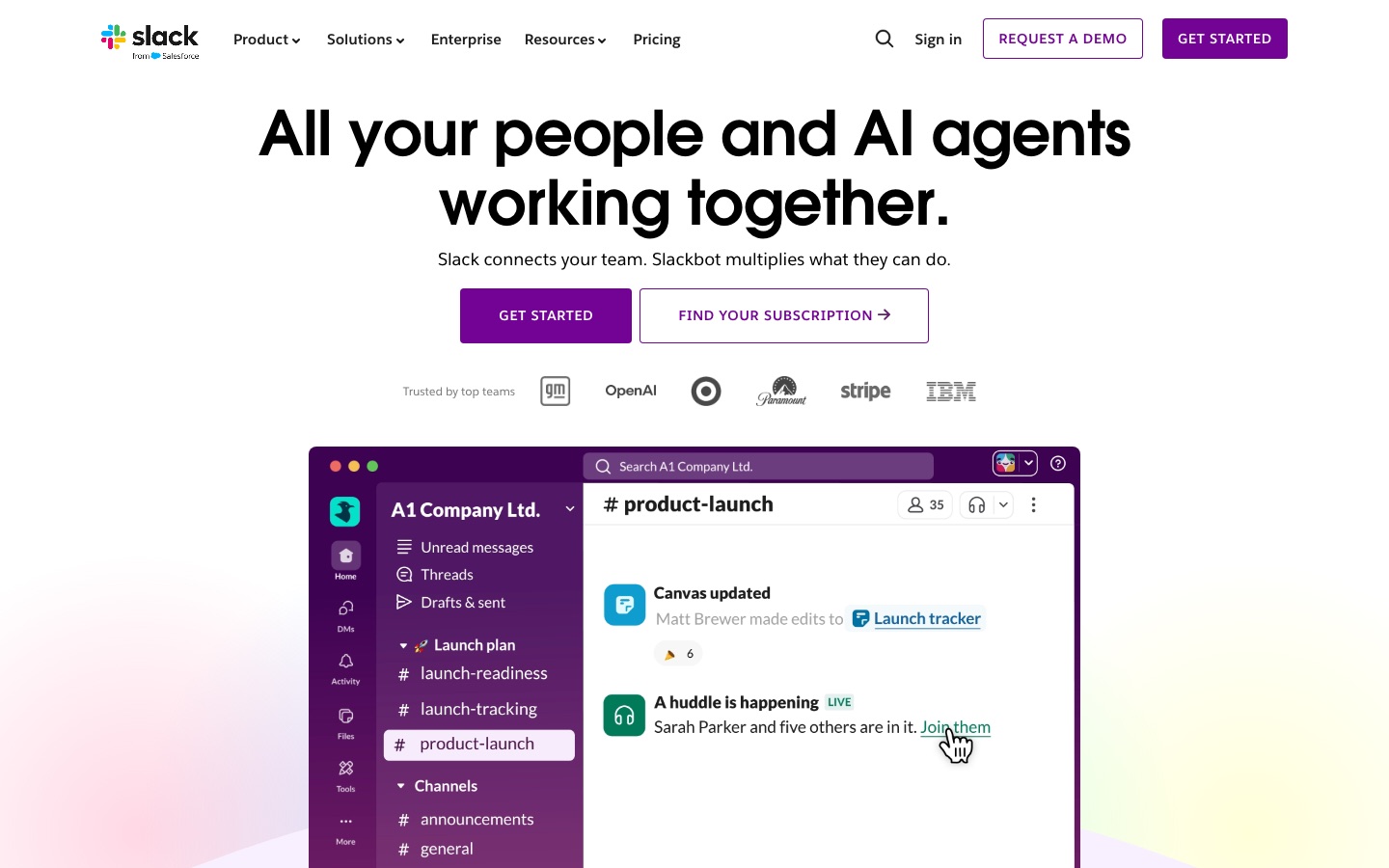
 Slack
Slack
 Motion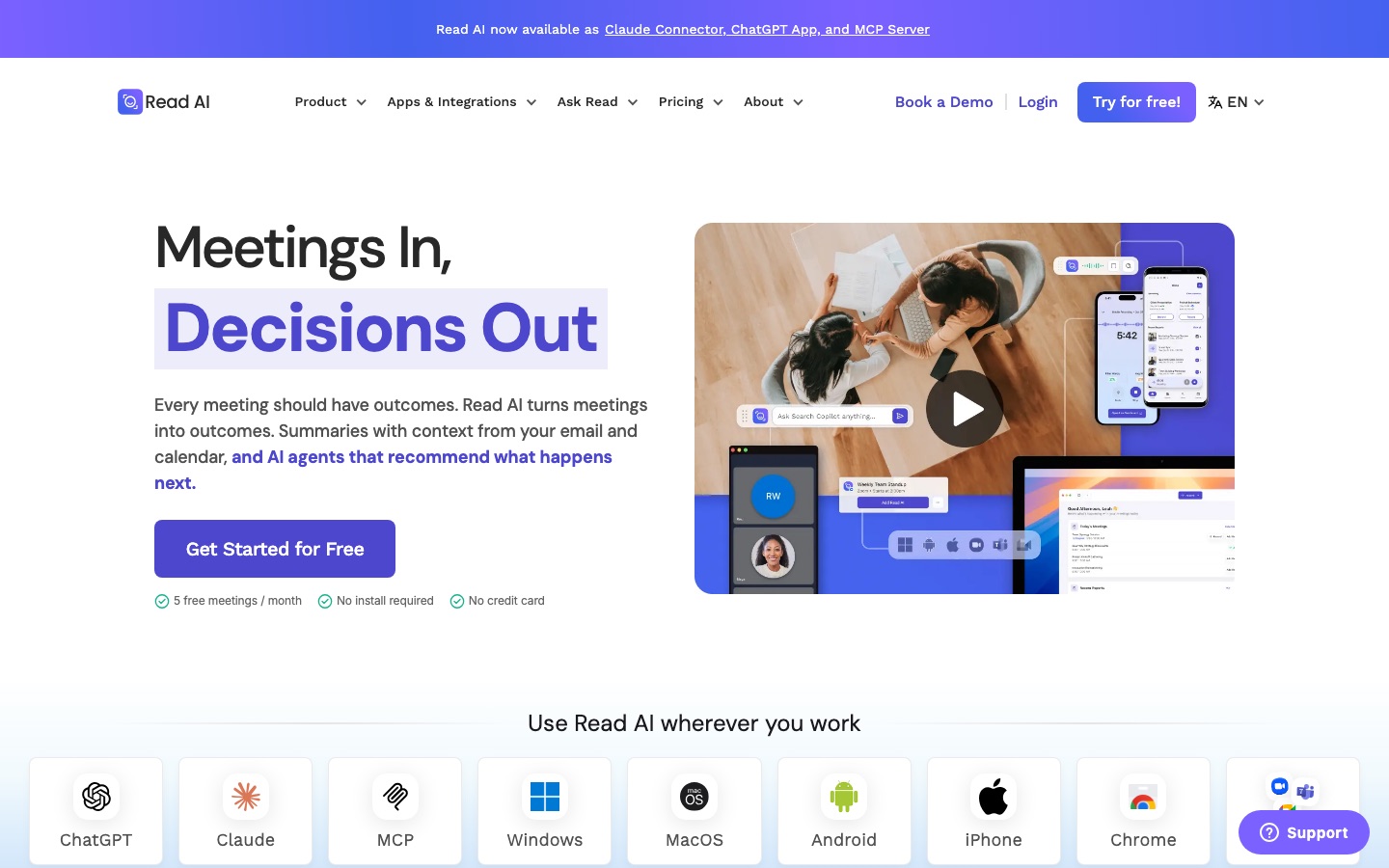
 Read AI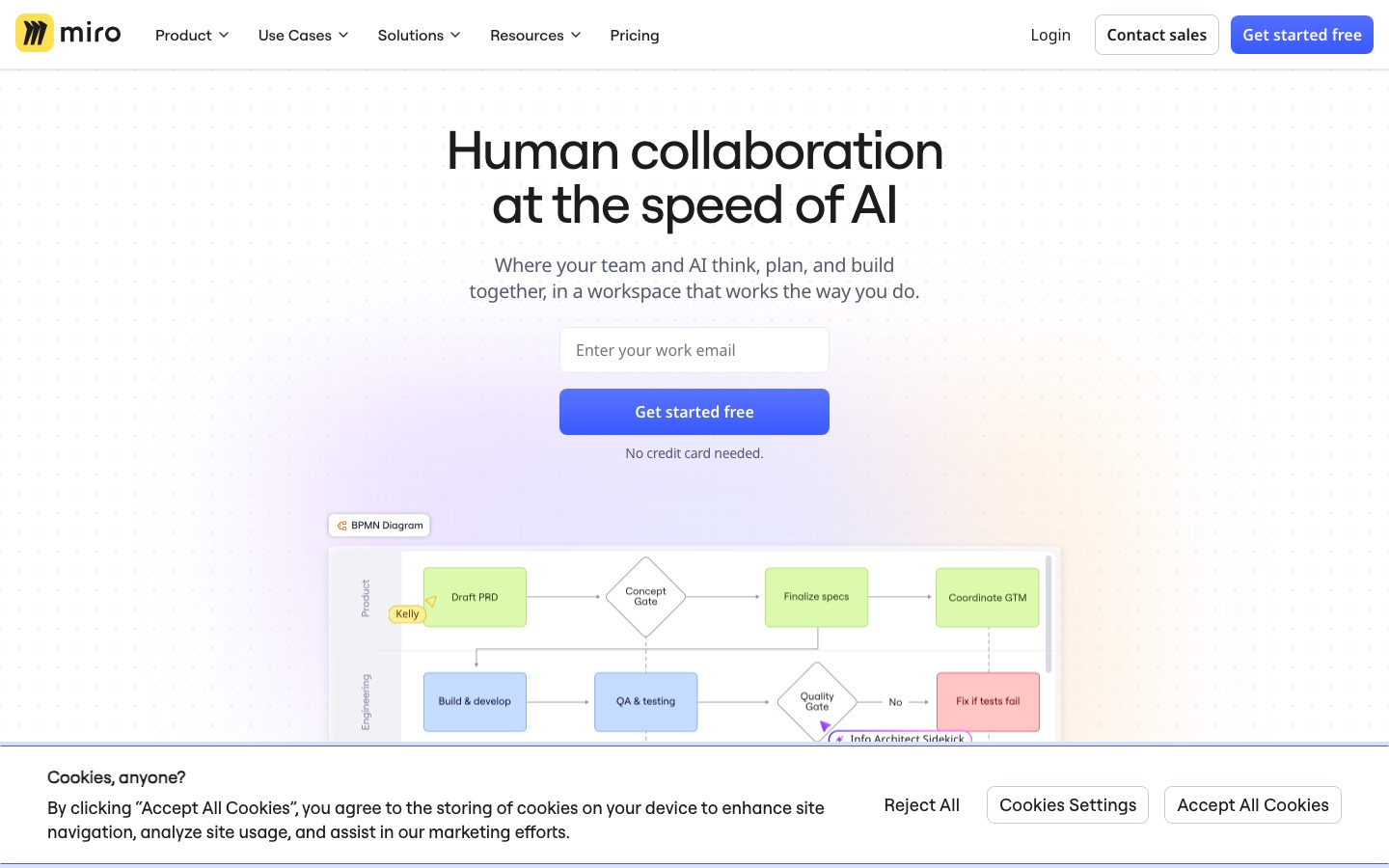
 Miro
Miro
 monday.com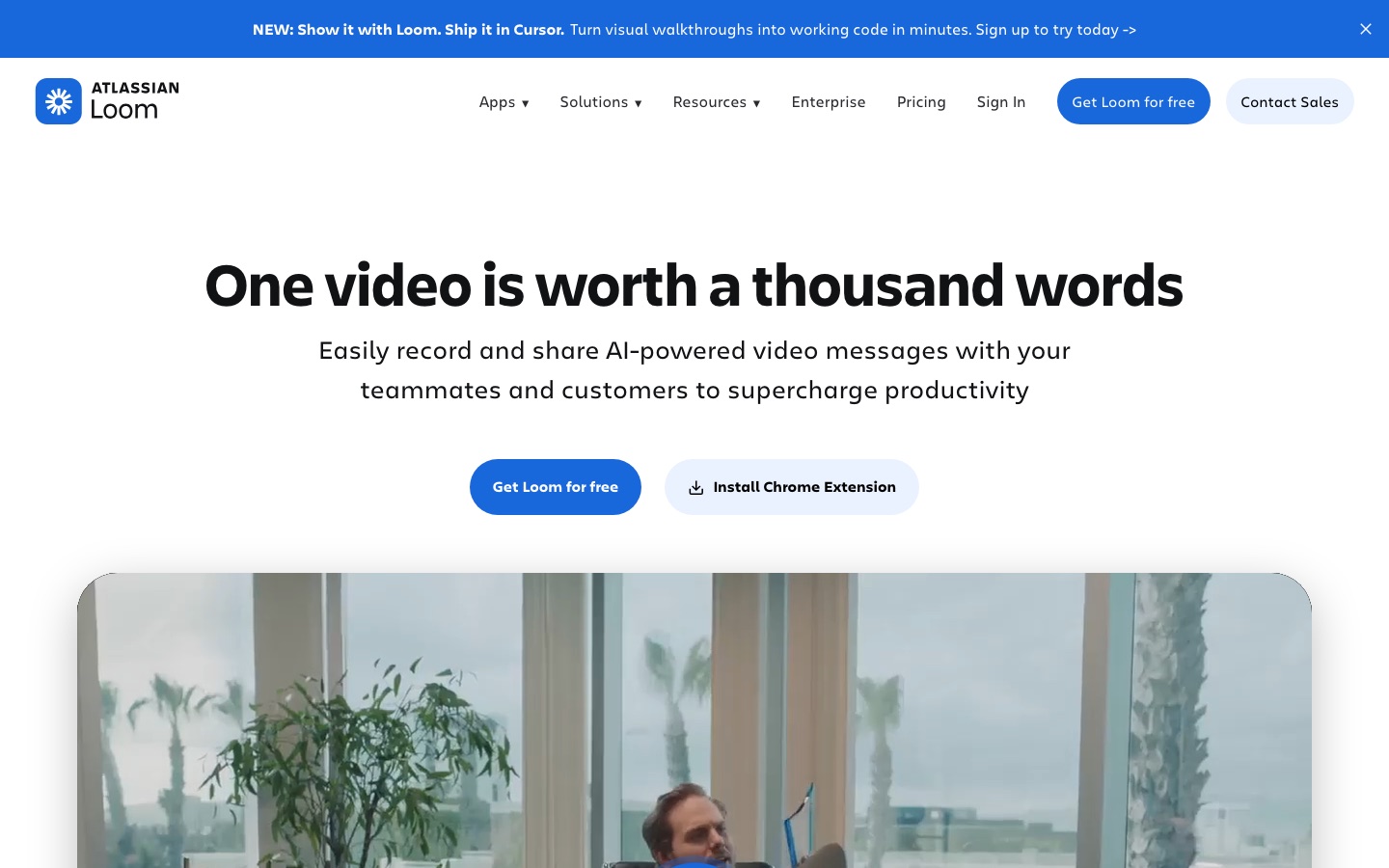
 Loom
Loom