
Fathom AI Notetaker
AI meeting notetaker that records, transcribes and summarises calls on Zoom, Google Meet and Microsoft Teams.
Fathom AI Notetaker is a meeting assistant that records, transcribes and summarises calls on Zoom, Google Meet and Microsoft Teams. Fathom AI Notetaker is used by letting it capture a meeting, with or without a bot, and then reading the summary and action items it sends afterwards. A free plan for individuals is available.
Best for Individuals and customer-facing teams who want meeting recaps, searchable transcripts and CRM updates without taking notes by hand.
- Platforms
- Web, macOS, API, MCP
- Pricing model
- Freemium
- Free plan
- Yes
- Free trial
- Yes
- API
- Yes
- Made by
- Fathom
- Added
Last verified: . Information taken from fathom.ai.
What is Fathom AI Notetaker?
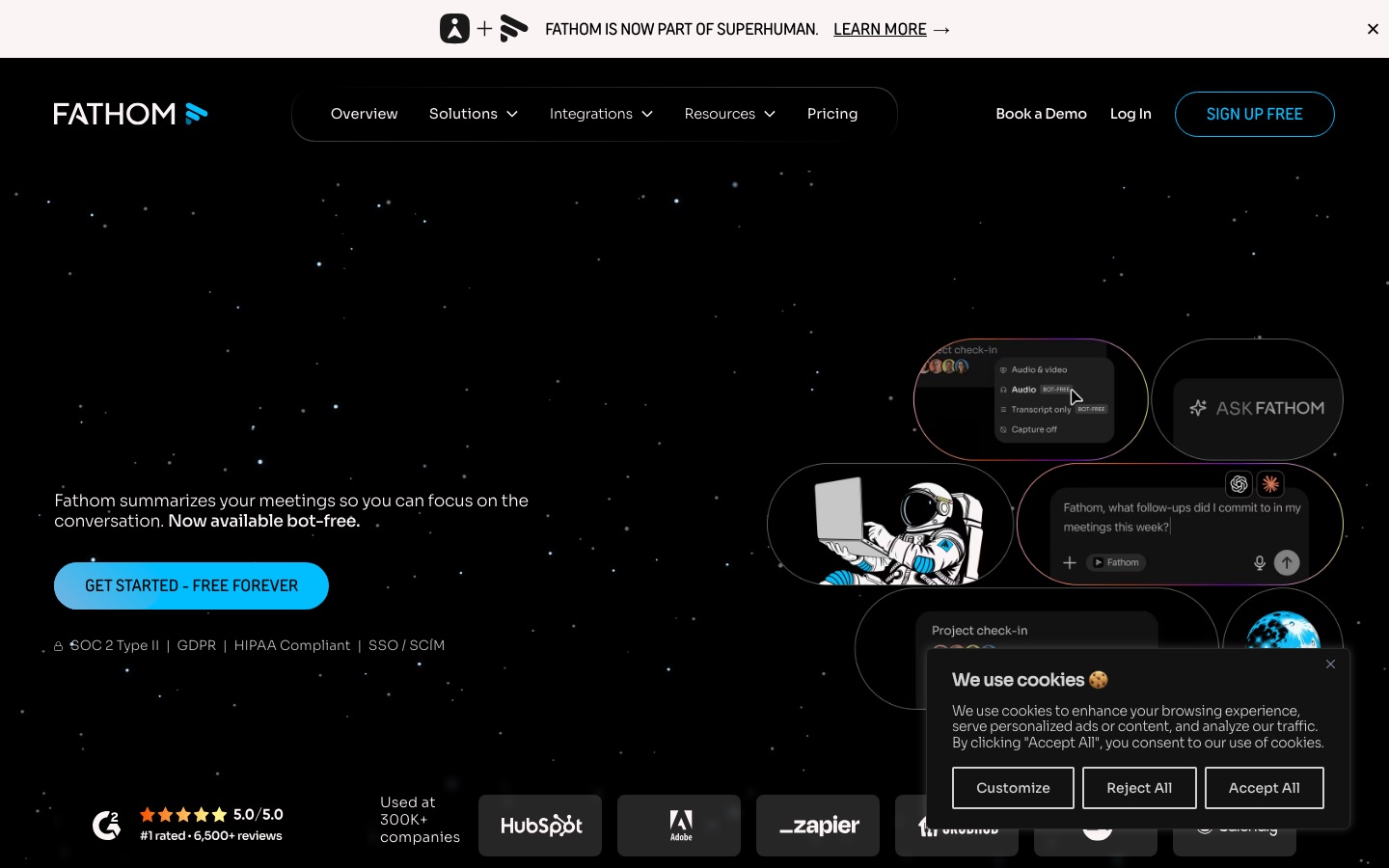
Fathom AI Notetaker is a meeting assistant that records calls, transcribes them and produces a written summary with action items once the call ends. It works with Zoom, Google Meet and Microsoft Teams, and capture can happen either through a bot that joins the meeting or through a bot-free mode, which the pricing page marks as a beta for Mac. A chat feature named Ask Fathom answers questions about one call or, on team plans, about past calls across the account. Notes and action items can be pushed to tools including Slack, Salesforce, HubSpot, Notion and Asana, and meeting data can be reached from ChatGPT and Claude or through a public API and MCP. Team features add shared folders, keyword trackers, deal views and AI scorecards for coaching. A banner on the site states that Fathom is now part of Superhuman.
Key Features
Recording and Transcription
Captures meetings and turns them into searchable transcripts; the plan table lists recordings, storage and transcription as unlimited.
Automatic Summaries
Writes a recap after each call, with more than 15 templates such as BANT and Sandler available for advanced summaries.
Ask Fathom
Provides a chat interface for questioning a single meeting, or all meetings on an account, to pull out answers and next steps.
Trackers
Tags moments such as competitor mentions, objections or feature requests in later calls and sends them to Slack, email or the app.
CRM Sync
Pushes summaries and notes into a CRM and, on the Business plan, writes insights into specific record fields.
Coaching Metrics and Scorecards
Measures speaking patterns in calls and scores them with AI so managers have material for coaching.
Screenshots
Use Cases
- Sales Calls
- Keep full attention on the buyer while the call is recorded and the CRM record is updated afterwards.
- Customer Success Reviews
- Look across an account's meetings in one customer view to catch risks and expansion signals.
- Candidate Interviews
- Record interviews and query them later when comparing applicants.
- Product Feedback
- Collect feature requests mentioned in customer conversations and review them together.
- Catching Up on Missed Meetings
- Read the summary and highlight clips of a call you could not attend live.
Things to know
- Now part of Superhuman
- The website carries a notice that Fathom has become part of Superhuman.
- Team plans need two users
- The Team and Business plans are priced per user and have a two-user minimum; a free trial is offered for teams.
- Bot-free capture is in beta
- Recording without a meeting bot is labelled a beta feature for Mac in the plan comparison.
- Some features are limited by plan
- Advanced summaries are marked as limited use on lower tiers, and the lookback window for team calls depends on the plan.
FAQs
What is Fathom AI Notetaker?
Fathom AI Notetaker is a meeting assistant that records and transcribes calls and writes AI summaries and action items after each one.
What is Fathom AI Notetaker used for?
Fathom AI Notetaker is used to avoid manual note-taking in meetings, to share call recaps with a team and to keep CRM records current after sales or customer calls.
Is Fathom AI Notetaker free?
Yes. Fathom has a Free plan for individuals described as free forever, covering recordings, transcription and instant summaries. Paid Premium, Team, Business and Enterprise plans add further features.
Which meeting platforms does Fathom AI Notetaker support?
Fathom AI Notetaker works with Zoom, Google Meet and Microsoft Teams.
Does Fathom AI Notetaker need a bot in the meeting?
No, not necessarily. Fathom offers a choice between bot capture and a bot-free mode, and the pricing page notes that bot-free capture is a beta feature for Mac.
Does Fathom AI Notetaker have an API?
Yes. Fathom lists a public API and MCP among its integrations and runs a developer hub, alongside connections to Zapier and Make.
Is Fathom AI Notetaker compliant with security standards?
Fathom states on its home page that it is SOC 2 Type II, GDPR and HIPAA compliant and supports SSO and SCIM. A signed HIPAA BAA appears in the plan comparison.
Who makes Fathom AI Notetaker?
Fathom AI Notetaker is made by Fathom, which the website says is now part of Superhuman.
Who it's for
- Sales teams
- Customer success teams
- Marketing teams
- Recruiters and HR
- Product teams
- Individual professionals
Used in these workflows
- Running better meetings: where AI tools help before, during and afterStage 3: Recording and transcription
- Running better meetings: where AI tools help before, during and afterStage 4: Notes and summaries
Each guide lists the stages of one job and the tools that help at each stage. All guides
Comments
No comments yet. If you have used Fathom AI Notetaker, tell other readers how it went.
Alternatives to Fathom AI Notetaker
| Tool | Free plan | Starting price | API |
|---|---|---|---|
 Otter.aiAI meeting notetaker that transcribes conversations live and produces summaries, action items and searchable notes. Otter.aiAI meeting notetaker that transcribes conversations live and produces summaries, action items and searchable notes. |
Yes | $16.99/mo | Yes |
 tl;dvAI meeting notetaker that records, transcribes and summarises Zoom, Google Meet and Teams calls and syncs them to other tools. tl;dvAI meeting notetaker that records, transcribes and summarises Zoom, Google Meet and Teams calls and syncs them to other tools. |
Yes | — | Yes |
 Fireflies.aiAI meeting assistant that records, transcribes, summarises and makes team conversations searchable. Fireflies.aiAI meeting assistant that records, transcribes, summarises and makes team conversations searchable. |
Yes | — | Yes |
 NottaAI meeting notetaker that records, transcribes, translates and summarises conversations in 58 languages. NottaAI meeting notetaker that records, transcribes, translates and summarises conversations in 58 languages. |
Yes | $8.17/mo | — |
 Read AIAI meeting notetaker that creates summaries, transcripts and action items and searches across meetings, email and chat. Read AIAI meeting notetaker that creates summaries, transcripts and action items and searches across meetings, email and chat. |
Yes | $15/mo | Yes |
Listed in the same categories as Fathom AI Notetaker. A starting price appears only where we checked it on the maker’s pricing page; a dash means not checked or not published. All Meeting Assistants tools