Launching a product with AI: what to use from positioning to feedback
8 stages, 32 tools
updated
Launch day lasts a day. The work sits in the weeks around it: deciding who the product is for and what one sentence describes it, putting up a page that collects interest, recording a demo people will actually watch, preparing visuals and posts for every channel, writing the announcement email, and then reading what the first users do and say.
A small team can now produce most of those assets in days instead of weeks. A builder generates the landing page from a prompt, a recorder turns one screen capture into a polished walkthrough and a written guide, a design agent returns a matching set of launch graphics, and a scheduler queues the posts. That speed is real and it is useful.
It also makes it easy to launch something nobody asked for with very professional packaging. No tool here can tell you that your positioning is wrong, find the ten communities where your buyers spend time, or answer the first critical comment with good grace. Spend the hours you save on talking to prospective users before the launch and to real ones after it.
Who this is for Founders, indie makers, product managers and small marketing teams preparing to release a new product or a major feature, usually with a limited budget and no dedicated design or video staff.
Each pick covers one stage every launch needs, however small: research, a page, a demo and an announcement. They were chosen for fit with those four jobs, not ranked against the other tools on the page.
Import the contacts who opted in, build the announcement from a template and send yourself a test first.
1
Stage 1: Positioning and customer research
Before any asset is made you settle who the product is for, which problem it solves, how it differs from what people use today, and you test those assumptions with real prospects.
What AI does here
Draft customer personas and a value proposition, gather signs of demand from forums and reviews, write a survey and summarize the answers.
What AI can’t do here
Replace conversations with people who might pay. A generated persona is a hypothesis, and the choice of who you are not building for is yours.
Writes a questionnaire from a description of topic and goal, suited to comparing ideas or product variants with target respondents.
Survey platform with AI tools that generate questionnaires from a prompt and summarise responses in reports.
View tool
2
Stage 2: Landing page and waitlist
You publish one page that states the promise, shows the product, answers the obvious objections and gives visitors a single action: join the list, book a demo or buy.
What AI does here
Generate a page layout, copy and images from a short description, and add a sign-up form with hosting handled for you.
What AI can’t do here
Know which claim is true and provable. Headlines, numbers and customer quotes on the page are your responsibility, and generated copy tends to sound like every other launch.
Publishes a landing page for a launch with forms and popups that collect sign-ups straight into an email list.
Email marketing and automation platform with AI-assisted emails, landing pages, forms, SMS and a website builder.
View tool
3
Stage 3: Demo and explainer video
You show the product working: a short walkthrough of the main use, recorded from the screen, with clear narration, tidy pacing and a version that fits the page, email and social posts.
What AI does here
Clean up a raw screen recording with zooms and chapters, rewrite and voice the narration, and turn the same capture into a clickable tour or written guide.
What AI can’t do here
Choose what to show. A demo that walks through every feature loses people, and deciding on the single path that proves the value is editorial judgment.
Builds clickable guided product tours with hotspots and lead forms that can be embedded on a website.
Demo automation platform for building interactive product demos, plus RepX AI SDR agents for inbound visitors.
View tool
4
Stage 4: Launch visuals
A consistent set of graphics is prepared: social cards, announcement images, product screenshots in frames, a short animated clip and correctly sized versions for each channel.
What AI does here
Produce a coordinated set of on-brand images from one brief, resize a design for each platform and animate text or app screens from a prompt.
What AI can’t do here
Guarantee an accurate picture of your product. Generated screens and mockups can show features that do not exist, so real screenshots should carry the claims.
Creates short motion graphics from a prompt, such as an announcement clip with animated app screens and text.
AI motion design tool that turns a text prompt into an animation for text, logos, charts and UI, exported as video or GIF.
View tool
5
Stage 5: Social posts and creators
You plan the announcement across the networks where your audience is, write a post for each, schedule them around launch day, answer comments and line up creators or partners to share it.
What AI does here
Draft posts in your voice, convert one text into formats for other networks, queue them at suitable times and shortlist creators who promoted similar products.
What AI can’t do here
Earn trust in a community you never took part in. Launch posts work when people already know you, and replies to real comments should come from a person.
Ranks creators by fit with your product, shows which products they promoted before and sends personalized outreach emails.
Influencer marketing platform for finding creators who already promote similar products, with AI matching, outreach and a creator CRM.
View tool
6
Stage 6: Email announcement
The people who already gave you their address hear first. You segment the list, write the announcement and one or two follow-ups, test how it renders, and send at a planned time.
What AI does here
Draft a launch email series in your brand voice, design the layout from a brief and schedule the campaign to a chosen segment.
What AI can’t do here
Grow a list overnight or make an uninterested reader care. You may only mail people who agreed to hear from you, under the rules where they live.
Sends newsletters and automated sequences such as a welcome series to the subscribers its landing pages collected.
Email marketing and automation platform with AI-assisted emails, landing pages, forms, SMS and a website builder.
View tool
7
Stage 7: Paid acquisition
If budget allows, you test paid traffic: several ad concepts, a few audiences, a small daily spend, and a clear rule for what gets paused and what gets more money.
What AI does here
Generate many creative variations, study competitor ads, publish batches of ads with consistent naming and grade running ads with suggestions.
What AI can’t do here
Make the unit economics work. Predicted scores are estimates, and only real spend against a real offer shows whether a customer costs less than they are worth.
Researches competitor ads, drafts briefs, copy and images for Meta campaigns and grades each running ad with plain-language recommendations.
AI ad workflow platform for researching, briefing, generating, launching and analysing Meta ads.
View tool
8
Stage 8: Feedback and analytics
After release you measure what happened: where visitors came from, how many signed up and reached the key action, where they dropped out, and what early users say in their own words.
What AI does here
Track funnels and replay sessions, answer plain-language questions about usage data, run in-product surveys and collect testimonials in one inbox.
What AI can’t do here
Tell you why people left without talking to them. Early numbers are small and noisy, so treat the first week as signals to investigate, not conclusions.
Collects satisfaction or NPS answers after launch and reports topics and sentiment across all responses.
Form, survey and quiz builder with AI form creation, automated follow-up workflows and AI-moderated research.
View tool
Realistic expectations
Claims on the page must be true
Generated copy readily invents statistics, customer counts and testimonials. Advertising and consumer protection rules apply to launch pages and ads as to any marketing, so check every number, quote and comparison before it is published.
Email and creator rules apply
You may only email people who agreed to it, with a working unsubscribe link, and the details depend on the recipient's country. Paid or gifted creator posts usually need a clear sponsorship label under platform and advertising rules.
Generated visuals and ownership
Who owns an AI-generated image and whether you may use it commercially depends on the tool's license and local law. Some plans restrict commercial use or make output public, so read the terms before putting an asset in an ad.
Launch platforms set their own policies
Communities and launch sites have rules about self-promotion, vote requests and automated posting. Breaking them can get a launch removed. Read the rules of each place you plan to post and take part before you ask for attention.
FAQs
Can I launch a product with AI tools and no designer or developer?
For a simple product page, demo video, graphics and announcement email, yes: the tools in this guide produce usable versions of each. The result will be competent and somewhat generic. What still needs a person is the positioning, honest claims, the choice of what to show in the demo, and conversations with early users. Budget time for editing everything the tools generate.
How far ahead of launch day should I start preparing?
It depends on whether you already have an audience. With an existing list and following, a few weeks is enough to prepare assets. Without one, the limiting factor is not production but trust: start taking part in relevant communities and collecting a waitlist well before the launch, because AI tools speed up making assets and do nothing for an empty audience.
Should I use an AI avatar or my own voice in the demo video?
A plain screen recording with your own voice is usually enough and feels more credible for an early product. AI voiceover or an avatar helps if you are uncomfortable recording, need several languages or update the video often. Whichever you choose, keep the demo short, show the real product and avoid generated screens that suggest features you have not built.
Is it worth running paid ads at launch?
Only if you can measure what a sign-up or sale is worth and afford to lose the test budget. Ads amplify a message that already works; they rarely rescue one that does not. Many small launches start with owned channels and communities, then test a modest ad budget once the page converts visitors from those sources.
Which launch metrics should I look at first?
Start with a short chain: visitors, sign-ups, and the share of sign-ups who reach the one action that shows they got value. Add where visitors came from. Numbers in the first days are small, so read session recordings and survey answers alongside them and talk to a handful of early users before changing direction.
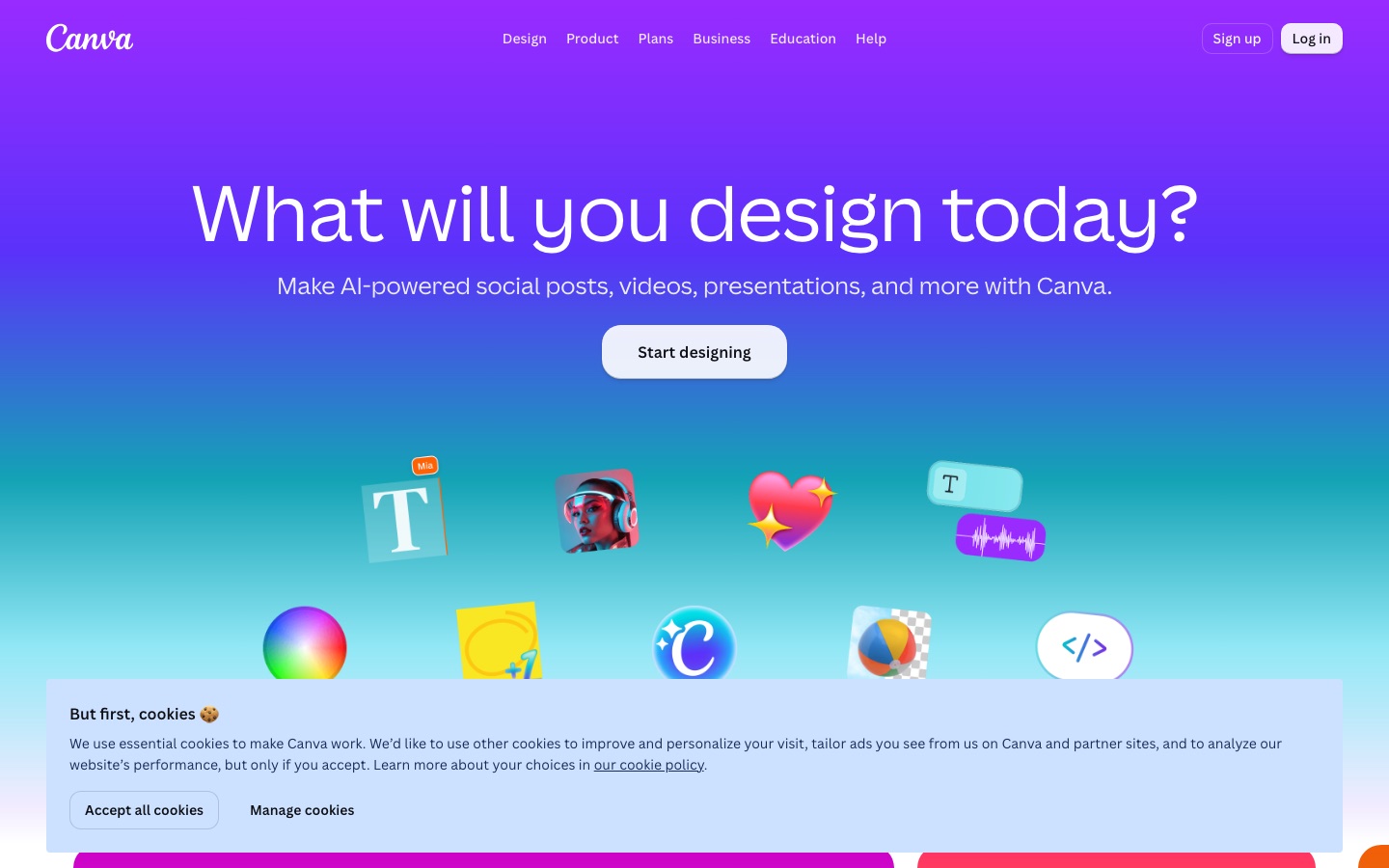
 Canva
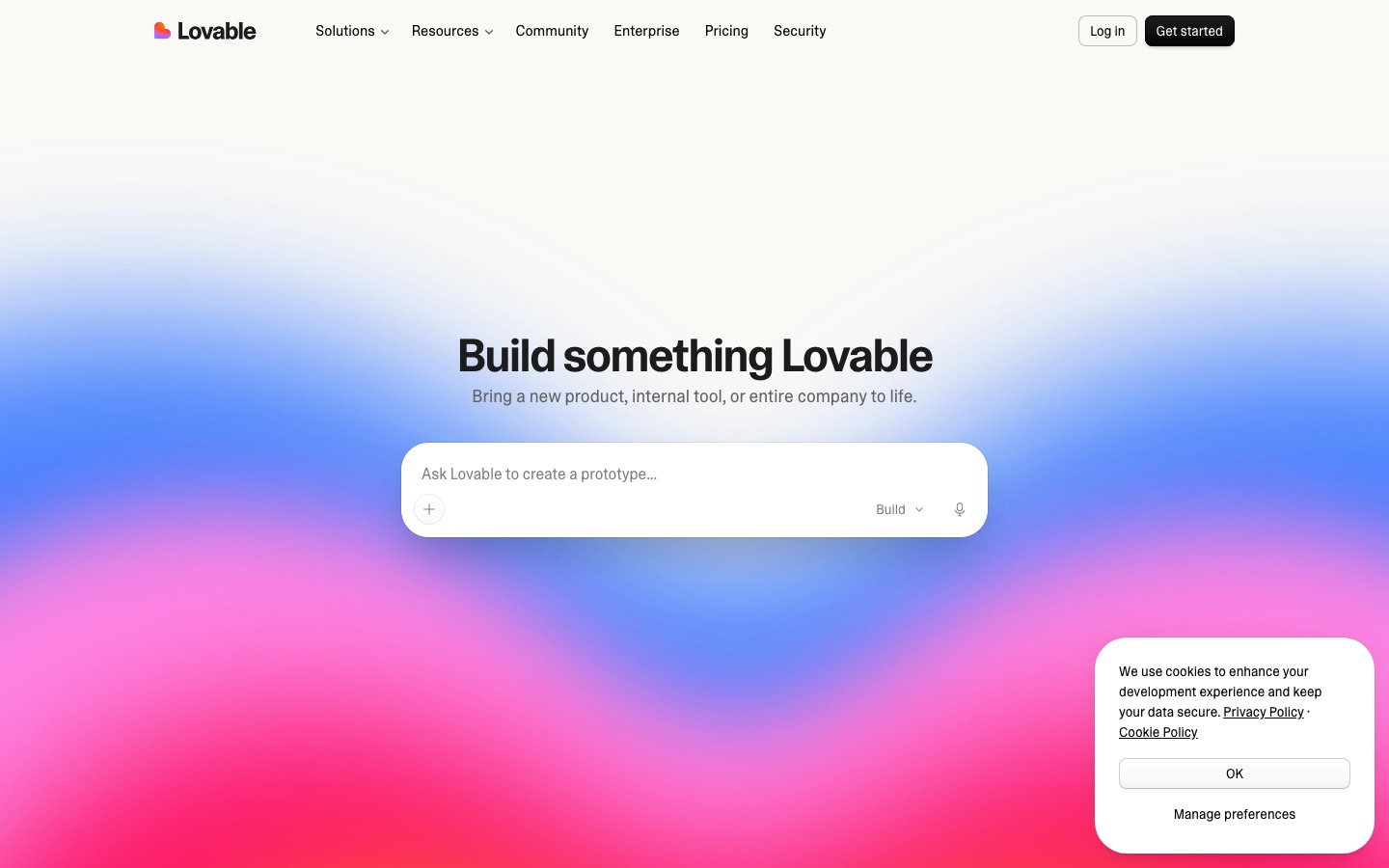
 Lovable

 Testimonial
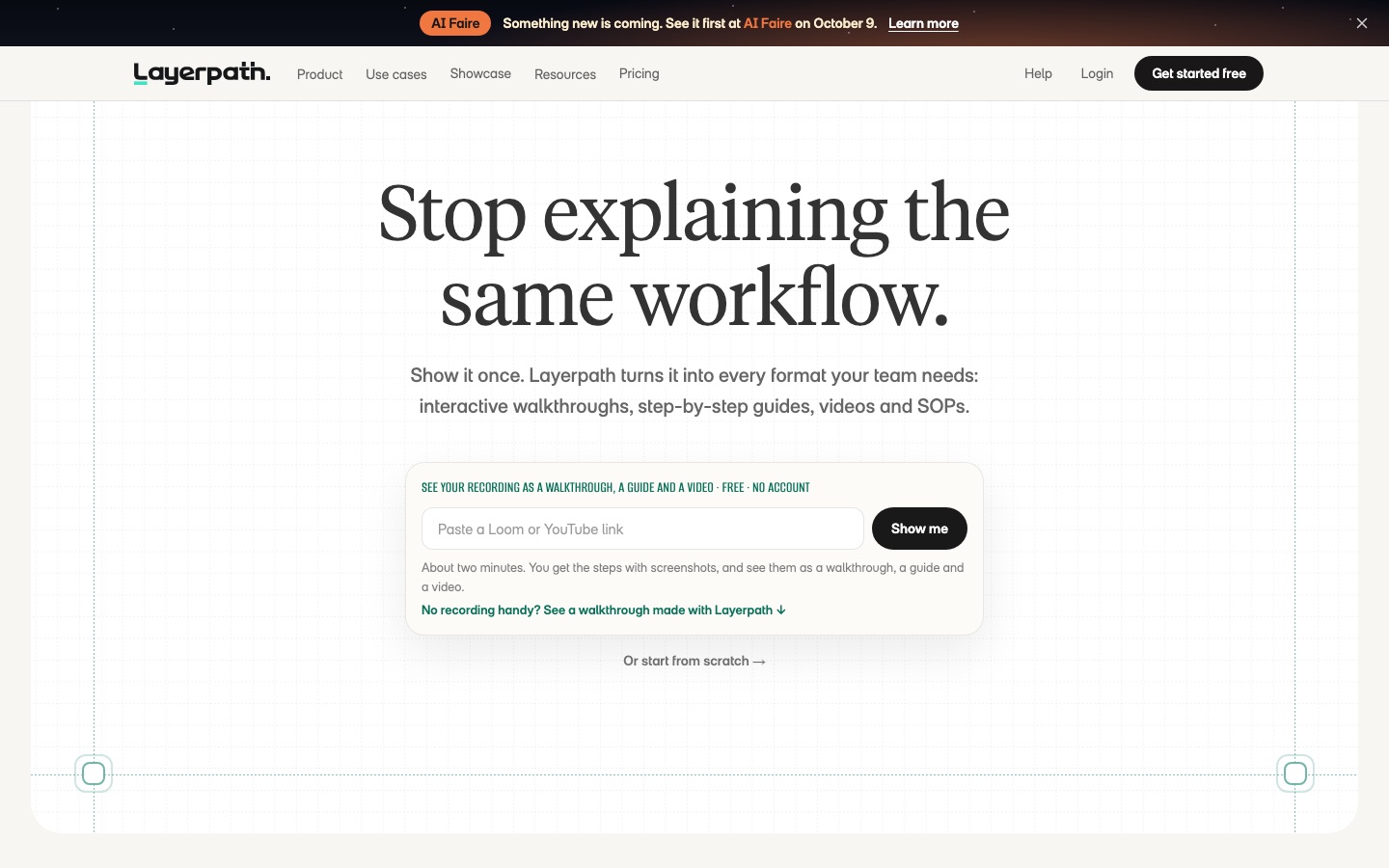
 Layerpath
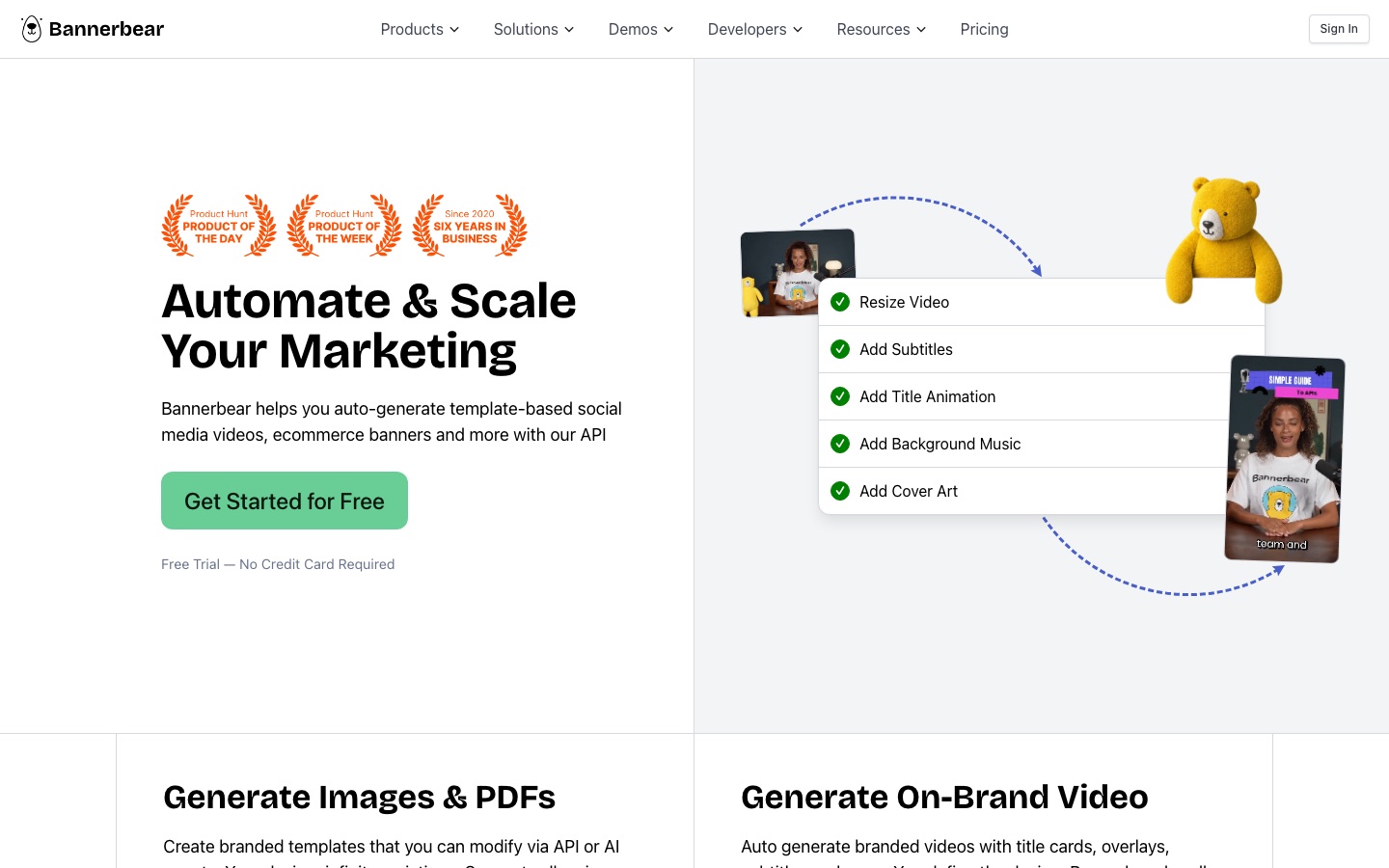
 Bannerbear
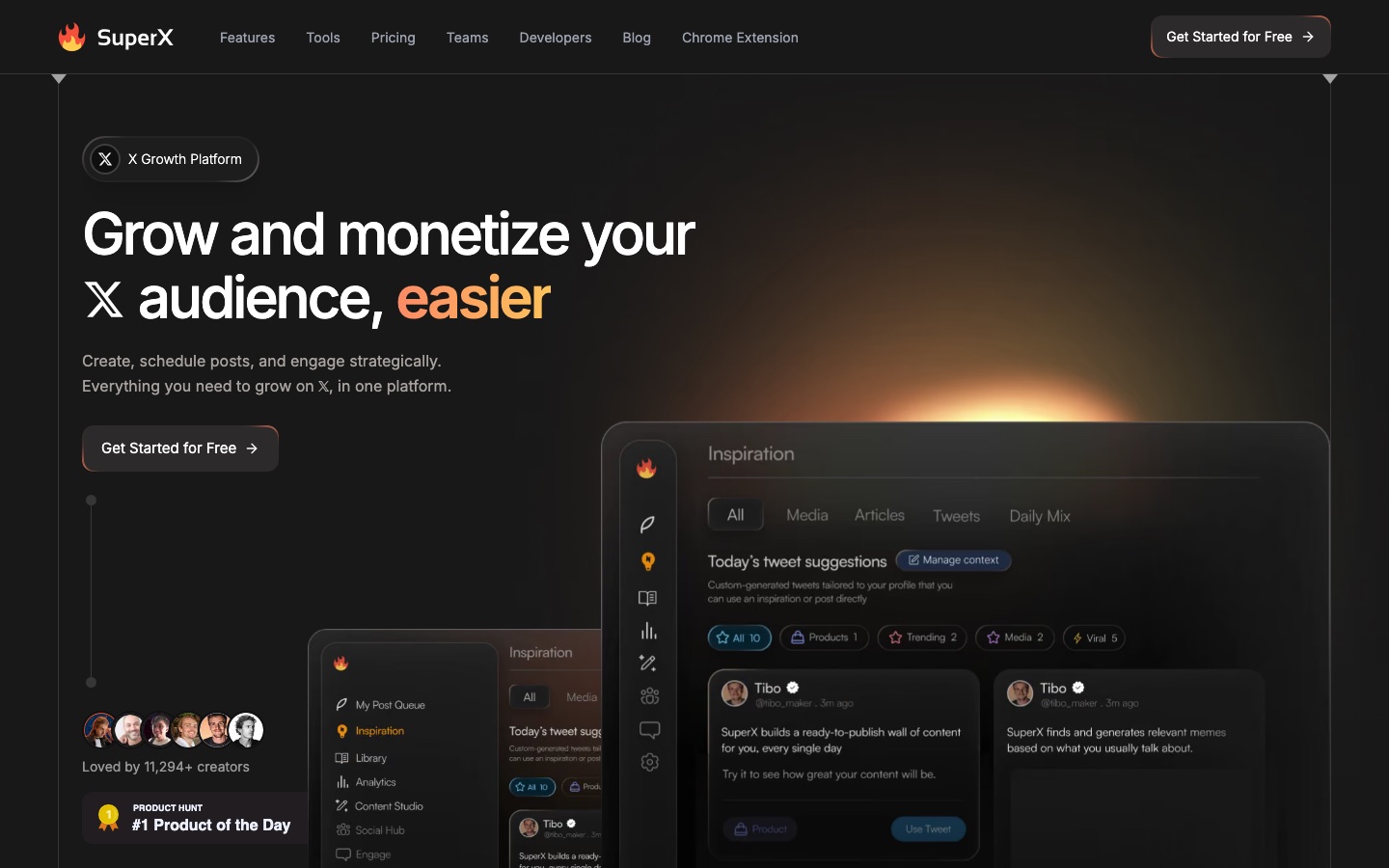
 SuperX

 Storylane

 Buildpad
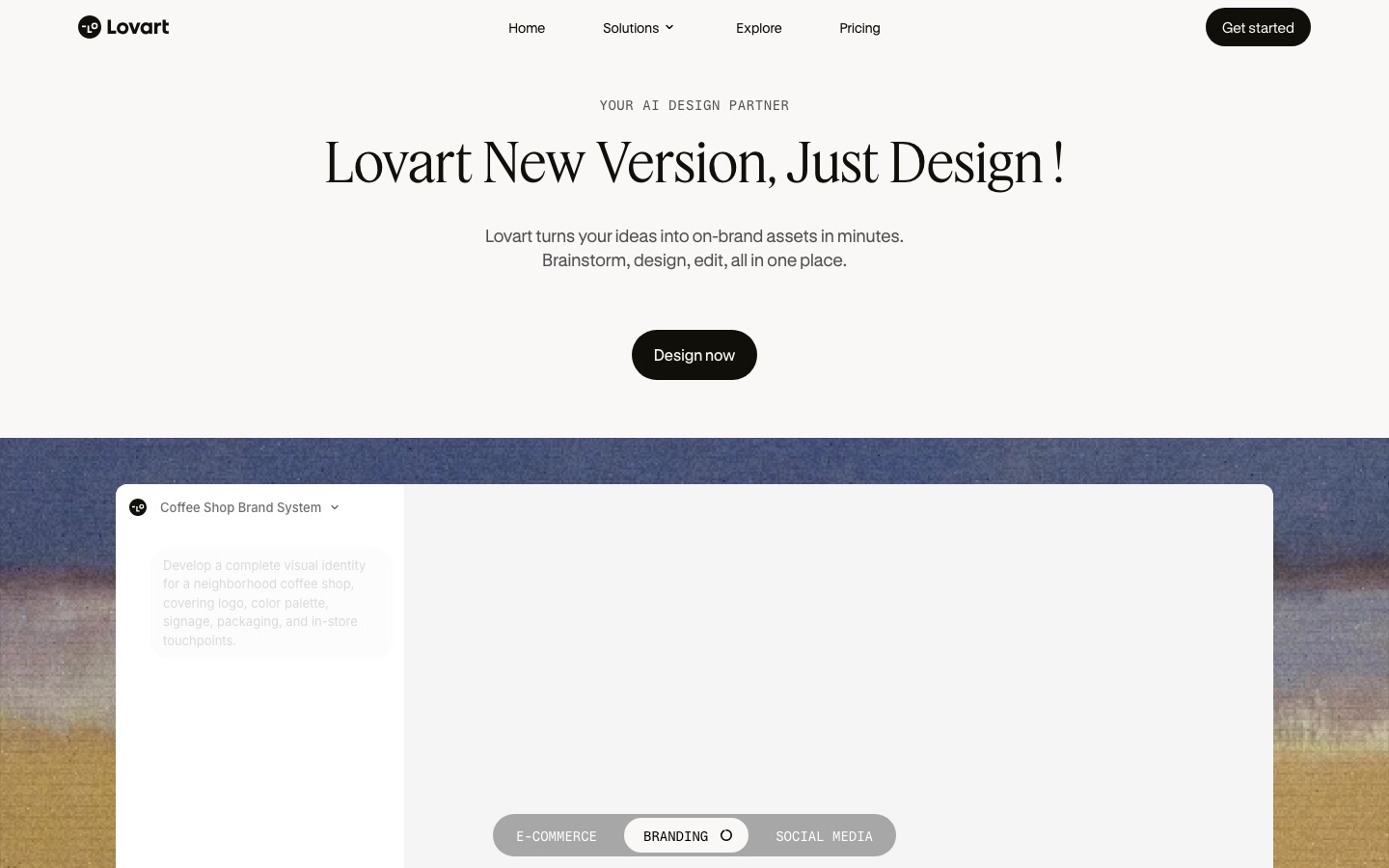
 Lovart AI


