
Read AI
AI meeting notetaker that creates summaries, transcripts and action items and searches across meetings, email and chat.
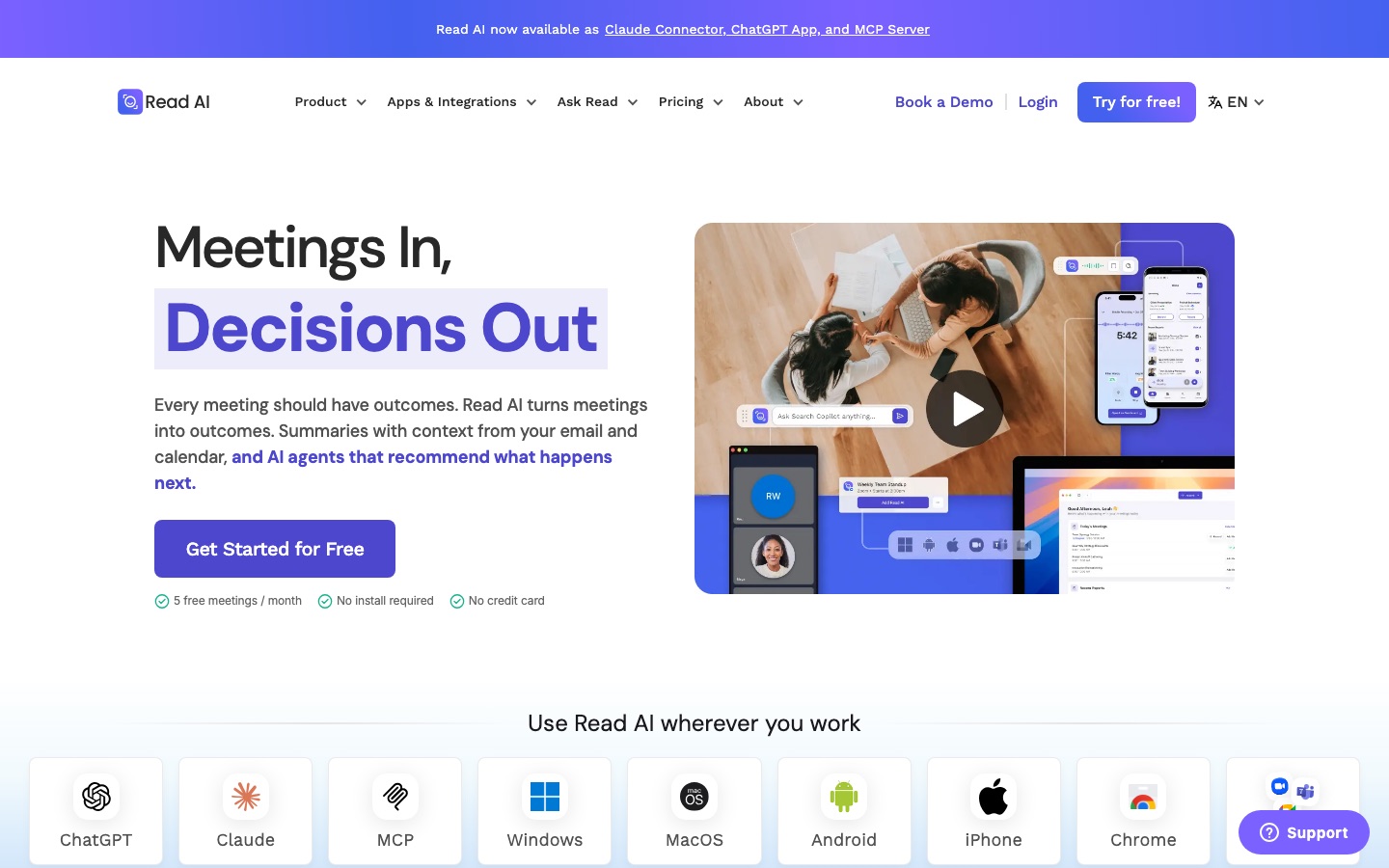
Read AI is an AI meeting assistant and workplace search tool. Read AI joins calls on Zoom, Google Meet and Microsoft Teams, or records in-person meetings through its apps, then produces a transcript, summary, action items and key questions. Its Ask Read search answers questions across meetings, emails and messages with citations. A free plan covers five meetings a month.
Best for Individuals and teams who spend much of the week in meetings and want notes, follow-ups and a searchable record without taking them manually.
- Platforms
- Web, Windows, macOS, iOS, Android, Browser extension, API, MCP
- Pricing model
- Freemium
- Starting price
- $15 per month Pro plan, per user, billed annually ($19.75 on monthly billing)
- Free plan
- Yes
- API
- Yes
- Made by
- Read AI, Inc.
- Added
Last verified: . Information taken from read.ai.
What is Read AI?
Read AI is a meeting notetaker and enterprise search product from Read AI, Inc. Its assistant can be added to Zoom, Microsoft Teams and Google Meet calls, and desktop and mobile apps capture in-person conversations. Each meeting yields a report containing a summary, a list of topics, action items, key questions and a speaker-separated transcript; higher plans add audio and video playback and highlight clips. Before a meeting, Read AI sends a briefing drawn from calendar, email, earlier meetings and CRM data, and afterwards it can route action items to connected tools such as Slack, Notion, Jira, Salesforce and HubSpot. Ask Read lets users query everything shared across meetings, emails and messages and returns answers with citations. A coaching report measures items like talking speed and filler words. The service is also available as a Claude connector, a ChatGPT app and an MCP server.
Key Features
Meeting Reports
Generates a recap, topic list, action items, key questions and transcript for each recorded meeting.
Live Notes
Shows transcription, a running summary and meeting metrics in a dashboard while the call is still in progress.
Ask Read Search
Answers questions about decisions, owners and open items using content from meetings, email and messaging, with citations.
Pre-Meeting Briefings
Emails a tailored summary of what was promised previously and what remains open before the next conversation.
Meeting Coach
Scores your own delivery on measures such as talking pace, filler words, bias and charisma.
Integrations and Apps
Connects to CRM, project and chat tools and runs on Windows, macOS, Android, iPhone and as a Chrome extension.
How Read AI works
Before the meeting
A briefing built from your calendar, email, previous meetings and CRM arrives in your inbox.
During the meeting
Read AI captures the conversation on the conferencing platform in use and participants can see that it is present.
After the meeting
A recap with action items is generated, tasks are sent to connected tools and the content becomes searchable.
Screenshots
Use Cases
- Sharing a Recap With Absentees
- Send people who missed a call the summary and action items instead of a recording.
- Tracking Follow-Ups
- Push action items into the project or CRM tool where the team already works.
- Finding a Past Decision
- Ask what was agreed on a topic and get the answer with links to the source meeting.
- Recording In-Person Meetings
- Use the phone app to capture a conversation that did not happen on a video call.
- Improving Presentation Habits
- Review coaching trends over several meetings to speak more clearly.
Pricing
Free
Free
per month, no credit card required
5 meeting transcripts per month
- Summaries for meetings, email and messaging
- Enterprise search
- Desktop and mobile apps
- Basic integrations
Pro
$19.75$15
per user per month, billed annually; $19.75 on monthly billing
100 file upload credits per month
- Unlimited meeting transcripts
- Priority report processing
- Premium integrations such as Notion, Salesforce and HubSpot
Enterprise
$29.75$22.50
per user per month, billed annually; $29.75 on monthly billing
200 file upload credits per month
- Everything in Pro
- Audio and video playback
- Video highlights
- Premium support
Enterprise+
$39.75$29.75
per user per month, billed annually; $39.75 on monthly billing; requires 5+ licenses
300 file upload credits per month
- Everything in Enterprise
- HIPAA compliance
- SAML and SCIM
- Custom data retention policy
Prices as listed in the text of the official pricing page, which states them in USD per user per month when billed annually. The second figure next to each paid plan is the per-user monthly price without annual billing. Checked 9 Oct 2026 at read.ai.
Things to know
- Licenses are per person
- Every member of a paid Workspace needs their own license, and users on the Free plan cannot be part of a Workspace.
- Meeting length is capped by plan
- The plan comparison lists a maximum recording duration that starts at one hour on the lowest tier and reaches eight hours on the highest.
- Compliance statements
- Read AI states SOC 2 Type 2 certification and GDPR compliance, with HIPAA compliance support listed under Enterprise+.
- Data and model training
- The site says customer data is not used for training by default.
FAQs
What is Read AI?
Read AI is an AI meeting assistant that records and transcribes meetings, writes summaries and action items, and offers search across meetings, emails and messages.
What is Read AI used for?
Read AI is used to take meeting notes automatically, follow up on action items, prepare for upcoming meetings and find information from past conversations.
Is Read AI free?
Yes. Read AI has a Free plan with five meetings per month including summaries, transcription and search, and it does not require a credit card.
How much does Read AI cost?
With annual billing, Read AI lists Pro at $15, Enterprise at $22.50 and Enterprise+ at $29.75 per user per month in USD. On monthly billing the same plans are $19.75, $29.75 and $39.75.
Which meeting platforms does Read AI support?
Read AI works with Zoom, Google Meet and Microsoft Teams, and its apps can also capture in-person meetings.
Does Read AI work on mobile?
Yes. Read AI has Android and iPhone apps for recording in-person meetings and viewing reports, in addition to Windows and macOS apps.
Does Read AI have an API?
Yes. Read AI lists an API and an MCP server, along with a Claude connector and a ChatGPT app.
What languages does Read AI support?
Read AI says it supports more than 20 languages. Its plan comparison names Arabic, Chinese, Dutch, English, French, German, Hindi, Japanese, Portuguese and Spanish among the report languages.
Who it's for
- Remote and hybrid teams
- Sales teams
- Managers
- Consultants
- Students and teachers
Used in these workflows
- Running better meetings: where AI tools help before, during and afterStage 2: Agenda and preparation
Each guide lists the stages of one job and the tools that help at each stage. All guides
Comments
No comments yet. If you have used Read AI, tell other readers how it went.
Alternatives to Read AI
| Tool | Free plan | Starting price | API |
|---|---|---|---|
 Otter.aiAI meeting notetaker that transcribes conversations live and produces summaries, action items and searchable notes. Otter.aiAI meeting notetaker that transcribes conversations live and produces summaries, action items and searchable notes. |
Yes | $16.99/mo | Yes |
 Fathom AI NotetakerAI meeting notetaker that records, transcribes and summarises calls on Zoom, Google Meet and Microsoft Teams. Fathom AI NotetakerAI meeting notetaker that records, transcribes and summarises calls on Zoom, Google Meet and Microsoft Teams. |
Yes | — | Yes |
 Fireflies.aiAI meeting assistant that records, transcribes, summarises and makes team conversations searchable. Fireflies.aiAI meeting assistant that records, transcribes, summarises and makes team conversations searchable. |
Yes | — | Yes |
 HappyScribeAI transcription, subtitling and meeting notetaker that works in 150+ languages, with optional human review. HappyScribeAI transcription, subtitling and meeting notetaker that works in 150+ languages, with optional human review. |
Yes | — | Yes |
 NottaAI meeting notetaker that records, transcribes, translates and summarises conversations in 58 languages. NottaAI meeting notetaker that records, transcribes, translates and summarises conversations in 58 languages. |
Yes | $8.17/mo | — |
Listed in the same categories as Read AI. A starting price appears only where we checked it on the maker’s pricing page; a dash means not checked or not published. All Meeting Assistants tools