From app idea to the app stores: where AI tools help at each stage
9 stages, 29 tools
updated
Two years ago the honest advice to a non-programmer with an app idea was to find a developer. Today a described idea can become a working prototype in an afternoon, and in some cases a native build submitted to the stores. That is a real change, and it has moved the difficulty elsewhere.
The first version now takes little effort. What remains hard is everything that makes an app survive contact with users: a design that works on a small screen with one thumb, sign-in and data that are secure, behavior on a three-year-old phone with a bad connection, store review guidelines, crash reports at midnight and the support inbox afterward. AI helps with each of these too. Design tools draft whole flows from a prompt, coding agents implement features and open pull requests, testing clouds write tests from plain language and run them on physical devices, and review bots read every change.
If you cannot read the code your tools produce, you are trusting them with your users' data. The stages below include the checks that keep that trust reasonable, and it is worth using them even on a weekend project.
Who this is for Founders and makers building a first app without a full engineering team, designers and product managers prototyping an idea, and developers who want agents to take on implementation, testing and review.
This route suits someone testing an idea before committing to full development: check demand, draw it, build a first version, test it on real phones. Each tool was chosen because its record describes that step for mobile apps specifically.
Install the build on a few older iOS and Android devices and walk through sign-up and the main task.
1
Stage 1: Idea validation and research
Before building, you check that the problem is real: who has it, how they solve it today, what existing apps get wrong, and whether enough people would install another one.
What AI does here
Gather evidence of demand from reviews and forum threads, challenge the assumptions in a plan, write a target persona and draft a survey for potential users.
What AI can’t do here
Stand in for users. A score or a simulated objection is a prompt for thinking, and only real people trying to solve the problem can confirm they would use your app.
Writes a questionnaire from a description of the topic and goal, a way to test a product concept with target respondents.
Survey platform with AI tools that generate questionnaires from a prompt and summarise responses in reports.
View tool
2
Stage 2: UI design and prototype
The app is drawn screen by screen: the main flows, navigation, states and visual style, linked into a clickable prototype that can be tested before any code exists.
What AI does here
Generate multi-screen wireframes and polished screens from a prompt or sketch, link them into a prototype, and export to Figma or code.
What AI can’t do here
Know your users' habits or the platform conventions you are breaking. Generated screens look plausible and still need testing with people holding a phone.
Generates wireframes and wireflows for mobile screens from text and maps the screens and decisions in a user flow.
Collaborative whiteboard for diagrams, flowcharts, mind maps and wireframes, with AI generation from a prompt.
View tool
3
Stage 3: Building without code
For a first version, the app is assembled in a visual or prompt-driven builder that produces the screens, logic and data layer, then previewed on a device and published.
What AI does here
Turn a written description into a working app with interface, logic and backend, and in some builders produce native iOS and Android builds ready for the stores.
What AI can’t do here
Make every builder a mobile builder. Several generate web apps that run in a phone browser, which is not the same as a native app in the stores, so check the output type first.
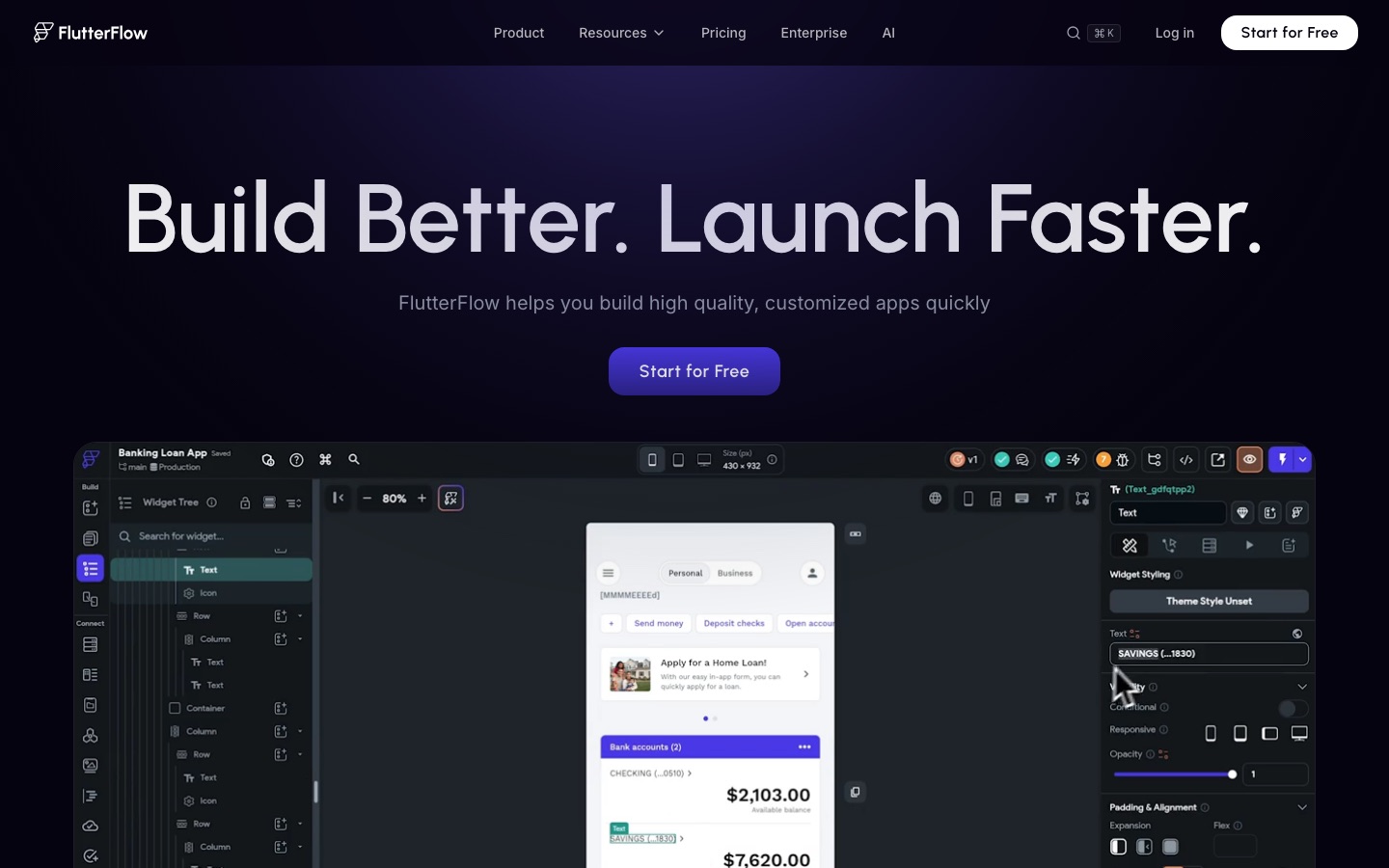
Assembles mobile app screens from prebuilt interface elements with visual logic, publishes to the App Store and Play Store and can export the source code.
Visual development platform for building mobile, web and desktop apps, with AI generation and exportable code.
Creates a working app with interface, logic, database, authentication and hosting from a written description, which suits a browser-based first version to test with users.
No-code AI platform that builds apps, websites and AI agents from plain-language descriptions.
Builds web apps from a written description with a live preview and managed hosting, a route when an app that runs in the phone browser is enough.
AI app and website builder that turns plain-language descriptions into working full-stack software.
View tool
4
Stage 4: Writing the code
When the app outgrows a builder, or starts as code, features are implemented in a codebase: screens, state, networking and platform integrations, one reviewed change at a time.
What AI does here
Explore a codebase, plan a change, edit the files, run the tests and open a pull request from a plain-language task description.
What AI can’t do here
Own the architecture or the consequences. Agents write confident code that can be subtly wrong or insecure, so every change still needs a person who understands what was merged.
Completes code and generates functions inside the IDE, and gives code snippets, troubleshooting and crash insights for Firebase app development.
Google's AI coding assistant for IDEs and the terminal, sold in Standard and Enterprise editions.
View tool
5
Stage 5: Backend, data and APIs
The app is connected to what lives on a server: user accounts, a database, file storage, push or realtime features, and any third-party APIs it depends on.
What AI does here
Provide a managed database with authentication, storage and auto-generated APIs, and supply SDKs for features such as in-app calls so they need not be built from scratch.
What AI can’t do here
Decide who may read which row. Access rules, data retention and what personal data you collect are design decisions with legal weight, and a misconfigured rule exposes every user.
Links an app visually to Firebase or Supabase databases, to external APIs or to a self-hosted REST backend.
Visual development platform for building mobile, web and desktop apps, with AI generation and exportable code.
View tool
6
Stage 6: Testing and code review
Each build is checked on real devices and operating system versions, automated tests cover the main journeys, and every code change is reviewed before it merges.
What AI does here
Turn plain-language journeys into executable tests, run them on physical iOS and Android devices, explain failures and comment on pull requests with suggested fixes.
What AI can’t do here
Tell you the app feels right. Automated checks confirm that steps complete, while slowness, confusing copy and awkward gestures are found by people using it.
Reviews every pull request on GitHub or GitLab and posts line-level comments with suggestions that can be committed directly.
AI code review that comments on every pull request, with PR triage, change explanations and security monitoring.
View tool
7
Stage 7: Release and monitoring
Builds are signed and shipped through a repeatable pipeline, beta testers get early versions, and after release you watch crashes, errors and server health.
What AI does here
Build, sign and distribute app builds from a pipeline, share pre-release versions with testers, replay user sessions and alert you when the backend slows or fails.
What AI can’t do here
Get you through store review. Approval depends on each store's guidelines and a human reviewer, and requirements such as privacy disclosures and in-app account deletion are easy to miss on a first submission.
Monitors the server side behind an app: traces slow transactions across services, watches databases and raises alerts on thresholds.
Monitoring software for application performance, databases, servers, cloud and containers.
View tool
8
Stage 8: App store assets
The store listing is prepared: icon, screenshots for each device size, a short preview video, and a title, subtitle and description written for search inside the store.
What AI does here
Generate icon concepts, produce store screenshots and metadata, and animate app screens into a short clip for a preview or launch post.
What AI can’t do here
Meet the stores' asset specifications for you. Sizes, safe areas and rules on what screenshots may show are set by each store, and listings have to reflect the app accurately.
Generates animations of UI mock-ups and text from a prompt, such as a short launch clip with animated app screens.
AI motion design tool that turns a text prompt into an animation for text, logos, charts and UI, exported as video or GIF.
View tool
9
Stage 9: Launch and user support
New users are guided through their first session, questions and bug reports are answered, and feedback from reviews and tickets is sorted into what to fix next.
What AI does here
Show in-app onboarding guides, answer routine questions from a chat widget trained on your help content, and group feedback from many channels into themes.
What AI can’t do here
Fix a bad first impression. Early reviews follow the experience in the first minute, and a reply from the person who built the app does more than any automated answer.
Collects tickets, surveys and reviews into one dataset and classifies the feedback into themes tied to product areas.
Customer intelligence platform that structures feedback from support, sales and market channels for teams and AI tools.
View tool
Realistic expectations
Security of generated code
AI-written apps can ship with exposed API keys, open database rules or missing input checks. Have someone who understands security review authentication, data access and secrets before real users sign up, even if a builder did the work.
Privacy rules and store declarations
Google Play requires every published app to complete its Data safety form, including data collected through third-party SDKs, and Apple requires a privacy policy link and accurate privacy information in the listing. Data protection law also varies by country. You are responsible for what the app collects, including through SDKs that a tool added for you.
Store review is not automatic
Apple and Google review submissions against their own guidelines. Apple's, for example, ask for more than a repackaged website, restrict apps made from a commercial template or app generation service, require in-app account deletion where accounts can be created, and expect subscriptions to be described clearly. Read the current guidelines for each store before you design payments and sign-in.
Maintenance never ends
Operating systems, SDKs and store requirements keep changing. An app nobody can maintain becomes unusable. If you rely on generated code, make sure you can export it and that someone can read it later.
FAQs
Can I build a mobile app with AI without knowing how to code?
You can get a working first version, yes. Visual and prompt-driven builders produce screens, logic and a backend from a description, and some output native iOS and Android builds. The limits show up later: custom features, performance, security review and maintenance. Plan for a developer to look over the app before you collect real user data.
Will Apple or Google accept an app made with an AI builder?
The stores review the app against their guidelines. Apple's App Review Guidelines ask for features and content that lift an app beyond a repackaged website, an accurate listing, a privacy policy and, where accounts can be created, account deletion inside the app. They also say apps created from a commercialized template or app generation service will be rejected unless submitted directly by the provider of the app's content. Check the current Apple and Google Play rules before you submit.
Is a web app enough, or do I need a native app?
It depends on what the app does. A browser-based app is quicker to build and update and skips store review. A native app is the better choice if you need push notifications everywhere, offline use, device features such as camera or sensors, or discovery through the stores. Several builders in this guide produce web apps only, so check before you start.
How much should I trust code written by an AI agent?
Treat it like code from a fast junior colleague. It often works and sometimes hides mistakes in edge cases, error handling and security. Use automated tests, a review tool on every pull request and real-device testing, and read the changes that touch authentication, payments and personal data yourself or with someone who can.
Do I own the code an AI tool generates for my app?
It depends on the tool's terms, and on copyright rules that vary by country. Some builders let you export source code only on certain plans, and some keep the app tied to their hosting. Check export and ownership terms before you build, since they decide whether you can move later.
 FlutterFlow
 Crisp
Crisp
 CircleCI
 OpenReplay
 Daily
Daily
 Base44
 Supabase
 Pendo
Pendo
 Recraft