
Visily
AI-assisted UI design tool for creating wireframes, mockups and prototypes from prompts, screenshots or templates.
Visily is an AI-powered UI design tool aimed at people without design training. Visily generates editable wireframes and screens from a text prompt, a screenshot, a diagram or a template, and then lets a team refine them with drag-and-drop components, AI chat edits, comments and automatic prototyping before sharing or exporting to Figma.
Best for Product managers, founders and other non-designers who need to show a product idea as a realistic mockup or clickable prototype.
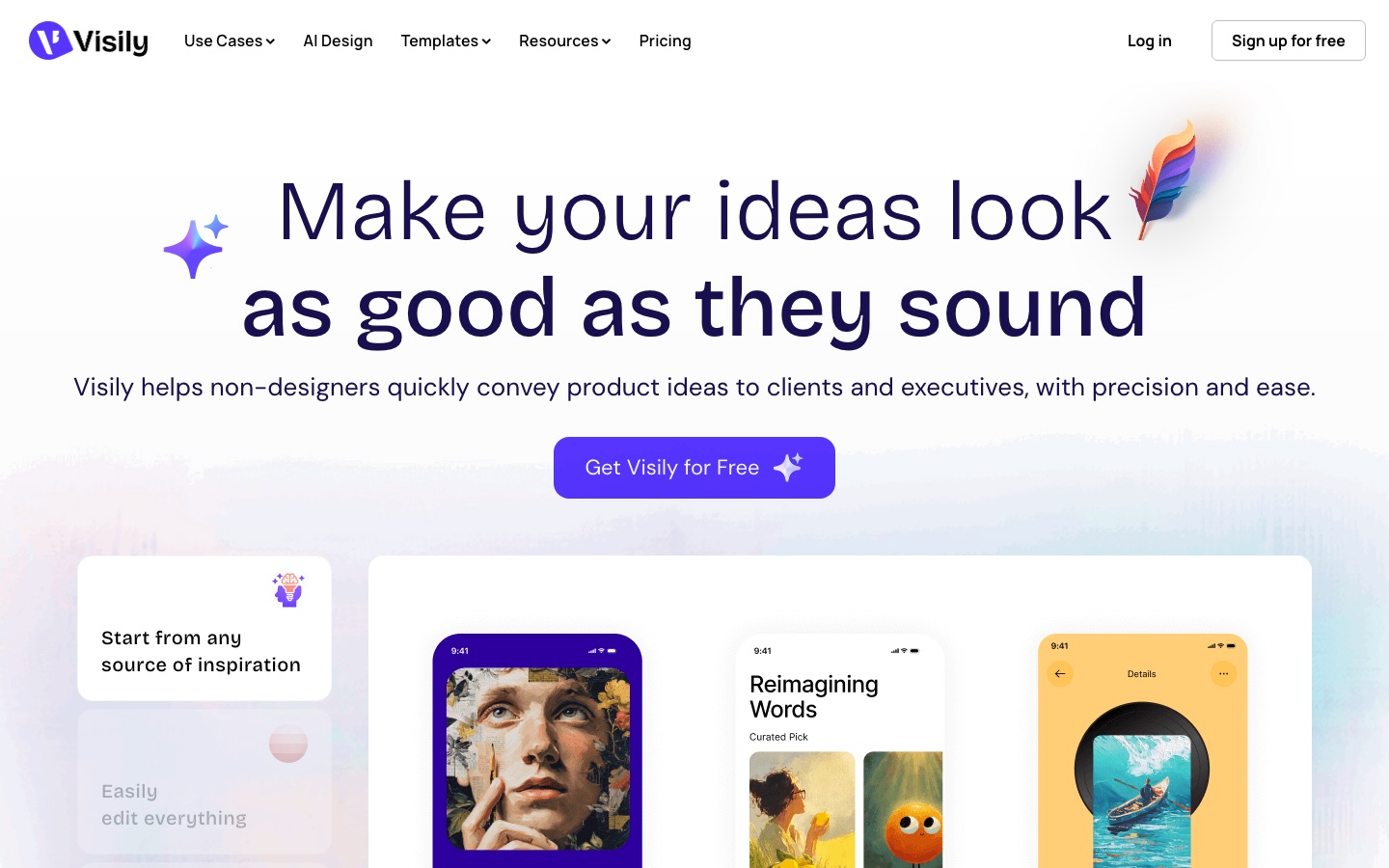
- Platforms
- Web, Plugin, MCP
- Pricing model
- Freemium
- Free plan
- Yes
- Made by
- Visily
- Added
Last verified: . Information taken from visily.ai.
What is Visily?
Visily is a browser-based design tool for wireframes, mockups, prototypes and diagrams. It is built for non-designers: a concept can begin from a written prompt, a screenshot of an existing app, a flow diagram, one of the pre-built templates, or a mix of these, and the result is a set of fully editable objects on a free-form canvas. AI functions generate screens, components, themes, images and diagrams, link screens into a prototype automatically, and apply changes requested through chat. Smart Components and UI presets speed up manual editing, and layouts for both mobile apps and websites are supported. For teamwork there are comments, cursor chat, follower mode and shared libraries, with integrations for Slack, Jira and Notion. Designs can be exported as images or PDF, sent to or brought in from Figma, and on paid plans exported to code. A free Starter plan is available, and AI and template use is metered in monthly credits.
Key Features
AI Screen Generation
Builds wireframes and UI screens from a text description, with a deeper design mode on paid plans.
Screenshot and Diagram Conversion
Turns an uploaded screenshot or a flow diagram into editable interface elements.
AI Chat Editing
Changes content, layout and visuals on the canvas in response to typed instructions.
Auto Prototype
Connects screens into an interactive, clickable prototype without manual linking.
Real-Time Collaboration
Supports co-designing, commenting, cursor chat and follower mode, plus shared workspace libraries.
Figma and Code Export
Exports to and imports from Figma, outputs code, and offers an MCP server on Pro and Business plans.
Use Cases
- Pitching a Product Idea
- Show stakeholders a realistic mockup instead of describing a concept in words.
- Wireframing an App or Website
- Lay out mobile or web screens starting from a prompt or template.
- Redesigning from a Screenshot
- Import a capture of an existing interface and modify it.
- Mapping User Flows
- Draw flowcharts and diagrams next to the screens they describe.
- Handing Off to Designers
- Export the agreed concept to Figma for the design team to finish.
Things to know
- Starter exports carry a watermark
- On the free plan, image and PDF exports are at 1x resolution with a watermark; paid plans remove it.
- Starter board limit
- The free plan allows two editable boards per workspace, with further boards view-only.
- Credits are metered per month
- AI features and templates draw on separate monthly credit allowances that vary by plan.
- Editing requires an account
- Public boards can be viewed by anyone, but commenting and editing are limited to logged-in users.
FAQs
What is Visily?
Visily is an AI-powered UI design tool that lets anyone create wireframes, mockups, prototypes and diagrams, regardless of design experience.
Is design experience required for Visily?
No. Visily is built for non-designers, with AI generation and a drag-and-drop editor in place of professional design skills.
Is Visily free?
It includes 300 AI credits per month and limits the number of editable boards and elements.
How much does Visily cost?
The Starter plan is free, and custom plans are arranged with the Visily team.
How does Visily use AI?
Visily uses AI to generate screens, components, themes and diagrams from prompts, screenshots or canvas selections, and to edit designs through chat. The output is editable design objects.
Can Visily export to Figma?
Yes. Visily supports Figma export and import on the Pro and Business plans, and also offers a Figma plugin.
Can I collaborate with a team in Visily?
Yes. Visily includes real-time co-designing, comments, shared libraries and follower mode, and publicly shared boards can be viewed without an account.
How do credits work in Visily?
Each Visily plan has a monthly allocation of credits for AI features and templates. The amount consumed depends on the kind of feature or template used.
Who it's for
- Product managers
- Founders
- Business analysts
- Developers
- Cross-functional teams
Used in these workflows
- From app idea to the app stores: where AI tools help at each stageStage 2: UI design and prototype
- Designing an app interface with AI: research, screens, prototype, codeStage 2: Flows and wireframes
- Designing an app interface with AI: research, screens, prototype, codeStage 5: Interactive prototype
Each guide lists the stages of one job and the tools that help at each stage. All guides
Comments
No comments yet. If you have used Visily, tell other readers how it went.
Alternatives to Visily
| Tool | Free plan | Starting price | API |
|---|---|---|---|
 Modao AI (墨刀AI)Chinese prototyping and product collaboration platform with AI that generates prototypes, PRDs and slide decks. |
Yes | — | — |
 WhimsicalCollaborative whiteboard for diagrams, flowcharts, mind maps and wireframes, with AI generation from a prompt. |
Yes | — | — |
 BananiAI UI design tool that turns prompts, screenshots or Figma links into editable multi-screen prototypes. |
Yes | — | — |
 ChartGen AIAI chart generator that turns uploaded CSV or Excel data and a plain-language request into finished charts. |
Yes | — | — |
 CloudairyAI workspace that combines diagramming canvas, docs, screen recordings, project boards, forms and published sites. |
Yes | — | — |
Listed in the same categories as Visily. A starting price appears only where we checked it on the maker’s pricing page; a dash means not checked or not published. All UI & UX Design tools