Building an AI-powered app: the tool stack, layer by layer
9 stages, 24 tools
updated
An AI feature that works in a demo is a small part of the job. The demo is one prompt, one model and five friendly inputs. The product is the same thing running against thousands of unpredictable users, with your own data behind it, a bill that scales with usage and a need to know when answers get worse.
So the stack has layers. A model, reached through an API or hosted yourself. Prompts that are versioned like code. Retrieval and memory, so the model answers from your content instead of from guesswork. Possibly an agent loop with tools it may call. Ordinary application code around all of it, then tests, evaluation and a place to deploy.
Coding agents now write a large share of that application code, and app builders can produce a working front end from a description. What they do not settle is the engineering judgment: which model is good enough for the task at an acceptable cost, how to measure quality before users do, what data may leave your system, and what happens when the model is confidently wrong. Models and their terms also change often, so design the app so that a model can be swapped without a rewrite.
Who this is for Developers, technical founders and small product teams adding a language-model feature to a product or building a new app around one, who want a map of the tooling before choosing a stack.
A common first pass for a prototype: compare models on your own prompts, write the code with an agent, add tracing early, then deploy. The picks follow that order, not a ranking.
Connect the repository and share the preview URL with five test users.
1
Stage 1: Choosing a model
You decide which model or models the app will call, weighing output quality on your own task, speed, context size, cost per request, privacy requirements and whether you need a hosted API or an open model you run yourself.
What AI does here
Let you send the same prompt to different models side by side, expose models through familiar API formats and run open models on your own hardware.
What AI can’t do here
Tell you which model suits your task. Public leaderboards reflect other people's votes and prompts, so the only reliable test is your own examples.
Runs open-source models inside secure hardware enclaves and exposes them through an OpenAI-compatible API, for apps that handle sensitive data.
Private AI cloud that runs models inside secure hardware enclaves, offered as a chat app, an inference API and containers.
View tool
2
Stage 2: Prompting and prototyping
Before writing application code you work out the instructions: system prompt, examples, output format. You try them against real inputs, including awkward ones, and keep each version so that changes can be compared.
What AI does here
Rewrite a rough request into a structured prompt, analyze what is weak in an existing one and keep a versioned library of prompts.
What AI can’t do here
Know your edge cases. A prompt that reads well can still fail on the inputs your users actually send, which only testing on collected examples reveals.
Analyzes a prompt for strengths and weaknesses, rewrites it in rounds and records each version so earlier ones can be recovered.
Prompt workspace for generating, analysing, optimising and reverse-engineering prompts for text, image and video models.
View tool
3
Stage 3: Model APIs, gateways and inference hosting
You connect the app to models in a way that survives production: keys kept server-side, retries and fallbacks when a provider fails, rate limits, spend tracking, and GPU hosting if you serve an open model yourself.
What AI does here
Route requests to many models through one endpoint with fallback and quotas, and serve open models on autoscaling GPU infrastructure without managing clusters.
What AI can’t do here
Remove the dependency on providers. Prices, rate limits and model versions change on their schedule, so pin versions and read the terms on data use.
Documents how to call its models from application code and coding agents, with thinking mode that can be switched off per request.
AI research company offering a chat assistant, a desktop harness and a token-billed API for its language models.
View tool
4
Stage 4: Retrieval, memory and data
Most useful apps answer from specific content: your documentation, a customer's files, the live web, past conversations. You ingest and index that content, retrieve the relevant pieces per request and pass them to the model with sources.
What AI does here
Fetch web pages as clean Markdown, store and search embeddings, return relevant chunks with source links and keep per-user memory across sessions.
What AI can’t do here
Fix poor source material. Retrieval surfaces whatever is in the index, so outdated or contradictory documents produce outdated or contradictory answers.
Builds a per-user graph of dated facts from data and conversations and returns the context a task needs in one call.
Context and memory layer for AI agents that builds governed knowledge graphs from business data, documents and conversations.
View tool
5
Stage 5: Agent frameworks and tool access
If the app must take actions, not only answer, you build an agent loop: the model decides which tool to call, your code runs it and returns the result. You define the tools, their permissions and when a human must confirm.
What AI does here
Provide libraries for writing agents with any model provider, generate tool schemas from ordinary functions and manage authentication to third-party tool servers.
What AI can’t do here
Make an agent safe by default. Every tool you expose is something the model may call at the wrong moment, so scope permissions tightly and confirm irreversible actions.
Connects an agent to MCP servers from a catalog and manages OAuth, credentials and sessions for those connections.
Registry and connection layer that links AI agents to MCP servers with managed OAuth and credentials.
View tool
6
Stage 6: Writing the code
Around the model sits a normal application: API routes, data models, authentication, background jobs, a user interface. You write, review and test this code, increasingly by delegating tasks to a coding agent and reviewing its changes.
What AI does here
Explore a codebase, plan a change, edit files, run tests and open a pull request from a plain-language task, and review pull requests line by line.
What AI can’t do here
Own the architecture or the consequences. Generated code can pass its tests and still be insecure or wrong for your requirements, so a developer has to read what gets merged.
Reviews every pull request with line-level comments and committable suggestions, which helps when much of the code is agent-written.
AI code review that comments on every pull request, with PR triage, change explanations and security monitoring.
View tool
7
Stage 7: Voice, image and video features
Some apps need more than text: spoken replies, transcription, real-time voice conversation, generated images or clips. These are separate models with their own APIs, latency budgets and usage rules.
What AI does here
Add text-to-speech, speech-to-text and full-duplex voice conversation through an API, and generate video or images from application code.
What AI can’t do here
Clear the rights for you. Cloning a real person's voice needs their consent, and commercial use of generated media depends on the provider's terms and your plan.
Exposes its video and image generation models through a developer API with documentation and a model router.
AI platform for generating and editing video, images and audio, with a developer API and world models.
View tool
8
Stage 8: Evaluation and monitoring
You build a test set from real inputs, score outputs before each change, and after launch trace every request so that failures, cost and latency are visible. Human review covers what automatic scoring cannot judge.
What AI does here
Record each step of a run, build datasets from real traces, run automated evaluators for issues such as hallucination, and queue outputs for human scoring.
What AI can’t do here
Define what a good answer is for your product. Someone has to write the criteria and label examples, and automated judges are themselves models that make errors.
Its AI observability tracks the events generated by an application's model calls, next to session replays and error tracking for the rest of the app.
Product data platform combining analytics, session replay, feature flags, error tracking and a warehouse, with AI on top.
View tool
9
Stage 9: Shipping the app
The app needs a front end, user accounts, hosting, a domain and a release process with previews and rollback. For a prototype or internal tool this can be generated, while for a product it is deliberate engineering.
What AI does here
Generate a working web app with interface, logic and data layer from a description, deploy on each code push and give every change a preview address.
What AI can’t do here
Handle what comes after launch for you: abuse, rate limiting, privacy requests, support and a usage bill that grows with every user.
Handles sign-ups and logins and exposes database tables through REST endpoints, so the app has a backend without custom server code.
Postgres development platform with auth, instant APIs, edge functions, realtime, storage and vector embeddings.
From $25/moView tool
Realistic expectations
Models are wrong with confidence
A language model can return a fluent answer that is false, and retrieval reduces this without removing it. Show sources where you can, test on real inputs and do not let unreviewed output drive decisions about health, money or legal matters.
User data and provider terms
Every prompt you send may contain personal or confidential data. Check each provider's terms on retention and training, tell users what is processed, and consider self-hosted or enclave-based inference for sensitive workloads.
Cost scales with usage
Tokens, credits, GPU seconds and tool calls are all metered. A feature that costs little in testing can become expensive with long contexts or agent loops, so set spend limits and measure cost per request.
Generated code still needs review
Coding agents and app builders produce working software quickly, including software with security flaws. Review authentication, data access rules and secrets handling yourself before real users arrive.
Prompt injection is a real attack
Text the model reads from web pages, documents or users can contain instructions. Treat model output as untrusted, restrict what tools an agent can call and require confirmation for anything irreversible.
FAQs
Should I call a hosted model API or run an open model myself?
Start with a hosted API unless you have a clear reason not to. It is faster to build on and needs no GPU operations. Running an open model yourself makes sense when data must stay in your environment, when you need to fine-tune, or when volume is high enough that owning the compute is cheaper. Many teams prototype on an API and revisit the choice once usage is known.
Do I need an agent framework to build an AI app?
Often not. A single model call with good instructions and retrieved context covers many features: summarizing, classifying, extracting, answering from documents. A framework earns its place when the model must choose between tools, run several steps, keep state or recover from failures. Adding one early also adds concepts to debug, so begin simple and adopt it when the plain approach stops being enough.
Can a non-developer build an AI app with these tools?
A prototype or internal tool, yes. App builders in this guide generate a working web app with login and hosting from a description. A product that handles customer data and payments is different: someone needs to understand security, cost and failure handling. A sensible path is to prototype without code, test with real users, then bring in a developer before scaling.
How do I know whether my AI feature is good enough to launch?
Collect a set of real inputs, write down what a correct answer looks like for each and score the system against it before every change. Include difficult and adversarial cases. Combine automatic checks with human review of a sample. Launch to a small group with tracing on, read the failures, and widen access as the failure rate becomes acceptable for your use.

 Modal
Modal
 Zep
Zep
 Firecrawl
 Vercel
 Supabase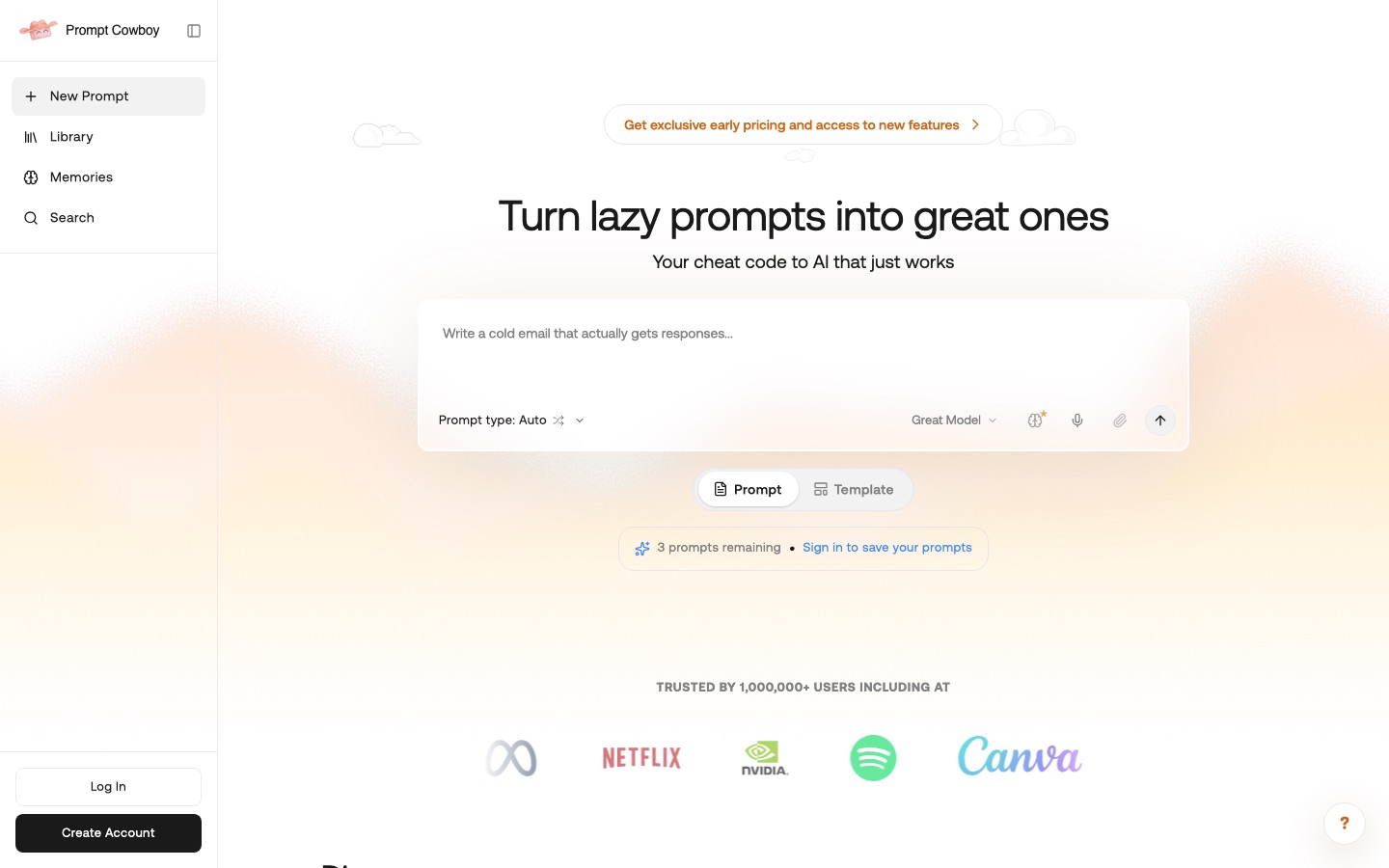
 Prompt Cowboy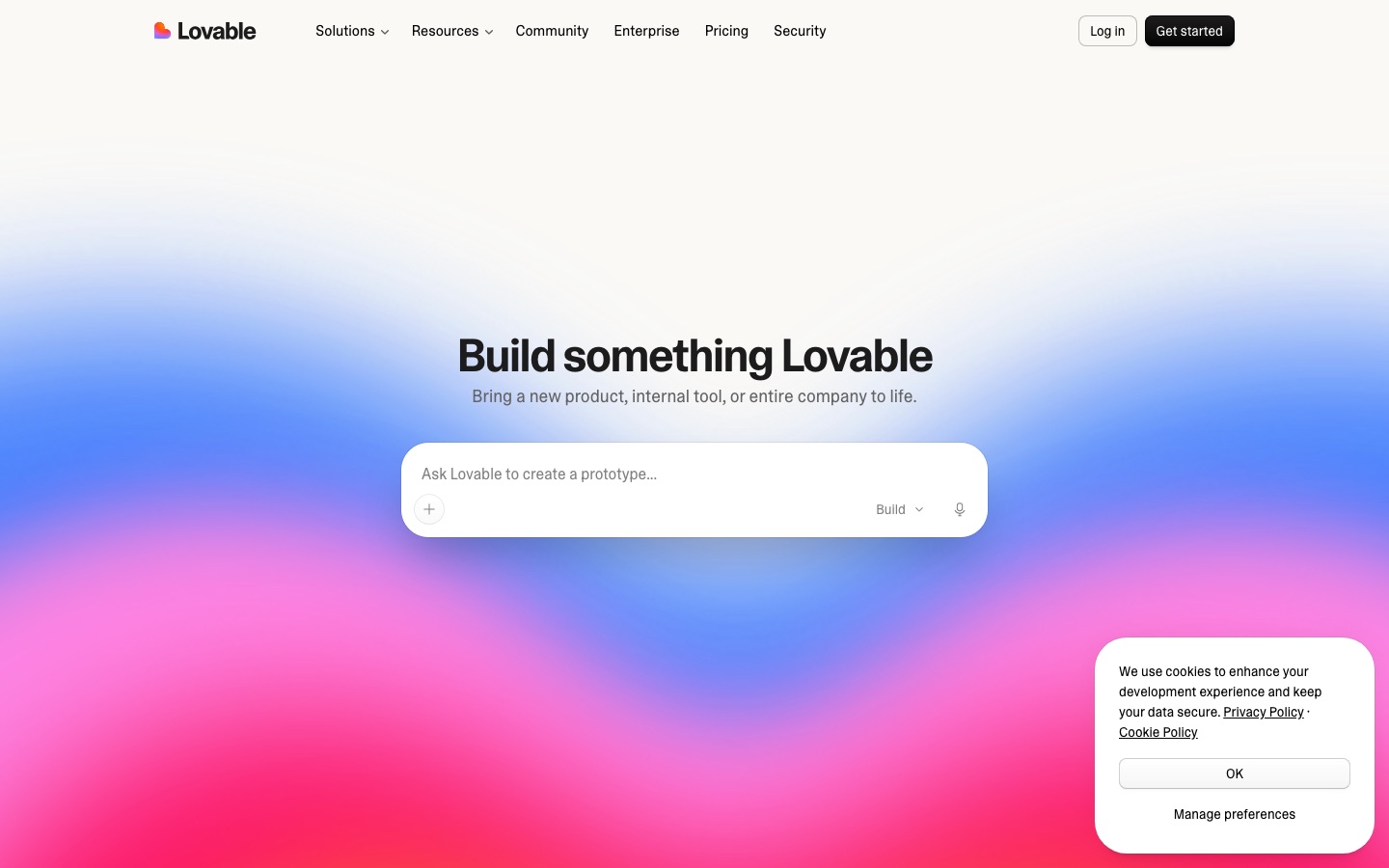
 Lovable
 LangChain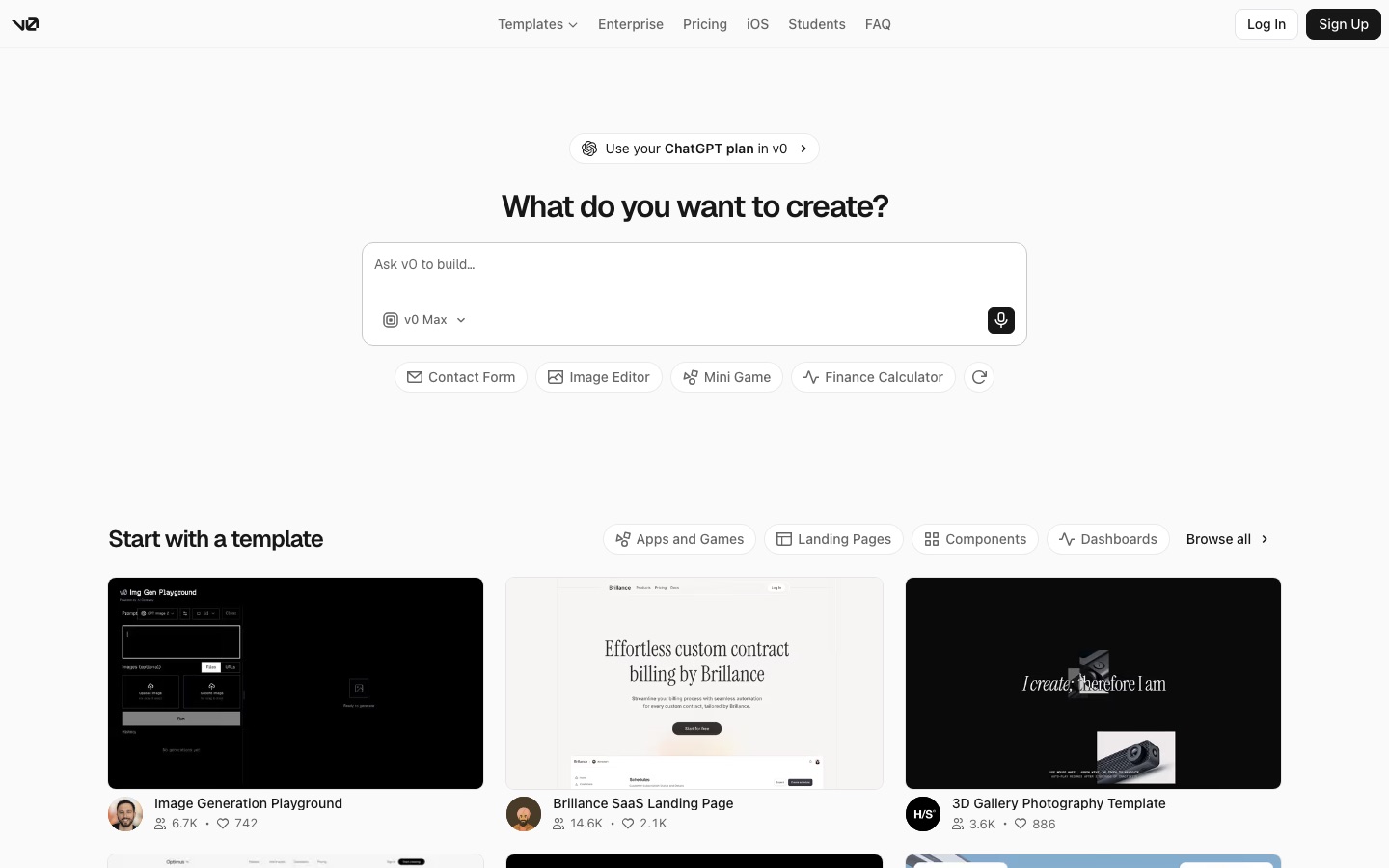
 v0
v0