
Gemini Code Assist
Google's AI coding assistant for IDEs and the terminal, sold in Standard and Enterprise editions.
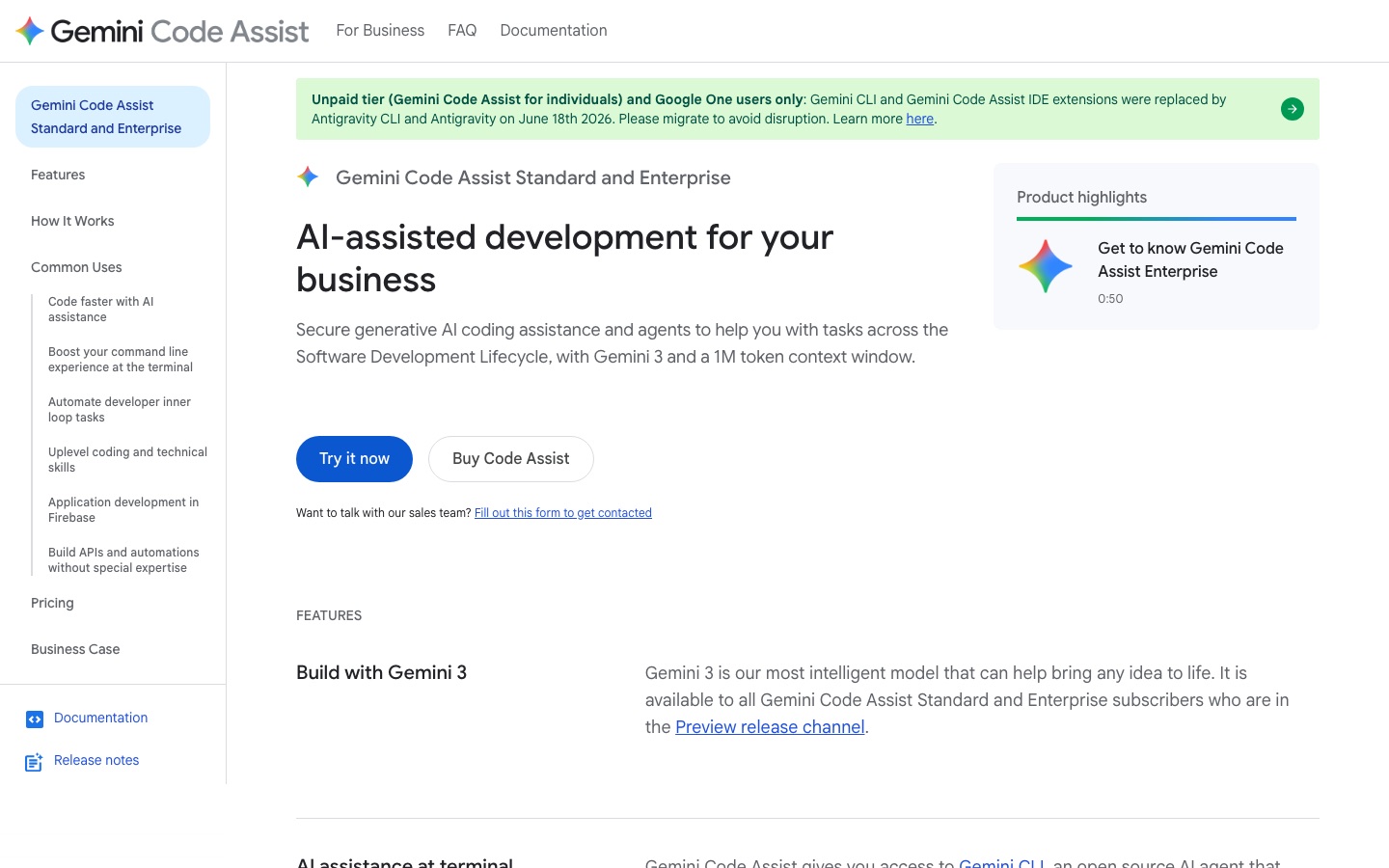
Gemini Code Assist is Google's AI coding assistant for businesses, offered in Standard and Enterprise editions. Gemini Code Assist is used inside Visual Studio Code, JetBrains IDEs, Cloud Workstations and Cloud Shell Editor, or from the terminal through Gemini CLI, to complete code, generate functions, answer questions in chat and run agent tasks.
Best for Development teams, particularly those already on Google Cloud, that want licensed AI coding help with enterprise data governance.
- Platforms
- Plugin, Web
- Pricing model
- Subscription
- Made by
- Added
Last verified: . Information taken from codeassist.google.
What is Gemini Code Assist?
Gemini Code Assist is an AI coding product from Google, licensed per user in Standard and Enterprise editions. Inside an IDE it completes lines as you type, writes whole functions on request and answers questions in a chat panel, drawing on the local codebase and current session for context. Supported editors include Visual Studio Code, the JetBrains family, Cloud Workstations and Cloud Shell Editor, and the listed languages include Python, Java, JavaScript, Go, C, C++, PHP and SQL. Subscribers also get Gemini CLI for terminal work and an agent mode, in preview, that edits multiple files and connects to tools over MCP with human review. The product reaches into Google Cloud services such as Firebase, BigQuery, Apigee and Application Integration. Google says customer code and prompts are not used to train shared models.
Key Features
Code Completion and Generation
Suggests code inline while typing and produces full blocks or functions from a comment or request.
Chat in the IDE
Answers coding questions and gives guidance in natural language inside every supported editor.
Agent Mode
Carries out multi-file changes with project-wide context and MCP tool connections; listed as a preview feature.
Gemini CLI
Brings an open-source AI agent to the terminal for reading code, editing files and running commands.
Code Customization
Tailors suggestions using an organisation's private repositories.
Smart Actions
Provides one-click shortcuts for tasks such as generating tests, explaining code and fixing errors.
Videos
Use Cases
- Writing New Features
- Generate functions and complete code inside the editor.
- Reviewing Code
- Ask the assistant to examine changes across a codebase.
- Version Upgrades
- Apply large cross-file updates when dependencies change.
- Building APIs in Apigee
- Create an API specification from a prompt that follows company standards.
- Firebase App Development
- Get code snippets, troubleshooting and crash insights in the Firebase console.
Things to know
- Individual tier has changed
- The page states that for the unpaid individual tier and Google One users, Gemini CLI and the IDE extensions were replaced by Antigravity and Antigravity CLI on 18 June 2026.
- Some features are in preview
- Agent mode and the Apigee API development assistance are both labelled as preview.
- Source citation and indemnity
- Suggestions that quote a source at length are flagged with a citation, and Google offers an IP indemnification policy for licensed users.
- Listed certifications
- Google lists SOC 1/2/3 and ISO/IEC 27001, 27017, 27018 and 27701 certifications for the product.
FAQs
What is Gemini Code Assist?
Gemini Code Assist is Google's AI coding assistant, providing completion, generation, chat and agents in IDEs, the terminal and several Google Cloud services.
What is Gemini Code Assist used for?
Gemini Code Assist is used to write and complete code, explain and fix existing code, generate tests, review changes and build APIs or automation flows on Google Cloud.
How much does Gemini Code Assist cost?
Gemini Code Assist is licensed per user per month in Standard and Enterprise editions, with monthly or annual commitment terms. Figures are not reproduced here because the currency could not be confirmed; see Google's pricing page.
Which IDEs does Gemini Code Assist support?
Gemini Code Assist works in Visual Studio Code, JetBrains IDEs such as IntelliJ and PyCharm, Cloud Workstations and Cloud Shell Editor.
Which programming languages does Gemini Code Assist support?
Gemini Code Assist supports most programming languages, and the page names Python, Go, Java, JavaScript, PHP, SQL, C and C++.
Does Google train models on my code with Gemini Code Assist?
No. Google's data governance policy for Gemini Code Assist says customer code, inputs and generated recommendations are not used to train shared models.
Who makes Gemini Code Assist?
Gemini Code Assist is made by Google.
Who it's for
- Software developers
- Engineering teams
- Enterprises
- Google Cloud customers
- API developers
Used in these workflows
- From app idea to the app stores: where AI tools help at each stageStage 4: Writing the code
Each guide lists the stages of one job and the tools that help at each stage. All guides
Comments
No comments yet. If you have used Gemini Code Assist, tell other readers how it went.
Alternatives to Gemini Code Assist
| Tool | Free plan | Starting price | API |
|---|---|---|---|
 Claude CodeAnthropic's AI coding agent that plans, edits code, runs tests and opens pull requests from your terminal or IDE. Claude CodeAnthropic's AI coding agent that plans, edits code, runs tests and opens pull requests from your terminal or IDE. |
— | — | — |
 CursorAI coding agent and editor that plans, writes and reviews code on the desktop, in the terminal and in the cloud. CursorAI coding agent and editor that plans, writes and reviews code on the desktop, in the terminal and in the cloud. |
Yes | — | — |
 DevinAutonomous AI software engineer from Cognition that plans, writes, tests and reviews code and opens pull requests. DevinAutonomous AI software engineer from Cognition that plans, writes, tests and reviews code and opens pull requests. |
Yes | — | Yes |
 GetGenerative.aiWorkspace of AI agents that produce Salesforce implementation deliverables from discovery through support. GetGenerative.aiWorkspace of AI agents that produce Salesforce implementation deliverables from discovery through support. |
No | $200/mo | — |
 GreptileAI code review agent that indexes a repository and comments on pull requests with whole-codebase context. GreptileAI code review agent that indexes a repository and comments on pull requests with whole-codebase context. |
Yes | — | — |
Listed in the same categories as Gemini Code Assist. A starting price appears only where we checked it on the maker’s pricing page; a dash means not checked or not published. All AI Code Assistant tools