Small business bookkeeping: where AI saves the typing and where you still need an accountant
7 stages, 22 tools
updated
Most bookkeeping pain is retyping. A supplier invoice arrives as a PDF, a receipt as a crumpled photo, a bank statement as a download, and somebody has to turn each of them into a dated, categorized line in the books. That is the part current AI tools handle well: reading documents, proposing a category, matching a receipt to a card payment and remembering how you treated the same vendor last month.
What they do not do is take responsibility. A category suggestion can be wrong, a duplicate can slip through, and rules about what counts as a business expense, how sales tax applies or what must be filed differ by country and by business type. Several tools in this guide are also built for one tax system only, most often the United States, so check coverage before you commit your records to one. Treat the software as a fast junior clerk whose work you review every week, and keep a qualified accountant for the filings, the year-end and any question where a mistake costs money.
Who this is for Freelancers, sole traders and owners of small companies who keep their own books or share the work with an outside accountant, and want to spend less time on data entry without losing control of the numbers.
These picks each cover one early step that takes the most typing: capturing documents, working in a spreadsheet and summarizing the result. None of them is tied to a single country's tax system, unlike several other tools in the guide.
Describe the four or five numbers you want to see every month and build a first dashboard from them.
1
Stage 1: Invoicing and getting paid
You bill customers for work or goods: create an invoice with the right details and numbering, send it, and track which invoices are paid, overdue or disputed so income is recorded when it should be.
What AI does here
Draft an invoice from a short description, fill in recurring customer details, and show the payment status of what you have sent.
What AI can’t do here
Decide your payment terms or chase a client tactfully. Which details an invoice must legally carry depends on where you trade, so confirm the required fields once with an accountant.
Creates, sends and tracks customizable invoices that customers can pay online, and its assistant can create an invoice from a prompt, for owners of a US company.
Platform for forming and running a US company remotely, with bookkeeping, invoicing, tax filing and an AI assistant.
Includes a task-specific invoice generator that builds a formatted document from a description and exports it as PDF or Word.
AI generator that turns a prompt into formatted documents, PDFs, slides, spreadsheets and voiceovers.
View tool
2
Stage 2: Receipts and expense capture
Every purchase needs evidence. You collect receipts and supplier invoices, pull out the date, vendor, amount and tax, attach each document to its payment and store it where it can be found later.
What AI does here
Read photos, scans and PDFs, extract the fields into rows, match receipts to card transactions and remind staff about missing ones.
What AI can’t do here
Tell whether a purchase was really for the business. Faded or handwritten receipts are misread more often, so spot-check extracted amounts against the original.
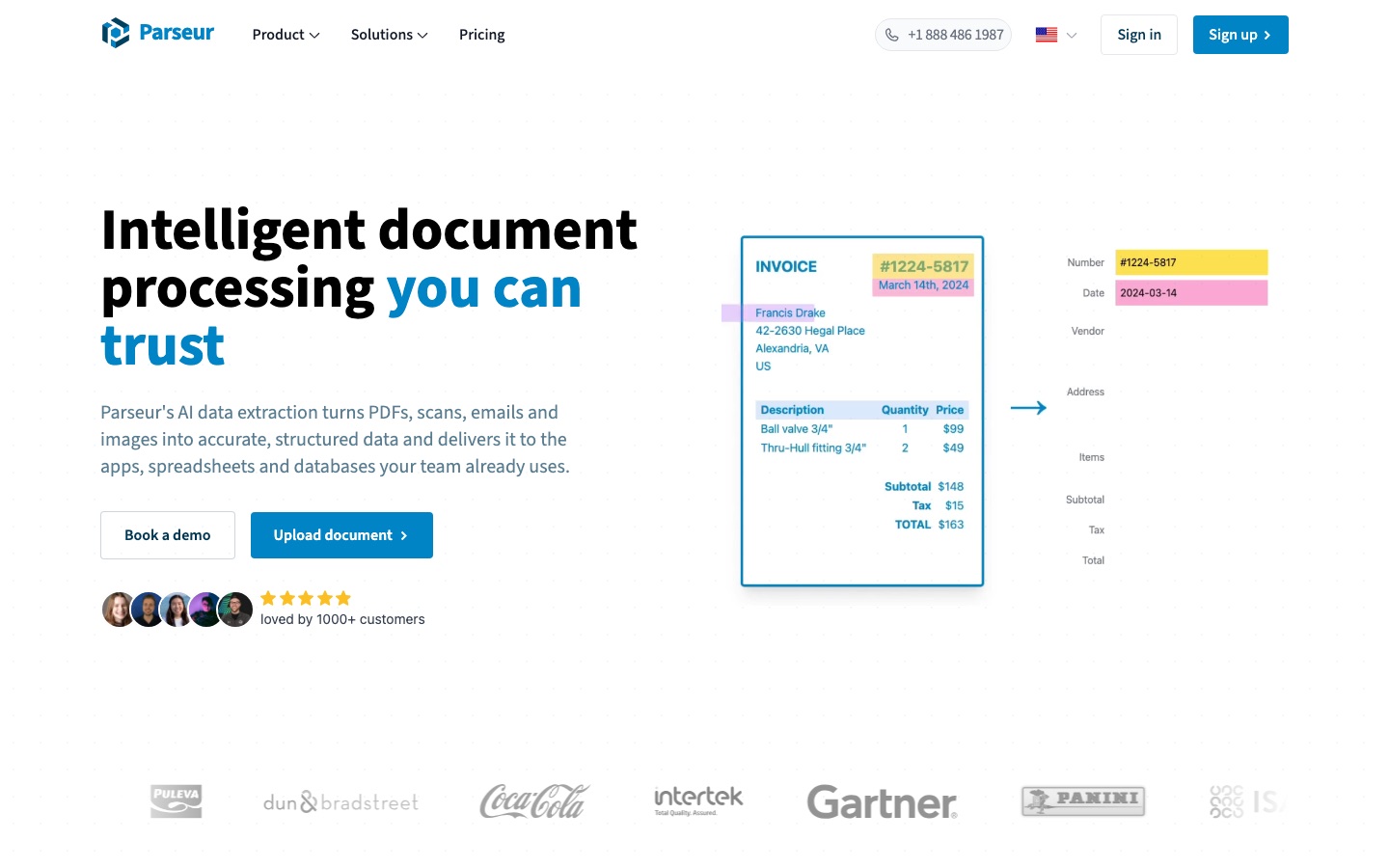
Reads each invoice or scan and renames the file with details such as date, sender and amount so documents stay searchable.
AI file renamer that reads documents, PDFs and photos and gives them descriptive, searchable names.
View tool
3
Stage 3: Categorizing and reconciling
Each bank and card transaction is assigned to an income or expense category, then the ledger is compared with the bank statement until both agree and every difference is explained.
What AI does here
Suggest a category for each transaction, remember how you classified a vendor before, and keep coding going through the month.
What AI can’t do here
Explain an unexplained difference. Transfers between your own accounts, personal spending and loan repayments are easy to miscategorize, and only you know what a payment was for.
Applies coding rules to transactions and syncs them with ledgers such as QuickBooks Online and Xero.
Finance operations platform with corporate cards, expenses, bill pay and accounting automation run by AI agents.
View tool
4
Stage 4: Spreadsheets and checks
Outside the ledger you still work in spreadsheets: cleaning bank exports, matching two lists, summing spend by category and building small working papers that support the figures.
What AI does here
Write the lookup or conditional-sum formula you describe, clean inconsistent labels in bulk, and build a pivot table from an uploaded file.
What AI can’t do here
Guarantee the formula covers every row. A wrong range silently gives a wrong total, so test results against a figure you already know.
An online spreadsheet whose AI analyst answers plain-language requests, merges tables and reads PDFs such as invoices or statements into structured tables.
Spreadsheet with a built-in AI analyst that imports data from business tools and documents.
Adds an =AI function to Google Sheets and Excel that classifies and normalizes free-text values, such as vendor names, across many rows.
Spreadsheet add-on that brings ChatGPT into Google Sheets and Excel through an =AI function.
View tool
5
Stage 5: Cash flow and forecasting
You look ahead: when customer money arrives, when bills, payroll and tax fall due, and whether the bank balance stays positive. A budget is set and actual results are compared with it.
What AI does here
Turn your assumptions into a cash flow and profit forecast, and place real accounting figures next to the plan each month.
What AI can’t do here
Know that a big client will pay late or that you plan to hire. A forecast is only as good as the assumptions you type in.
Offers templates such as a 13-week cash flow model that you can adapt in a spreadsheet with an AI analyst.
Spreadsheet with a built-in AI analyst that imports data from business tools and documents.
View tool
6
Stage 6: Sales tax and tax preparation
Categorized books are turned into what the tax authority needs: sales tax or VAT figures, schedules of business income and expenses, and supporting documents handed to whoever prepares and signs the return.
What AI does here
Track where sales create a tax obligation, map transactions to form lines, read tax slips and flag entries that look incomplete.
What AI can’t do here
Give you tax advice you can rely on. Rules change and differ by jurisdiction, so a qualified accountant or tax professional should check every filing before it is sent.
Built for tax and accounting practices: answers federal, state and local tax questions with cited sources and checks prepared returns against their source documents.
AI tax assistant for accountants and businesses that answers tax questions with citations and drafts memos.
View tool
7
Stage 7: Reports for owners and lenders
The period is closed and summarized: profit and loss, balance sheet, cash position and a few key ratios, presented so an owner, partner, bank or investor can read them without the ledger.
What AI does here
Assemble dashboards and report packs from ledger data, draft commentary on what moved, and refresh the same report every month.
What AI can’t do here
Vouch for the numbers underneath. A polished dashboard built on unreconciled books misleads faster than a rough one, and formal statements still need a professional's sign-off.
Generates shareable web dashboards from spreadsheet data and sends an alert when a tracked number crosses a set condition.
Connects Google Sheets and Excel to live business data and adds AI agents for analysis, dashboards and alerts.
View tool
Realistic expectations
A qualified accountant checks the filings
Nothing here is tax or legal advice. Software can prepare figures and forms, but tax returns, sales tax or VAT filings and year-end accounts should be reviewed by a qualified accountant or tax professional who knows the rules where you are registered.
Many tools are country-specific
Several records describe products built around one system: US federal and state returns, Canadian filing, or card programs for companies based in the UAE. Check that a tool covers your country, currency and business type before moving your records into it.
Suggested categories need review
Automatic categorization and receipt reading are suggestions. Review them on a fixed schedule, correct the mistakes so the tool learns your vendors, and never close a period on entries nobody has looked at.
Financial data is sensitive
These tools connect to bank accounts and read invoices that contain customer and supplier details. Read where data is stored, who can access it and how to revoke a bank connection, and limit staff access to what each person needs.
Keep the source documents
Extracted data does not replace the original receipt or invoice. Record-keeping periods are set by law and vary by country, so store the source files in a place you control and can export from.
FAQs
Can AI do my bookkeeping without an accountant?
It can do much of the data entry: reading receipts, categorizing bank transactions and drafting reports. It cannot take responsibility for the result. Someone still has to review the entries, resolve differences in the reconciliation and make judgment calls. For tax returns and year-end accounts, a qualified accountant should check the work, and in some places certain filings must be prepared or signed by a licensed professional.
How accurate is AI at reading receipts and invoices?
Clear, printed documents are usually read well, while handwriting, faded thermal paper and poor photos cause more errors. The practical approach is to spot-check: compare a sample of extracted amounts, dates and tax figures with the originals each month, and look closely at any document the tool flags as a possible duplicate or mismatch.
Is it safe to connect my business bank account to an AI bookkeeping tool?
It depends on the provider. Look for how the connection is made, whether access is read-only, where data is hosted and whether your data is used to train models. Several records in this guide list security certifications or data-hosting statements. Use a separate login where possible and remove connections you no longer use.
Will these tools work for a business outside the United States?
Some will and some will not. Document capture, spreadsheets, forecasting and reporting tools are mostly country-neutral. Tax preparation tools are not: the ones listed here target specific systems such as US or Canadian returns. If you are elsewhere, use the neutral tools for capture and reporting and rely on a local accountant for tax.
Do I still need accounting software if I use AI spreadsheets?
For a very small operation a well-kept spreadsheet may be enough, but ask your accountant first. Some countries require invoices or records to be kept in a particular digital form, and a proper ledger makes reconciliation and year-end work easier. AI spreadsheets are most useful beside the ledger, for cleaning exports, checks and reports.
 Syft Analytics
 Parseur

 Rows

 CloudTax

 GPTExcel

 LightPDF
 Brex

 Keeper

 Clemta


