Trupeer
Turns a raw screen recording into a polished product video, a step-by-step guide and searchable knowledge.
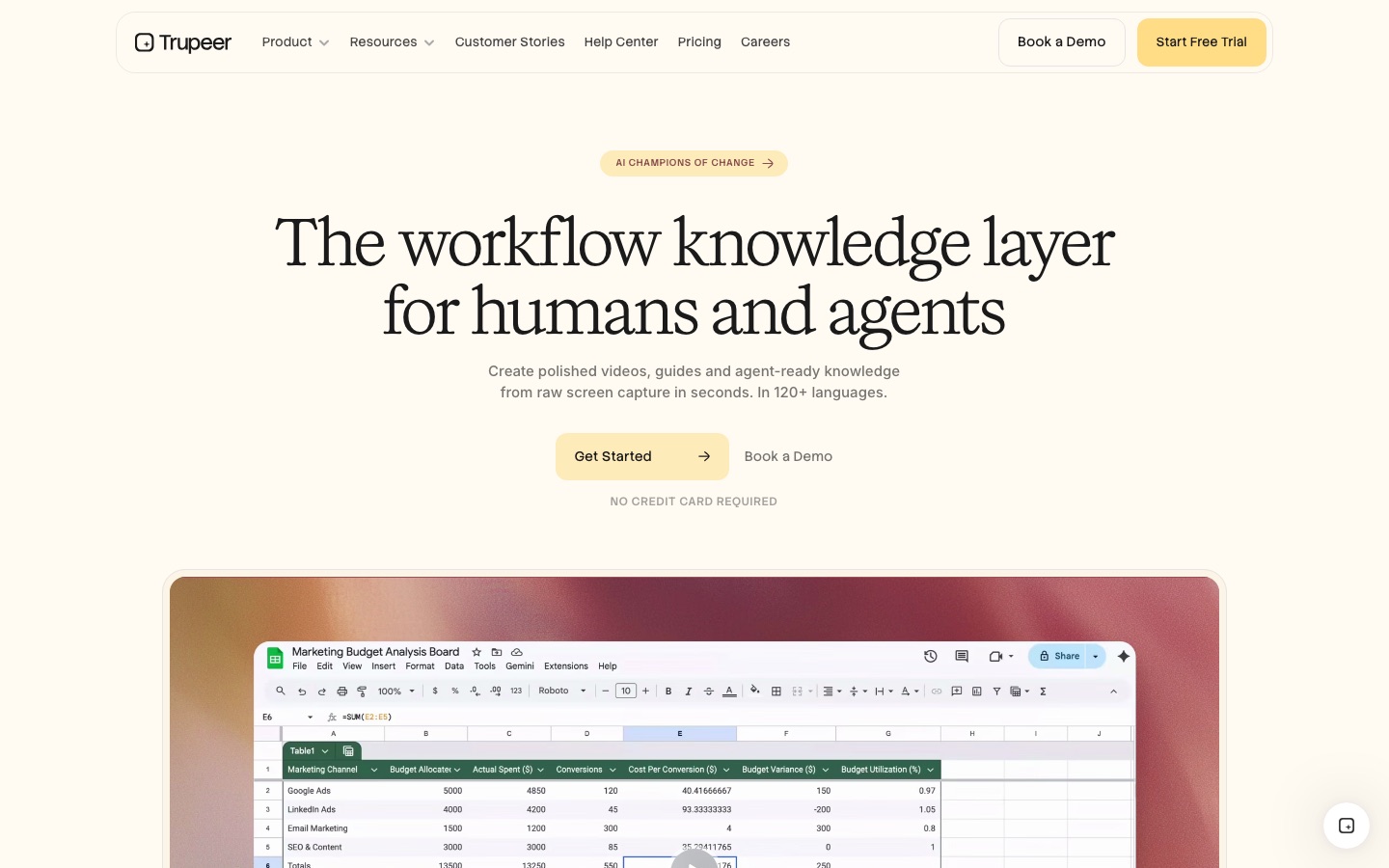
Trupeer is an AI tool that turns a screen recording into a finished product video and a written step-by-step guide. Trupeer rewrites the narration, adds a voiceover, zooms and branding, documents each click with annotated screenshots, and can translate the result. Teams record with the Chrome extension or upload a file, then export or share.
Best for Teams that explain software to customers or colleagues and want demo videos and documentation from the same recording.
- Platforms
- Web, Browser extension, MCP
- Pricing model
- Freemium
- Free plan
- Yes
- Free trial
- Yes
- Made by
- Trupeer Inc.
- Added
Last verified: . Information taken from trupeer.ai.
What is Trupeer?
Trupeer is a tool that converts a single screen recording into several finished outputs. You record with its Chrome extension or upload an existing capture and talk through the process naturally; the AI then produces an edited video, a written guide and material for a searchable knowledge base. On the video side it rewrites your narration into a clean script, replaces it with a synthetic voiceover, zooms in on each key action, splits long recordings into chapters, applies your logo, colours and fonts, and can add an avatar presenter. On the document side it detects every click, captures and annotates screenshots, and formats the steps, optionally following a template you provide. Both videos and documents can be translated into more than 100 languages. Trupeer Inc. sells it in Free, Pro, Scale and Enterprise tiers that run on AI credits.
Key Features
Automatic Video Editing
Adds zooms on important actions, chapters and brand styling to a raw screen capture without manual editing.
Script and Voiceover
Cleans up the spoken narration into a script and records it with a selectable AI voice.
AI Avatars
Places a presenter in the video without any camera footage.
Guide Generation
Detects clicks and actions, then builds a formatted document with annotated screenshots for each step.
Translation
Produces versions of a video or document in other languages, including the voiceover.
Knowledge Base with AI Search
Publishes content to a knowledge base where people and agents can search videos down to a timestamp.
How Trupeer works
Record your screen
Capture any screen with the Chrome extension while talking through it, or upload a recording you already have.
Generate
One click converts the recording into a polished video, document or tutorial.
Edit with AI
Adjust the script, reorder steps and trim sections as needed.
Share
Export a video or document, or send an embeddable link.
Use Cases
- Product Update Videos
- Publish a walkthrough of a new feature shortly after it ships.
- Pre-Sales Demos
- Let prospects view the product before a first call.
- Standard Operating Procedures
- Turn a recorded process into a manual or SOP.
- Global Training
- Translate training material for staff in different countries.
- Support Answers
- Record the answer to a recurring customer question once and reuse it.
Things to know
- Free exports are watermarked
- Exports and embeds from the Free tier are stamped with the Trupeer watermark; paid tiers remove it.
- Credits reset monthly
- The credit pool refreshes each billing month and unused credits do not roll over; extra credits can be bought on paid plans.
- Recording length depends on plan
- Maximum recording length rises from 5 minutes on Free to 15 minutes on Scale and 3 hours on Enterprise.
- Translation starts on Scale
- AI translation and multi-language share pages are listed from the Scale tier upward.
FAQs
What is Trupeer?
Trupeer is an AI tool that turns screen recordings into edited videos, step-by-step documentation and knowledge base content.
What is Trupeer used for?
Trupeer is used for product demos, training videos, SOPs and help documentation made from a recording of someone using software.
Is Trupeer free?
Trupeer has a Free tier with a monthly credit allowance and five-minute recordings, and exports on it carry a watermark. Paid tiers also offer a free trial.
How much does Trupeer cost?
Trupeer sells Pro, Scale and Enterprise plans in addition to the Free tier, with monthly or yearly billing. See the official pricing page for current figures.
How do Trupeer credits work?
Each Trupeer plan has a monthly pool of AI credits that video, documents, translation and avatars draw from; unused credits do not carry over, and re-exporting existing content is not charged.
How many languages does Trupeer support?
Trupeer generates voiceovers and translations in more than 100 languages and accents, and the plan determines how many you can translate into.
Which export formats does Trupeer offer?
Trupeer exports video as MP4 with captions and documents as DOC, PDF or Markdown on paid plans, and content can also be shared by link or embed.
Who it's for
- Product marketers
- Pre-sales teams
- Learning and development teams
- Customer success teams
- Sales enablement teams
Used in these workflows
- Launching a product with AI: what to use from positioning to feedbackStage 3: Demo and explainer video
Each guide lists the stages of one job and the tools that help at each stage. All guides
Comments
No comments yet. If you have used Trupeer, tell other readers how it went.
Alternatives to Trupeer
| Tool | Free plan | Starting price | API |
|---|---|---|---|
 AnimakerOnline animation maker that generates and edits animated videos with AI voices, subtitles and a character builder. |
Yes | — | — |
 ClideoBrowser-based video editor and toolset for compressing, cutting, subtitling, translating and converting media. |
Yes | — | — |
 Vozo AIAI video localisation tool that dubs, lip-syncs and subtitles videos and translates their on-screen text in more than 160 languages. |
Yes | $29/mo | Yes |
 sync.AI lipsync and visual dubbing models that match a speaker's mouth to new audio, available in a studio, API and plugins. |
— | — | Yes |
 ClipchampBrowser-based video editor from Microsoft with AI voiceovers, automatic subtitles, recording tools and stock media. |
Yes | — | — |
Listed in the same categories as Trupeer. A starting price appears only where we checked it on the maker’s pricing page; a dash means not checked or not published. All Video Editing tools