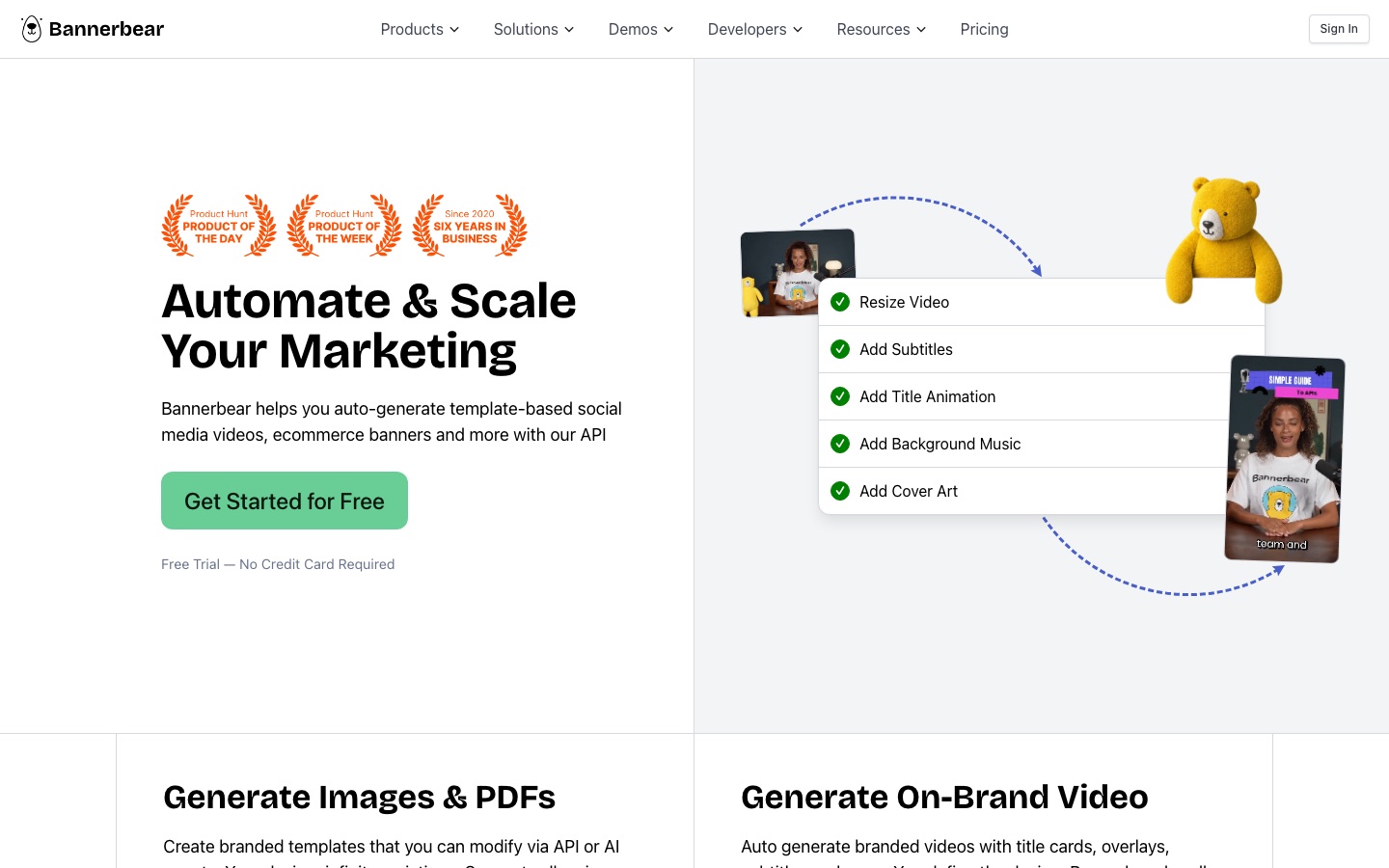
 Bannerbear

 AdGPT

 OpenCreator
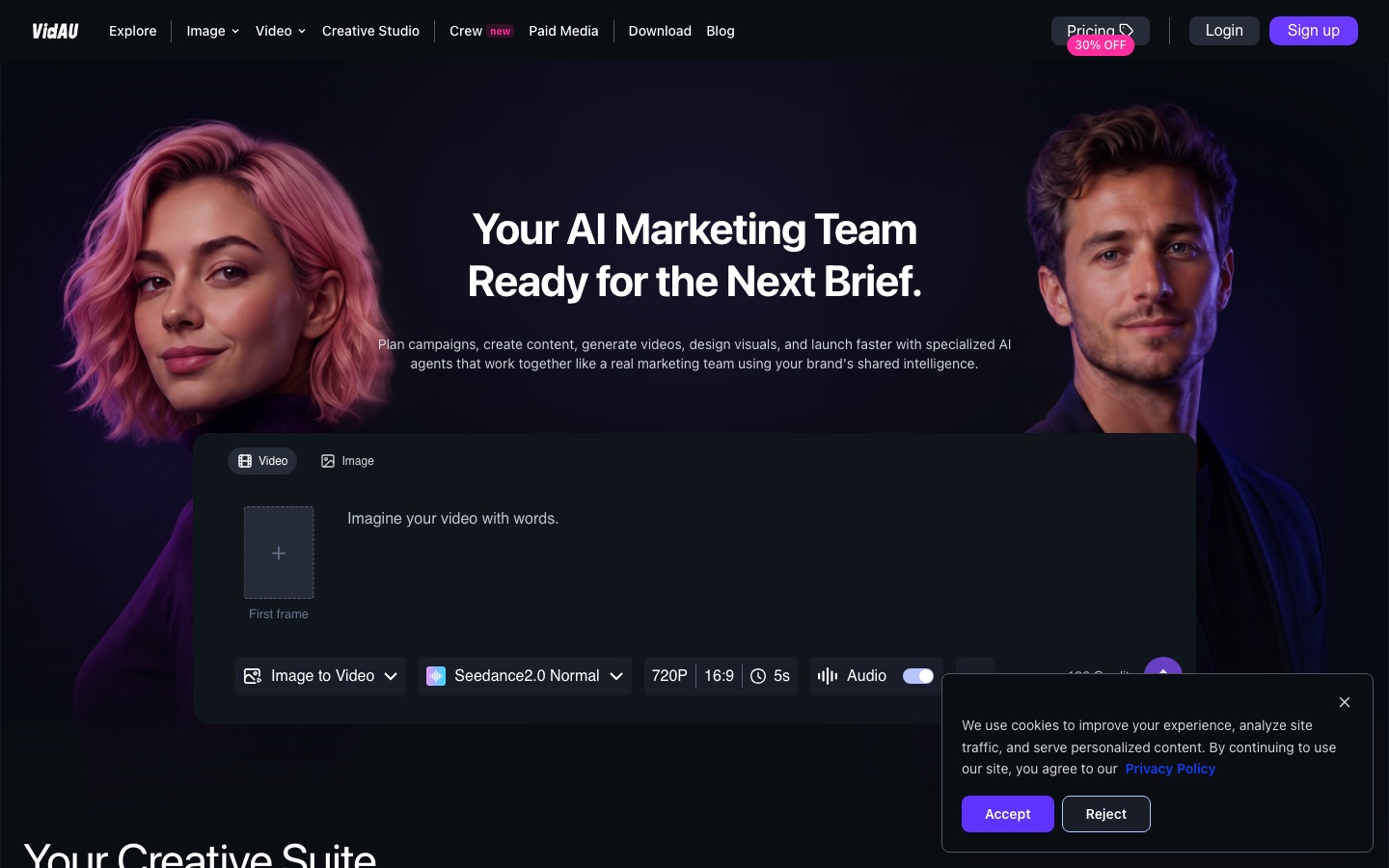
 VidAU

 Topview

 Kapwing
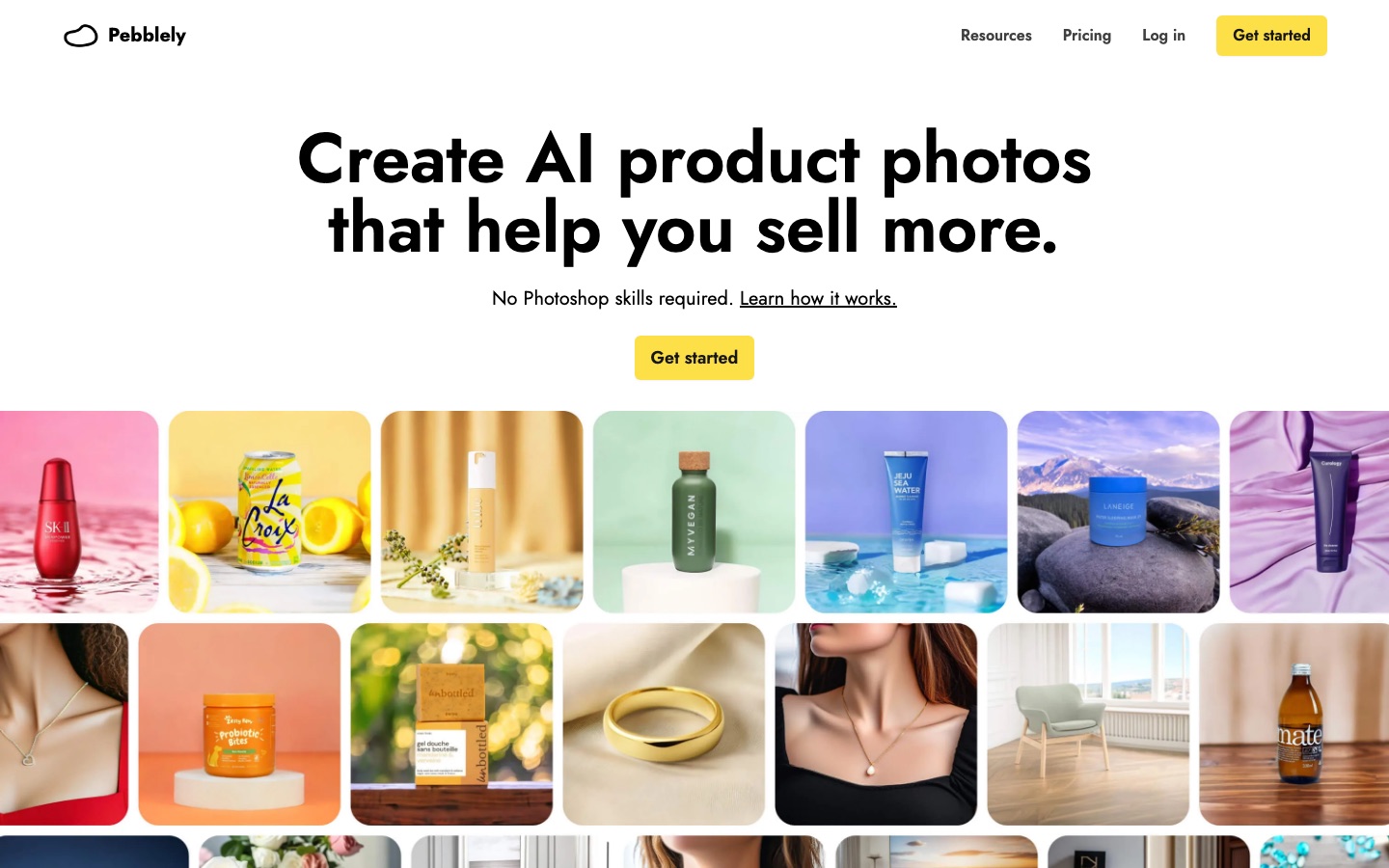
 Pebblely
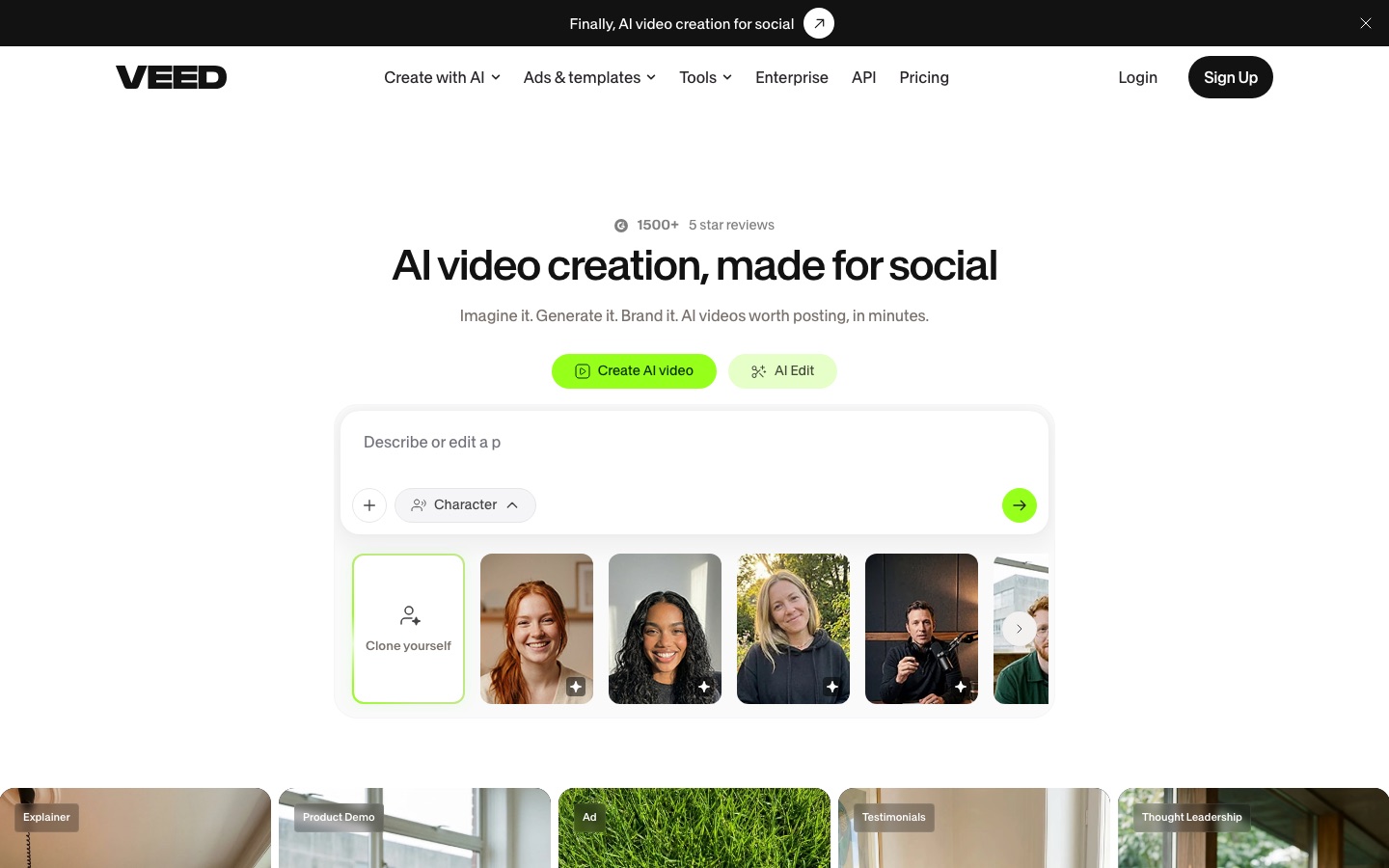
 VEED

 Atria

GetHookd
Searches live Facebook and Instagram ads by niche, format and how long they have run, and follows chosen competitor brands.
Meta ad library research tool with brand tracking, store data, ad cloning and connections to AI assistants.
Browse AI tools by what you need to get done.
Tools by goal47 step-by-step guides→All categoriesBy goal
The first three seconds decide whether anyone sees the other twenty. That is the awkward fact about video advertising, and it explains why ad teams no longer make one polished film and hope. They make twenty versions with different openings, run them, and keep the two that hold attention.
Producing twenty versions used to be the expensive part. AI has changed that more than any other stage: a product link can become a presenter-led clip, a single packshot can be placed in a dozen scenes, one cut can be resized, captioned and translated for every placement, and a whole batch can be launched in one step. What has not become cheap is knowing what to say. The offer, the audience and the single claim the ad makes still come from someone who understands the customer, and every claim on screen has to be true and provable. An avatar holding your product is also not a customer who tried it, and platforms and regulators treat that difference seriously. The stages below follow a real production order, with the limits spelled out at each one.
Who this is for Online sellers, founders, performance marketers and small agencies who need video ads for social placements regularly and do not have a film crew, an editor or a large creative budget.
A lean first round: research one competitor, write hooks, produce a single ad and caption it. The picks are examples from four different stages and say nothing about how the tools compare.

Look up two competitors, save the ads that have run longest and note how each one opens.

Generate a set of opening lines for one idea and keep three that state your real offer.

Paste your product link, review the proposed scene plan and correct any detail that misdescribes the product.

Add subtitles to the finished clip, apply your brand colors and export a vertical version.
Define the audience, the offer and the one message the ad must land. Study what competitors are running and for how long, and write a brief short enough to hold in your head.
Searches live Facebook and Instagram ads by niche, format and how long they have run, and follows chosen competitor brands.
Meta ad library research tool with brand tracking, store data, ad cloning and connections to AI assistants.

Searches ads from Meta, Google and LinkedIn in one place and keeps the ad history of advertisers you choose to monitor.
Ads toolbox for marketers and AI agents: competitor ad research, AI ad creation and campaign management over MCP.
Lists ads from Meta and TikTok with their run length and number of variations, and saves examples to boards as a swipe file.
Workspace for creators to save ideas, research high-performing posts and ads, schedule content and sell digital products.

Builds an ideal customer profile with needs, pain points and buying behavior to base the brief on.
Marketing assistant called Elsa AI that builds ideal customer profiles, strategies, ads and social content.

Follows chosen brands and shows their top creatives, and drafts creative briefs from account data, URLs and mined customer reviews.
AI ad workflow platform for researching, briefing, generating, launching and analysing Meta ads.
Choose an angle, write several opening lines, then a script of a few sentences with one claim, one proof and one call to action. Write more hooks than you need.
Breaks down the hook and structure of short videos that outperformed, then generates opening lines and a short-form script from an idea.
Research and scripting tool for short-form video that finds outlier videos and turns them into hooks and scripts.

Writes first-draft ad copy from a few keywords describing the offer, with modifiers for tuning the tone.
Free AI ad copy generator built on GPT-4 by a group of direct-response copywriters.
Its ads generator writes ad messaging tied to the needs listed in the customer profile it built.
Marketing assistant called Elsa AI that builds ideal customer profiles, strategies, ads and social content.
Break the script into shots: what is on screen second by second, where the product appears, where text overlays go. Agree this with the client before generating or filming anything.

Reads a script or typed idea, builds a shot list and draws a frame for every shot, exportable as a PDF or pitch deck.
AI storyboard generator that turns a script or idea into a shot list, storyboard frames and an animatic.

Lays scenes out as a storyboard from a script or concept, with camera motion and reference controls for each shot.
Browser-based AI video production suite that turns scripts, prompts and images into storyboards, shots and edits.

Its agent takes a short brief and produces a script, a storyboard and individual shots, with notes pinned to the part you want redone.
AI video studio where an agent turns a one-line brief into a script, storyboard, shots and a finished cut.
Proposes a scene plan from your brief and lets you place props and a virtual camera in a 3D scene before generating.
AI video agent that plans scenes, picks models and builds short films, dramas and marketing videos on an editable canvas.
Prepare clean images of the product: cut out from its background, placed in believable scenes, at the sizes each placement needs. These become the stills and cutaways inside the ad.

Creates new photos of a product placed in an AI-generated setting, starting from one source image and a theme or custom prompt.
AI product photography tool that places a product image into generated scenes and backgrounds.

Cuts the product out of an uploaded photo, places it in a template scene and reformats the result for different placements.
AI product photography tool that removes a product's background and places it in template scenes for shop and ad images.

Removes backgrounds, places a product into generated scenes with shadows and resizes one image for several sales channels.
AI photo editor for e-commerce product images, with background removal, batch editing and an API.
Produce the footage: product shots in motion, a presenter speaking the script, cutaways and text. Make several versions that differ in the opening seconds.

Offers a library of AI actors for spoken ad videos, with emotion set by written instruction and tools to swap actors or add captions.
AI video ad creator with a library of 1,000+ AI actors, custom avatars and tools to edit, translate and remix ads.

Generates presenter footage from a script with stock or custom avatars, and requires verified consent before a custom avatar is created.
AI video platform for avatar-led videos, script-based editing and translation into 175+ languages.
Converts a product link or campaign brief into an ad clip and leaves each generated shot editable on a canvas.
AI video agent that plans scenes, picks models and builds short films, dramas and marketing videos on an editable canvas.

Builds an ad starting from a product page link and can produce a new version of an existing video used as reference.
AI marketing platform that generates video ads and images with multiple models and a team of specialised agents.

Generates creator-style video ads with an avatar, script, voiceover, captions and product cutaways from a product link.
AI ad generator that turns a product link or prompt into image ads, short videos, UGC-style clips and campaigns.
Record or generate the voice, choose music that fits the pace, add sound effects, and balance levels so the words stay clear on a phone speaker.

Converts a script into spoken audio in a library voice and also generates music tracks and custom sound effects from a prompt.
AI audio platform for text to speech, voice cloning, transcription, dubbing, music and conversational voice agents.

Generates a voiceover from a typed script with emotion and speed tuned line by line, from a voice library that includes characters for ads.
AI voice generator with emotion-aware text to speech, voice cloning, a mobile app and a developer API.

Creates instrumentals from a text description and generates individual sound effects in a dedicated mode.
AI music generator that creates songs, instrumentals, sound effects and speech from text prompts.
Cut the ad to length, add captions and on-screen text, apply brand fonts and colors, then export every aspect ratio and language the media plan requires.
Browser editor that adds styled subtitles, dubs a video into another language and applies stored brand colors, fonts and logos.
Browser-based video platform that generates clips with AI and edits, subtitles, dubs and brands them in one workflow.

Timeline editor in the browser with automatic subtitles, translation and dubbing, and a brand kit holding logos, fonts and colors.
Browser-based video editor for teams with AI generation, automatic subtitles, dubbing and clip repurposing.

Generates styled, animated captions from the audio track and lets you trim footage by editing the transcript.
AI video editor that captions, trims and clips footage into short-form videos and schedules them for social.

Resizes static, animated and video ads into multi-size ad sets and stores brand kits so versions stay consistent.
AI ad creation platform that generates, resizes, animates and publishes on-brand ads across ad networks.

Renders many variations of one design template through an API, adding subtitles, title animations and resizing to videos in bulk.
API that generates images, PDFs, animations and videos automatically from reusable design templates.
Upload the versions with consistent naming, set budgets, let them run long enough to compare, then stop the weak ones and learn from the winners for the next round.

Publishes a batch of ads to connected ad accounts in one review step, applying naming, placements and URL parameters to each.
Bulk ad launching and management tool that publishes large batches of ads to 12 channels from one workflow.

Rates an uploaded creative before launch and lists edits that would raise the score; the scores are predictions.
AI platform that generates ad banners, copy, product photos and video ads, and scores creatives before launch.
Queues large batches of Meta ads for publishing and pauses ads or ad sets that cross a threshold you define.
Ad operations platform for Meta advertisers with bulk launching, rule-driven AI agents and an MCP server.

Connects store and ad accounts into one measured view of performance, with suggested campaign changes left open to approval.
E-commerce analytics platform that unifies store and ad data, measures marketing impact and lets its Moby AI act on it.
Often yes, but the answer comes from each platform's advertising policies, not from how the ad was produced. Those policies cover misleading claims, impersonation and, in some cases, labeling of realistic synthetic content. They change, so read the current rules for your platform and category, and expect stricter review if the ad shows people, health results or financial promises.
It depends on the platform and the country. The safe position is not to imply that an AI presenter is a real customer giving a real opinion. Where a platform offers an AI label, use it for realistic synthetic people, and avoid scripts written as personal experience, such as claims about results the speaker supposedly had.
There is no fixed number. A common approach is to keep the body of the ad constant and vary the opening seconds, since that is where many viewers decide whether to keep watching. Three to five hooks per concept is a workable start for a small budget. More versions need more spend before the comparison means anything.
Often, but check the license for your plan. Several music generators grant commercial rights only to paying subscribers, and terms differ between tools. Keep a record of the plan you were on when you generated the track. Do not prompt for a named artist's style or voice, which raises separate legal risks.
Tools are placed in a stage by an editor, from each tool’s own profile. The list grows as more profiles are published. All guides