 Scholarcy

 Mapify

 Plaud
 LightPDF

 Notta
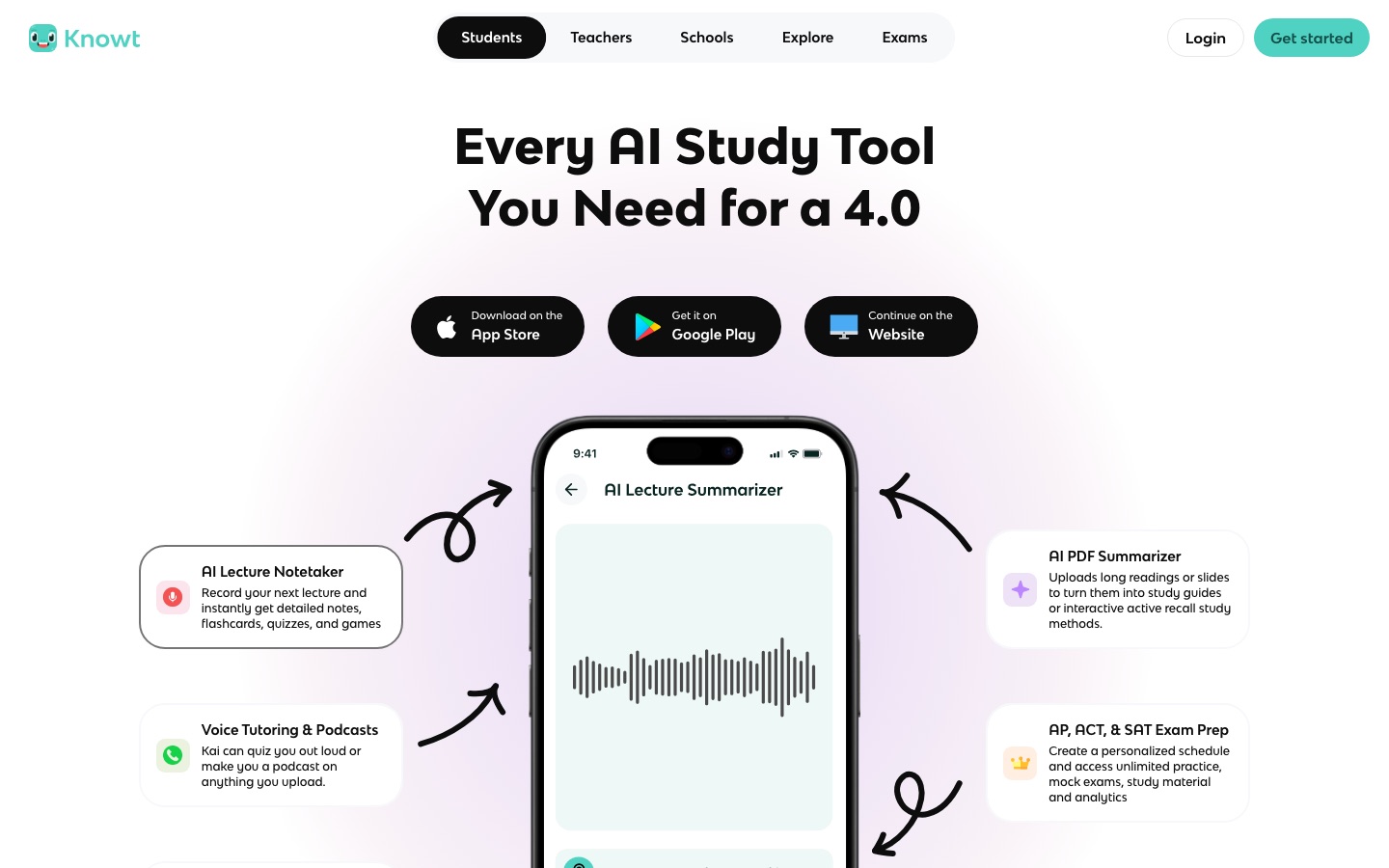
 Knowt
 RevisionDojo
 Recall

 Heuristica

Due Gooder
Reads uploaded syllabi, finds the deadlines inside them and adds them to Google Calendar with a daily to-do list.
Student planner that uses AI to pull due dates from syllabi or an LMS and sync them to Google Calendar.
Browse AI tools by what you need to get done.
Tools by goal45 step-by-step guides→All categoriesBy goal
Rereading notes with a highlighter feels like studying and produces very little. What works is less comfortable: closing the book and trying to recall, answering questions before you feel ready, coming back to a topic after a few days, and explaining an idea in your own words until the gaps show. Learning research has pointed this way for a long time. The obstacle was always preparation time, since someone had to write the flashcards and the practice questions.
That preparation is what AI study tools remove. A recorded lecture becomes structured notes, a chapter becomes a quiz, a term's slides become a deck of cards reviewed on a schedule, and a tutor that has read your course material will explain a point a third time without sighing. The risk runs the other way. A summary you did not write and an answer you did not work out feel like knowledge until the exam paper is in front of you. Every stage in this guide is about understanding and practice. Tools that complete assignments or sit tests for you are left out on purpose, because they do nothing for the day of the exam.
Who this is for School and university students preparing for finals, candidates for standardized tests such as the SAT, IB or PTE, and adult learners returning to study who want a method rather than more hours.
Three picks for the core loop of studying: capture, test yourself, see the whole subject. They come from the stages above and are examples, not a ranking of the tools.

With your teacher's permission, record one lecture and rewrite the generated notes in your own words the same evening.

Turn one chapter into flashcards, check them against the source and review the deck daily for a week.

Map one topic from your notes, then close it and redraw the map from memory on paper.
List every exam, topic and deadline, estimate how much each needs, then spread the work backwards from the exam dates with room for review and rest.
Reads uploaded syllabi, finds the deadlines inside them and adds them to Google Calendar with a daily to-do list.
Student planner that uses AI to pull due dates from syllabi or an LMS and sync them to Google Calendar.

Its study plan splits your material into ordered topics and milestones scheduled around your deadlines.
AI learning platform that turns course materials into notes, flashcards, quizzes, games and a personal tutor.

Merges calendars and tasks and recommends time blocks for each task, flagging those at risk of running late.
Daily planner that merges calendars and tasks and uses an AI Planner to suggest when to do each task.
Work through each topic until you can explain it without notes: read, ask why, try an example, find the exact step where your understanding breaks and repair it.
Its AI tutor gives one-to-one help on the course materials you uploaded, including visual explanations.
AI learning platform that turns course materials into notes, flashcards, quizzes, games and a personal tutor.

Grounds its answers in the lecture notes and readings you add to a notebook, so an explanation stays tied to your own course material.
Google's source-grounded AI research notebook, formerly NotebookLM, that answers from your files and turns them into overviews.
Answers a question put in plain language and keeps clarifying in follow-up messages until the explanation is clear, and can draw on files you attach.
AI chat assistant that answers questions, writes, creates images, runs deep research and helps with code.
Get complete, organized notes from every class, with permission to record where needed, then rewrite the key points in your own words within a day or two.
Turns a recorded or uploaded lecture into organized notes plus a full transcript; its site notes that recording a class needs the teacher's permission.
AI note taker that turns recordings, documents and links into notes, transcripts, flashcards and quizzes.

Transcribes a lecture as it happens and arranges the content into structured notes at a level of detail you set.
AI note taker for students that turns lectures and files into structured notes, flashcards, quizzes and mindmaps.

Records a class or takes an uploaded file and returns a transcript and summary, then answers questions about the recording.
AI notetaker that records, transcribes and summarises meetings, lectures and any audio or video file.

Transcribes a recorded lecture into searchable text with a summary so it can be reviewed afterward.
AI meeting notetaker that records, transcribes, translates and summarises conversations in 58 languages.

Recording devices that capture in-person talks such as lectures and turn the audio into a transcript and structured notes.
AI note-taking devices and apps that record conversations, transcribe them and produce summaries.
Reduce chapters, papers and handouts to their main arguments, definitions and examples, noting page references so you can return to the source when a summary is unclear.

Summarizes documents and answers questions with citations that scroll to the matching place in the file.
Chat with PDFs and other documents to get summaries and cited answers, aimed at students and researchers.

Turns papers, articles and book chapters into structured summary flashcards highlighting key findings and concepts.
AI summarizer that turns research papers, articles and book chapters into structured, interactive summary flashcards.

Its document chat answers questions about an uploaded PDF and points to the passages each answer came from.
AI-assisted PDF toolkit for editing, converting, signing, OCR, translation and chatting with documents.

Condenses pasted text or an imported document to its main ideas and can read the text aloud with highlighting.
Free online text workspace that summarizes, reads aloud, paraphrases, translates and corrects documents without an account.

Summarizes saved articles, videos and PDFs, links related items and answers questions from that saved material.
Personal AI knowledge base that summarizes saved articles, videos, podcasts and PDFs and lets you chat with them.
Turn each topic into questions and test yourself repeatedly over days and weeks, spending most time on the cards you get wrong. This is where much of the learning happens.
Converts uploaded PDFs, slides or lecture recordings into flashcards and practice quizzes, with study modes that include spaced repetition.
Study app that turns lectures, PDFs and notes into flashcards, study guides and quizzes, with free flashcard study modes.

Creates practice questions and flashcard decks from an uploaded file or link and records quiz results so weak topics are easy to find.
AI study tool that turns notes, PDFs, slides and links into quizzes, flashcards, study notes and audio reviews.

Creates flashcards from notes, PDFs or videos, schedules their review and writes practice questions in multiple formats.
AI study tool that turns PDFs, videos and web pages into concept maps, flashcards, quizzes and notes.
Builds flashcards, quizzes and practice exams from the contents of a note.
AI note taker that turns recordings, documents and links into notes, transcripts, flashcards and quizzes.
Sit full papers under real time limits, in the real format, then go through every mistake. Repeat until timing and question styles hold no surprises.

SAT preparation built around a diagnostic, an adaptive daily plan, practice tests and a question bank with explanations.
Gamified SAT prep platform with a diagnostic, an adaptive study plan, practice tests and an AI tutor.

Digital SAT practice with a diagnostic test, full-length mock tests and an AI tutor that walks through solutions and explains errors.
AI-based Digital SAT prep with a diagnostic test, game-style practice, mock tests and an AI tutor named Mia.

IB-style questions sorted by subject, paper and topic with worked solutions, plus an exam builder for practice tests.
IB and MYP exam preparation platform with question banks, notes, an AI tutor and AI grading for coursework.

PTE practice questions by task type with automatic scoring of speaking and writing answers from its own engines.
PTE exam practice platform that scores speaking and writing answers with AI.

Full, sectional and timed PTE mock tests with automated scoring and analytics that show what to study next.
Online PTE practice platform with AI-scored questions, mock tests and performance analytics.
In the final days, compress each subject onto one page: how the topics connect, key formulas and definitions, the mistakes you keep making. Redraw it from memory.
Builds an editable mind map from a PDF, video, web page or pasted text and answers questions about the source.
AI summarizer that converts PDFs, YouTube videos, web pages, audio and images into editable mind maps.

Creates a mind map from a topic, article, file or recording and syncs it between web, desktop and mobile apps.
AI workspace that turns text, video, audio, PDFs and images into mind maps, summaries and diagrams.
Builds a visual concept map of a topic that can be extended node by node.
AI study tool that turns PDFs, videos and web pages into concept maps, flashcards, quizzes and notes.
Studying with AI, meaning asking for explanations, making flashcards or practicing questions, is normally treated like using a textbook or a tutor. Problems start when AI output is handed in as your own assessed work or used during an exam. Policies differ by school and even by course, so read yours and ask a teacher about anything unclear.
Mostly, but not blindly. Generated cards can misstate a definition, miss a key condition or test a trivial detail. Skim each new deck against the source before you start reviewing, delete weak cards and add your own for the ideas you find hardest. Writing a few questions yourself is good review in its own right.
For deciding what to read closely and for a first overview, a summary saves time. For material you will be examined on, it is not a substitute. Read the important sections yourself, then use the summary to check that you caught the main points and to build questions for later recall.
Try the problem or explanation yourself first and only then ask. Request a hint before a full solution, and after any explanation, close it and reproduce the reasoning from memory. If you cannot, you have found something to practice. A tutor is useful for locating gaps, and closing them is still your work.
Tools are placed in a stage by an editor, from each tool’s own profile. The list grows as more profiles are published. All guides