
Animaker
Online animation maker that generates and edits animated videos with AI voices, subtitles and a character builder.
Animaker is an online tool for making animated videos without animation experience. Animaker turns a typed idea into a video with scenes, characters, voiceover and lip sync after a short AI conversation, or starts from a template, and then lets you refine the result in an editor and export it as MP4, GIF or WebM.
Best for Marketing, training and HR teams that need explainer, onboarding or promo animations produced in-house without a specialist animator.
- Platforms
- Web, Android
- Pricing model
- Freemium
- Free plan
- Yes
- Made by
- Animaker
- Added
Last verified: . Information taken from animaker.com.
What is Animaker?
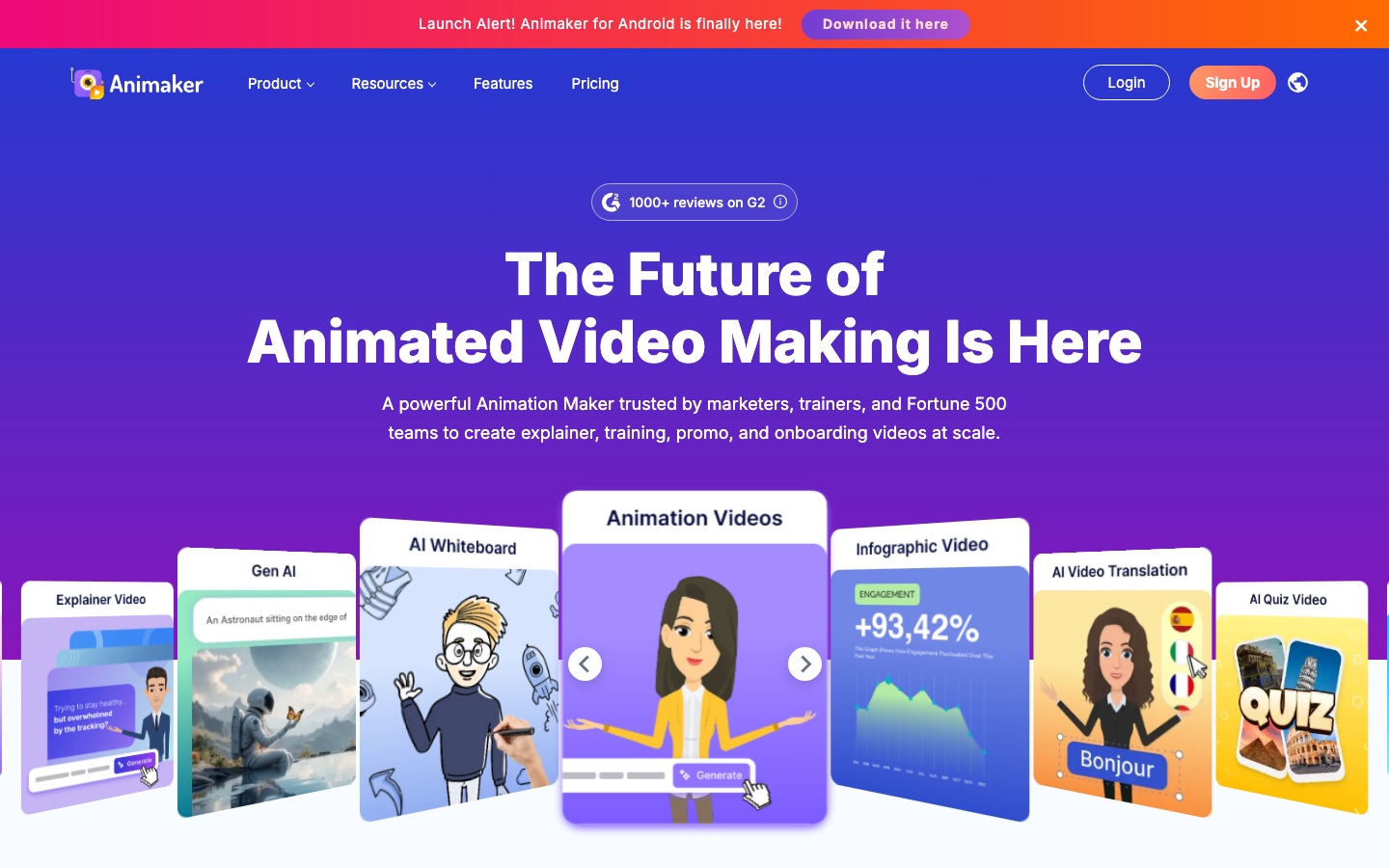
Animaker is a browser-based animation and video maker aimed at people with no animation background. A project can begin from a written prompt: you choose a category such as explainer or product demo, answer a few follow-up questions from the AI, and receive a draft video complete with scenes, characters, narration, lip sync and transitions. Alternatively you can pick one of the ready-made templates. An advanced editor is available for adjusting the result, and a character builder creates custom animated figures for a brand. The platform also includes AI subtitles in over 130 languages, a library of synthetic voices, one-click translation of a video into other languages and a large stock library of media, icons and music. Finished work exports in resolutions up to 4K. An Android app has been released alongside the web version.
Key Features
Prompt-to-Animation
Builds a full draft video with scenes, characters, voiceover and transitions from a typed idea and a short guided chat.
Character Builder
Creates custom animated characters by combining appearance options, so a brand can have its own cast.
AI Subtitles and Voices
Adds automatic subtitles in more than 130 languages and narration from a catalogue of over 1,800 synthetic voices.
Video Translation
Translates an animated video into other languages with a single action to reach viewers abroad.
Stock and Template Library
Supplies stock media, icons, music tracks and thousands of video templates to start from.
Flexible Export
Downloads the finished video as MP4, GIF or WebM at resolutions from SD up to 4K, or publishes to social channels.
How Animaker works
Describe the video
Select a category such as explainer or product demo and type the idea in everyday language, or use a sample prompt.
Answer the AI's questions
Animaker asks follow-up questions in a chat to understand what you have in mind.
Refine the draft
Review the generated video and open the advanced editor to change scenes, characters or narration.
Export or publish
Download the file as MP4, GIF or WebM, or send it straight to a social media channel.
Screenshots
Use Cases
- Explainer Videos
- Describe a product or process in a short animated clip for a website.
- Employee Onboarding
- Produce orientation and compliance videos for new staff.
- Course Content
- Turn dense training material into animated lessons with charts and characters.
- Social Media Promos
- Create a promotional animation sized and exported for social platforms.
- Personal Greetings
- Make a birthday message, invitation or video resume.
Things to know
- Export quality depends on plan
- The pricing page ties maximum resolution to the tier, from 720p on the lowest paid plan up to 4K on Enterprise.
- Monthly export allowances
- Paid plans include a set number of premium exports per month, with extra exports charged individually.
- Part of a wider product family
- The same company offers related tools, including Vmaker AI, Steve.ai and a subtitle generator, which are separate products.
FAQs
What is Animaker?
Animaker is an online animation maker for creating animated and live-action style videos in the browser. It is designed for both beginners and professional teams.
What is Animaker used for?
Animaker is used to make explainer, training, promotional, onboarding and educational videos, as well as personal clips like invitations.
Is Animaker free?
Animaker lets you start creating for free. Its pricing page lists paid Basic, Starter and Pro plans and an Enterprise option; see that page for current figures.
Does Animaker work on mobile?
Yes. Animaker announces an Android app on its website, in addition to the browser version.
What file formats does Animaker export?
Animaker exports videos as MP4, GIF or WebM, in resolutions ranging from SD to 4K depending on the plan.
What languages does Animaker support?
Animaker generates subtitles in over 130 languages and offers voices across more than 200 languages and accents. The website itself is available in 13 languages.
Can Animaker make a video from text?
Yes. Animaker can generate an animation from a written prompt after asking a few clarifying questions, and you can then edit the output.
Who it's for
- Marketers
- L&D teams
- HR teams
- Internal communications
- Educators
- Small businesses
Used in these workflows
- Making an animated explainer video with AI, from script to subtitlesStage 3: Characters and illustrations
- Making an animated explainer video with AI, from script to subtitlesStage 5: Animating the scenes
Each guide lists the stages of one job and the tools that help at each stage. All guides
Comments
No comments yet. If you have used Animaker, tell other readers how it went.
Alternatives to Animaker
| Tool | Free plan | Starting price | API |
|---|---|---|---|
AI StudiosDeepBrain AI's video platform for avatar-presented videos, AI dubbing and generative clips from text, links or documents. |
Yes | — | Yes |
 ClideoBrowser-based video editor and toolset for compressing, cutting, subtitling, translating and converting media. |
Yes | — | — |
 CrayoWeb-based AI editor for short-form video with auto clipping, voiceovers, subtitles and story video generators. |
— | — | Yes |
 Deepfakes WebCloud face swap service that places a face from one photo into an uploaded video, on the web and in mobile apps. |
Yes | — | — |
 DomoAIAI video studio that generates clips from text, images or footage and restyles existing video into other looks. |
Yes | — | Yes |
Listed in the same categories as Animaker. A starting price appears only where we checked it on the maker’s pricing page; a dash means not checked or not published. All AI Video Generator tools