
AI Doc Maker
AI generator that turns a prompt into formatted documents, PDFs, slides, spreadsheets and voiceovers.
AI Doc Maker is an online AI generator that creates formatted documents, PDFs, presentation slides, spreadsheets and voiceovers from a text prompt. AI Doc Maker is used by describing the file you need, optionally attaching source files, and downloading the result. It has a free Starter plan and paid plans with higher limits.
Best for Students, teachers and small businesses that need reports, proposals, spreadsheets or slides produced quickly from a description.
- Platforms
- Web
- Pricing model
- Freemium
- Free plan
- Yes
- Free trial
- Yes
- Made by
- AI Doc Maker
- Added
Last verified: . Information taken from aidocmaker.com.
What is AI Doc Maker?
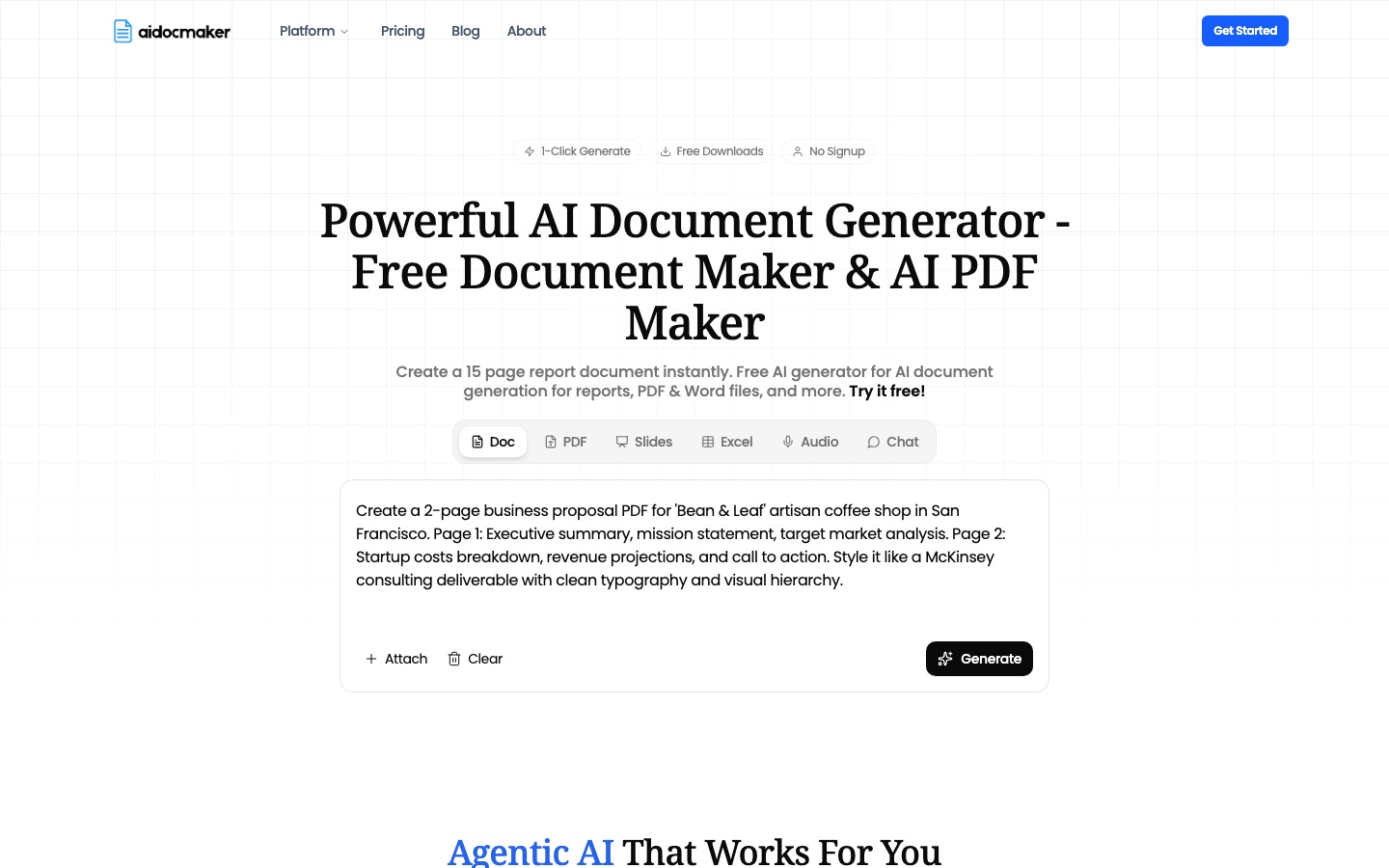
AI Doc Maker is a browser-based generator that produces finished files from a written request. A single prompt box switches between six outputs: document, PDF, slides, Excel sheet, audio and chat. You describe what you need, optionally attach existing files to draw content from, and the service returns a structured file with headings, tables, bullet points and page breaks already applied. Spreadsheets come with formulas, charts and data tables and can be exported to Excel or Google Sheets, while the audio mode creates voiceovers. A long list of dedicated generators covers common paperwork such as lesson plans, cover letters, proposals, contracts, invoices, resumes and meeting notes. Documents can then be revised by chatting with the AI. A free Starter tier exists alongside paid Standard and Premium tiers that raise limits, and the site says more than 50 languages are supported.
Key Features
Prompt-to-Document Generation
Builds a multi-page report, proposal or letter from a description and outputs it as a PDF or Word file.
Spreadsheet Generator
Creates sheets containing formulas, charts and tables, with export to Excel or Google Sheets.
Slides and Voiceovers
Generates presentation decks and AI voiceover audio from the same prompt box.
File Attachments
Reads files attached to a prompt and uses their content to produce a new document; paid tiers accept longer uploads.
Chat-Based Editing
Lets you draft and revise a document by conversing with the AI instead of formatting by hand.
Task-Specific Generators
Provides ready-made tools for lesson plans, invoices, contracts, resumes, business plans, newsletters and similar items.
Screenshots
Use Cases
- Client Proposals
- Draft a formatted business proposal with an executive summary and cost breakdown.
- Classroom Preparation
- Produce a lesson plan or course syllabus for a given subject and grade.
- Budget and Tracking Sheets
- Generate an expense tracker or project tracker with working formulas.
- Job Applications
- Create a resume, CV or cover letter from a short description of your background.
- Narrated Material
- Turn a script into voiceover audio to accompany slides.
Things to know
- Free tier has request limits
- The Starter plan allows 50 chat requests every three hours and 100 premium credits a month.
- Audio attribution on the free plan
- Voiceovers made on the free plan require attribution for commercial use; paid plans include a commercial license for audio.
- Output should be checked
- The site states that AI-generated content can contain mistakes and advises checking important information.
FAQs
What is AI Doc Maker?
AI Doc Maker is an online AI tool that generates formatted documents, PDFs, presentations, spreadsheets and voiceovers from a text prompt.
What is AI Doc Maker used for?
AI Doc Maker is used to create reports, proposals, contracts, lesson plans, resumes, invoices and similar files without laying them out manually.
Is AI Doc Maker free?
Yes. AI Doc Maker has a free Starter plan that includes file creation, a limited number of chat requests and a monthly allowance of premium credits, and the site says no sign-up is needed to try it.
How much does AI Doc Maker cost?
AI Doc Maker has a free Starter plan and paid Standard and Premium plans with a seven-day free trial. Prices were not shown in US dollars when checked, so see the official pricing page for current figures.
What file formats does AI Doc Maker support?
AI Doc Maker outputs PDF and Word documents, presentation slides and spreadsheets that export to Excel or Google Sheets, plus audio for voiceovers.
What languages does AI Doc Maker support?
AI Doc Maker says its PDF generator supports more than 50 languages.
Can I upload my own files to AI Doc Maker?
Yes. AI Doc Maker lets you attach files to a prompt; the Standard plan accepts uploads up to 500 pages and Premium up to 2,500 pages.
Who it's for
- Students
- Teachers
- Small businesses
- Consultants
- Office teams
Comments
No comments yet. If you have used AI Doc Maker, tell other readers how it went.
Alternatives to AI Doc Maker
| Tool | Free plan | Starting price | API |
|---|---|---|---|
 WPS OfficeOffice suite for documents, spreadsheets, slides and PDFs with a built-in AI assistant and cloud collaboration. WPS OfficeOffice suite for documents, spreadsheets, slides and PDFs with a built-in AI assistant and cloud collaboration. |
Yes | — | — |
AnyGenAI workspace for building documents, slide decks and data analyses step by step, with a second AI checking the output. |
— | — | — |
 Julius AIAI workspace for analysing data in plain English and creating reports, slides, websites, images and video. Julius AIAI workspace for analysing data in plain English and creating reports, slides, websites, images and video. |
Yes | — | — |
 editGPTAI proofreading and editing tool that shows every suggested change as a tracked edit, including in Word documents. editGPTAI proofreading and editing tool that shows every suggested change as a tracked edit, including in Word documents. |
— | — | — |
 AI Graph MakerWeb tool that turns typed descriptions or uploaded data into charts, flowcharts, mind maps and diagrams. AI Graph MakerWeb tool that turns typed descriptions or uploaded data into charts, flowcharts, mind maps and diagrams. |
Yes | — | — |
Listed in the same categories as AI Doc Maker. A starting price appears only where we checked it on the maker’s pricing page; a dash means not checked or not published. All Documents & PDF tools