
Coefficient
Connects Google Sheets and Excel to live business data and adds AI agents for analysis, dashboards and alerts.
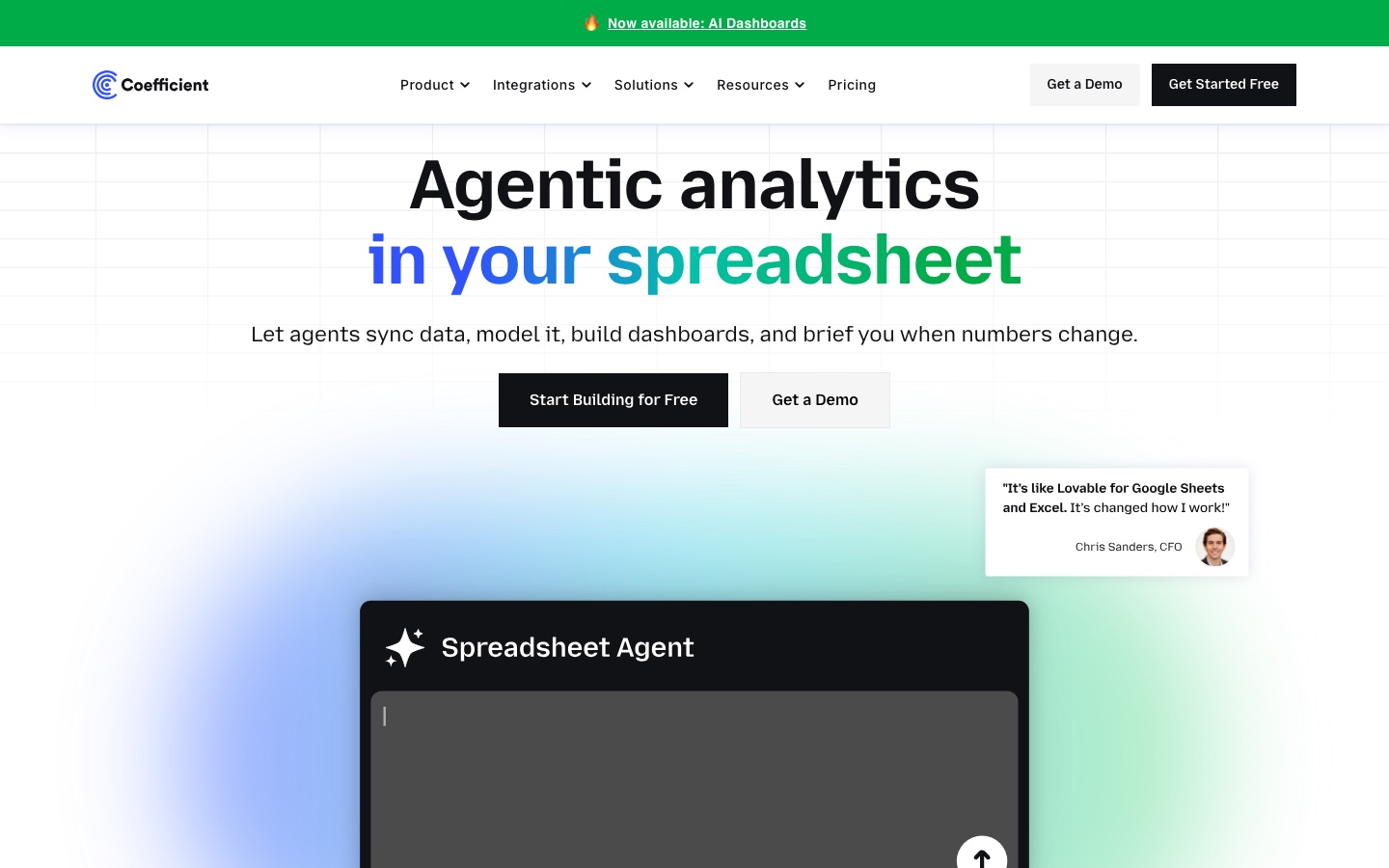
Coefficient is a spreadsheet data tool that links Google Sheets and Excel with business systems such as CRMs, databases, finance and marketing tools, so spreadsheets stay updated with live data without code. Coefficient is used by installing its add-on, importing data from a source, scheduling refreshes, and using AI agents to build analyses, dashboards and alerts.
Best for Operations, finance and marketing teams that report from spreadsheets and want them fed directly from their business systems.
- Listed in
- Data Analysis & Analytics
- Platforms
- Plugin, Web
- Pricing model
- Freemium
- Free plan
- Yes
- Free trial
- Yes
- Made by
- Coefficient
- Added
Last verified: . Information taken from coefficient.io.
What is Coefficient?
Coefficient is a spreadsheet add-on that links Google Sheets and Microsoft Excel to the systems where company data lives. It offers more than 150 connectors, among them Salesforce, HubSpot, QuickBooks, NetSuite, Snowflake and PostgreSQL, and can push data back out to some sources. A set of agents handles the work around the data: an import agent keeps sheets synchronised, an API agent builds a connection to a tool that has no ready connector, and a browser agent collects data from websites without an API. A sheets assistant cleans data, creates pivots and formats cells, a dashboard agent turns the result into web dashboards, and a monitoring agent watches figures and sends alerts by Slack or email when a condition is met. There is a free plan, paid Starter and Pro plans, and an Enterprise tier with admin controls and custom single sign-on.
Key Features
Live Data Connectors
Imports data from over 150 business systems into a spreadsheet and refreshes it on demand or on a schedule.
API and Browser Agents
Builds a custom integration for an internal or niche app, or scrapes a website that offers no API.
Sheets Assistant
Cleans messy data, builds models and pivot analyses, and applies formatting from a prompt.
Dashboard Agent
Generates shareable web dashboards from the data held in the spreadsheet.
Monitoring and Alerts
Watches chosen numbers and sends a Slack or email alert when a set condition is reached.
Data Export
Writes rows from a sheet back to supported systems, either manually or on an automatic schedule.
How Coefficient works
Sync the data
An import agent connects the spreadsheet to a source system and keeps it up to date.
Automate spreadsheet work
The sheets assistant cleans data, models it and builds pivots and formatting.
Build dashboards
A dashboard agent turns the prepared data into a web dashboard.
Monitor the numbers
A monitoring agent watches chosen figures and alerts you when a condition is met.
Screenshots
Use Cases
- Pipeline Reporting
- Pull CRM opportunities into a sheet for forecasting and pipeline reviews.
- Month-End Close
- Bring accounting data from several entities into one workbook for consolidation.
- Marketing Performance
- Combine ad platform data to report on spend and return.
- Self-Serve Warehouse Access
- Let business users query warehouse tables from a spreadsheet they already know.
- KPI Monitoring
- Receive a message when a tracked metric crosses a threshold.
Things to know
- Premium sources need Enterprise
- NetSuite, Sage Intacct, SQL Server, Snowflake, BigQuery, Databricks, ClickHouse, Tableau and Looker are classed as premium sources; Free, Starter and Pro cover standard sources only.
- Free plan limits
- The Free plan allows three data sources, imports of up to 5,000 rows and 50 refreshes a month, all run manually.
- Pro is capped at five users
- Pro is billed per user with a maximum of five; larger teams are directed to Enterprise.
- Excel feature gap
- Imports work for all connectors on Excel, but the site says some features are not yet available there.
FAQs
What is Coefficient?
Coefficient is a no-code platform that connects Google Sheets and Excel to live business data and adds AI tools for analysis and dashboards.
Is Coefficient free?
Yes, Coefficient has a Free plan with limits on data sources, import size and monthly refreshes. Automatic refreshes and other automations require a paid plan.
Does Coefficient offer a free trial?
Yes. Coefficient offers a 30-day trial of its Pro plan, after which an account moves to the Free plan unless a paid plan is chosen.
Does Coefficient work with Excel?
Yes. Coefficient has an Excel add-in for both Excel for Web and Excel for Desktop, though the site says some features, such as alerts, are still to come on Excel.
Which data sources does Coefficient connect to?
Coefficient lists more than 150 integrations, including Salesforce, HubSpot, QuickBooks, Stripe, Xero, Snowflake, MySQL and Redshift.
How do I install Coefficient?
For Google Sheets, Coefficient is installed as an add-on and launched from the Extensions menu. For Excel, it is added from Microsoft AppSource and appears as a tab in the ribbon.
How much does Coefficient cost?
Coefficient has Free, Starter, Pro and Enterprise plans, with a discount for annual billing. See the official pricing page for current figures.
Who it's for
- Revenue operations teams
- Finance teams
- Marketing teams
- Data analysts
- Startups
Used in these workflows
- From raw data to a finished report: what AI does at each step, and what you still checkStage 1: Collecting the data
- From raw data to a finished report: what AI does at each step, and what you still checkStage 3: Cleaning and preparing
- Small business bookkeeping: where AI saves the typing and where you still need an accountantStage 4: Spreadsheets and checks
- Small business bookkeeping: where AI saves the typing and where you still need an accountantStage 7: Reports for owners and lenders
- B2B sales outreach: which AI tool does which job, from first list to signed contractStage 7: Reporting and coaching
Each guide lists the stages of one job and the tools that help at each stage. All guides
Comments
No comments yet. If you have used Coefficient, tell other readers how it went.
Alternatives to Coefficient
| Tool | Free plan | Starting price | API |
|---|---|---|---|
 AjelixAgentic AI workspace that turns uploaded data into Excel files, dashboards, slide decks and other deliverables. |
Yes | — | — |
 AskYourDatabaseAI assistant that turns plain-language questions about a SQL database into queries, answers and charts. |
— | $49/mo | — |
 Better AnalystAI analytics app, formerly Formula Bot, that turns connected data into analyses, dashboards and scheduled reports. |
Yes | — | — |
 BlazeSQLAI data analyst that connects to a SQL database, writes queries from plain-language questions and builds dashboards. |
No | — | Yes |
 ChartGen AIAI chart generator that turns uploaded CSV or Excel data and a plain-language request into finished charts. |
Yes | — | — |
Listed in the same category as Coefficient. A starting price appears only where we checked it on the maker’s pricing page; a dash means not checked or not published. All Data Analysis & Analytics tools