
FastMCP
Python framework for building Model Context Protocol servers, clients and interactive apps.
FastMCP is a Python framework for the Model Context Protocol (MCP), covering servers, clients and interactive apps. FastMCP is used by declaring ordinary Python functions as tools, after which the framework generates their schemas, validates data and handles transport and authentication. Developers install it as a package and can also connect to existing MCP servers with its client.
Best for Python developers who want to expose their own functions and data to AI models over MCP without writing protocol code themselves.
- Listed in
- Developer APIAI Agents & Automation
- Platforms
- MCP
- Made by
- Prefect
- Added
Last verified: . Information taken from gofastmcp.com.
What is FastMCP?
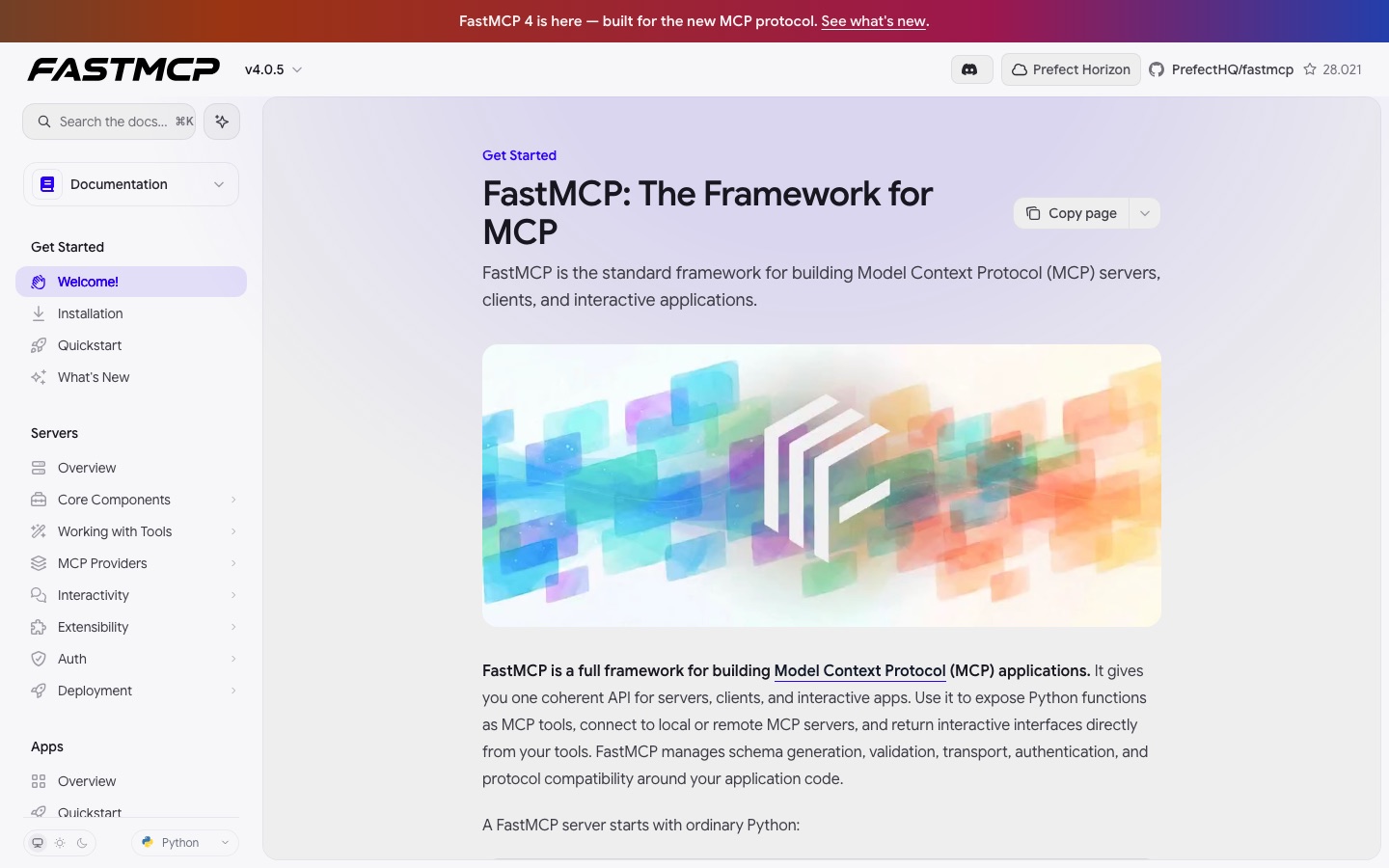
FastMCP is a Python framework for creating applications on the Model Context Protocol (MCP): clients, servers and interactive apps. On the server side, ordinary Python functions, data and instructions are exposed as MCP tools, resources and prompts, with FastMCP deriving the schema and validating inputs and outputs. The client connects to local or remote MCP servers from the command line, from Python code or from a different MCP application, and takes care of protocol negotiation, authentication and the connection lifecycle. The apps layer lets a tool return forms, tables, charts and similar interfaces that render inside the conversation. The documentation presents version 4 as built for the new MCP protocol and notes that the official MCP Python SDK adopted FastMCP's high-level API in 2024. A TypeScript counterpart is maintained by the same team. FastMCP is made by Prefect, which also offers Horizon, an enterprise MCP gateway.
Key Features
Server Building
Publishes Python functions as MCP tools, and data and instructions as resources and prompts.
Schema Generation and Validation
Derives each tool's schema from the function definition and checks what goes in and what comes out.
Client
Connects to any MCP server by URL or locally, usable from Python code or the command line.
Interactive Apps
Allows tools to send back user interfaces such as forms, tables and charts together with normal results.
Authentication and Transport
Takes responsibility for auth, transports and protocol compatibility so application code stays plain Python.
Agent-Readable Docs
Offers every documentation page as Markdown, llms.txt files and a documentation MCP server.
How FastMCP works
Install the package
Add FastMCP to a Python project with the package manager.
Write a tool
Declare a normal Python function and register it with the server object.
Run the server
Start the server so the tool becomes available over MCP.
Call it from a client
Connect with the FastMCP client or another MCP application and invoke the tool.
Use Cases
- Exposing Internal Functions to an Assistant
- Wrap existing Python business logic as tools a model can call.
- Calling Third-Party MCP Servers
- Use the client to reach a remote server from a script or pipeline.
- Tools with a User Interface
- Return a form or chart from a tool so the user can interact inside the chat.
- Prototyping a Server Quickly
- Start with one decorated function and run it as a server in a few lines.
- Coding Agents Reading the Docs
- Point an agent at the documentation MCP endpoint so it can look things up while it writes code.
Things to know
- Docs follow the main branch
- The documentation tracks the development branch, so some described features may not be in a stable release yet; version badges show when each arrived.
- Python first
- The framework is a Python library; TypeScript users are directed to a separate counterpart project.
- Horizon is a separate product
- Enterprise features such as a private registry, SSO, tool-level access control and audit logs belong to Prefect Horizon, not to FastMCP itself.
FAQs
What is FastMCP?
FastMCP is a Python framework for building Model Context Protocol servers, clients and interactive applications.
What is FastMCP used for?
FastMCP is used to expose Python functions and data to AI models as MCP tools, resources and prompts, and to connect to other MCP servers.
Who makes FastMCP?
FastMCP is made by Prefect, and its source is hosted in the PrefectHQ/fastmcp repository on GitHub.
How do I install FastMCP?
FastMCP is added to a project as a Python package; the documentation gives the command uv add fastmcp.
Does FastMCP support TypeScript?
FastMCP itself is Python. A separate FastMCP for TypeScript exists, maintained by the same team and following the same concepts.
What is the difference between FastMCP and Horizon?
FastMCP covers the MCP application layer, while Horizon is Prefect's enterprise gateway for deploying, registering, securing and observing MCP servers across teams.
Can AI agents read the FastMCP documentation?
Yes. FastMCP publishes its docs as Markdown and llms.txt files and runs an MCP server at gofastmcp.com/mcp that agents can search.
Who it's for
- Python developers
- AI engineers
- Agent builders
- Platform teams
Used in these workflows
- Building an AI-powered app: the tool stack, layer by layerStage 5: Agent frameworks and tool access
Each guide lists the stages of one job and the tools that help at each stage. All guides
Comments
No comments yet. If you have used FastMCP, tell other readers how it went.
Alternatives to FastMCP
| Tool | Free plan | Starting price | API |
|---|---|---|---|
 FirecrawlWeb data API that searches, scrapes, crawls and interacts with websites and returns clean output for AI applications. FirecrawlWeb data API that searches, scrapes, crawls and interacts with websites and returns clean output for AI applications. |
Yes | $16/mo | Yes |
 Kong KonnectKong's unified platform for managing and governing API, AI, MCP and event traffic through gateways. Kong KonnectKong's unified platform for managing and governing API, AI, MCP and event traffic through gateways. |
No | $25/mo | Yes |
 ScrapelessWeb data and cloud browser infrastructure for AI agents: agent browser, AI scrapers, web unlocker, crawl and proxies. ScrapelessWeb data and cloud browser infrastructure for AI agents: agent browser, AI scrapers, web unlocker, crawl and proxies. |
— | — | Yes |
 SmitheryRegistry and connection layer that links AI agents to MCP servers with managed OAuth and credentials. SmitheryRegistry and connection layer that links AI agents to MCP servers with managed OAuth and credentials. |
Yes | — | — |
 SupermemoryMemory engine for AI agents that turns conversations, files and URLs into facts and injects them into a model's context. SupermemoryMemory engine for AI agents that turns conversations, files and URLs into facts and injects them into a model's context. |
Yes | — | Yes |
Listed in the same categories as FastMCP. A starting price appears only where we checked it on the maker’s pricing page; a dash means not checked or not published. All Developer API tools