
Label Studio
Open source platform for labeling data and evaluating AI models with human review.
Label Studio is an open source data labeling and AI evaluation platform from HumanSignal. Label Studio is installed with pip, Homebrew or Docker and used in a browser to annotate images, video, text, audio and time series, and to have human reviewers score LLM outputs, RAG answers and agent traces.
Best for Machine learning teams and researchers who need one self-hosted tool for annotating several data types and for human evaluation of model output.
- Listed in
- Image Recognition & OCRDeveloper API
- Platforms
- Web, API
- Pricing model
- Freemium
- Free plan
- Yes
- API
- Yes
- Made by
- HumanSignal, Inc.
- Added
Last verified: . Information taken from labelstud.io.
What is Label Studio?
Label Studio is an open source data labeling and AI evaluation platform maintained by HumanSignal. Teams install it themselves with pip, Homebrew, Docker or from the Git repository and then open it in a browser. It handles many data types in one tool: images and video for classification, object detection, tracking and segmentation; documents and text for OCR, named entity recognition and sentiment analysis; audio for transcription and speaker diarization; and time series from sensors. A newer group of templates covers generative AI work, including LLM evaluation with custom rubrics, RAG answer grading, preference collection for RLHF and review of agent traces. Labeling interfaces are configurable, storage and models can be connected for pre-labeling, and an API, Python SDK and webhooks tie it into ML pipelines. A separate Enterprise edition is also offered.
Key Features
Multi-Modal Labeling
Annotates images, video, text, documents, audio and time series within one application.
Computer Vision Tools
Draws boxes, polygons, circles and keypoints, and tracks several objects from frame to frame.
LLM and Agent Evaluation
Supports custom benchmarks, side-by-side model comparison, RAG answer grading and human review of agent traces.
Configurable Interfaces
Lets you define layouts and templates that match the data, the task and the evaluation criteria.
Pipeline Integration
Offers an API, a Python SDK and webhooks for creating projects, streaming predictions and starting training or evaluation runs.
Model-Assisted Labeling
Connects ML models to pre-label items and syncs data from external storage.
How Label Studio works
Install
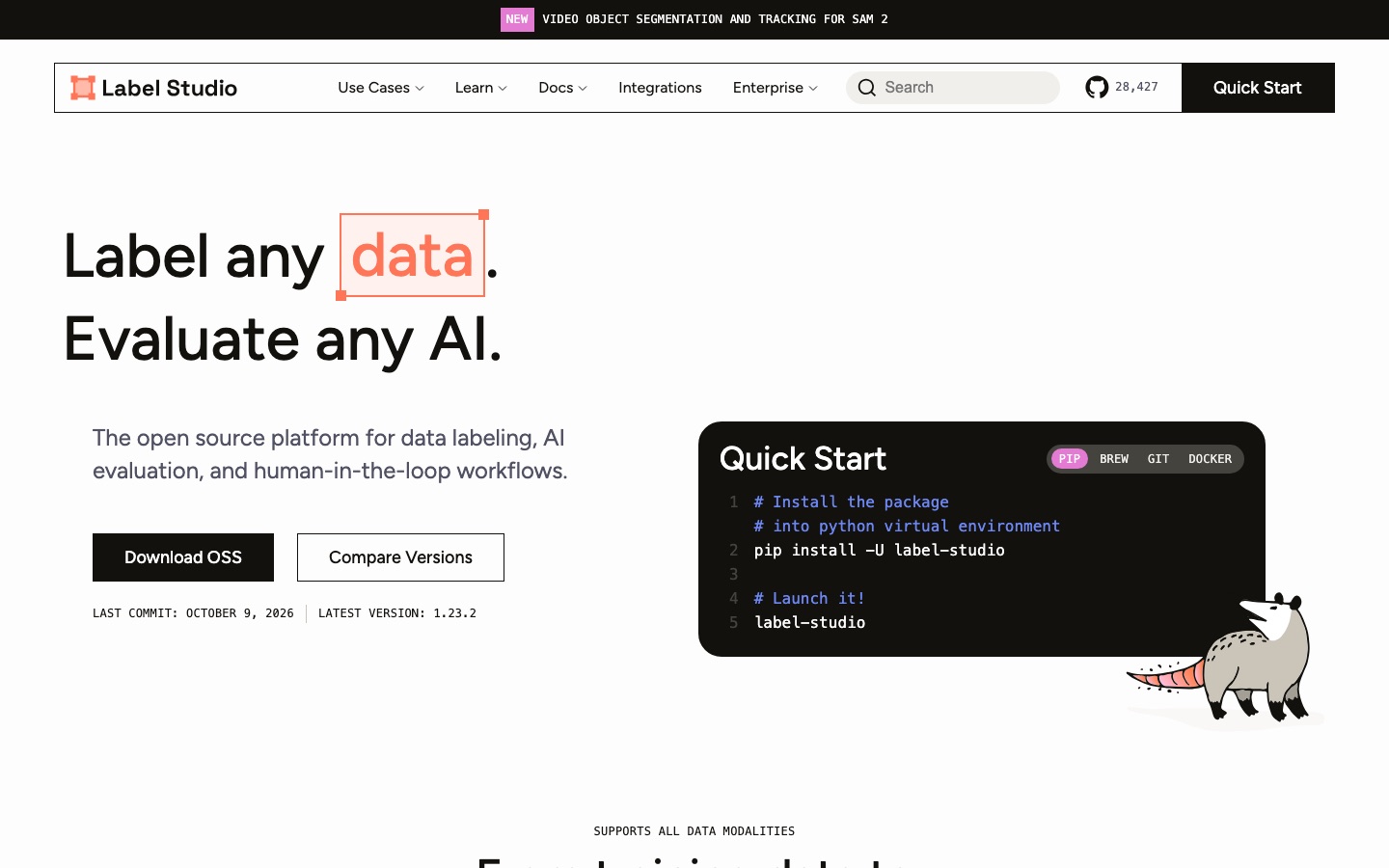
Add the package with pip, use the Homebrew cask, pull the Docker image or build from the Git repository.
Launch
Start the server with the label-studio command and open it in a browser; the Docker example serves it on port 8080.
Import and label
Bring in data, choose or customise a labeling template and begin annotating.
Use Cases
- Object Detection Datasets
- A vision team draws bounding boxes and polygons on images to train a detector.
- Document Extraction
- Annotators mark entities on PDFs and scanned pages to build NER and OCR training sets.
- Call Recording Analysis
- Call-centre audio is transcribed, split by speaker and labeled as text in the same task.
- LLM Output Review
- Reviewers grade model answers against a rubric or compare two models side by side.
- Sensor Data Segmentation
- Engineers mark activity regions and single events on time series from devices.
Things to know
- You host it yourself
- The open source edition is software you install and run, not a hosted sign-up service.
- Some interfaces are Enterprise features
- Blog posts on the site describe the DICOM and LiDAR annotation interfaces as part of Label Studio Enterprise.
- Two editions exist
- The site links to a Community Edition and an Enterprise platform, with a page for comparing versions.
FAQs
What is Label Studio?
Label Studio is open source software from HumanSignal for annotating data and for putting human reviewers in the loop when AI systems are evaluated.
What is Label Studio used for?
Label Studio is used to annotate training data for machine learning and to have people review and score the output of AI models, including LLMs and agents.
Is Label Studio free?
Label Studio's community edition is open source and can be downloaded from the site. HumanSignal also offers an Enterprise edition; the home page gives no price for it.
How do I install Label Studio?
Label Studio can be installed with pip, through a Homebrew cask, by running the Docker image or by cloning the Git repository.
Does Label Studio have an API?
Yes. Label Studio provides an API, a Python SDK and webhooks for connecting it to ML and AI pipelines.
Which data types does Label Studio support?
Label Studio supports images, video, text and documents, audio, time series and multi-modal combinations of these.
Who makes Label Studio?
Label Studio is made by HumanSignal, Inc., which is named in the site footer.
Who it's for
- ML engineers
- Data scientists
- Annotation teams
- AI researchers
- Academic labs
Used in these workflows
- Building an AI-powered app: the tool stack, layer by layerStage 8: Evaluation and monitoring
Each guide lists the stages of one job and the tools that help at each stage. All guides
Comments
No comments yet. If you have used Label Studio, tell other readers how it went.
Alternatives to Label Studio
| Tool | Free plan | Starting price | API |
|---|---|---|---|
 CVATData annotation platform for labelling images, video, 3D point clouds and audio, offered as cloud, self-hosted and open source. CVATData annotation platform for labelling images, video, 3D point clouds and audio, offered as cloud, self-hosted and open source. |
Yes | — | Yes |
 Segments.aiData labeling platform for robotics and autonomous driving that annotates 3D point clouds and camera images together. Segments.aiData labeling platform for robotics and autonomous driving that annotates 3D point clouds and camera images together. |
— | — | Yes |
 Digitap.aiAPI platform for banks and fintechs covering digital KYC onboarding, bank statement analysis and alternate-data credit assessment. Digitap.aiAPI platform for banks and fintechs covering digital KYC onboarding, bank statement analysis and alternate-data credit assessment. |
— | — | Yes |
UltralyticsComputer vision platform from the makers of YOLO for annotating data, training models on cloud GPUs and deploying them. |
Yes | — | Yes |
 AirbyteOpen-source data movement platform that replicates data from 700+ sources and exposes it to analytics and AI agents. AirbyteOpen-source data movement platform that replicates data from 700+ sources and exposes it to analytics and AI agents. |
— | — | Yes |
Listed in the same categories as Label Studio. A starting price appears only where we checked it on the maker’s pricing page; a dash means not checked or not published. All Image Recognition & OCR tools