
SwifDoo PDF
PDF editor for editing, converting, compressing, signing and protecting files, with OCR and AI summaries and translation.
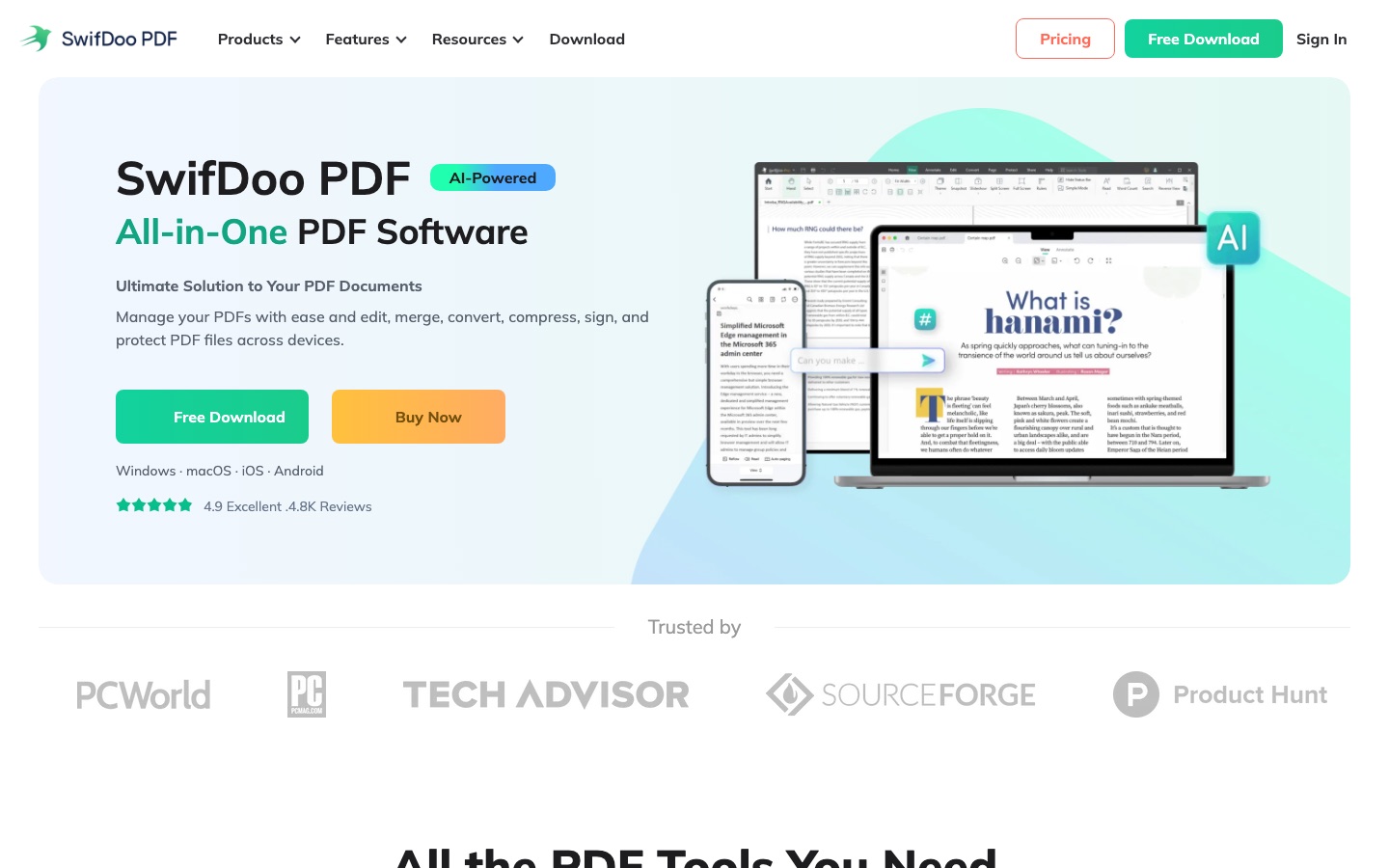
SwifDoo PDF is a PDF editor for Windows, macOS, iOS, Android and the web. SwifDoo PDF edits text and images, converts files to and from Office, image and CAD formats, merges, splits, compresses, signs and password-protects documents, and runs OCR on scans. An AI assistant summarises, translates, proofreads and answers questions about a PDF.
Best for People who handle PDFs every day and want editing, conversion, OCR and signing in one application on desktop and mobile.
- Platforms
- Windows, macOS, iOS, Android, Web
- Pricing model
- Subscription
- Free trial
- Yes
- Added
Last verified: . Information taken from swifdoo.com.
What is SwifDoo PDF?
SwifDoo PDF is a PDF application that combines editing, conversion and document management in one program. Text, images, links and backgrounds can be changed directly on the page, and forms can be added or filled in. The converter moves files between PDF and Word, Excel, PowerPoint, image formats and CAD drawings, and can create a PDF from a scan or a blank page. An OCR engine recognises text in scanned or image-only files so they become searchable and editable. Other tools merge, split and compress documents, add annotations, apply electronic or digital signatures and set passwords with separate permissions. An AI assistant summarises, explains, rewrites, proofreads and translates content and lets you chat with a document. Versions exist for Windows, macOS, iPhone and iPad, Android and the browser, with cloud storage for access between devices.
Key Features
Direct PDF Editing
Changes text, fonts, images, hyperlinks and backgrounds inside a PDF and includes find-and-replace across the document.
Format Conversion
Converts PDFs to and from Word, Excel, PowerPoint, JPG, PNG, TIFF, EPUB and CAD files such as DWG and DXF, with batch processing.
OCR
Recognises text in scanned and image-only PDFs so the content can be searched, copied and edited.
AI Assistant
Summarises long files, translates them, explains passages, proofreads, rewrites and answers questions in a chat about the document.
Signing and Protection
Adds drawn, typed or image signatures and digital signatures, and applies passwords that restrict viewing, copying, printing or editing.
Organise and Compress
Merges several files, splits a PDF into pages or smaller parts and reduces file size at low, medium or high compression.
Use Cases
- Updating a Contract Without the Source File
- Correct wording or swap an image directly in the PDF you were sent.
- Making Scanned Paperwork Searchable
- Run OCR on scanned documents so their text can be found and copied.
- Reading Foreign-Language Documents
- Translate a whole PDF or a selected passage while reading.
- Shrinking Files for Email
- Compress one or many PDFs before attaching or uploading them.
- Signing Forms Remotely
- Fill in a form and add an electronic signature without printing it.
Things to know
- Subscriptions and perpetual licenses
- Monthly, quarterly, annual and two-year plans renew automatically, while the perpetual one-PC and two-PC options are one-time purchases with lifetime updates.
- Device limits
- Each plan is tied to one or two end devices depending on the option chosen.
- Seven-day trial
- The comparison table lists a 7-day free trial, followed by a restricted free tier once it expires.
- Discount programme
- Communities, non-profits and education users can apply for a discount through the team and business plan section.
FAQs
What is SwifDoo PDF?
SwifDoo PDF is a PDF editor that also converts, merges, compresses, signs and protects PDF files and includes OCR and AI features.
What is SwifDoo PDF used for?
SwifDoo PDF is used to edit text and images in PDFs, convert them to and from Office, image and CAD formats, annotate, sign and secure them.
Is SwifDoo PDF free?
SwifDoo PDF offers a free download with a 7-day free trial. Continued full use is sold through subscription plans or a one-time perpetual license.
How much does SwifDoo PDF cost?
SwifDoo PDF sells monthly, quarterly, annual and two-year subscriptions as well as perpetual licenses for one or two PCs. See the official pricing page for current figures in your currency.
Does SwifDoo PDF work on mobile?
Yes. SwifDoo PDF has apps for iPhone, iPad and Android in addition to Windows, macOS and an online converter.
What file formats does SwifDoo PDF support?
SwifDoo PDF converts between PDF and Word, Excel, PowerPoint, RTF, JPG, PNG, BMP, TIFF, EPUB, HTML and the CAD formats DWG and DXF.
Can SwifDoo PDF edit scanned documents?
Yes. SwifDoo PDF uses OCR to recognise the text in a scanned PDF and turn it into a searchable, editable file.
Can I cancel a SwifDoo PDF subscription?
Yes. SwifDoo PDF says a subscription can be ended at any time by contacting the company, and features stay available until the current period expires.
Who it's for
- Office workers
- Students
- Small businesses
- Administrative staff
- Mobile users
Used in these workflows
- Going paperless: the AI tools for scanning, reading and filing documentsStage 3: Editing and converting PDFs
- Going paperless: the AI tools for scanning, reading and filing documentsStage 5: Translating documents
Each guide lists the stages of one job and the tools that help at each stage. All guides
Comments
No comments yet. If you have used SwifDoo PDF, tell other readers how it went.
Alternatives to SwifDoo PDF
| Tool | Free plan | Starting price | API |
|---|---|---|---|
PDFgearFree PDF editor for desktop, mobile and web with AI features, conversion and OCR. |
Yes | — | — |
 LightPDFAI-assisted PDF toolkit for editing, converting, signing, OCR, translation and chatting with documents. |
Yes | — | — |
 Image to Text ConverterOnline OCR tool that pulls editable text out of photos, screenshots, handwriting and PDFs, with batch conversion. |
Yes | — | Yes |
 ParseurAI document parsing software that extracts structured data from PDFs, emails, scans and images and sends it to other apps. |
Yes | — | Yes |
 UpstageEnterprise AI company offering Solar language models and document parsing and extraction engines via API. |
— | — | Yes |
Listed in the same categories as SwifDoo PDF. A starting price appears only where we checked it on the maker’s pricing page; a dash means not checked or not published. All Documents & PDF tools