Applying for a job with AI: tools that help you prepare, and where to draw the line
8 stages, 22 tools
updated
Most of a job search is repetition: the same work history reshaped for forty postings, the same form fields typed again, the same three interview stories told slightly differently each time. That repetition is where AI earns its place. A checker can score a resume and point at the weak line, a matcher can surface roles you would not have searched for, a tracker can remember which recruiter you owe a reply, and a mock interviewer will listen to your answer at midnight and tell you where it wandered.
What it should not do is invent you. A resume padded with keywords you cannot back up fails at the first phone screen, and a cover letter nobody edited reads like one. The tools below are chosen for preparation and practice: they help you present real experience clearly and rehearse before the conversation. Tools that feed answers during a live interview are excluded on purpose, since that is deception and an employer who finds out can withdraw an offer. Expect to spend less time formatting and more time deciding which roles are worth a careful application.
Who this is for Students and graduates looking for a first role, people changing careers, and experienced professionals returning to the market who want their documents checked and their interview answers rehearsed.
One pick each for the resume, the profile, the search and the interview. Each handles a single step, so you can see whether the approach suits you before changing how you work.
Paste the job description of a role you applied for and answer the generated questions aloud.
1
Stage 1: Writing and checking the resume
You write one accurate master resume: roles, dates, what you did and what changed because of it. Then you check that hiring software can read it and tailor a copy to each posting.
What AI does here
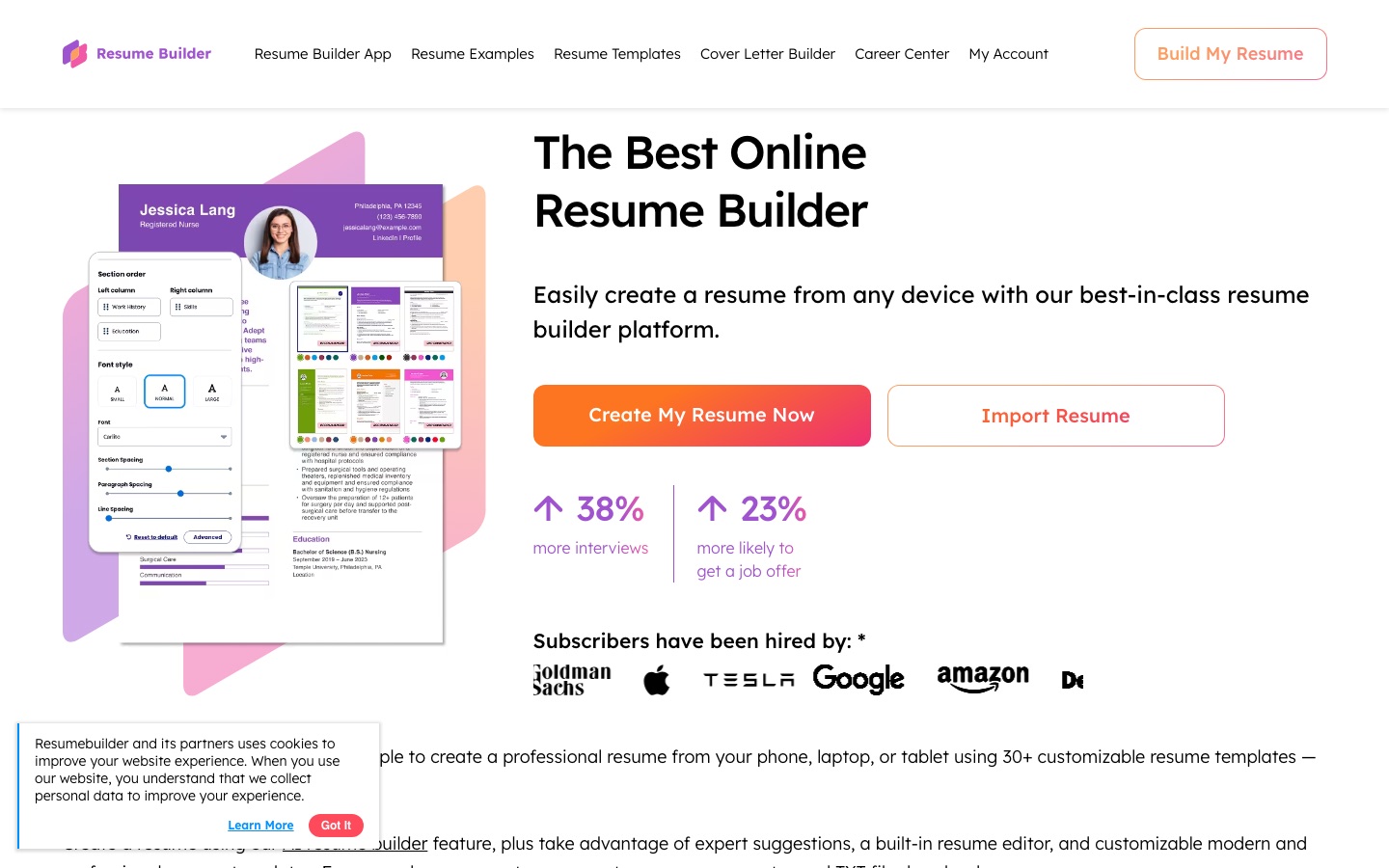
Score a resume, flag vague bullets, show which keywords from a posting are missing and suggest rewrites you can accept or reject.
What AI can’t do here
It does not know what you achieved. Numbers, scope and results have to come from you, and any keyword you add must describe something you can discuss in an interview.
Reviews an uploaded resume one section at a time, proposes concrete edits and adapts its structure to the conventions of another country.
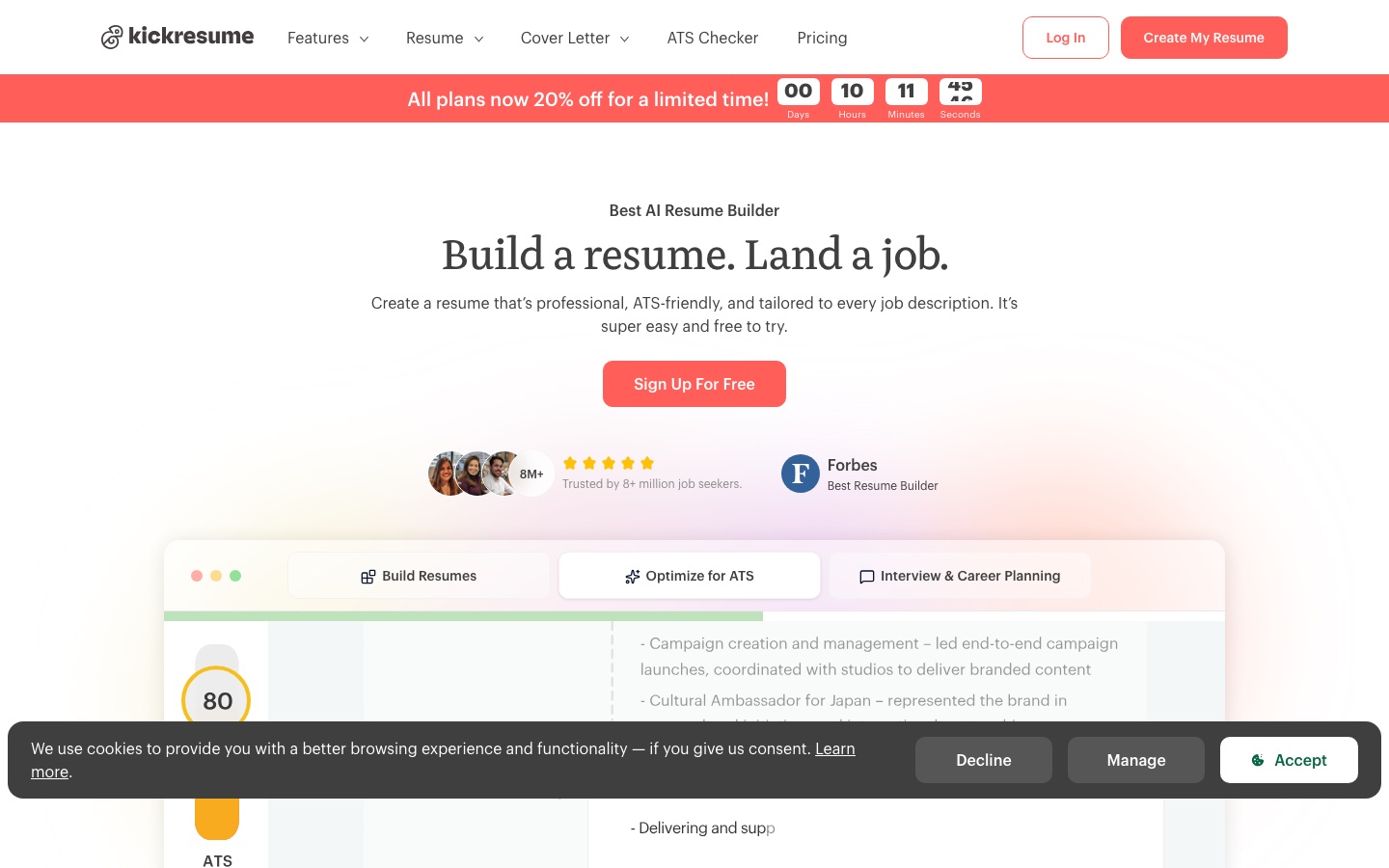
AI job application tool that scores and improves resumes, suggests matching jobs and tailors cover letters.
View tool
2
Stage 2: LinkedIn profile and portfolio
You bring your public profile in line with the resume: headline, summary, skills and experience. For creative or technical roles you also publish work samples somewhere a recruiter can open in one click.
What AI does here
Review a profile section by section, suggest a clearer headline and keywords, and generate a first portfolio site from a description.
What AI can’t do here
Choosing which projects represent you, and getting permission to show client or employer work, is your decision. A generated summary still needs your own voice.
A network where independent creatives publish projects that appear in feeds and category pages clients browse.
Commission-free network where independent creatives show work, find jobs and get paid, and companies hire and pay freelancers.
View tool
3
Stage 3: Professional photo
You prepare one clear, current head-and-shoulders photo for your profile and, where local custom expects it, for the resume itself.
What AI does here
Turn a selfie into a business-style portrait, clean up the background and fix lighting or small distractions.
What AI can’t do here
The picture has to look like the person who walks into the interview. Heavy retouching or a generated face that no longer resembles you works against you.
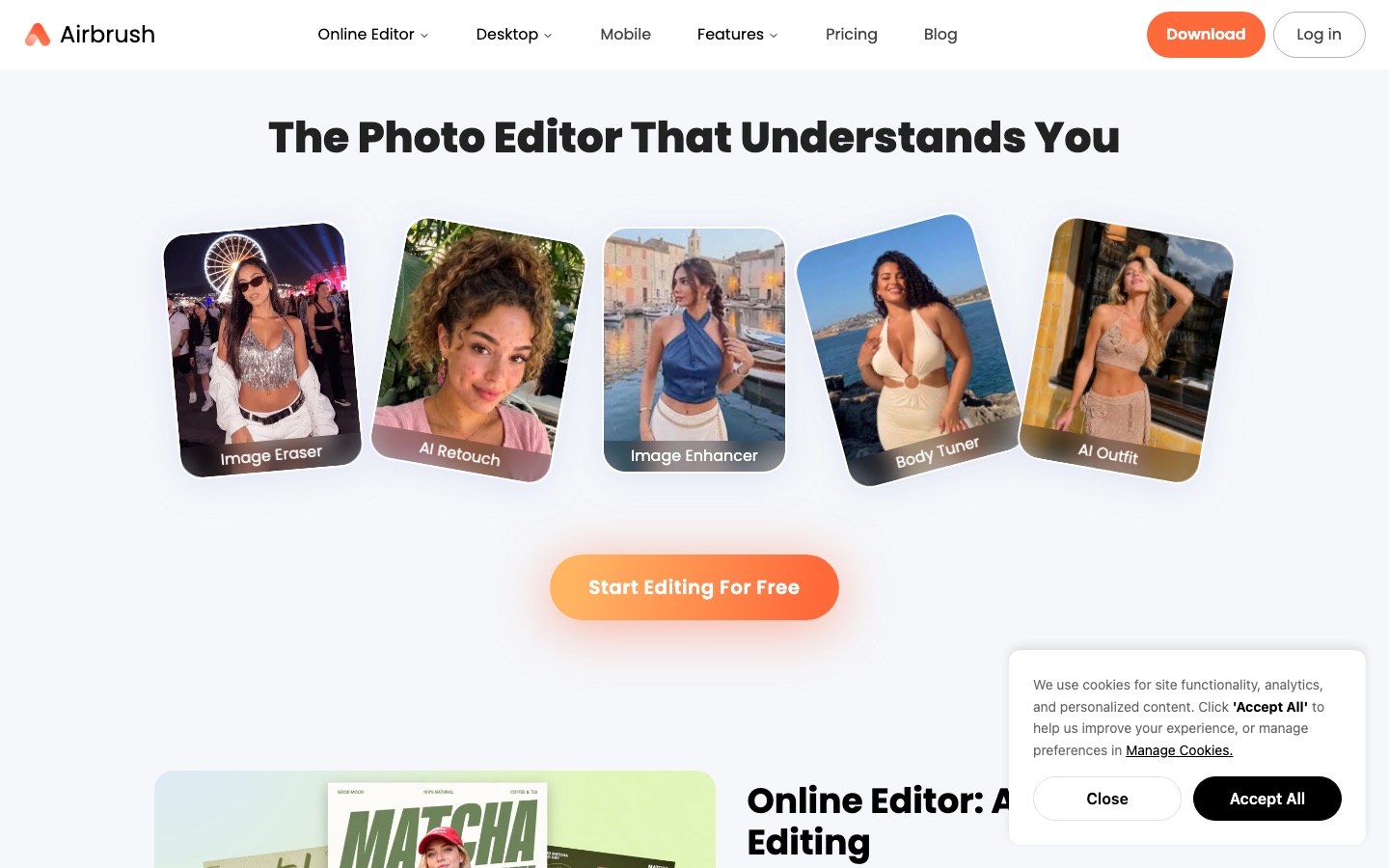
Portrait editor that tidies skin and removes or changes the background of an existing photo, on web, desktop or mobile.
AI photo editor for portrait retouching, object erasing and background changes on web, desktop and mobile.
View tool
4
Stage 4: Finding roles
You search job boards and company career pages, set alerts, and shortlist the openings that fit your skills, location and pay expectations closely enough to justify an application.
What AI does here
Rank openings against your profile, alert you to new postings and show which contacts already work at a hiring company.
What AI can’t do here
A match score cannot weigh what matters to you: the manager, the commute, the direction of the company. It also cannot confirm that a listing is still open or genuine.
Job site for software engineers with screened listings that show salary ranges and matched roles sent by email.
Job board of vetted software engineering roles with an AI job hunter, tailored matches and AI-optimised résumés.
View tool
5
Stage 5: Cover letter and emails
For each serious application you write a short letter linking your experience to that role, plus the emails around it: the application note, the follow-up, the thank-you after an interview.
What AI does here
Draft a letter from your resume and the posting, adjust tone and length, and write a correct email in a second language.
What AI can’t do here
The reason you want this particular job is the one part a generator cannot supply. Unedited letters repeat the posting back and are easy for a recruiter to spot.
Expands a few key points into a full email with a subject line in a chosen tone; job application emails are a listed use.
AI email writer that turns a few key points into a full email or reply in a chosen tone, style and language.
View tool
6
Stage 6: Tracking applications
You keep a record of every application: the posting, the version of the resume you sent, the date, the contact, the current status and the next action.
What AI does here
Log applications as you make them, keep status and contacts on one board and fill repeated form fields from a saved profile.
What AI can’t do here
Follow-up timing and whether to keep pursuing a silent employer are judgment calls. Autofilled forms still need reading before you press submit.
Keeps documents and applications in one dashboard and tracks whether each role is in preparation, applied or at interview stage.
AI job application tool that scores and improves resumes, suggests matching jobs and tailors cover letters.
View tool
7
Stage 7: Researching the company
Before an interview you read up on the employer: what it sells, recent news, how the team is organized, how its hiring process runs and what the role is likely to involve.
What AI does here
Gather sourced answers about a company quickly, summarize long reports and describe the interview rounds a known employer uses.
What AI can’t do here
Public information is often out of date and AI answers can be wrong. Check anything you plan to mention against the company's own pages, and ask people who work there.
Publishes guides that describe a named company's interview process stage by stage, plus questions recent candidates were asked.
Interview preparation service with AI mock interviews, human coaches, question banks and company-specific guides.
View tool
8
Stage 8: Interview practice
You prepare stories that show your skills, rehearse answers to likely questions out loud, and practice explaining your experience within the time an interviewer gives you.
What AI does here
Generate questions from the job description, listen to a spoken or typed answer and give structured feedback with a stronger example.
What AI can’t do here
Practice tools prepare you for the conversation. They are not for use during it. Feedback on structure also cannot tell you whether the story is true to what happened.
English-speaking coach with instant pronunciation and fluency feedback and avatar coaches for interview scenarios, for candidates interviewing in a second language.
AI English-speaking coach that gives instant feedback on pronunciation and fluency through lessons and role-play.
View tool
Realistic expectations
Only claim what you can discuss
Tailoring means choosing which true things to emphasize. Adding skills or keywords you do not have may get a resume past a filter, but it tends to collapse at the first technical question and can cost an offer if discovered later.
Practice only, never live assistance
Rehearsing with an AI interviewer is preparation. Having a tool listen to a real interview and feed you answers is deception, and employers who detect it may reject the candidate or withdraw an offer. This guide lists practice tools only.
Generated headshots must still be you
A photo made from a selfie is fine for a profile when it looks like you on an ordinary day. Some countries and employers discourage photos on resumes altogether, so check the local convention before adding one.
Your data goes where you upload it
A resume contains your address, phone number and work history. Before uploading it, check how a service stores files and whether it uses them for training. Autofill extensions also read the pages you apply on.
Scores are a guide, not a gate
An ATS score estimates how software might parse a resume. Employers use different systems configured in different ways, so a high score does not guarantee an interview and a modest one does not rule you out.
FAQs
Will employers reject a resume or cover letter written with AI?
How a document was produced usually matters less than how it reads. The risk is text that repeats the posting, uses the same phrases as hundreds of other applicants or states things you cannot support. Use AI to draft and check, then edit until every line is accurate and sounds like you. Some employers publish their own guidance on AI use in applications, so read the posting.
Do ATS resume checkers really reflect how companies screen applicants?
Partly. They test whether text can be extracted cleanly and whether the resume contains terms from the posting, which are real factors. They cannot reproduce a specific employer's system or the judgment of the recruiter who reads the result. Treat the score as a way to catch formatting problems and obvious gaps, not as a prediction.
Is it acceptable to use an AI headshot on LinkedIn?
It depends on how far it departs from reality. A cleaned-up portrait that still looks like you is generally treated like any edited photo. An image that changes your face, age or appearance enough to surprise an interviewer undermines trust. If you are unsure, use a retouched real photograph.
Can I use an AI tool during the actual interview?
Not to supply answers. Using notes you prepared yourself is normal, and asking for accessibility accommodations is legitimate. Covert real-time answer tools misrepresent your ability, and an employer may check for them. The honest use of AI is before the interview: generating likely questions, rehearsing aloud and tightening your examples.
Should I let a tool apply to jobs automatically for me?
Autofill for repeated form fields saves time and keeps you in control of each submission. Fully automatic applying sends your name to roles you have not read, sometimes with a resume version you have not checked. A smaller number of applications you have reviewed usually represents you better. Whichever you choose, read what was sent.
 Airbrush
 ResumeBuilder.com

 Wix.com

 Handshake

 Rezi AI

 ELSA Speak
 Perplexity
 Kickresume


