 OpenL

 Luminar

 Transync AI

 SnapEdit

 Talkpal
 Wonderplan

 SpeakPal
 BeFunky

 Cleanup.pictures

iMean AI
Suggests trending places and lesser-known spots for trips such as family holidays, romantic breaks or adventure travel.
Chat-based AI trip planner that suggests flights, hotels and day-by-day itineraries.
Browse AI tools by what you need to get done.
Tools by goal46 step-by-step guides→All categoriesBy goal
Trip planning used to mean twenty browser tabs: a blog post for ideas, a map to see whether those ideas are anywhere near each other, a fare search, a hotel search, a spreadsheet for costs and a group chat where nobody decides anything. AI planners collapse much of that into one conversation, and a first day-by-day draft now takes about a minute.
Treat that draft as a starting point. A generated itinerary can pack six sights into a day without counting travel time between them, recommend a museum on the day it is closed, or describe a restaurant that shut last year. Fares and room prices shown in a chat are a snapshot, and entry rules, visas and local regulations change faster than any model's knowledge.
A sensible split looks like this. Let the tools generate options, cluster places on a map, keep bookings and costs in one shared plan, help you practice a few phrases and translate signs and menus once you arrive. Keep for yourself the pace of the trip, the things you actually care about seeing, and a manual check of every date, opening time, booking and official requirement before money changes hands.
Who this is for Independent travelers, couples, families and groups of friends organizing their own vacation or city break, and anyone who wants a faster first draft of an itinerary without handing the decisions to an app.
Three picks for the core of a trip: a first itinerary, bookings and costs in one shared plan, and translation on arrival. They follow the order of a trip and are not a ranking.

Enter dates, interests and budget, then delete a third of the stops so each day has slack.
Set a trip budget, invite your companions and log each shared expense on the day it happens.

Install the mobile app before you leave and test it by typing in a menu item and a street sign.
You narrow down where and when: how many days you have, what the group wants from the trip, the season and weather, rough costs and how long it takes to get there. The result is one destination and a date range.
Suggests trending places and lesser-known spots for trips such as family holidays, romantic breaks or adventure travel.
Chat-based AI trip planner that suggests flights, hotels and day-by-day itineraries.

Suggests destinations for a chosen origin and month and narrows ideas by budget, travel time, weather and interest, with a focus on India.
Indian travel booking platform for flights, trains, buses and hotels, with an AI trip planner and prediction tools.
You turn a list of places into days: what to see when, grouped by area so you are not crossing the city twice, with realistic travel time, meals, rest and one or two things booked in advance.
Displays the day-by-day plan beside a map of every saved place and lets invited tripmates edit it at the same time.
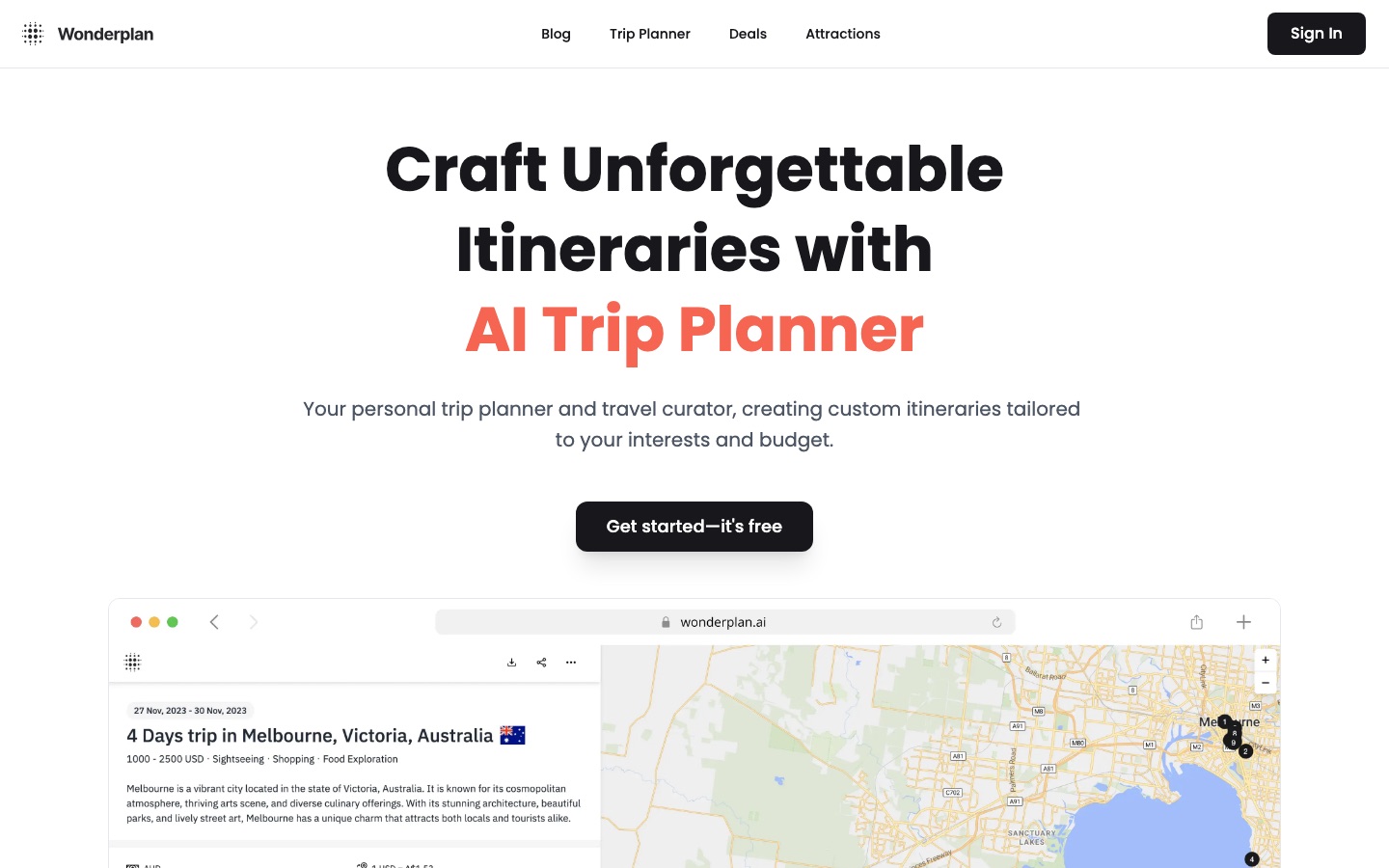
Travel planner that combines itinerary, map, bookings, budgets and shared editing, with AI trip planning and recommendations.
Generates an itinerary from your interests, preferences and budget, lets you reorder or remove stops and exports the plan as a PDF for offline use.
Free AI trip planner that builds personalised travel itineraries around your interests and budget.

Drafts a day-by-day schedule you can rearrange, drawing on Lonely Planet content and Google Reviews, with live group editing.
Free AI travel planner that builds editable trip itineraries and supports group planning and hotel booking.
You compare routes, fares and places to stay, book what needs booking and keep every confirmation where you can find it offline: tickets, addresses, check-in times, cancellation terms.
Looks through current fares to propose lower-cost flights and suggests hotels that match the budget and style you describe.
Chat-based AI trip planner that suggests flights, hotels and day-by-day itineraries.
Sells flight, train and bus tickets and hotel rooms within one account and notifies users of price drops on routes they follow.
Indian travel booking platform for flights, trains, buses and hotels, with an AI trip planner and prediction tools.
Suggests lodging options chosen according to your stated preferences alongside the generated itinerary.
Free AI trip planner that builds personalised travel itineraries around your interests and budget.
You estimate what the trip will cost by category, decide who pays for what in a group, write the packing list and, during the trip, record spending so that settling up afterward takes minutes.
Records spending against a budget, splits shared costs between travelers and creates packing or to-do lists attached to the trip.
Travel planner that combines itinerary, map, bookings, budgets and shared editing, with AI trip planning and recommendations.
Projects spending by category for the trip and lists what to bring.
Free AI travel planner that builds editable trip itineraries and supports group planning and hotel booking.
A few weeks of short practice covers the situations you will actually meet: greetings, ordering food, asking directions, numbers and prices, a polite apology. The aim is confidence in speaking, not fluency.

Teaches through real-time voice conversations with in-conversation corrections and builds a lesson path from goals such as travel.
AI voice tutor for practising a foreign language through real-time spoken conversation.

Simulates realistic dialogues for situations such as trips and daily errands and points out pronunciation issues as you talk.
AI language tutor for spoken conversation practice in more than 30 languages, with instant pronunciation and grammar feedback.

Offers roleplays and call mode for speaking practice by text or voice, including in less commonly taught languages.
AI language tutor for practising speaking, listening, writing and pronunciation through chats, roleplays and calls.

Teaches phrases, drills them and has you use them in conversation with an AI tutor that gives pronunciation feedback.
Language learning app centred on speaking aloud, with AI conversation practice and pronunciation feedback.
Once you are there you need quick understanding in both directions: a menu, a street sign, a ticket machine, a conversation with a host or a pharmacist. Speed and working without typing matter most.
Translates typed or pasted text between more than 100 languages in its mobile apps and detects the source language on its own.
AI translator for text, documents and speech in more than 100 languages, with apps, integrations and an API.

Reads the text inside photos and screenshots and can return the picture with the wording translated, useful for menus and signs.
AI translator for text, images, documents and speech in more than 100 languages.

Listens to speech on a phone, translates it in real time and plays the translation as audio or shows it as text.
Mobile app that transcribes speech and translates it in real time, with audio or text output.

Recognizes speech from both sides of an in-person conversation, detects the language and can speak the translation aloud.
Real-time AI speech translator for meetings and conversations, with spoken output, subtitles and meeting notes.
Back home, or on a quiet evening, you sort hundreds of photos down to the ones worth keeping, fix exposure and horizons, remove a distraction or two and put the selection into an album, collage or shared folder.

Deletes whatever you brush over and fills the area with matching content, such as bystanders in a holiday shot.
Web inpainting tool that removes objects, people, text and defects from photos by brushing over them.

Detects unwanted items or people in a photo and erases them, and removes overhead cables and timestamps from images.
Online AI photo editor for removing objects and backgrounds, enhancing images and batch processing.

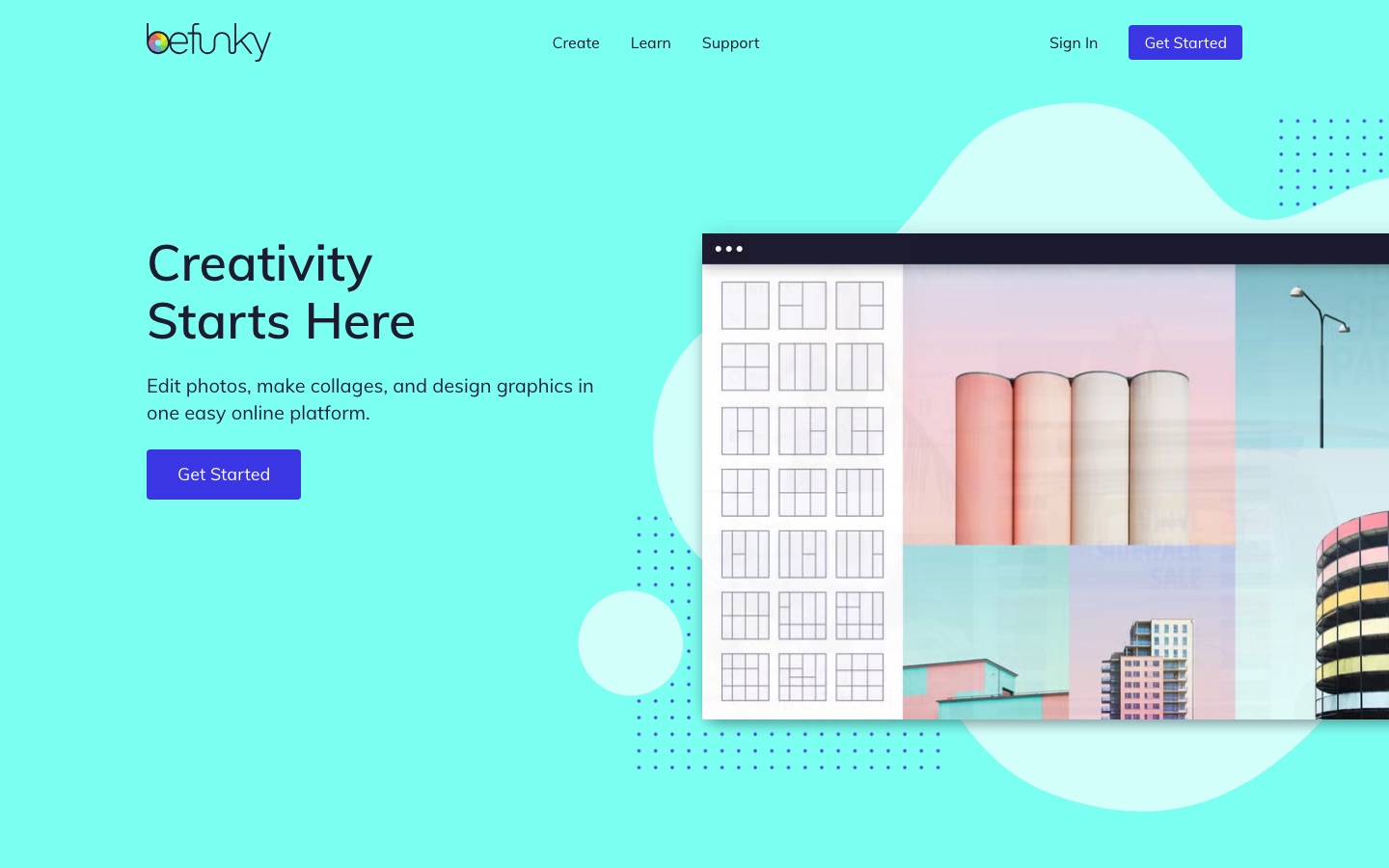
Places several photos into customizable collage layouts and adjusts color and lighting in the same browser editor.
Online photo editor, collage maker and graphic design tool with AI editing and batch processing.

Offers sky replacement, relighting and generative erase for landscape photos, plus panorama stitching from several frames.
Skylum's AI photo editor for desktop and mobile, sold as perpetual licenses with an optional yearly add-on.
Trust it as a draft. It is good at producing a plausible structure quickly and at suggesting things you had not considered. It is weak on current facts: opening hours, seasonal closures, travel time between stops and whether a place still exists. Planners that draw on review and guidebook data are more grounded, but you should still verify each day's anchor stops yourself.
Some suggest flights and hotels and hand you to a booking partner, and some are full booking sites with an AI planner attached. Either way, the contract is with the airline, hotel or booking company, and their terms apply. Check who you are actually paying, what the cancellation rules are and where to turn if something goes wrong.
A little goes a long way. A short daily session in the weeks before you leave can be enough to greet people, order, ask prices and say thank you, and speaking practice with an AI tutor removes some of the embarrassment. You will still need a translation app for anything complicated, so think of the two as complements.
It depends on the app and the language pair. Some offer downloadable offline packs, usually with lower quality than the online version, while real-time speech and image translation often need a connection. The tools listed here do not all say whether they work offline, so test in airplane mode before you travel and arrange mobile data if you rely on it.
Tools are placed in a stage by an editor, from each tool’s own profile. The list grows as more profiles are published. All guides