
DeepTranslate
Browser extension that translates web pages into a bilingual view using a choice of AI and machine translation engines.
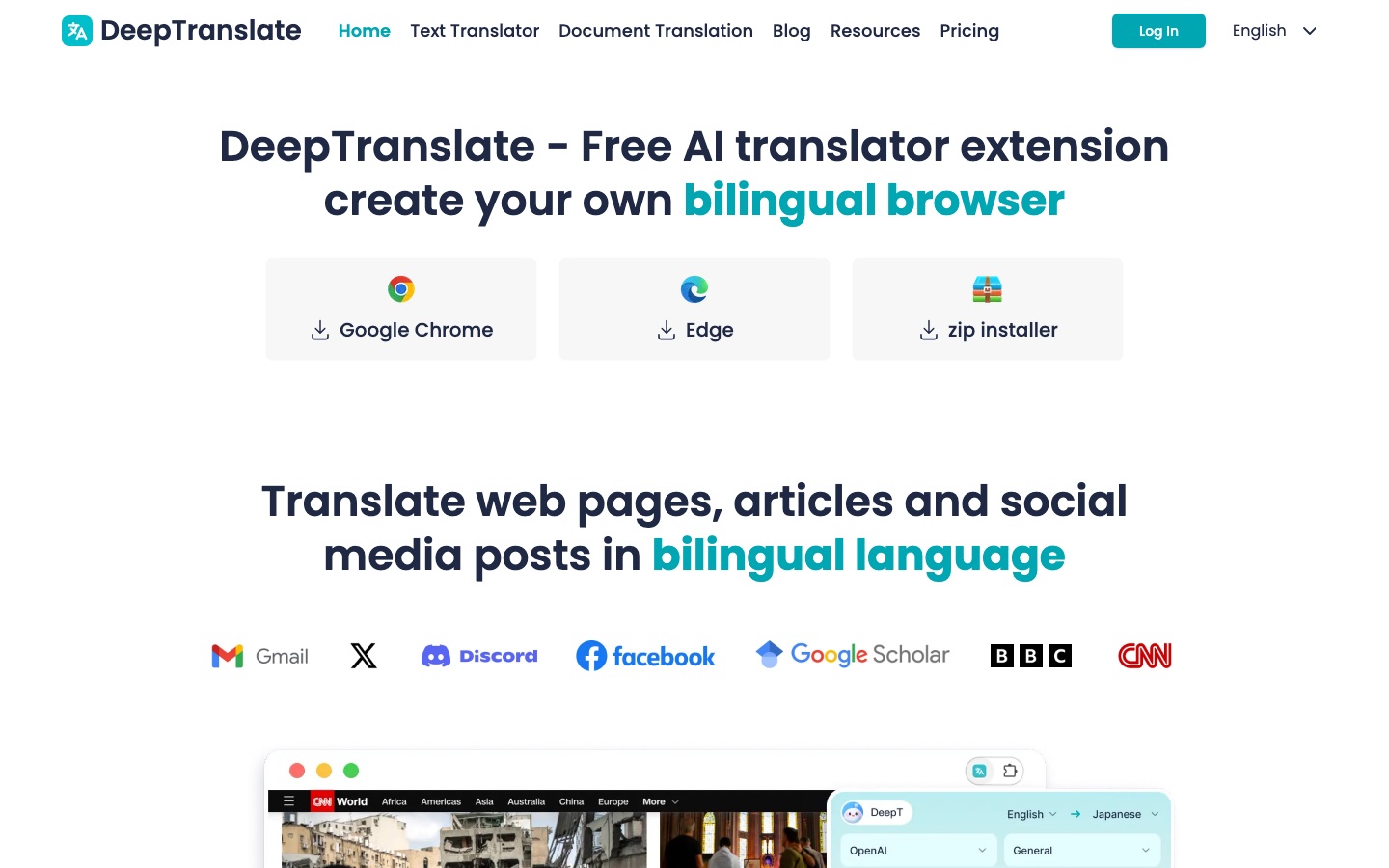
DeepTranslate is a translation extension for Chrome and Edge that shows a web page in two languages at once. After installing DeepTranslate, a user picks a target language, a translation engine such as Google, Microsoft, OpenAI, Claude or Gemini, and a bilingual or full-page mode. A free tier covers everyday reading, and a Pro subscription unlocks stronger models.
Best for Readers and students who follow foreign-language sites and want the original text kept visible beside the translation.
- Listed in
- Translation
- Platforms
- Browser extension, Web
- Pricing model
- Freemium
- Free plan
- Yes
- Free trial
- Yes
- Made by
- DeepTranslate
- Added
Last verified: . Information taken from deeptranslate.ai.
What is DeepTranslate?
DeepTranslate is a browser add-on that turns ordinary pages into bilingual ones, placing translated text alongside the original instead of replacing it. It is distributed for Google Chrome and Microsoft Edge and as a zip installer. Rather than relying on one engine, the extension lets the user choose among several services, including Google Translate, Microsoft's translator and large language models from OpenAI, Anthropic, Google and DeepSeek. More than 140 languages are listed. The same site also links to a text translator and a document translation tool, and the plan comparison mentions PDF translation. The free plan works with standard models, while Pro adds more capable models and priority email support. Image translation, comic translation and bilingual video subtitles are marked as coming soon.
Key Features
Bilingual Page View
Displays the translation next to the source text so both can be read together.
Multiple Engines
Lets you switch between Google, Microsoft and AI models from OpenAI, Claude, Gemini and DeepSeek.
Wide Language Coverage
Lists support for over 140 languages for page translation.
Immersive Mode
Offers a full-page translation mode in addition to the side-by-side layout.
PDF and Document Translation
Includes PDF translation in the plan features and links to a separate document translator.
Pro Models
Opens access to more advanced model versions for subscribers who translate often.
How DeepTranslate works
Install and pick a language
Add the extension to Chrome or Edge and choose the language you want to read in.
Choose engine and mode
Select which translator to use and whether you want bilingual or full-page output.
Translate
Click Translate on any page to see the result.
Use Cases
- Reading Foreign News
- Follow international news sites with the original wording still on screen.
- Academic Research
- Work through papers and scholarly search results written in another language.
- Social Media
- Understand posts and threads on social platforms without leaving the feed.
- Technical Documentation
- Read developer or product documentation that is only published in one language.
- Language Study
- Compare a sentence with its translation to check your own understanding.
Things to know
- Model access depends on plan
- The free tier is restricted to standard models, while the advanced model versions are reserved for Pro.
- Some features not yet released
- Image translation, comic translation and bilingual video subtitles are labelled as coming soon.
- Personal use
- The FAQ says a subscription is intended for personal use and that device availability can vary by plan.
FAQs
What is DeepTranslate?
DeepTranslate is a browser extension that translates web pages into a bilingual view, using your choice of machine translation or AI model.
Is DeepTranslate free?
Yes. DeepTranslate has a free plan for everyday translation that uses standard models; Pro is a paid upgrade with stronger models and priority support.
How much does DeepTranslate cost?
DeepTranslate Pro is sold as a monthly or an annual subscription. See the official pricing page for the current amounts.
Which browsers does DeepTranslate support?
DeepTranslate offers downloads for Google Chrome and Microsoft Edge, plus a zip installer.
How many languages does DeepTranslate support?
DeepTranslate states support for more than 140 languages; its plan table gives the figure as up to 142.
Does DeepTranslate have a free trial of Pro?
Yes. The annual DeepTranslate plan is listed with a three-day free trial.
Who it's for
- Students
- Researchers
- Journalists
- Multilingual readers
- Professionals
Used in these workflows
- Learning a language with AI: which tool for which skill?Stage 5: Reading and translation
Each guide lists the stages of one job and the tools that help at each stage. All guides
Comments
No comments yet. If you have used DeepTranslate, tell other readers how it went.
Alternatives to DeepTranslate
| Tool | Free plan | Starting price | API |
|---|---|---|---|
Immersive TranslateBilingual AI translator for web pages, PDFs, video subtitles, images and comics, mainly as a browser extension. |
Yes | — | — |
 Lufe AIAI translation browser extension that shows web pages bilingually and also translates images, PDFs and selected text. |
Yes | — | — |
 Manga TranslatorBrowser extension that detects text in manga, manhwa and webtoon pages and translates it in place into 100+ languages. |
— | — | — |
 OpenLAI translator for text, images, documents and speech in more than 100 languages. |
Yes | — | Yes |
 Torii Image TranslatorAI translator for manga, manhwa and webtoons that redraws the page with translated lettering, as a browser extension and web app. |
— | — | Yes |
Listed in the same category as DeepTranslate. A starting price appears only where we checked it on the maker’s pricing page; a dash means not checked or not published. All Translation tools