Writing a blog for search: AI tools from keyword research to rank tracking
9 stages, 29 tools
updated
A post ranks when it answers a question people actually search for, more usefully than the pages already there, on a site search engines can crawl and trust. Every stage in this guide serves one of those three conditions.
The mechanical parts are where AI saves real hours. Pulling keyword data, grouping it into topics, turning ten competing pages into an outline, producing a first draft, writing meta descriptions, adding internal links, pushing the post to a CMS and re-checking positions every week can all be handed over to a large degree. Some tools in this list run the whole chain on a schedule with almost no input.
That convenience is also the risk. A model writes from what is already published, so a fully automated post tends to repeat the existing results instead of adding to them. It can also state things that are wrong with complete confidence. The parts that make a post worth ranking still come from you: first-hand experience, original data, a clear opinion, real screenshots, and a check of every factual claim before you press publish. And patience: the tools here say themselves that search results take time.
Who this is for Solo bloggers, founders running a company blog, freelance writers and small marketing teams who publish for organic search traffic and want to know which parts of the routine AI can take over.
One pick each for research, drafting, on-page work and tracking, chosen because the record of each describes that stage as a core function. They are a way in, not a ranking of the tools.
Connect the site and note which prompts mention you, then review again after a month.
1
Stage 1: Keyword and topic research
You find the questions your readers type into search, check how much demand each has and how hard it is to compete, then group related terms into topics so that each post has one clear target.
What AI does here
Return keyword ideas with volume, difficulty and intent, show what competitors rank for, and map a body of text into topic clusters with the gaps between them.
What AI can’t do here
Tell you which topics you have real authority to write about. Volume figures are estimates, and a keyword with demand is worthless if you have nothing new to say on it.
Identifies the search terms a business's potential customers use and turns them into article topics on a content calendar.
SEO autopilot that researches keywords, writes an article every day and publishes it to your website's CMS.
View tool
2
Stage 2: Content brief and outline
For each chosen keyword you study the pages that already rank, decide the angle and search intent you will serve, and write an outline: headings, questions to answer, sources, examples and internal links to include.
What AI does here
Read the current results or a reference URL and propose a structured outline, lay out a month of topics in clusters, and rank which opportunities are likely to pay off.
What AI can’t do here
Choose the angle that makes your post different. An outline built from the ranking pages describes what exists, not the experience or data only you can add.
Lets you arrange ideas as an outline and convert it into a mind map in one click, with an AI add-on that generates outlines.
Minimalist writing app that combines notes, outlines and mind maps with an optional AI writing assistant.
From $6/moView tool
3
Stage 3: Writing the draft
You write the post from the outline: an opening that confirms the reader is in the right place, sections that answer each question fully, and your own examples, figures and experience worked into the text.
What AI does here
Expand an outline into a full long-form draft, follow a saved brand voice or your previously published style, and keep producing sections when you stall.
What AI can’t do here
Supply first-hand experience or check its own claims. A generated draft is raw material, and publishing it unedited leaves you responsible for whatever it got wrong.
Generates long-form articles from a keyword or a reference URL, with links, images and meta data included.
AI SEO writer that researches keywords, drafts long-form articles and publishes them to your CMS on a schedule.
View tool
4
Stage 4: Editing and fact-checking
You cut what does not help the reader, fix grammar and awkward sentences, verify every number, name, quote and claim against a source, and make sure the text is not too close to something already published.
What AI does here
Flag grammar and spelling errors, offer alternative phrasings, show each proposed change for approval, scan for matching passages and point out factual statements that may be wrong.
What AI can’t do here
Guarantee that a claim is true. Automated fact checks and detector scores are signals to investigate, and the final call on accuracy belongs to a person reading the original source.
Answers a typed question directly while drawing on sources, which suits quick checks of a single fact in a draft.
AI answer engine that responds to questions with sourced answers and can take on longer projects through Computer.
View tool
5
Stage 5: Images and diagrams
You add a featured image and the visuals that explain the content: a diagram of a process, a chart, an illustration for each major section. Each image needs a license you can prove and descriptive alt text.
What AI does here
Turn a passage of your own text into a diagram or infographic, generate illustrations in one consistent style, and search licensed stock libraries by keyword or by image.
What AI can’t do here
Replace real screenshots, product photos or original data charts. It also cannot settle licensing for you: check the terms of each library and generator before commercial use.
Offers a library of AI-generated stock images under a CC0 license, with a browser editor for resizing and upscaling.
Library of free AI-generated stock images with a browser AI editor for resizing, effects and upscaling.
View tool
6
Stage 6: On-page SEO
Before publishing you set the title tag, meta description, URL, heading structure and schema, link the post to related pages on your site, and fix technical problems that stop pages from being crawled.
What AI does here
Audit pages and list prioritized fixes, write metadata, map internal links across a site and, with some tools, apply technical and on-page changes directly.
What AI can’t do here
Make thin content rank by adjusting tags. And when a tool applies changes to a live site automatically, someone still has to review what it changed.
Runs site-wide SEO audits and manages metadata, schema and robots.txt for pages built on the platform.
Visual website platform with CMS and hosting, plus AI features for building sites, generating content and improving search visibility.
From $15/moView tool
7
Stage 7: Publishing to the CMS
The post goes into your content system with correct formatting, images, categories, author details and a publish date. If you post regularly, a calendar and a review step keep the schedule honest.
What AI does here
Send finished, formatted posts to a connected CMS, publish on a set schedule, and hold each piece as a draft until you approve it.
What AI can’t do here
Decide that a post is ready. Fully automatic publishing removes the last human read, which is exactly where factual errors and off-brand claims are usually caught.
Hosts a blog on your own domain with a Markdown editor and code highlighting, aimed at developers and technical writers.
Blogging platform for developers with custom domains, Markdown, a GraphQL API and tooling for AI coding agents.
View tool
8
Stage 8: Distribution and promotion
A new post rarely gets found on its own. You send it to your email list, rework the main points into posts for the social networks your readers use, and schedule them over several days.
What AI does here
Convert an article into social posts or threads, generate captions and visuals per network, queue them on a calendar and prepare a newsletter from your recent content.
What AI can’t do here
Build the audience. Scheduling tools place posts, but replies, relationships and a list of people who opted in to hear from you are earned over time.
Prepares a newsletter each week from your own content and RSS sources for you to approve, then sends it.
AI email marketing platform that writes newsletters and sequences in your brand voice, then sends and automates them.
View tool
9
Stage 9: Tracking rankings and AI visibility
After publishing you watch where each post ranks for its target keywords, which pages gain or lose traffic, and increasingly whether AI assistants mention or cite your site. Declining posts get updated.
What AI does here
Check keyword positions on a schedule, run a set of prompts on AI assistants daily and report which brands and pages get mentioned or cited.
What AI can’t do here
Explain every movement. Rankings shift for reasons no tool sees fully, and AI answer tracking samples chosen prompts, so it shows a trend, not the whole picture.
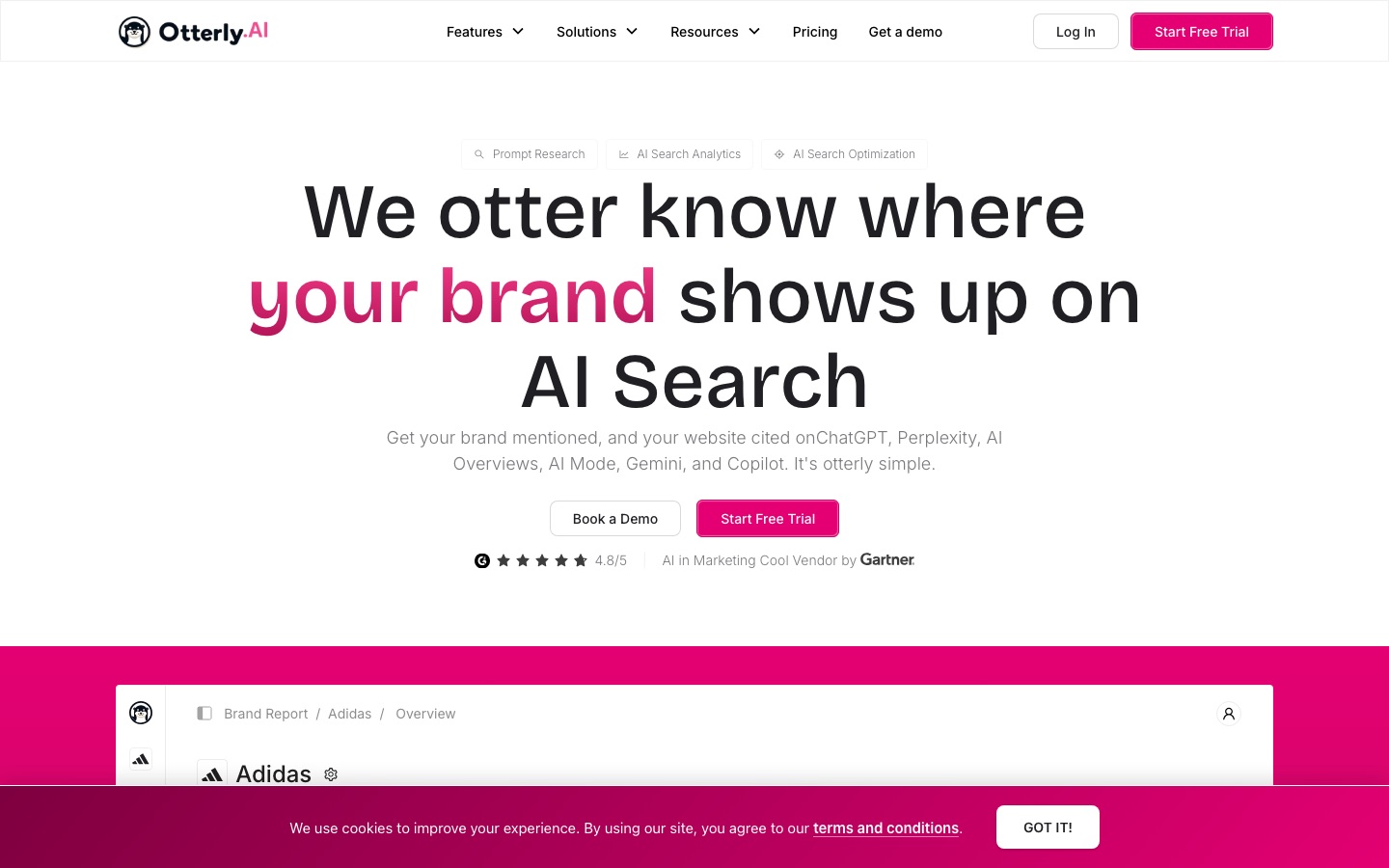
Runs your prompts daily and lists the web pages that AI engines cite for each one, showing which domains are treated as sources.
AI search monitoring platform that tracks how brands are mentioned and cited in ChatGPT, Perplexity and Google AI Overviews.
View tool
Realistic expectations
Search engines judge usefulness, not the tool
Whether a post was drafted with AI matters less than whether it helps the reader. Google's spam policies define scaled content abuse as generating many pages mainly to manipulate search rankings, and list using generative AI to produce many pages without adding value for users as an example, whatever tool wrote them.
Drafts contain confident errors
Language models produce plausible statistics, quotes and product details that are sometimes invented. Verify every factual claim against a primary source, and be extra careful with health, money and legal topics.
Image and text rights vary
Stock licenses have limits, AI-generated images may not be protectable by copyright in some countries, and a draft can echo existing wording. Read the license for each visual and run a plagiarism check on text.
Automatic changes need supervision
Tools that publish posts, insert links or alter a live site without review save time but can also publish mistakes at scale. Keep approval mode on until you trust the output.
Results are slow
Several tools here state that search results are not immediate. New posts on a young site can take a long time to settle, so judge the process over months, not days.
FAQs
Will Google penalize a blog post written with AI?
Google's guidance on generative AI says such tools can be useful for research and for adding structure to original content, and that the work must still meet its Search Essentials and spam policies. It warns that generating many pages without adding value for users may violate the scaled content abuse policy, and it asks you to fact-check AI output before publishing. If you add your own experience, check the facts and edit properly, you are working the way that guidance describes. Policies change, so read the current version yourself.
Can I let an autopilot tool publish a post every day without reading it?
Technically yes, several tools offer it. Whether you should depends on what is at stake. Unreviewed posts can contain wrong facts, claims about your product you would never make, or near-copies of competitors. Most of these tools also offer a draft or approval mode, and using it costs a few minutes per post.
How long does it take for a new blog post to rank?
It depends on the age and reputation of the site, the competition for the keyword and how well the post answers the query. Timing varies widely from one site to the next, and nobody can promise a date. The SEO tools in this guide themselves note that results take time. Track positions weekly and avoid rewriting a post in its first few weeks.
Do I need to track AI search visibility for a small blog?
Not at the beginning. Tracking how AI assistants cite you is useful once you have a body of content and a brand people search for. For a new blog, keyword positions and traffic from search are the clearer signals. Add AI visibility tracking later if your readers plainly use assistants to find answers in your subject.

 StockCake
 OtterlyAI


 Frase.io

 iStock

 Soro

 Originality.ai

 Search Atlas

 Effie


