A film still gets made in the same order it always did: a script, a visual plan, pictures, sound, a cut, then an audience. What has changed is how much of that a very small crew can now attempt. Screenwriting apps format pages and point out structural problems, storyboard generators draw every shot of a scene from the script, and video models produce short clips from a prompt or a reference image. Voices, music and sound effects can come from text.
The awkward parts are worth knowing before you start. Generated shots are short, usually a few seconds each, so a film is assembled from many clips and continuity of faces, wardrobe and light takes real effort. Performance is the hardest thing to get: a generated actor does what the model gives you, not what you directed. Rhythm in the edit, what the story is about and whether a scene earns its place remain decisions for the person making the film. Treat the tools below as departments you can staff with very few people, not as a director.
Who this is for Solo creators and small teams making a first short, film students planning a shoot, and writers who want to see their script as pictures before anyone commits money to it.
These four cover the spine of a first short: script, boards, pictures and the cut. They were picked because each one's record describes that exact job, not because they outrank the other tools listed.
Assemble the clips with dialogue, trim by transcript and listen to the whole scene before making more shots.
1
Stage 1: Idea and screenplay
You turn a premise into a logline, an outline of beats and then properly formatted script pages, revising structure, character and dialogue until the story holds together on paper.
What AI does here
Expand a logline into beats, keep screenplay formatting in order, draft or rewrite scenes, and report where structure, pacing or character arcs look weak.
What AI can’t do here
Decide what the film is about or why it matters to you. Generated scenes tend toward the familiar, so the voice and the surprising choice still have to come from the writer.
Formats the screenplay as you type and runs a script doctor that reports problems by scene, character, conflict and theme without writing the story for you.
AI screenwriting software with automatic script formatting, structure views, collaboration and a script doctor.
Generates a screenplay draft with formatted scenes and dialogue from a described idea, and keeps character and setting records to avoid contradictions.
AI writing app that drafts full-length books, novels and screenplays and helps edit them chapter by chapter.
View tool
2
Stage 2: Storyboard and previsualization
The script is broken into scenes and shots, and each shot is drawn as a frame so framing, camera angle and the flow of a sequence can be judged before anything is filmed or generated.
What AI does here
Read a script, draft the scene breakdown and shot list, draw a frame per shot with consistent characters, and animate frames into a rough animatic.
What AI can’t do here
Choose the shot that serves the scene. The first board is a generic reading of the page, and blocking, lens choice and what to leave out remain the director's call.
Assigns script, character, scene and storyboard work to agents and keeps storyboard panels linked, so editing a shared element updates related scenes.
AI animation workspace where agents turn an idea into characters, scenes, storyboards and short films.
View tool
3
Stage 3: Production planning
Shot lists, schedules, locations, cast and task ownership are gathered in one place, and dependencies are tracked so the shoot or the generation work happens in a sensible order.
What AI does here
Draft a shot list from the script breakdown, export it with the boards as a PDF and assemble a pitch deck. Schedules, call sheets and budgets are still built by hand.
What AI can’t do here
Secure a location, a permit or an actor's availability. A plan is only as true as the confirmations behind it, and those come from phone calls and signatures.
Exports the shot list and boards as a PDF and builds a pitch deck from the storyboard, so crew and financiers plan from the same visual document.
AI storyboard generator that turns a script or idea into a shot list, storyboard frames and an animatic.
View tool
4
Stage 4: Generating or shooting footage
The pictures are made. On an AI-led film that means generating each shot from a prompt, a storyboard frame or reference images, repeating until characters, light and movement match across the scene.
What AI does here
Produce short clips from text or images, hold a character through several shots with references, set camera moves and extend or restyle an existing clip.
What AI can’t do here
Deliver a directed performance or long continuous takes. Clips are short, small details drift between shots, and many generations are thrown away before one is usable.
An agent proposes a scene plan from your brief, generates the assets and keeps characters and visual identity consistent, leaving each shot editable on a canvas.
AI video agent that plans scenes, picks models and builds short films, dramas and marketing videos on an editable canvas.
View tool
5
Stage 5: Voices and lip sync
Dialogue and narration are recorded or generated, matched to each character, and where the picture already exists the mouth movement is fitted to the final audio.
What AI does here
Turn script lines into speech with controllable delivery, create or clone a voice, and re-animate a speaker's mouth to fit a new audio track.
What AI can’t do here
Clone a real person's voice without their consent, or match the timing and subtext a good actor brings. Emotional scenes usually need many takes and manual selection.
Takes an existing video and a new audio track and re-animates the speaker's mouth to fit, including changing a line without a reshoot.
AI lipsync and visual dubbing models that match a speaker's mouth to new audio, available in a studio, API and plugins.
View tool
6
Stage 6: Music and sound effects
A score or songs are composed or licensed, and sound effects and ambience are added so that the world on screen sounds as if it exists.
What AI does here
Generate instrumental cues, full songs and individual sound effects from a written description, and extend or rework a track that is nearly right.
What AI can’t do here
Score to picture with intent. A generated cue does not know where the cut lands or what the scene is hiding, and commercial rights to the output depend on the plan you hold.
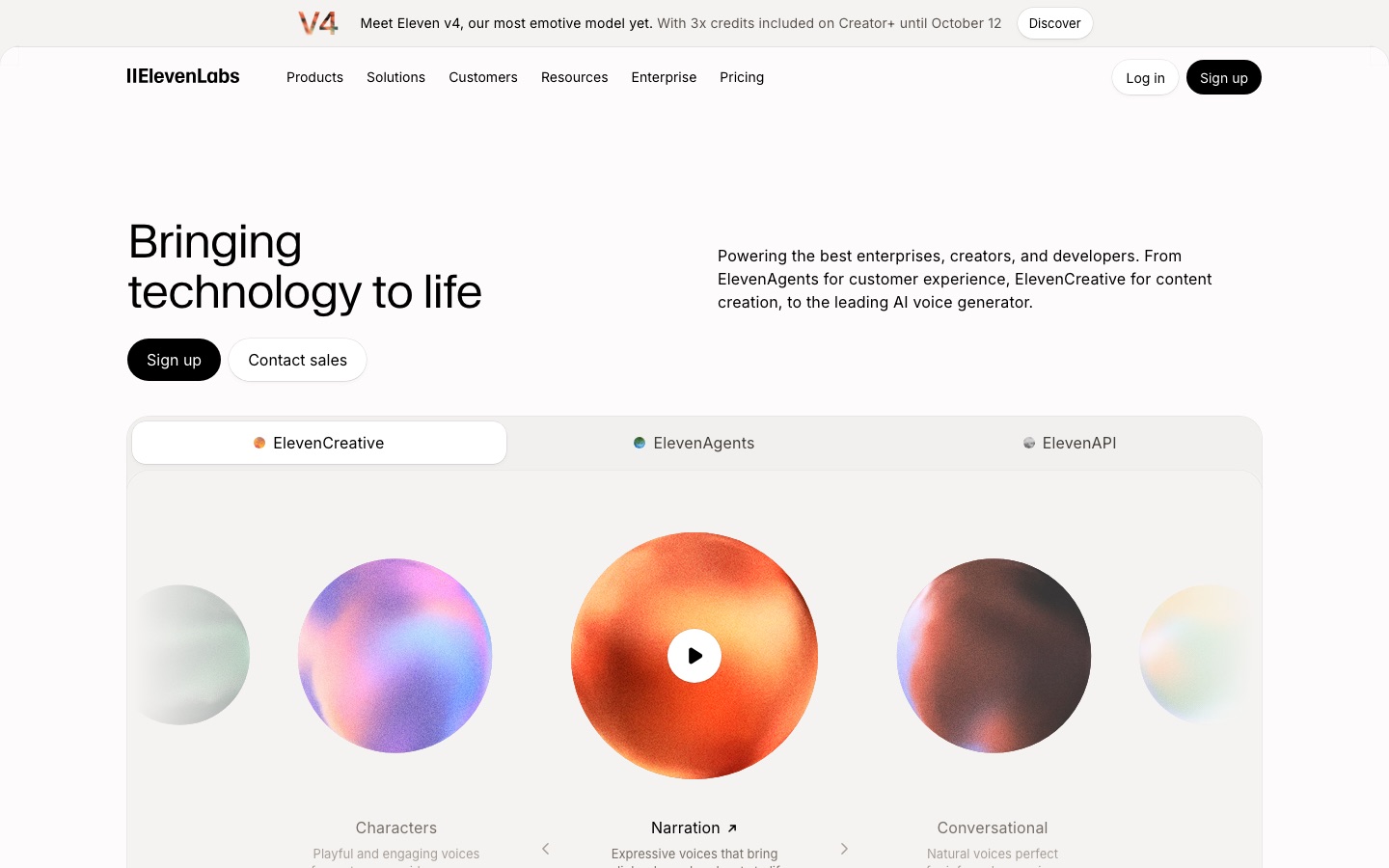
Generates vocal or instrumental tracks from a text prompt and produces custom sound effects and ambient audio.
AI audio platform for text to speech, voice cloning, transcription, dubbing, music and conversational voice agents.
View tool
7
Stage 7: Editing and finishing
Shots are assembled into a cut, trimmed for rhythm, then cleaned up: color, retouching, noise removal and upscaling, until picture and sound are ready to export.
What AI does here
Cut dialogue footage by editing its transcript, remove noise and silences, carry a retouch from one frame through a shot, and raise resolution.
What AI can’t do here
Find the rhythm of a scene. Deciding where to cut, what to drop and how long to hold a look is the editor's judgment, and no tool here makes that choice for you.
Upscales footage to higher resolutions, cleans grain and compression noise, and can redistribute audio channels into surround tracks.
Desktop and browser toolkit that upscales, denoises, colorizes and converts video, and upmixes audio with AI.
View tool
8
Stage 8: Subtitles and translation
The dialogue is transcribed and timed as subtitles, checked line by line, then translated so the film can be watched without sound or in other languages.
What AI does here
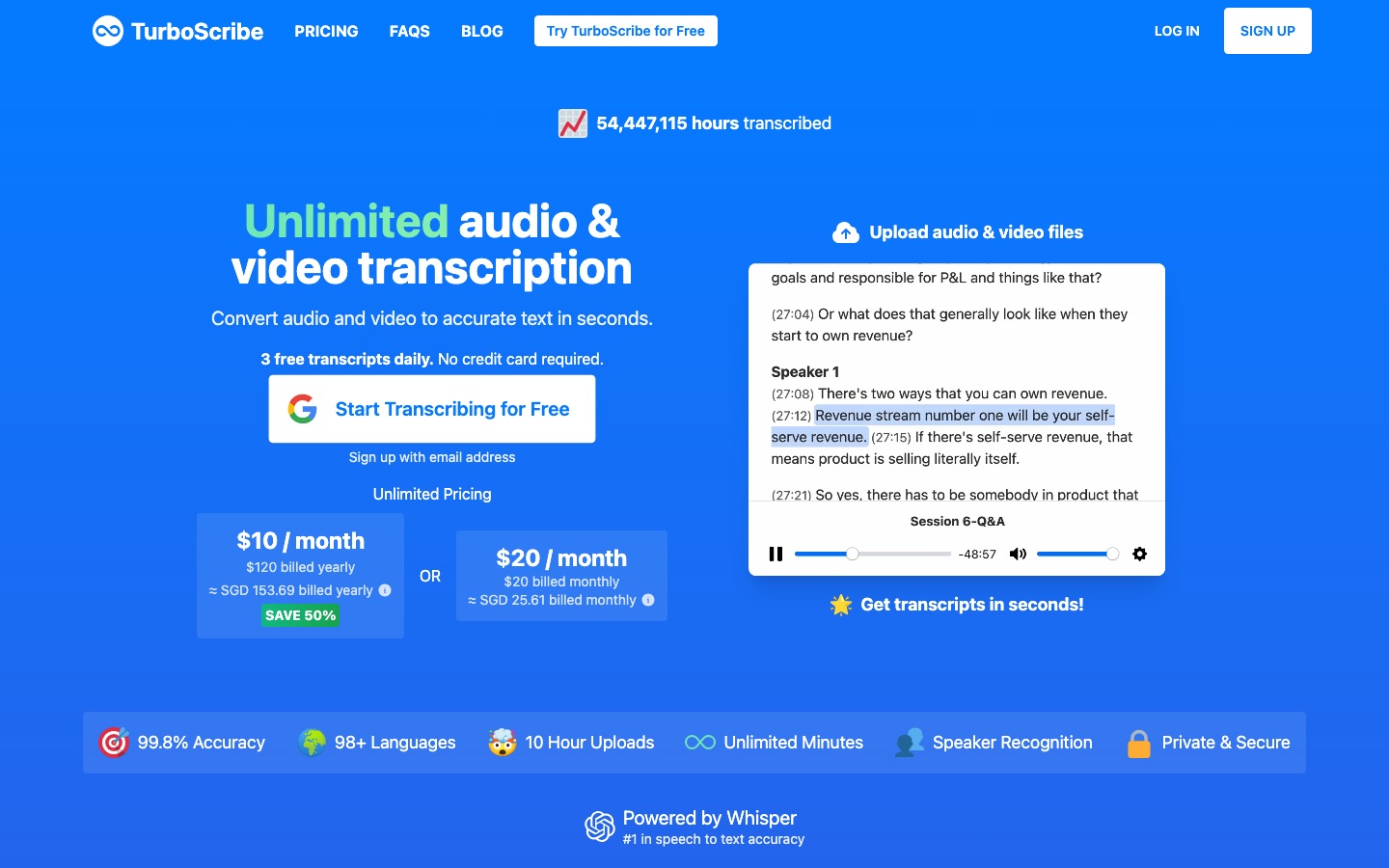
Transcribe speech with speaker labels, export timed subtitle files, translate them into other languages and produce a dubbed voice track.
What AI can’t do here
Guarantee names, slang or jokes are right. Machine subtitles need a read-through by someone who knows the language, and line breaks and timing still need a human eye.
Generates subtitles you can retime and restyle in an editor, translates them, and can replace the voice track with a dubbed one.
AI media localisation platform for transcription, subtitles, translation and dubbing in 125+ languages, on files or live.
View tool
9
Stage 9: Poster and title design
A poster, title treatment and stills are designed so the film has a face on festival pages, streaming listings and social posts.
What AI does here
Generate poster artwork in a chosen style, render the title as readable lettering, and feature the same character that appears in the film.
What AI can’t do here
Tell you what single image sells this film. Billing blocks, credits and laurels must be accurate, and generated lettering should be proofread at full size.
Renders typed words as finished lettering artwork with lighting and texture, and exports a transparent PNG to place over key art.
AI generator that turns typed text into finished lettering artwork in styles such as neon, glitch, fire and 3D.
View tool
10
Stage 10: Trailer clips and promotion
A trailer and short teasers are cut from the finished film and published on a schedule, alongside posts that point people to where the film can be watched.
What AI does here
Pick highlight moments from a long video, reframe them vertically with captions, and queue posts with generated captions across social accounts.
What AI can’t do here
Get the film selected by a festival or noticed by an audience. Clip pickers favor spoken moments, so a trailer with real shape still has to be cut by hand.
Drafts the caption, visual and hashtags for each release post from a short description, then queues the posts across connected networks from one calendar.
Social media management tool that writes, designs and schedules posts with AI across many networks.
View tool
Realistic expectations
Likeness and voice need consent
Do not generate a real person's face or clone their voice without written permission. That applies to actors, public figures and friends alike, and many tools forbid it in their terms. Keep the permission on file with the project.
Ownership of generated footage is unsettled
Whether purely AI-generated images or music can be protected by copyright varies by country and is still being argued. If you plan to sell or license the film, document your own creative contribution and check the usage rights your plan grants.
Continuity is manual work
Faces, costumes, props and light drift from one generated clip to the next. Reference images and reusable characters reduce this but do not remove it, so budget time for regenerating and for choosing shots that cut together.
Festivals and platforms have their own rules
Some festivals, broadcasters and video platforms ask you to disclose AI-generated or altered content, and a few restrict it. Read the submission or upload rules for each place before you send the film.
FAQs
Can I make a whole film with AI and no camera?
A short one, yes, with patience. Video models produce clips of a few seconds, so you generate the film shot by shot and assemble it in an editor. Expect to discard many generations and to spend most of your time on character consistency. Dialogue-heavy scenes are the hardest, because lip sync and performance are still the weakest points.
Do I own a film made with AI-generated shots?
It depends on where you live and how much of the work is your own authorship. The script, the edit and the selection and arrangement of shots are your contribution, while purely generated images may not qualify for protection in some countries. Also check each tool's terms, since commercial use often depends on the plan you are on.
Can I use an AI voice that sounds like a famous actor?
No, not without that person's permission. Imitating a recognizable voice can breach publicity and personality rights, and voice tools generally prohibit it. Use a designed voice or a library voice, or record a consenting actor and clone their voice with a written agreement that covers this film.
Will a festival accept an AI-made short?
Some will, some have a separate category, and some ask for disclosure of how AI was used. There is no single rule, so read the eligibility and disclosure section of each festival before paying a submission fee, and describe your use of AI accurately.
Which stage should I not hand to AI?
The decisions. Tools can draft a scene, draw a board and generate a shot, but what the story means, which take is right and where to cut are the things that make a film yours. Use the tools to produce options quickly, then choose like a director.

 Ideogram
 TurboScribe

 Kling AI

 OpusClip

 Vizard

 Topview

 Maestra
 Saga
 ElevenLabs


