
Submagic
AI video editor that captions, trims and clips footage into short-form videos and schedules them for social.
Submagic is an AI video editor for short-form content that adds styled captions, removes silences, inserts B-roll and picks out key moments from longer recordings. Submagic is used by uploading a video file or a YouTube link, letting the AI produce an edit that can be adjusted through the transcript, and then exporting or scheduling the result.
Best for Creators, marketers and media teams who publish vertical short videos regularly and want captions and clipping done automatically.
- Platforms
- Web, API
- Pricing model
- Subscription
- API
- Yes
- Made by
- Submagic
- Added
Last verified: . Information taken from submagic.co.
What is Submagic?
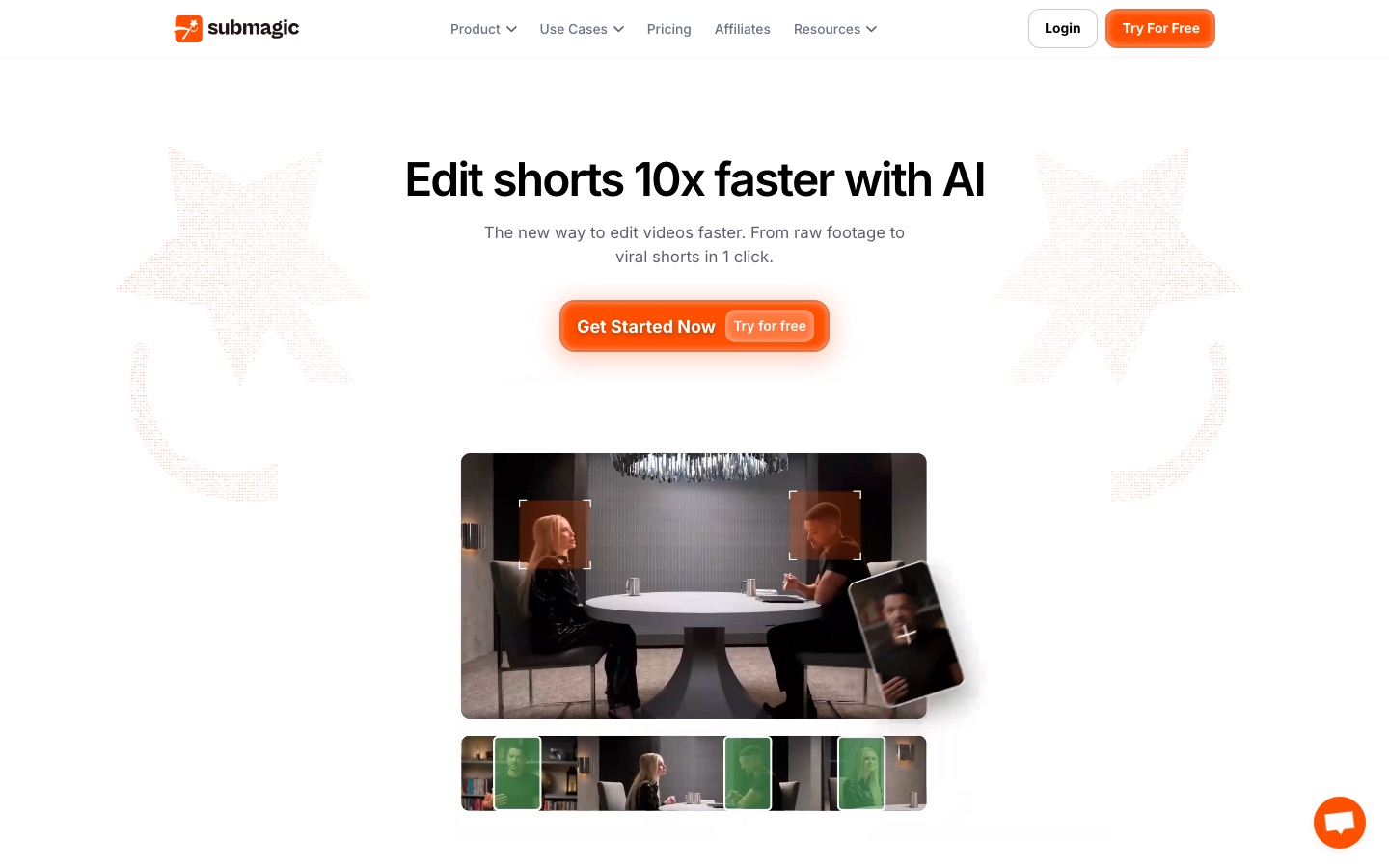
Submagic is a browser-based editing tool aimed at TikTok, Instagram Reels and YouTube Shorts. A user uploads footage or pastes a YouTube link, and the software generates captions, trims silent stretches, adds B-roll and locates highlights. Its Magic Clips feature splits one long video, such as a podcast or interview, into several shorts. Editing works through the transcript, so cutting text removes the matching footage in place of dragging on a timeline. Captions are available in 123 languages, and other tools cover auto-zoom, eye-contact correction, video translation, sound effects, transitions and AI avatars for videos made without filming. Finished clips can be scheduled and published to social platforms from the editor, and teams can share a workspace with brand assets. Plans are called Starter, Pro and Business, with a custom tier and a video editing API.
Key Features
AI Captions
Generates styled, animated subtitles in 123 languages from the audio track.
Magic Clips
Finds key moments in a long recording and cuts them into multiple short videos.
Text-Based Editing
Lets you trim footage and drop silences by editing the transcript.
Automatic B-Roll and Zooms
Inserts supporting footage and zoom effects without manual keyframing.
Scheduling and Publishing
Posts videos to chosen social platforms on a set date from inside the editor.
AI Avatars
Creates talking-head shorts with synthetic presenters when no camera footage exists.
How Submagic works
Upload a video or link
Add a file or a YouTube URL; podcasts, long videos and phone footage are accepted.
Let the AI edit
Captions are added, silences removed, B-roll inserted and key moments identified automatically.
Schedule and publish
Choose a date and platforms, and the clip is posted on schedule.
Screenshots
Use Cases
- Podcast Repurposing
- Turn a full episode into a batch of captioned vertical clips.
- Subtitling Social Videos
- Add readable captions to Reels, Shorts and TikToks.
- Agency Content Production
- Produce consistent client videos with shared templates and brand assets.
- Newsroom Clip Output
- Cut interviews or broadcasts into several platform-ready segments.
- Product Promo Shorts
- Make short e-commerce videos and schedule them to more than one channel.
Things to know
- Plans cap video length
- The maximum duration per video rises by tier, from 2 minutes on Starter to 5 on Pro and 30 on Business.
- Credits set monthly volume
- Each plan includes a number of credits that corresponds to a stated count of videos per month.
- 4K export is tier-specific
- Only the Business plan lists 4K and 60 FPS export; the lower tiers export at 1080p.
- Based in France
- The site footer states the product is made in France.
FAQs
What is Submagic?
Submagic is an AI-powered editor that turns raw footage into captioned short-form videos for social platforms.
What is Submagic used for?
Submagic is used to add captions, cut long videos into shorts, remove silences, add B-roll and publish the results to TikTok, Reels and Shorts.
How much does Submagic cost?
Submagic sells Starter, Pro and Business plans with monthly credit allowances, plus a custom plan. See the official pricing page for current figures.
Does Submagic have an API?
Yes. Submagic offers a video editing API, and its plans include API and integration minutes with additional packs available.
What languages does Submagic support?
Submagic generates captions in 123 languages, and its site lists dozens of them including English, Spanish, Japanese, Arabic and Hindi.
What export quality does Submagic offer?
Submagic exports up to 4K at 60 frames per second on the Business plan, while Starter and Pro export at 1080p and 30 frames per second.
Can teams collaborate in Submagic?
Yes. Submagic provides a shared workspace where team members upload, edit, review and export videos together.
Who it's for
- Content creators
- Marketing teams
- Agencies
- Media companies
- Business owners
Used in these workflows
- Short-form video from idea to posted clip: which AI tool does which jobStage 5: Captions and edit polish
- The AI toolkit for running a YouTube channel, one upload at a timeStage 8: Shorts and repurposing
Each guide lists the stages of one job and the tools that help at each stage. All guides
Comments
No comments yet. If you have used Submagic, tell other readers how it went.
Alternatives to Submagic
| Tool | Free plan | Starting price | API |
|---|---|---|---|
 ChoppityAI video editor that cuts podcasts and long videos into captioned short clips for TikTok, Reels and Shorts. ChoppityAI video editor that cuts podcasts and long videos into captioned short clips for TikTok, Reels and Shorts. |
Yes | — | Yes |
 VizardAI video clipping tool that finds highlights in long videos and turns them into captioned short clips for social media. VizardAI video clipping tool that finds highlights in long videos and turns them into captioned short clips for social media. |
Yes | — | Yes |
 DescriptAI video and audio editor where you cut recordings by editing the transcript, with an assistant called Underlord. DescriptAI video and audio editor where you cut recordings by editing the transcript, with an assistant called Underlord. |
Yes | — | Yes |
 RiversideBrowser-based studio for recording, editing, live streaming and publishing podcasts and video with AI tools. RiversideBrowser-based studio for recording, editing, live streaming and publishing podcasts and video with AI tools. |
Yes | — | Yes |
 ClideoBrowser-based video editor and toolset for compressing, cutting, subtitling, translating and converting media. ClideoBrowser-based video editor and toolset for compressing, cutting, subtitling, translating and converting media. |
Yes | — | — |
Listed in the same categories as Submagic. A starting price appears only where we checked it on the maker’s pricing page; a dash means not checked or not published. All Video Editing tools