
Manga Translator
Browser extension that detects text in manga, manhwa and webtoon pages and translates it in place into 100+ languages.
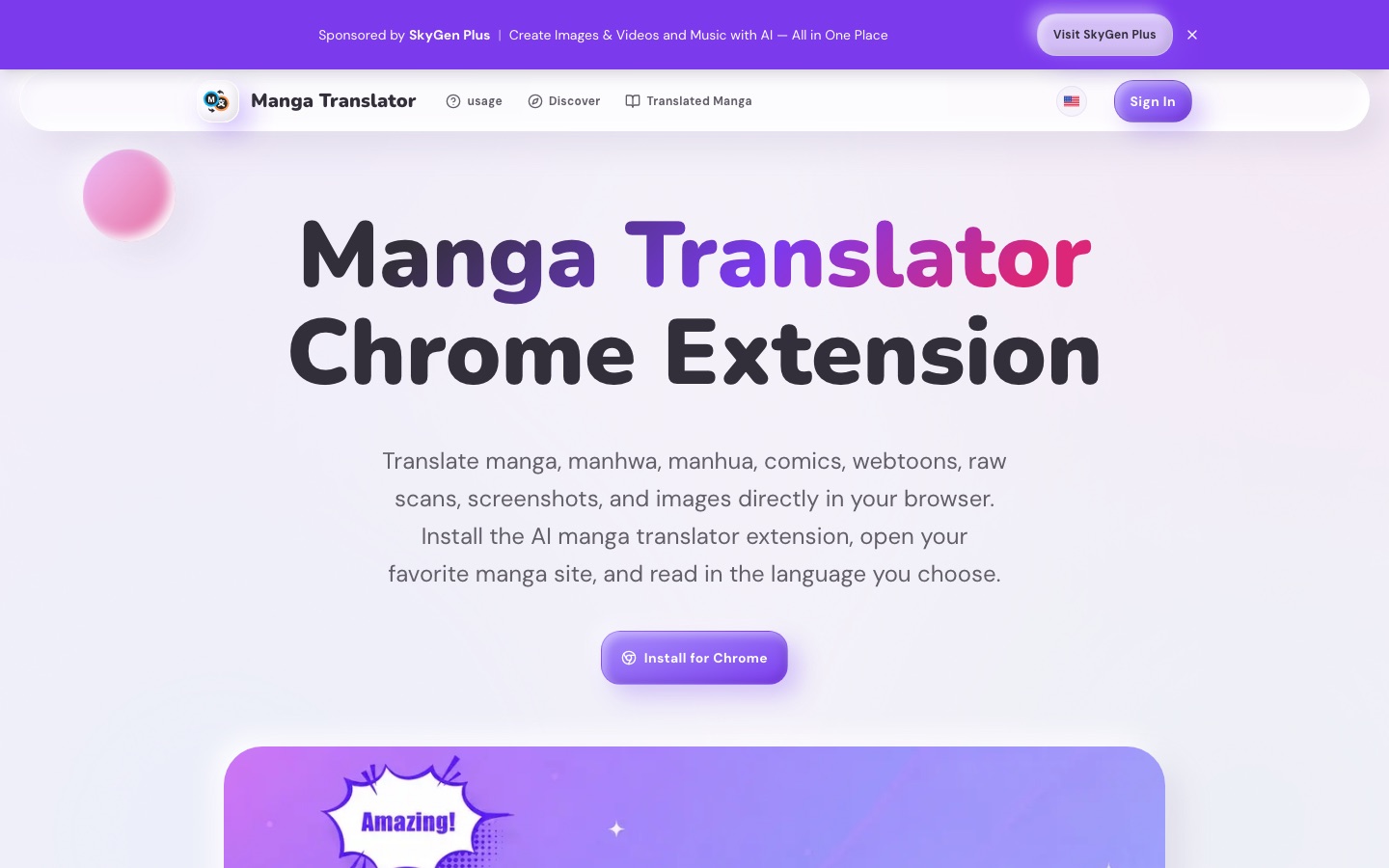
Manga Translator is an AI extension for Chrome and Edge that translates manga, manhwa, manhua, comics and webtoons while they are read online. Manga Translator finds text inside speech bubbles and panels, including vertical Japanese writing, and shows a translation in the chosen language. Users install the extension, open a reading page, select a language and click translate.
Best for Readers who follow untranslated manga, manhwa or webtoons online and want page text translated without leaving the reader.
- Platforms
- Browser extension
- Made by
- CHATHUB LLC
- Added
Last verified: . Information taken from mangatranslator.cc.
What is Manga Translator?
Manga Translator is a browser extension built for comic pages, where the words are part of an image and ordinary page translators cannot read them. Installed in Chrome or Edge, it recognises lettering in speech bubbles, narration boxes and raw scans, copes with vertical Japanese text as well as horizontal layouts, and renders the translation so the chapter can be read in sequence. More than a hundred output languages are listed. The site names WEBTOON, MangaDex, VIZ, MANGA Plus, Manta, Tappytoon, GlobalComix and Toomics among the readers it supports. When a site draws pages on a canvas or otherwise blocks detection, a screenshot mode lets the user capture a region and translate that instead. Signing in is optional and lets account credits follow the user between devices.
Key Features
In-page translation
Translates the text of the visible comic page inside the reader, without exporting images to another service.
Bubble and panel recognition
Detects lettering in speech bubbles, narration boxes and image-heavy webtoon strips.
Vertical text handling
Reads vertical Japanese writing and can present the result horizontally where that suits the target language.
Screenshot mode
Captures a selected area and translates it when a custom reader or canvas prevents normal detection.
Raw scan support
Works on scanned pages and standalone images that contain no selectable text.
100+ target languages
Outputs to a long list of languages, from English, Spanish and French to Thai, Vietnamese and Indonesian.
How Manga Translator works
Add the extension
Install it in Chrome or Edge and pin it to the toolbar; sign in if you want credits shared across devices.
Open a chapter
Go to a manga, manhwa, webtoon or raw scan page on a reader site.
Set the target language
Pick the language you want to read in.
Translate
Start the translation and the extension detects the bubbles and displays readable text over the page.
Use Cases
- Reading new chapters early
- Follow a Japanese or Korean release before an official translation exists.
- Language study
- Compare original bubbles with the translated version to pick up vocabulary.
- Checking raw scans
- Get the gist of an untranslated scan while researching a series.
- Long webtoon sessions
- Translate strip after strip without switching tabs or tools.
- Single panel lookups
- Capture one panel from a saved image and translate only that part.
Things to know
- Extension only for two browsers
- The home page offers installs for Chrome and Edge and does not mention other browsers.
- Credits are tied to an account
- The site refers to account credits that can be used across devices after signing in; it does not publish prices on the home page.
- Fallback for blocked readers
- Pages rendered on a canvas or with protected images may need the screenshot mode instead of automatic detection.
FAQs
What is Manga Translator?
Manga Translator is an AI browser extension that recognises text in comic images and translates it directly on the page.
What is Manga Translator used for?
Manga Translator is used to read manga, manhwa, manhua, comics and webtoons in another language while browsing reader sites.
Which browsers does Manga Translator support?
Manga Translator is offered as an extension for Google Chrome and Microsoft Edge.
How many languages does Manga Translator support?
Manga Translator lists more than 100 output languages, including English, Chinese, Japanese, Korean, Spanish, French, German and Arabic.
Which sites does Manga Translator work on?
Manga Translator names WEBTOON, MangaDex, VIZ, MANGA Plus, Manta, Tappytoon, GlobalComix and Toomics, and offers a screenshot mode for readers it cannot parse directly.
Can Manga Translator handle vertical Japanese text?
Yes. Manga Translator detects vertical writing in bubbles and can display the translated text in a horizontal format.
Who makes Manga Translator?
The Manga Translator site carries a copyright notice from CHATHUB LLC.
Who it's for
- Manga readers
- Webtoon fans
- Language learners
- Comic researchers
Comments
No comments yet. If you have used Manga Translator, tell other readers how it went.
Alternatives to Manga Translator
| Tool | Free plan | Starting price | API |
|---|---|---|---|
 Torii Image TranslatorAI translator for manga, manhwa and webtoons that redraws the page with translated lettering, as a browser extension and web app. |
— | — | Yes |
 AI Manga TranslatorOnline tool that translates the text in manga and comic images while keeping the original page layout. |
Yes | — | Yes |
 ComicoryAI comic generator that turns written stories into multi-panel comics, manga and strips with consistent characters. |
Yes | — | — |
 DeepTranslateBrowser extension that translates web pages into a bilingual view using a choice of AI and machine translation engines. |
Yes | — | — |
 Digitap.aiAPI platform for banks and fintechs covering digital KYC onboarding, bank statement analysis and alternate-data credit assessment. |
— | — | Yes |
Listed in the same categories as Manga Translator. A starting price appears only where we checked it on the maker’s pricing page; a dash means not checked or not published. All Translation tools