
Comicory
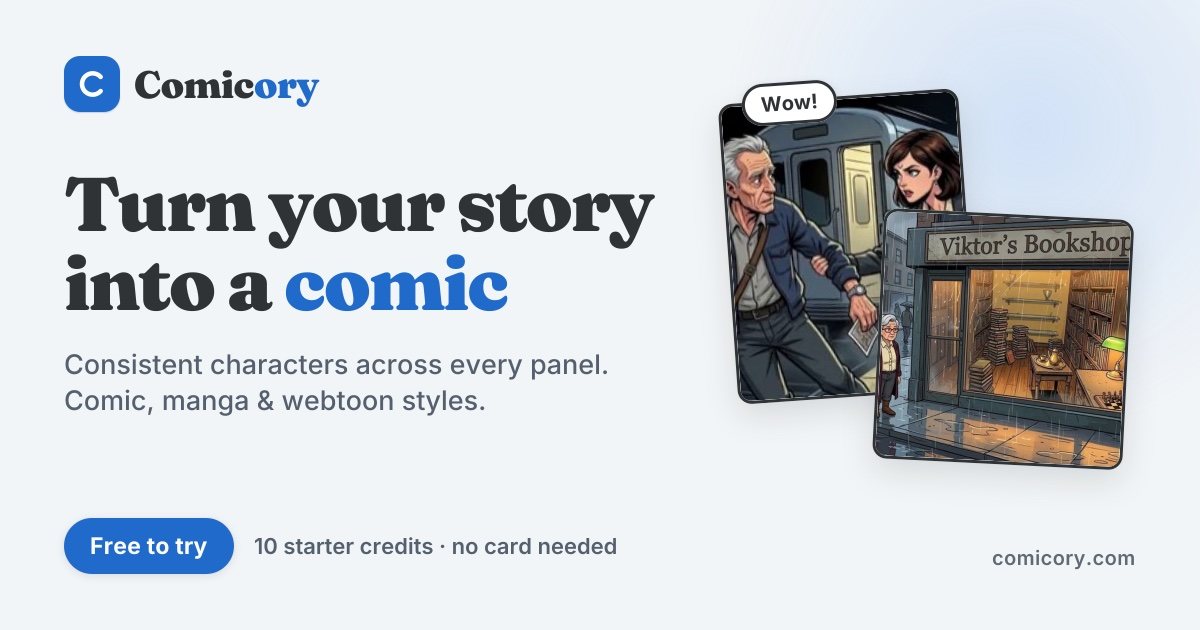
AI comic generator that turns written stories into multi-panel comics, manga and strips with consistent characters.
Comicory is a browser-based AI comic generator that converts a short written story into a panel script, character references and finished comic pages. Comicory is used by writers and hobbyists to create strips, manga or multi-chapter series, editing dialogue and panels before exporting to PDF, PNG, a long image or ZIP.
Best for Writers, hobbyists and educators who want to turn story ideas into illustrated comics or ongoing series without drawing them by hand.
- Platforms
- Web
- Pricing model
- Freemium
- Starting price
- $9.99 per month Plus
- Free plan
- Yes
- Added
Last verified: . Information taken from comicory.com.
What is Comicory?
Comicory is an online AI tool that generates comics from text stories. A user writes a paragraph or picks a starter, and Comicory produces a panel-by-panel script with dialogue, camera angles, cast and locations that can be edited before any artwork is drawn. Each character and location receives a reference image, and panels are rendered from those references to help keep faces, outfits and settings recognizable. The tool offers 22 art styles, from manga and webtoon to noir, pixel art and ink wash, plus over 50 page layouts. Speech bubbles are edited separately from the art, and single panels or small painted areas can be redrawn. Finished comics can be extended chapter by chapter with the same cast. Usage is billed in credits: 4 per script and 1 per standard panel, character or location, with new accounts receiving a one-time grant of 10 credits.
Key Features
Editable panel script
Generates a breakdown of panels, dialogue, cast and locations from a story prompt, which the user can revise before rendering.
Reference-based character consistency
Creates a locked reference portrait for each character and location and conditions panel renders on those images; users can also upload their own character photos or OC sheets.
Fix Area and panel regeneration
Lets users paint over a flawed region and describe a correction so only that area changes, or regenerate a single panel without affecting the rest.
Movable speech bubbles
Dialogue bubbles can be dragged, restyled and rewritten with themed lettering fonts, independently of the artwork.
Layouts, styles and resolution
Offers 22 art styles, 50+ page layouts such as splash, grid, four-panel strip and vertical webtoon, and render sizes of 1K, 2K or 4K.
Chapter continuation and export
Continue Story drafts new chapters with the existing cast and style; comics export as multi-page PDF, PNG pages, a long scrolling image, ZIP or CBZ.
How Comicory works
Write a story
Enter a paragraph describing characters, conflict and a moment, or choose a starter prompt.
Review the script
Check the AI-generated panel breakdown and dialogue and edit any line before art is rendered.
Render and export
Let the panels generate, adjust what needs changing, then download as PDF, PNG, long image or ZIP.
Add chapters
Use Continue Story to have the AI draft a next chapter with the same cast and style.
Use Cases
- Short social comic strip
- A content creator builds a four-panel setup-and-punchline strip and exports it as images for posting.
- Ongoing webtoon series
- A hobbyist author publishes a vertical-scroll story and adds new chapters over time using the same characters.
- Original character stories
- An artist uploads reference sheets of their own characters and generates comics featuring that cast across panels.
- Training and course material
- A trainer or teacher turns a scenario into an illustrated comic for lessons, which the terms allow for commercial use.
- Screenplay visualization
- A Pro subscriber imports a screenplay or script file and renders it as storyboard-style comic panels.
Pricing
Free
Custom
Free, no card required
10 credits once on signup
- 10 free art styles
- 50+ page layouts
- 1 uploaded character, location and prop
- Watermarked exports
- Up to 5 chapters per comic
Plus
$9.99
per month, billed monthly
100 credits per month
- 21 art styles
- Unlimited chapters
- Watermark-free exports with your logo
- 15 characters, 8 locations, 8 props
- Priority render queue
- Unused credits roll over
Pro
$19.99
per month, billed monthly
250 credits per month
- All 22 art styles
- Script or screenplay import
- 30 characters, 16 locations, 16 props
- 5 gift comics per month
- Direct line to the founder
Max
$49.99
per month, billed monthly
700 credits per month
- Custom art styles from your artworks, 5 saved
- Top-priority render lane
- 75 characters, 40 locations, 40 props
- 20 gift comics per month
Ultra
$99.99
per month, billed monthly
1,600 credits per month
- Lowest price per credit
- 15 saved custom art styles
- 150 characters, 80 locations, 80 props
- 50 gift comics per month
Regular monthly prices shown. A limited-time sale offered 40% off the first month and 30% off yearly plans and packs. Yearly billing is also available. One-time credit packs start at $4.99 for 20 credits. Team quotes are available by email. Checked 2 Nov 2026 at comicory.com.
Things to know
- Free credits are one-time
- New accounts get 10 credits once, enough for a 4-panel comic with one character and one location; longer drafts leave later panels locked until more credits are added, and free exports carry a watermark.
- Credit costs
- A script costs 4 credits; panels cost 1, 3 or 5 credits at 1K, 2K or 4K respectively, with 4K limited to Pro, Max and Ultra. Failed renders are refunded in credits.
- Chapter and style limits
- Without a subscription a comic can have up to 5 chapters, and the 12 paid art styles require a subscription.
- Credit expiry rules
- Subscription credits roll over while the plan is active but expire at the end of the paid period after cancellation; one-time pack credits and perks are valid for one year.
FAQs
What is Comicory?
Comicory is an AI comic generator that turns a written story into a scripted, illustrated multi-panel comic. It supports comic strips, manga, webtoons and comic books.
Is Comicory free?
Comicory offers a free account with a one-time grant of 10 credits and no card required. Paid subscriptions start at $9.99 per month, and one-time credit packs start at $4.99.
Do I need drawing skills to use Comicory?
No, Comicory generates the artwork from your story and approved script. You still pick scenes and review the results.
What file formats does Comicory export?
Comicory exports comics as multi-page PDF, high-resolution PNG pages, one long scrolling PNG, or a ZIP of pages and panels; the plan comparison also lists CBZ.
Can I use comics made with Comicory commercially?
Yes, Comicory's terms allow commercial use on every plan, including Free, without attribution. You should use inputs you have rights to, and this does not guarantee copyright protection or platform acceptance.
Does Comicory keep characters consistent across panels?
Comicory uses a reference image for each character and location to help keep them recognizable across panels and chapters. Difficult angles, small faces and group scenes can still drift, so results should be reviewed.
Can I turn a Comicory comic into a series?
Yes, Comicory's Continue Story feature drafts new chapters reusing the same cast and style. Free and pack users get up to 5 chapters per comic, while subscriptions have no chapter cap.
Who it's for
- comic hobbyists
- writers and authors
- content creators
- educators and trainers
- small studios
Comments
No comments yet. If you have used Comicory, tell other readers how it went.
Alternatives to Comicory
| Tool | Free plan | Starting price | API |
|---|---|---|---|
 LlamaGen.AiAI comic generator that turns prompts, scripts or images into comics, manga and webtoons with consistent characters. |
Yes | — | Yes |
 TaleSceneTurns a short written story into a storyboarded, voiced multi-scene AI video with consistent characters. |
Yes | — | — |
 AnifusionAI manga and comic creator with panel layouts, text-to-image generation, speech bubbles and a canvas editor. |
Yes | — | Yes |
 Childbook.aiAI children's book creator that writes, illustrates and lays out a full book with characters that stay consistent. |
— | — | Yes |
 MeliesAI filmmaking studio that combines image, video, voice and music models with a library of reusable AI actors. |
— | — | — |
Listed in the same categories as Comicory. A starting price appears only where we checked it on the maker’s pricing page; a dash means not checked or not published. All Anime & Comic Art tools