
GitMind
AI workspace that turns text, video, audio, PDFs and images into mind maps, summaries and diagrams.
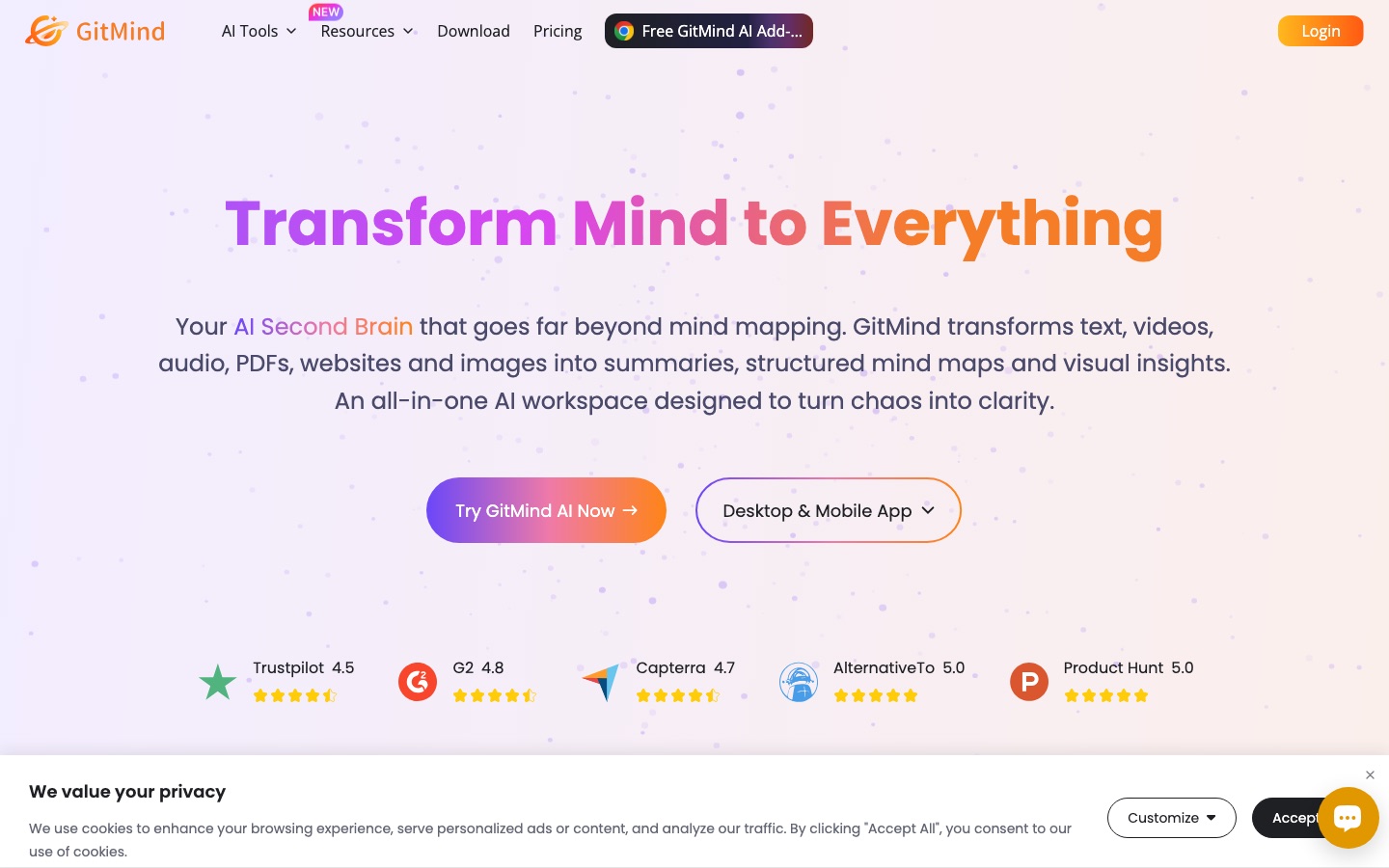
GitMind is an AI workspace built around mind mapping. GitMind takes an uploaded file, a pasted link or typed text and generates mind maps, summaries, flowcharts or infographics from it, covering sources such as YouTube videos, podcasts, PDFs, spreadsheets and images. GitMind is available on the web, Windows, Mac, iOS and Android, plus a Chrome extension.
Best for Students, teachers, researchers and project managers who want long documents, lectures or recordings condensed into mind maps and summaries.
- Platforms
- Web, Windows, macOS, iOS, Android, Browser extension
- Pricing model
- Freemium
- Free plan
- Yes
- Made by
- GitMind
- Added
Last verified: . Information taken from gitmind.com.
What is GitMind?
GitMind is a mind mapping application that has grown into a broader AI workspace. Its tools fall into a few groups. Audio and video tools transcribe and summarise YouTube videos, podcasts, recordings and meetings. Document tools condense PDFs, articles, books and spreadsheets or convert them into mind maps, and can translate PDFs. Image tools extract text with OCR. Diagram generators produce flowcharts, UML, class, sequence and ER diagrams, and there are generators for infographics, quizzes and flashcards, along with an AI chat and an art generator. The site lists ChatGPT, Gemini, Claude and DeepSeek as supported models. Maps sync across platforms, and shared spaces called planets let invited members collaborate. A free Basic tier allows up to ten mind maps; paid memberships remove that cap, and credits unlock AI features.
Key Features
AI Mind Maps
Creates a mind map from a one-line topic, an article, a file, an audio recording, an image or an Excel sheet.
Audio and Video Summaries
Transcribes and summarises YouTube videos, podcasts and recordings, and drafts meeting minutes.
Document Tools
Summarises PDFs, books, articles and spreadsheets, translates PDFs and pulls text out of images.
Diagram Generators
Produces flowcharts and UML, class, sequence and entity-relationship diagrams from a description.
Study Aids
Generates quizzes, flashcards and infographics from source material.
Sync and Collaboration
Keeps maps in sync between web, desktop and mobile apps, and lets invited members work together in shared planets.
Use Cases
- Lecture Review
- Turn a recorded lecture or a YouTube lesson into a transcript and a summary map.
- Literature Review
- Condense academic PDFs into key points and question the content through AI chat.
- Lesson Preparation
- Upload handouts and get the main points arranged as a map for class.
- Project Kick-Off
- Type a topic and get a first structure of tasks and ideas to refine with the team.
- System Documentation
- Describe a process and generate a flowchart or UML diagram from the description.
Things to know
- Free tier cap
- Basic accounts are limited to ten mind maps or whiteboards; HD export is listed under the paid membership.
- Subscriptions renew automatically
- Monthly and annual memberships renew at term end, and the pricing page says no lifetime plan is offered.
- Cancelling goes through support
- A recurring subscription is cancelled by submitting a ticket; the account then reverts to free with existing files still available.
- Refund window
- The pricing page mentions a 30-day money-back guarantee, shortened to 7 days for the monthly membership.
FAQs
What is GitMind?
GitMind is an AI workspace and mind mapping app that converts text, files, links, audio and images into mind maps, summaries and diagrams.
What is GitMind used for?
GitMind is used for studying, research, note taking, brainstorming and planning, by turning source material into structured visual outlines.
Is GitMind free?
GitMind has a free Basic tier limited to ten mind maps or whiteboards, and many AI features can be tried a limited number of times at no charge. Paid memberships and credits extend usage.
How much does GitMind cost?
GitMind sells monthly and annual memberships that renew automatically, and AI features draw on credits. See the official pricing page for current figures.
Does GitMind work on mobile?
Yes. GitMind has iOS, iPadOS and Android apps in addition to the web version, Windows and Mac apps and a Chrome extension.
Which AI models does GitMind support?
GitMind lists ChatGPT, Gemini, Claude and DeepSeek as supported models.
What happens when I reach the free limit in GitMind?
After ten mind maps GitMind stops you from creating new ones until you upgrade, but the maps you already have stay accessible.
Does GitMind use my content to train AI?
No. GitMind states that user data is not used for model training or advertising and that users can delete their content at any time.
Who it's for
- Students
- Teachers
- Researchers
- Project managers
- Engineers
Comments
No comments yet. If you have used GitMind, tell other readers how it went.
Alternatives to GitMind
| Tool | Free plan | Starting price | API |
|---|---|---|---|
 GitMind (思乎)Chinese-language AI workspace that turns text, files, audio and video into mind maps, summaries and diagrams. GitMind (思乎)Chinese-language AI workspace that turns text, files, audio and video into mind maps, summaries and diagrams. |
Yes | — | — |
 MapifyAI summarizer that converts PDFs, YouTube videos, web pages, audio and images into editable mind maps. MapifyAI summarizer that converts PDFs, YouTube videos, web pages, audio and images into editable mind maps. |
Yes | $5.99/mo | — |
 MindMap AIAI mind map generator that builds editable maps from prompts, PDFs, audio, video and web pages. MindMap AIAI mind map generator that builds editable maps from prompts, PDFs, audio, video and web pages. |
Yes | — | — |
 NoteeyOffline-first visual note-taking app with an infinite canvas for cards, PDFs, videos, mind maps and sketches. NoteeyOffline-first visual note-taking app with an infinite canvas for cards, PDFs, videos, mind maps and sketches. |
Yes | — | — |
 KnowtStudy app that turns lectures, PDFs and notes into flashcards, study guides and quizzes, with free flashcard study modes. KnowtStudy app that turns lectures, PDFs and notes into flashcards, study guides and quizzes, with free flashcard study modes. |
Yes | — | — |
Listed in the same categories as GitMind. A starting price appears only where we checked it on the maker’s pricing page; a dash means not checked or not published. All Notes & Knowledge Management tools