Comics and manga with AI: what the tools can draw, and what stays in your hands
7 stages, 21 tools
updated
Comics are a strange medium to automate, because the drawing is only half of it. The other half is invisible: which moment goes in which panel, how big that panel is, where the eye travels next, what is left unsaid between two frames. A writer who cannot draw can now get finished-looking pages from a script, and that is a real change for people who had stories and no artist.
What the generators struggle with is exactly the craft part. Keeping one character recognizable across forty pages takes reference sheets and a lot of regeneration. Hands, props and backgrounds drift between panels. Page layouts tend toward safe grids, and action that should flow across a spread comes out as separate pretty pictures.
So the workable approach today is mixed. Let AI produce drafts, backgrounds, flat colors and upscaled files, and keep the storytelling decisions, the corrections and the lettering under your own hand. If you plan to publish or sell the result, also check what your platform, publisher or contest says about AI-made art before you invest months in a series.
Who this is for Writers with a story and no artist, hobbyists planning a first webtoon or manga chapter, and illustrators who want to speed up coloring, upscaling or translation of pages they draw themselves.
Each pick covers one core step for a first short comic: writing, drawing pages and preparing files. They were chosen for coverage of the process, not as a ranking.
Upscale the finished pages in one batch and check the line art at full size.
1
Stage 1: Story and script
You develop the premise, cast and plot, then break it into pages and panels: what each panel shows, who speaks, and how each page ends so the reader turns to the next.
What AI does here
Brainstorm plot options, keep notes on characters and settings consistent with the draft, and review a chapter for pacing or continuity.
What AI can’t do here
Decide what the story is about or pace it for the page. How much fits in one panel, and where a silent beat belongs, is a comics skill no text model has.
A writing workspace for long-form fiction including webtoons that keeps outline, characters and locations linked to the manuscript and reviews chapters with AI.
Writing workspace for long-form stories that links manuscript, outline and world notes and adds AI review tools.
Generates a script draft with formatted scenes and dialogue from a concept and keeps structured records of characters and settings.
AI writing app that drafts full-length books, novels and screenplays and helps edit them chapter by chapter.
View tool
2
Stage 2: Character design and reference sheets
Each main character is designed and fixed: face, build, hair, outfit and expressions, drawn from several angles on a reference sheet that every later page is checked against.
What AI does here
Generate a character from a description, produce multi-view reference sheets and reuse that reference so later images stay close to it.
What AI can’t do here
Hold a design perfectly. Details such as scars, accessories and eye color still drift between images, so you need to compare each panel with the sheet and regenerate.
Saves a character built from reference images or a text brief so it can be tagged in later images.
A multi-model workspace for generating and editing AI images, video, characters, 3D worlds and audio in one place.
View tool
3
Stage 3: Panels and pages
The script is staged visually. You choose a layout for each page, compose every panel with the right camera distance and acting, and assemble pages that read in the intended order.
What AI does here
Draw the artwork for each panel from a written description inside a chosen page grid, and turn a script into a first set of laid-out pages.
What AI can’t do here
Direct the reader's eye. Generated pages favor regular grids and static poses, and continuity of props, clothing and backgrounds between panels has to be checked by you.
Converts a story into manga-style pages and provides a comics canvas for arranging the panels.
Anime-focused AI studio for generating art, videos, comics and original characters, with character chat.
View tool
4
Stage 4: Inking, color and finishing
Rough or generated art is cleaned up. Lines are firmed, mistakes painted out, flat colors and shading or screentones applied, and the palette kept consistent from page to page.
What AI does here
Colorise black-and-white pages automatically, repaint a selected region and remove or replace a background.
What AI can’t do here
Keep a color script for you. Automatic coloring may give the same jacket two different shades on facing pages, and fixing anatomy errors still means manual retouching.
A desktop design app that combines vector shapes and raster brushwork in one document for non-destructive correction of artwork.
Free desktop app that combines vector design, photo editing and page layout in a single document format.
View tool
5
Stage 5: Lettering and layout
Dialogue, captions and sound effects are placed. Balloons are shaped and ordered for reading flow, a legible lettering font is set, and titles, credits and cover text are designed.
What AI does here
Add editable speech bubbles to generated panels, build a custom lettering typeface from a description and render stylized title text.
What AI can’t do here
Place balloons with judgment. Good lettering avoids covering faces and guides reading order, and text baked into a generated image is often misspelled, so letter separately.
Its layout workspace sets up grids and builds multi-page documents, so pages can be assembled for print or web.
Free desktop app that combines vector design, photo editing and page layout in a single document format.
View tool
6
Stage 6: Upscaling for print and web
Finished pages are prepared for delivery: enlarged to print resolution without blurring line art, checked for artifacts, and exported at the sizes a printer, webtoon platform or store requires.
What AI does here
Enlarge illustrations several times while reducing noise and jagged edges, and process a whole folder of pages in one batch.
What AI can’t do here
Recover detail that was never drawn. Upscalers invent texture and can soften screentones or fine hatching, so inspect pages at full size before printing.
Upscales anime or manga images to 4K resolution alongside its other manga tools.
AI toolbox for anime and manga creators: image-to-video, colourising, upscaling, frame interpolation and motion effects.
View tool
7
Stage 7: Translation and motion versions
A finished comic can travel further: pages are translated and re-lettered for other languages, and selected panels are animated into a motion comic or teaser clip for social channels.
What AI does here
Detect text in bubbles, erase it and typeset a translation in place, and generate in-between frames or short clips from still panels.
What AI can’t do here
Translate jokes, honorifics and sound effects reliably. Machine output needs a fluent editor, and you may only translate and publish work you own or have rights to.
Erases the original lettering, typesets the translation inside each bubble and offers an editor, glossaries and layered PSD export for a whole chapter.
AI translator for manga, manhwa and webtoons that redraws the page with translated lettering, as a browser extension and web app.
Guides a short video clip with chosen first and last frames or a supplied reference image, so two finished panels can bracket an animated shot in one style.
AI animation workspace where agents turn an idea into characters, scenes, storyboards and short films.
View tool
Realistic expectations
Copyright in AI-made pages is unsettled
Whether generated artwork can be protected by copyright, and to what extent, differs by country and is still being decided. Your script, layout choices and manual edits may count for more than the raw images. If ownership matters commercially, get advice for your jurisdiction.
Publishers and platforms have AI policies
Some comic platforms, publishers, contests and print services restrict or require disclosure of AI-generated art, and policies change. Read the current rules of wherever you plan to publish before producing a long series.
Style imitation and real people
Prompting for a named living artist's style, or training a model on their pages, is widely seen as unfair and may raise legal issues. Avoid using real people's likenesses for characters without consent, and build a look of your own.
Consistency takes manual work
Character sheets and reference features reduce drift but do not end it. Plan time to regenerate panels, repaint details and correct hands, props and backgrounds. A short, finished story teaches more than an ambitious one abandoned at page ten.
Translating someone else's comic
Translation tools will process any page you upload. Publishing a translation of a comic you do not own usually needs the rights holder's permission. Use them for your own work or for private reading.
FAQs
Can I make a comic with AI if I cannot draw?
Yes, you can get readable pages. Comic generators draw panels from your descriptions, keep a character roughly consistent and add speech bubbles. Expect to spend your time differently, not less of it: writing clear panel descriptions, regenerating images that drift, and fixing layout and lettering. The storytelling skills, what to show and when, still decide whether the comic is good.
How do I keep a character looking the same in every panel?
Start with a reference sheet showing the character from several angles and with a few expressions, then use a tool that accepts that sheet or a saved character as input. Keep the outfit simple, describe the same key features every time, and compare each new panel with the sheet. Even then, plan on correcting small details by hand.
Can I sell or publish a comic made with AI art?
It depends on three things: the license of the tool and plan you used, the rules of the platform or publisher, and copyright law where you live. Some tools restrict commercial use on certain plans or by company revenue. Some marketplaces require you to disclose AI content. Check all three before you list the comic for sale.
Should the AI generate the text in speech bubbles?
Generally no. Text drawn by an image model is often misspelled or uneven and cannot be edited later. It is more reliable to generate art without text and add balloons and lettering afterward in an editor, using a readable font. That also makes later corrections and translations much easier.
What resolution do comic pages need for printing?
Printers usually specify a page size and a resolution, and requirements vary, so ask your print service first. Generated images are often too small for print and need upscaling. Upscalers can soften fine lines or screentones, so check a test page at full size, and order a single proof copy before a larger print run.
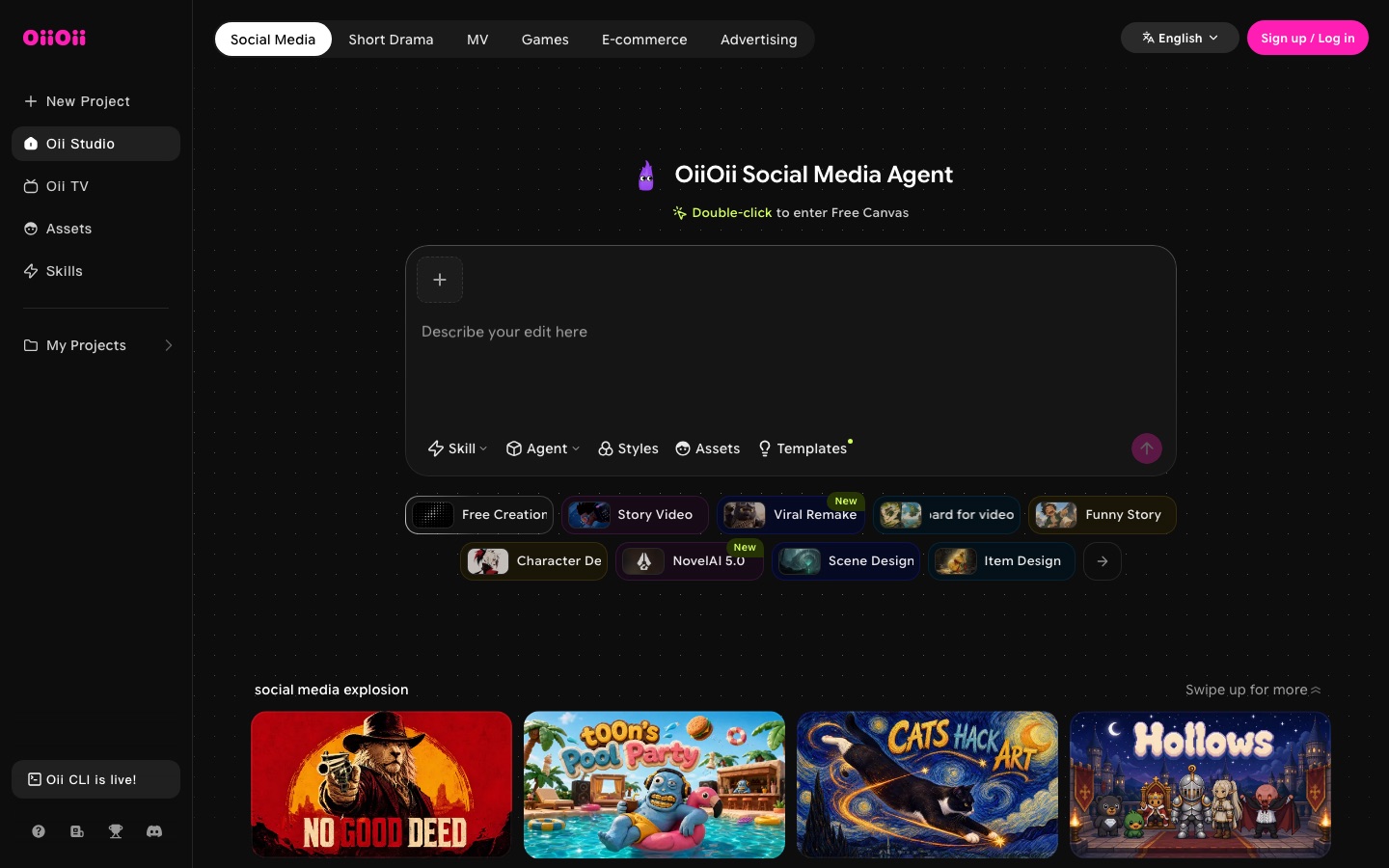
 OiiOii.ai

 pensiv
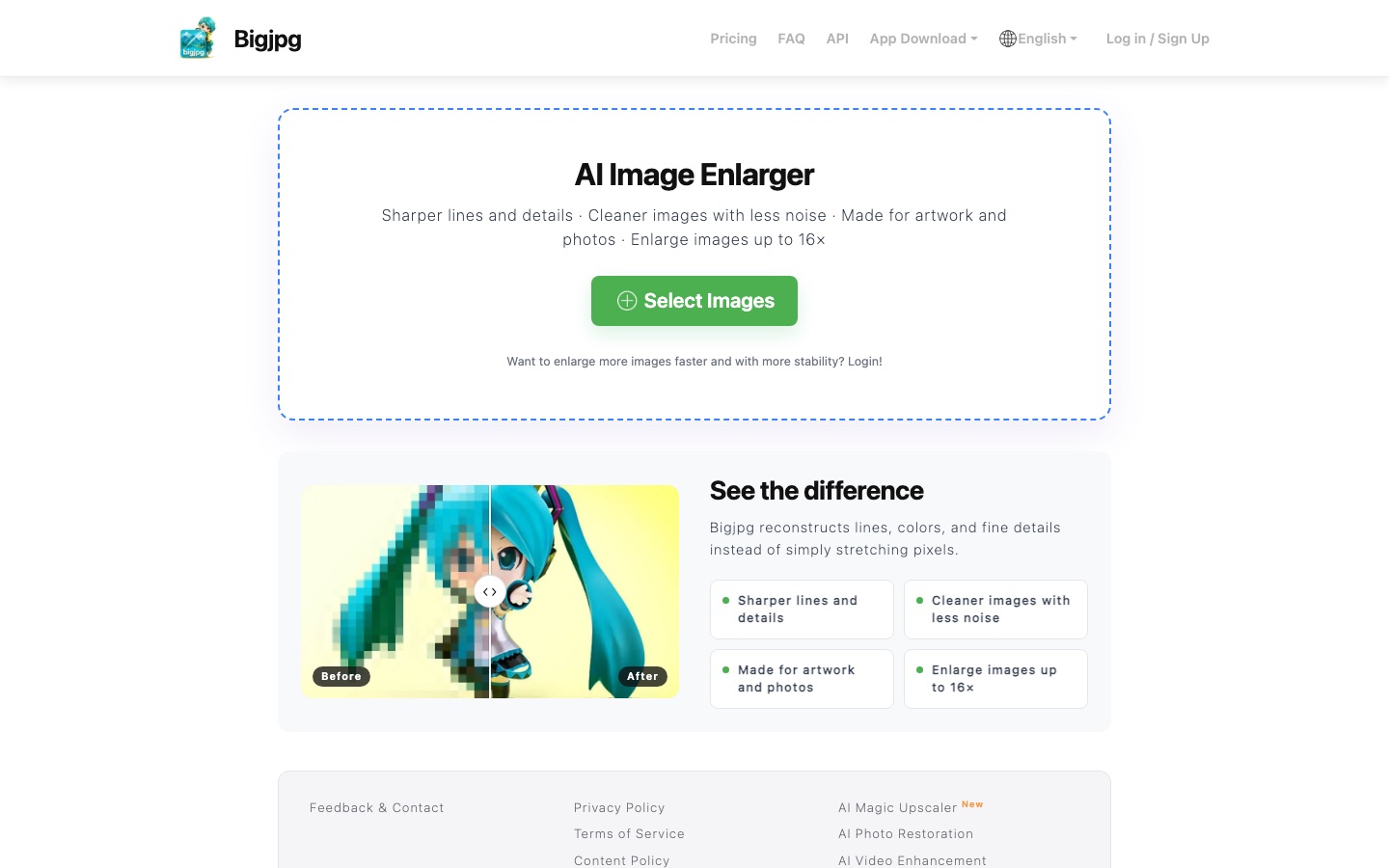
 Bigjpg

 OpenArt AI

 Upscale.media

 FontVibe
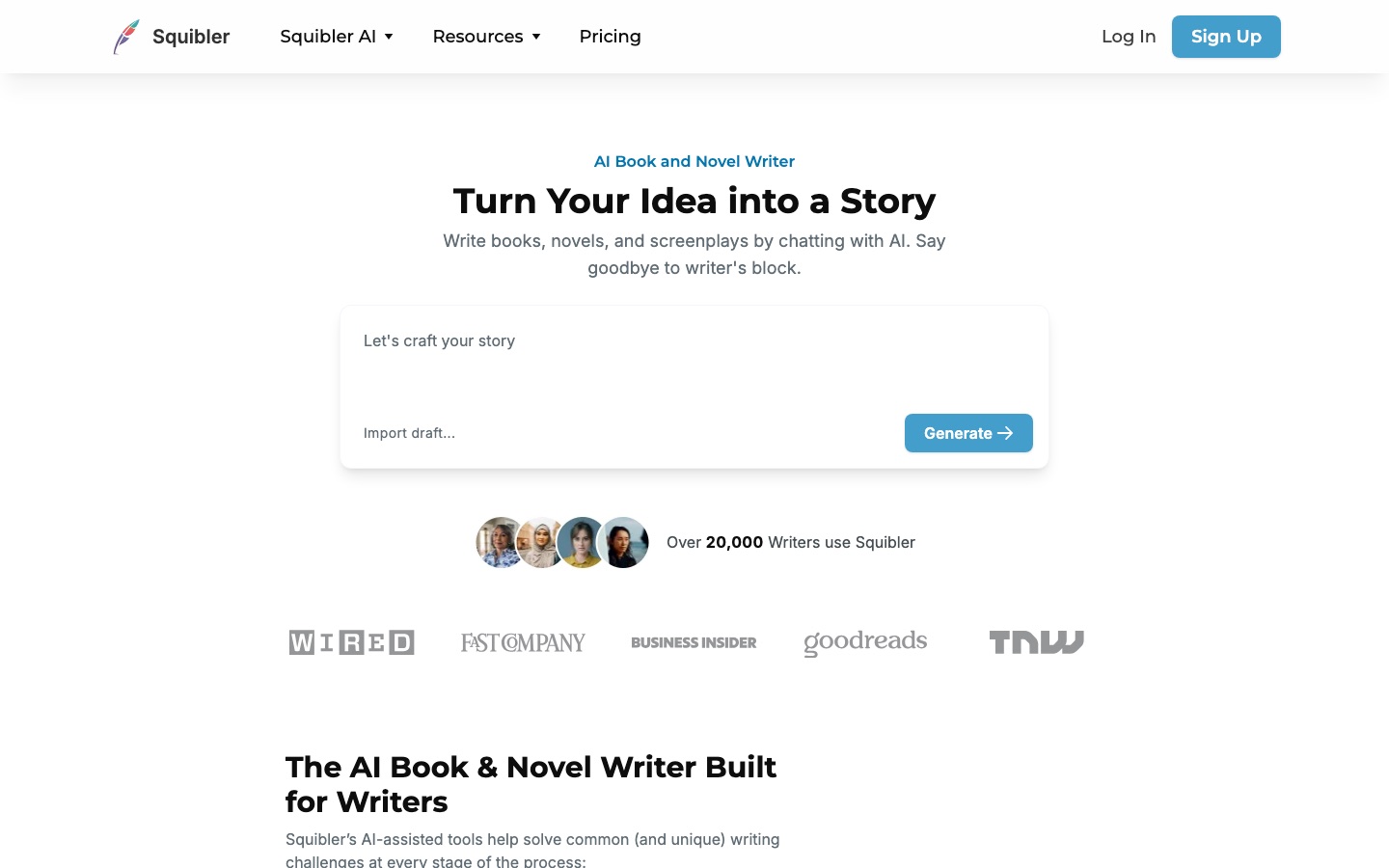
 Squibler
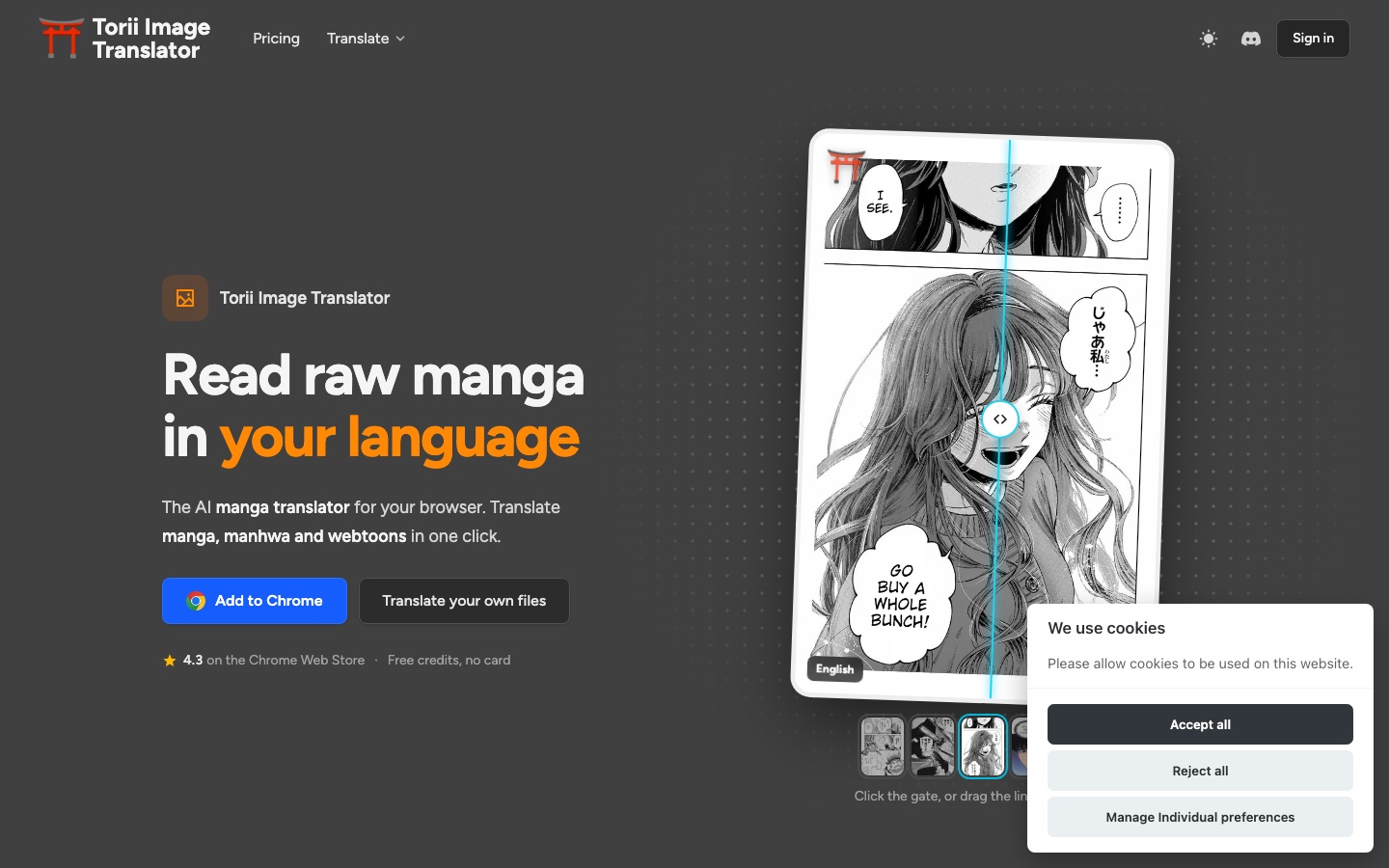
 Torii Image Translator
 Type.ai


