
ToonCrafter
AI animation tool that generates the in-between frames for two or more cartoon keyframes and exports a short MP4 clip.
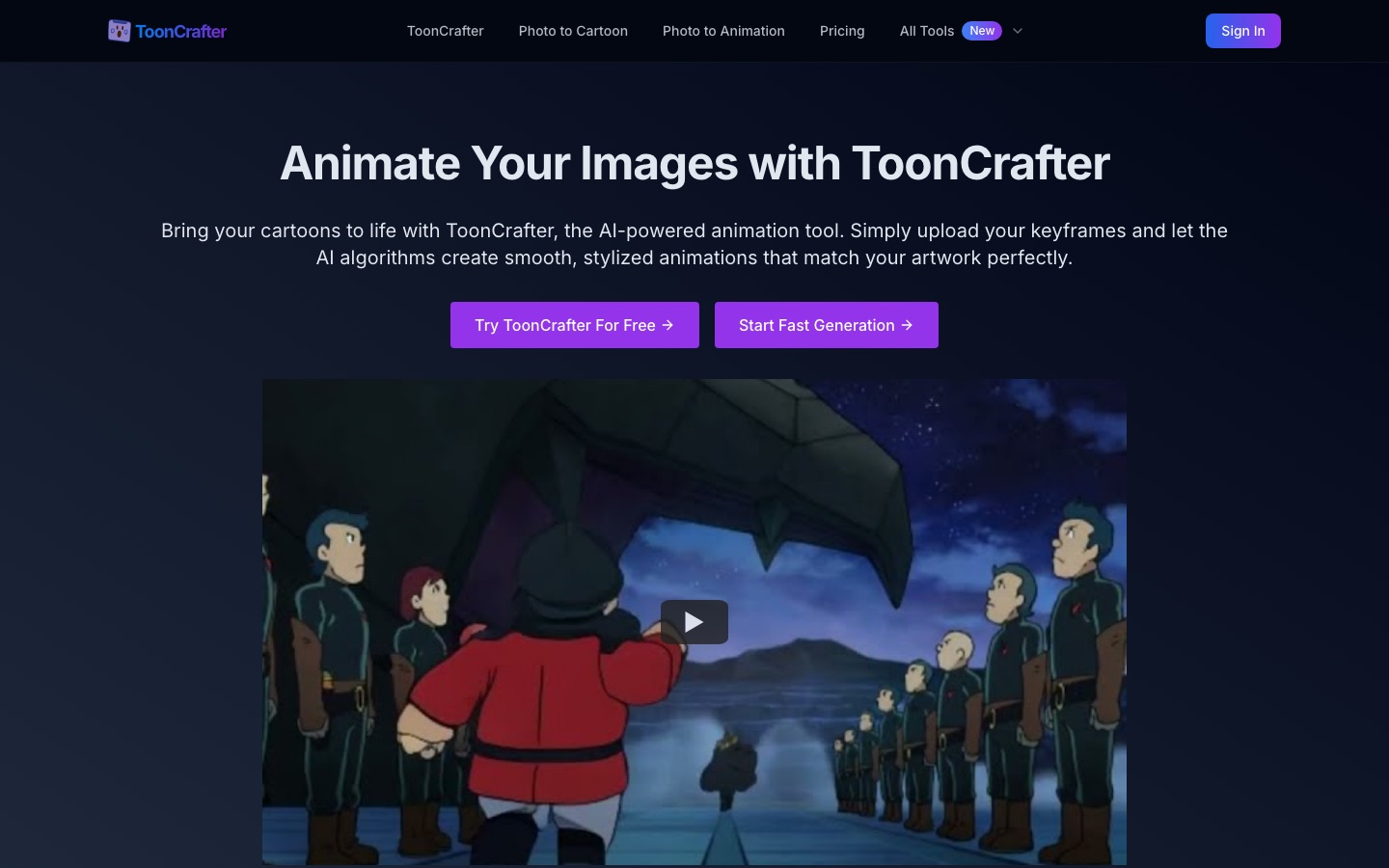
ToonCrafter is an AI tool that animates cartoon images. You upload two to four keyframes, optionally describe the motion in a text prompt, and ToonCrafter generates the frames in between to produce a short MP4 clip. A free option handles two keyframes, and paid credit plans add more keyframes and faster processing.
Best for Illustrators and creators who have still cartoon frames and want a short animated transition without drawing each in-between frame.
- Listed in
- Anime & Comic ArtAI Video Generator
- Platforms
- Web
- Pricing model
- Subscription
- Free plan
- Yes
- Added
Last verified: . Information taken from toon-crafter.com.
What is ToonCrafter?
ToonCrafter is an online service for turning static cartoon drawings into brief animations. It takes a start frame and an end frame, and optionally more in between, then synthesises the intermediate motion while trying to keep the lines, textures and style of the original artwork. A text prompt can steer the result. According to the site, the service is a commercial product inspired by an open-source research project with the same name. Output is an MP4 at eight frames per second, usually about two seconds long, with a maximum resolution of 512 by 512 pixels; inputs can be WEBP, PNG or JPG. The site also hosts related tools, including photo-to-cartoon conversion, an avatar maker called ToonMe and image-to-animation. Paid plans are sold as monthly credit bundles, and a history page keeps past creations.
Key Features
Keyframe Interpolation
Generates the motion between uploaded cartoon frames to form a continuous clip.
Style Preservation
Carries line work, texture and other details from the input frames into the generated ones.
Prompt Guidance
Accepts a text description of the movement you want.
Multi-Keyframe Mode
Lets paid users supply up to eight keyframes in one generation for longer sequences.
Looping Option
Gives paid users a loop mode so the clip plays back seamlessly.
Creation History
Stores earlier generations so they can be reviewed and managed.
How ToonCrafter works
Upload keyframes
Add two to four images that mark the start, end and any middle points of the motion.
Describe the animation
Write a short prompt about the effect you want, then start the generation.
Download the clip
Preview the result and save it as an MP4.
Screenshots
Use Cases
- Animating a Sketch
- An artist turns two drawings of a character into a moving clip for a portfolio.
- Social Media Clips
- A marketer adds a short cartoon animation to a post.
- Animated Stickers
- A creator designs a moving sticker for chat apps.
- Presentation Visuals
- A presenter adds an animated character to a slide.
- Cartoon Avatars
- A user converts a portrait photo into a cartoon-style image with the companion tools.
Things to know
- Short, low-resolution clips
- Results are capped at 512 by 512 pixels and run at 8 frames per second, usually for about two seconds.
- Free tier limits
- Free use is restricted to two keyframes and is described as slower than the paid service.
- Keyframe spacing matters
- The site advises that the difference between keyframes should correspond to roughly one second of real motion.
- Storage period
- The plan description lists creation storage for 60 days.
FAQs
What is ToonCrafter?
ToonCrafter is an AI animation tool that creates the transition between cartoon keyframes and outputs a short video.
How do I use ToonCrafter?
With ToonCrafter you upload your keyframe images, optionally add a text prompt, start the generation and then download the finished clip.
Is ToonCrafter free?
ToonCrafter has a free option with basic features that accepts two keyframes and produces one animation segment; paid plans add credits and more capabilities.
How much does ToonCrafter cost?
ToonCrafter sells Basic, Plus, Pro and Max plans with monthly credits. See the official pricing page for current figures.
What image formats does ToonCrafter accept?
ToonCrafter accepts WEBP, PNG and JPG images, up to 512 by 512 pixels.
What does ToonCrafter output?
ToonCrafter outputs MP4 video at 8 frames per second, typically two seconds long and no larger than 512 by 512 pixels.
How long does ToonCrafter take?
ToonCrafter says a two-keyframe animation takes around 20 seconds for paid users, with times varying by keyframe count, loop mode and system load.
Is ToonCrafter the same as the open-source project?
No. ToonCrafter's site describes its service as a commercial product inspired by the open-source ToonCrafter project, which is hosted separately.
Who it's for
- Illustrators
- Hobby animators
- Content creators
- Social media marketers
Used in these workflows
- Comics and manga with AI: what the tools can draw, and what stays in your handsStage 7: Translation and motion versions
Each guide lists the stages of one job and the tools that help at each stage. All guides
Comments
No comments yet. If you have used ToonCrafter, tell other readers how it went.
Alternatives to ToonCrafter
| Tool | Free plan | Starting price | API |
|---|---|---|---|
AutodraftAI cartoon animation tool that generates characters, backgrounds and voiceovers for story videos. |
Yes | — | — |
 AnijamChat-based AI video agent for making animation, anime-style clips, ads and social videos from prompts. |
Yes | — | — |
 AnimateAIAI video generator for animated stories that handles characters, storyboards and video scenes in one workflow. |
— | — | — |
 DomoAIAI video studio that generates clips from text, images or footage and restyles existing video into other looks. |
Yes | — | Yes |
 KomikoAIAnime-focused AI studio for generating art, videos, comics and original characters, with character chat. |
Yes | — | — |
Listed in the same categories as ToonCrafter. A starting price appears only where we checked it on the maker’s pricing page; a dash means not checked or not published. All Anime & Comic Art tools