
PFPMaker
Profile picture maker that turns a single selfie into headshots, lifestyle shots and edited portraits.
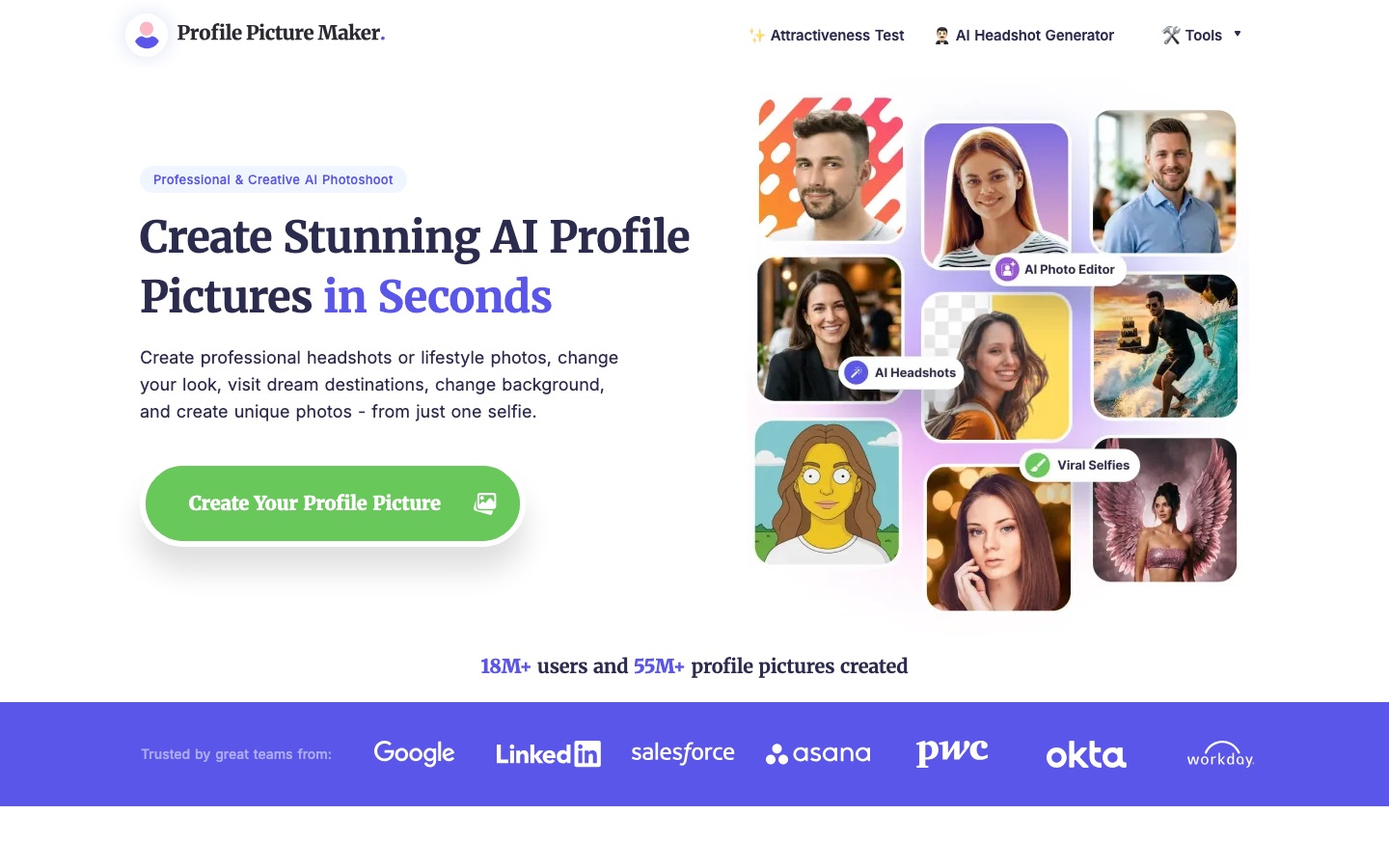
PFPMaker is an online profile picture maker that turns one selfie into business headshots, lifestyle portraits and stylised avatars. PFPMaker is used by uploading a JPG or PNG photo, choosing an outfit, pose or backdrop, and saving the result. PFPMaker also keeps a free classic editor for background removal, borders and text.
Best for People who need a presentable photo for LinkedIn, a CV, an email signature or a social account and only have a selfie to start from.
- Platforms
- Web
- Free plan
- Yes
- Made by
- PFPMaker.com
- Added
Last verified: . Information taken from pfpmaker.com.
What is PFPMaker?
PFPMaker is an online service for producing profile pictures from a selfie. A user uploads one photo and the site generates business-style headshots or casual lifestyle portraits, with a catalogue of more than 515 outfits, poses and backdrops to pick from. Next to the generators sits an older, no-cost editor called PFP Maker Classic that cuts out the background, drops in a replacement, and adds frames or captions without spending credits. A separate group of editing tools is aimed specifically at pictures of people: retouching, makeup and hairstyle try-ons, relighting, unblurring and object swaps. The site also hosts smaller utilities such as a passport photo maker, a cartoonizer, a face swap tool and a face shape detector. Uploads are limited to JPG and PNG files of up to 5 MB.
Key Features
Headshots From a Selfie
Generates business portraits from one uploaded photo, with more than 515 clothing, backdrop and pose options listed on the site.
Lifestyle Photoshoot
Produces casual portraits meant for dating profiles, Instagram, work accounts and everyday use.
Classic Free Editor
Removes a background, swaps in a colour, gradient or photo backdrop, and adds borders or text without using credits.
Face-Focused Editing
Offers retouching, beauty adjustments, style try-ons and filters built for portraits instead of general images.
Targeted Corrections
Covers relighting, colour fixes, unblurring, accessory removal, mirror-selfie cleanup and changing the apparent camera angle.
Extra Utilities
Includes a passport photo maker, face blur, cartoon and emoji avatars, a laser eyes maker and a face shape detector.
Use Cases
- LinkedIn and CV Photos
- Prepare a formal portrait for a professional profile or a job application from a phone selfie.
- Team Pages
- Give everyone on a staff page a headshot in a matching style without booking a photographer.
- Email Signatures and Business Cards
- Create a small, clean portrait on a plain backdrop that still reads at thumbnail size.
- Messenger and Social Avatars
- Make a cartoon, emoji or otherwise stylised picture for chat apps and social accounts.
- Fixing an Existing Photo
- Sharpen a soft image, correct lighting or remove a distracting object before posting it.
Things to know
- Upload limits
- The site's FAQ states that only JPG and PNG files of up to 5 MB are accepted.
- Photo retention
- Original uploads are processed on the company's servers and removed automatically every 24 hours, according to the FAQ.
- Prices are not on the home page
- The home page calls the Classic editor free and says the AI tools can be tried without a credit card, but it shows no plan prices or credit costs.
- Usage agreement applies
- Generated pictures may be used in any way that does not break the site's usage agreement, which excludes illegal activity.
FAQs
What is PFPMaker?
PFPMaker is an online tool for creating and editing profile pictures, including AI-generated headshots and lifestyle portraits made from a single selfie.
What is PFPMaker used for?
PFPMaker is used to make profile photos for social networks, messengers, CVs, email signatures, business cards and team pages. It also edits existing portraits, for example by replacing the background or sharpening a blurry shot.
Is PFPMaker free?
PFPMaker has a free part: the site describes its Classic editor, which handles background removal, new backdrops, borders and text, as free and not requiring credits. The AI generators can be tried without a credit card, but the home page does not list their prices.
What photo formats does PFPMaker support?
PFPMaker accepts JPG and PNG files of up to 5 MB, according to the FAQ on its site.
What happens to photos uploaded to PFPMaker?
PFPMaker says uploads are processed on its own servers and that the original photos are deleted automatically every 24 hours.
How do I get a cleaner background cut-out in PFPMaker?
PFPMaker recommends a well-lit, high-contrast photo in which your head and shoulders sit fully inside the frame.
Where can PFPMaker pictures be used?
PFPMaker pictures can be used freely as long as the use respects the site's usage agreement, which rules out illegal activity. Typical destinations it names are social media, messengers, email signatures, CVs and dating apps.
Who it's for
- Job seekers
- Freelancers
- Social media users
- Remote teams
- Dating app users
Used in these workflows
- Applying for a job with AI: tools that help you prepare, and where to draw the lineStage 3: Professional photo
Each guide lists the stages of one job and the tools that help at each stage. All guides
Comments
No comments yet. If you have used PFPMaker, tell other readers how it went.
Alternatives to PFPMaker
| Tool | Free plan | Starting price | API |
|---|---|---|---|
 Cutout.ProOnline toolbox for background removal, photo enhancement, AI image and video generation, with an API. |
— | — | Yes |
 PicWishAI photo editor for cutting out backgrounds, sharpening blurry shots and retouching product images. |
Yes | — | Yes |
 Pica AIOnline photo tools for face swapping, old photo restoration, image enhancement and AI headshots. |
— | — | — |
 sparkpix.aiBrowser-based AI photo editor that restores, cleans up, restyles and generates images from typed instructions. |
Yes | — | — |
 AirbrushAI photo editor for portrait retouching, object erasing and background changes on web, desktop and mobile. |
Yes | — | — |
Listed in the same categories as PFPMaker. A starting price appears only where we checked it on the maker’s pricing page; a dash means not checked or not published. All AI Avatar Generator tools