What it takes to start a podcast, and where AI tools save the most time
10 stages, 27 tools
updated
Recording a conversation takes an hour. Turning it into an episode used to take the rest of the week: leveling two voices recorded in two different rooms, cutting the false starts, writing show notes, exporting, uploading, and then making something to post so anyone finds it. That post-production pile is a common reason new shows stall after a handful of episodes, and it is the part AI has changed most.
Noise and echo can be removed with one upload. Filler words and long pauses are detected and cut automatically. Editing happens in a transcript instead of on a waveform, and the same transcript becomes show notes, timestamps, a newsletter draft and a set of captioned clips. Hosting services generate the feed and submit it to the listening apps.
None of this makes a show worth subscribing to. A clear premise, a host who listens, guests with something to say and the habit of publishing on schedule are still the whole game. The steps below are arranged in the order you will meet them for a first episode.
Who this is for People launching a first interview or solo show, small businesses starting a company podcast, and existing hosts who want to spend less time on post-production and promotion.
For a first episode you need to record, clean, publish and tell people. These four were picked because each record describes that single step directly; they are a starting route, not a ranking.
Paste the first episode, review the suggested clips and post the two that make sense without context.
1
Stage 1: Show concept and episode research
You define who the show is for and what each episode promises, then research the topic or the guest and prepare an outline with the questions you want to ask.
What AI does here
Gather background on a topic or guest with cited sources, summarize long material into key points, and draft an episode outline or question list to edit.
What AI can’t do here
Supply curiosity. A generated question list is the same list every other host gets, and the follow-up that makes an interview good happens live, from listening.
Publishes a booking link that checks connected calendars for conflicts, with buffers before and after each session and automated reminders.
Open scheduling platform with booking links, team routing, an API and the Cal.ai phone agent.
View tool
3
Stage 3: Recording the episode
The conversation is captured, in a room or remotely, with each speaker on a separate track where possible so that problems on one voice can be fixed without touching the other.
What AI does here
Record each remote participant locally on a separate track and suppress background noise and echo while the call is happening.
What AI can’t do here
Fix a bad microphone position or a guest on laptop speakers after the fact as well as avoiding it would have. A two-minute sound check beats any repair tool.
Strips background sounds, echo and cross-talk from calls in any conferencing application while you talk.
Voice AI for calls: noise cancellation, a bot-free meeting note taker, accent conversion and call center tools.
View tool
4
Stage 4: Audio cleanup
Before any cutting, the raw tracks are repaired: background noise and room echo are reduced, levels are evened out, and clicks and plosives are tamed.
What AI does here
Remove constant noise and echo, balance loud and quiet passages, and reduce mouth clicks and harsh sibilants from an uploaded file.
What AI can’t do here
Recover speech that was never recorded clearly. Heavy processing leaves voices thin or watery, so compare before and after and stop when it sounds natural.
Its voice cleaner takes out background music, plosives and microphone rumble from speech recordings, and reduces room echo.
AI audio tools that split songs into vocal and instrument stems and clean, change or clone voices.
View tool
5
Stage 5: Editing the episode
The episode is shaped: tangents and false starts are cut, the order is tightened, filler words and long pauses are trimmed, and the intro and outro are placed.
What AI does here
Cut audio by deleting words in a transcript, remove filler words and retakes in bulk, and apply the same cuts across every speaker's track.
What AI can’t do here
Judge what is interesting. Automatic filler removal can also clip natural pauses and make a guest sound rushed, so listen through the result before publishing.
Detects and cuts filler words, stutters and long pauses across all speakers' tracks, then exports a timeline for your own editor.
AI podcast editor that removes filler words, background noise and dead air from audio and video recordings.
View tool
6
Stage 6: Intro music and voiceover
The show gets its sound: a short theme, transition stings, and a recorded or generated voice for the intro, outro and any sponsor reads.
What AI does here
Generate a theme from a description of genre and mood, produce short sound effects, and read an intro script in a chosen synthetic voice.
What AI can’t do here
Guarantee you may use the result commercially. Rights to generated music depend on the plan you hold, so check the license before a theme goes on a monetized show.
Creates podcasts, audio ads and narrated content with voices, music and sound effects from notes, a document or a script.
AI studio for business video and audio, combining generation models, guided workflows and a timeline editor.
View tool
7
Stage 7: Transcripts and show notes
Each episode is transcribed, and from the transcript you write a title, a summary, chapter timestamps and links, plus a text version for the show's website.
What AI does here
Produce a speaker-labeled transcript and draft summaries, timestamps, titles, blog articles and newsletter text from it.
What AI can’t do here
Spell every guest and company name correctly or know which claim needs a link. Read the transcript and notes once before they go out under your name.
Splits the transcript by speaker, lets you name each one, and creates summaries and topic lists from it.
AI transcription service for audio and video with speaker detection, an editor, AI summaries and exports to text and subtitle formats.
View tool
8
Stage 8: Cover art
A square cover is designed that stays legible at the tiny size podcast apps show it, with the show name readable and a look that matches the tone.
What AI does here
Generate cover concepts from a short brief, render the show name as correctly spelled lettering, and keep the text editable for later changes.
What AI can’t do here
Check the directory's artwork requirements or make sure the image is original. Verify size and format rules yourself, and avoid prompts that imitate another show's cover.
Renders the typed show name as finished lettering artwork and exports it as a PNG with the background removed.
AI generator that turns typed text into finished lettering artwork in styles such as neon, glitch, fire and 3D.
View tool
9
Stage 9: Hosting and distribution
The finished file is uploaded to a host that stores it, generates the RSS feed and submits the show to the listening apps, where each new episode then appears automatically.
What AI does here
Create the feed and a show website, submit to the main directories, report downloads, and generate an episode transcript on upload.
What AI can’t do here
Approve your show on someone else's platform. Directory review, artwork checks and content rules belong to each listening app, and the first submission can take a while.
Queues posts for several networks and can add an automatic first comment linking to your site when a post does well.
Scheduling and automation tool for creators posting to LinkedIn, Instagram, Threads, Bluesky and TikTok.
View tool
Realistic expectations
Guest consent and recording law
Tell guests that the call is being recorded and how it will be used, and get agreement before you start. Rules on recording conversations differ by country and state. Do not clone a guest's voice or generate words they did not say.
Music rights
A theme generated by an AI tool is only usable on a monetized show if the plan you hold grants commercial rights. Using a commercially released song as intro music generally needs a license, and a short excerpt is not automatically exempt; the rules vary by country.
Transcripts contain errors
Automatic transcripts misspell names, brands and technical terms and occasionally attribute a sentence to the wrong speaker. Correct them before publishing, especially if the transcript is quoted in show notes or posts.
Synthetic voices and disclosure
If parts of an episode are read by a synthetic voice, say so. Listeners tend to react badly to discovering it later, and some platforms have their own disclosure rules for AI-generated audio.
FAQs
Can AI edit my podcast for me?
It can do the mechanical part: removing noise, cutting filler words and long pauses, and letting you delete sections by editing a transcript. It does not decide which tangent to keep or whether the opening drags. Expect to save most of the clean-up time and still listen to the full episode once before it goes out.
Do I need a hosting service, or can I upload straight to the listening apps?
In most cases you need a host. Most listening apps read an RSS feed and do not store your audio themselves. A hosting service keeps the files, generates the feed and submits it to the directories, after which new episodes appear there automatically.
Can I use AI-generated music as my intro?
Often yes, with one check. Music generators tie commercial use to specific plans, and a podcast with ads or sponsors is likely to count as commercial use. Read the license terms for the plan you are on at the moment you generate the track, and keep a note of it.
Is it fine to make a podcast with AI voices instead of recording?
It is technically possible to generate a two-voice episode from a script. Whether it is a good idea depends on the purpose: it suits internal briefings or reading written material aloud, and suits personality-driven shows poorly. Label it as synthetic, and never use a real person's voice without consent.
How accurate are AI show notes?
Summaries and timestamps are usually close, but details slip: a number misheard, a name misspelled, a guest's point paraphrased into something they did not say. Treat generated notes as a draft and compare them with the transcript before publishing.

 Ideogram
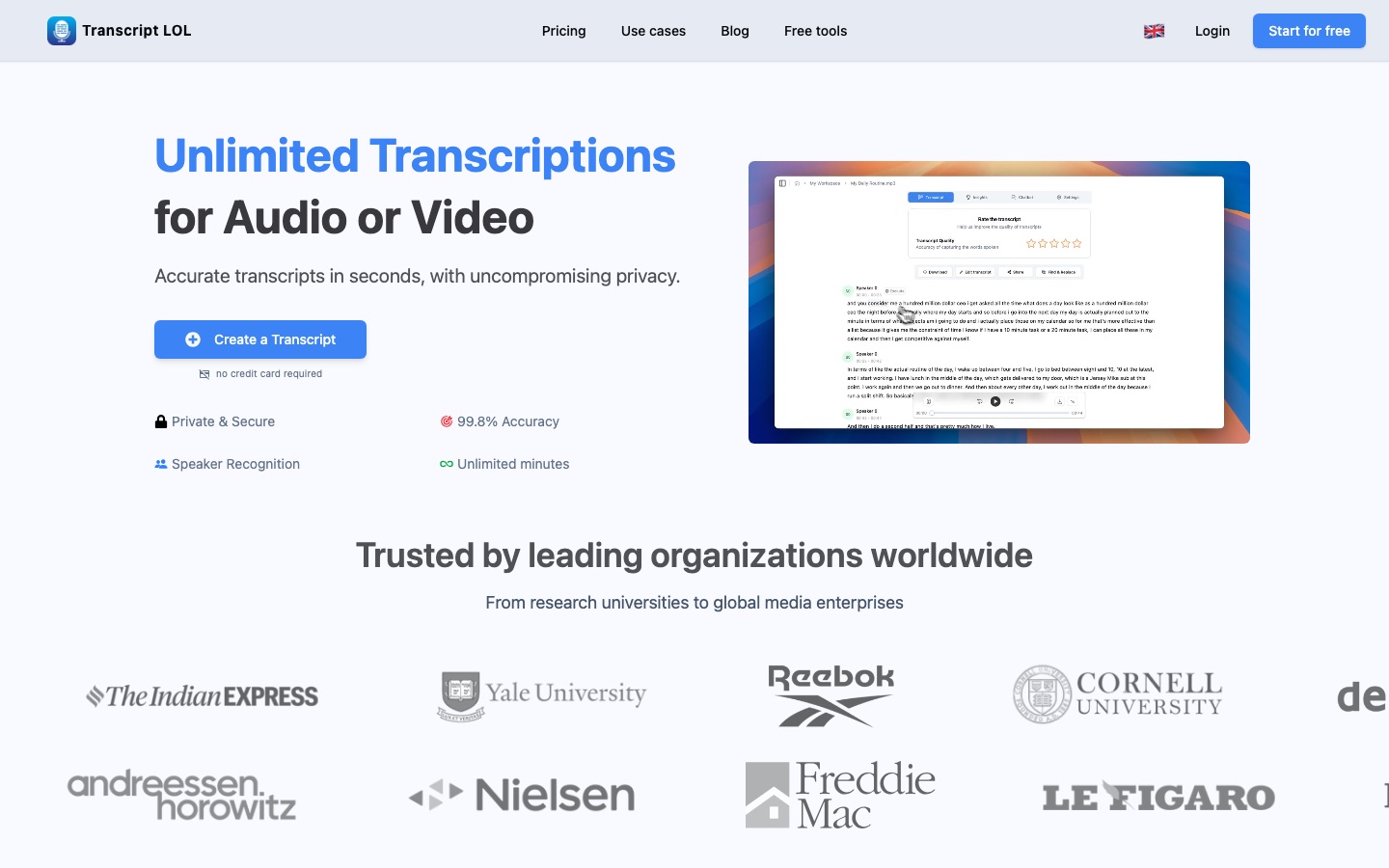
 Transcript LOL
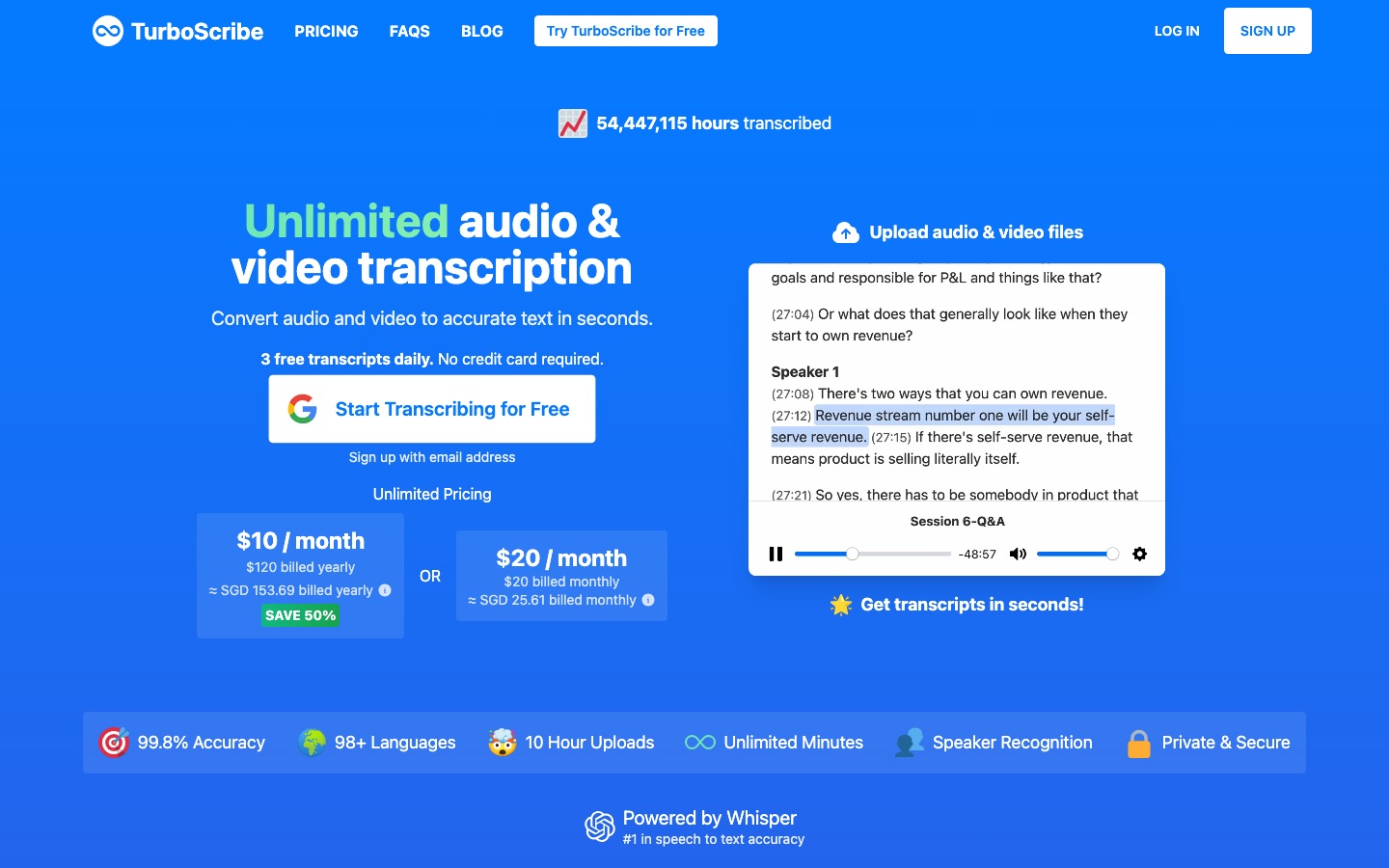
 TurboScribe
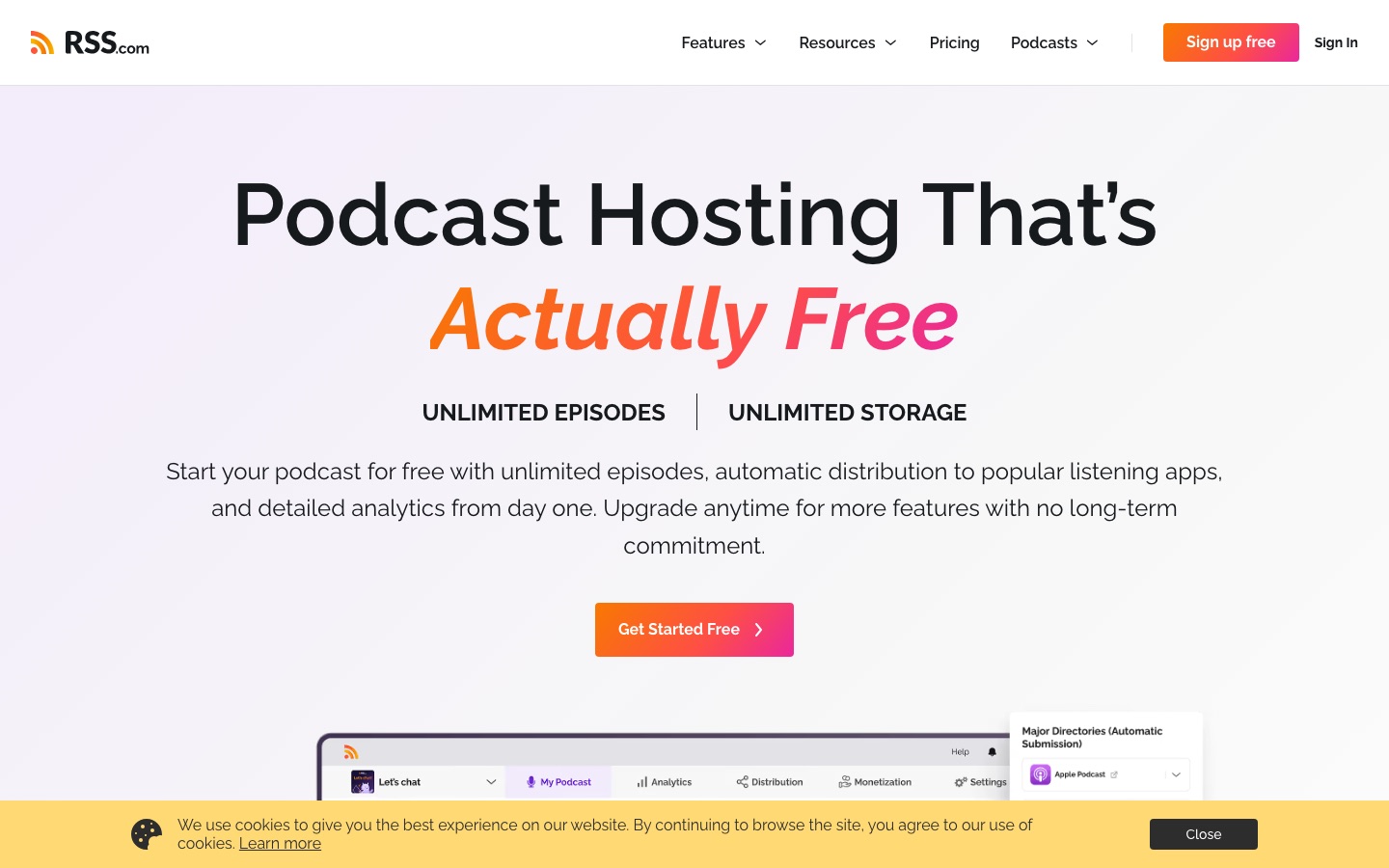
 RSS.com
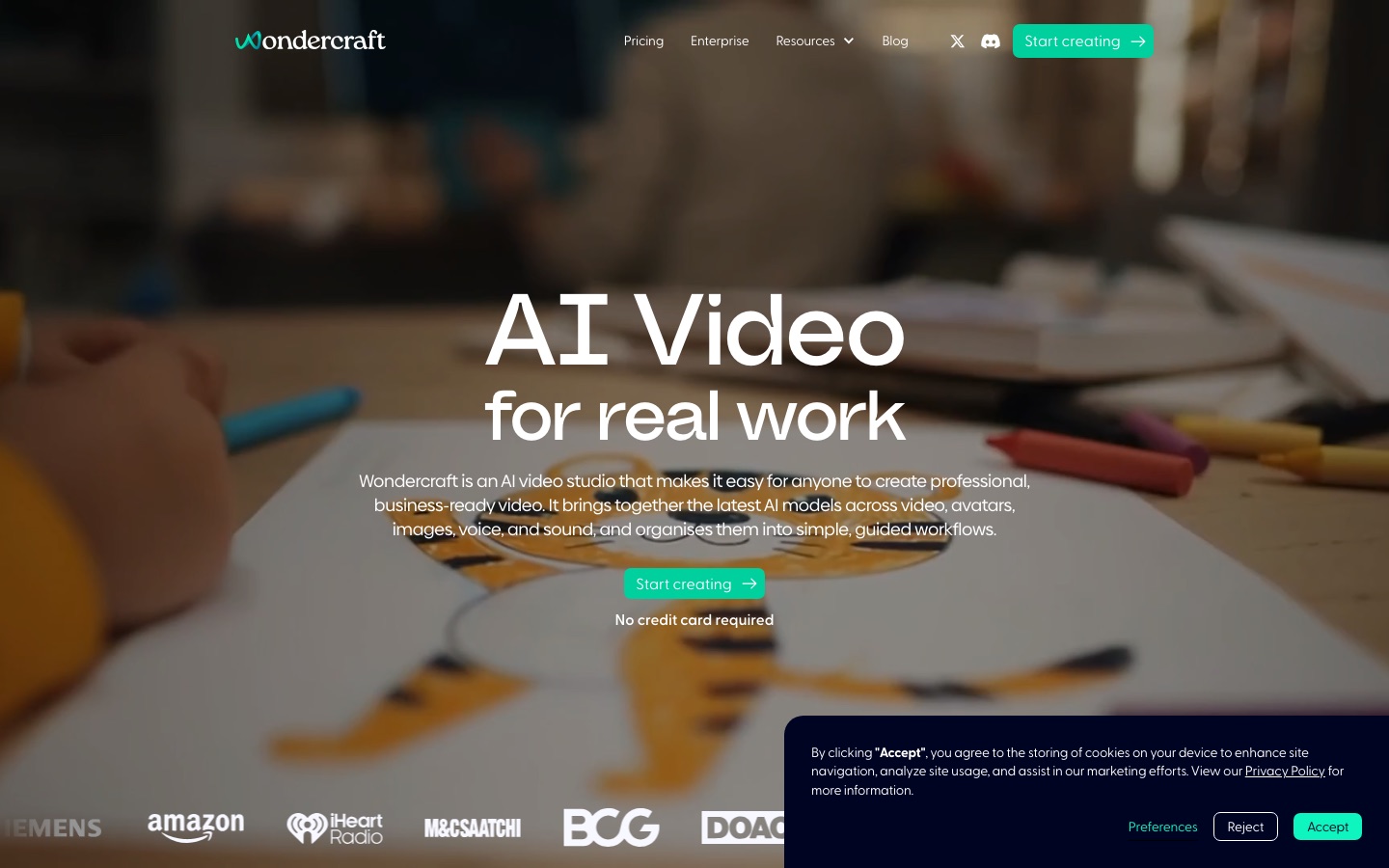
 Wondercraft

 Calendly

 OpusClip

 Castmagic
 ElevenLabs


